Choosing a portable workstation for Computer-Aided Design (CAD) is an exercise in compromise. Professionals—architects, engineers, and product designers—are often caught in a tug-of-war between the necessity for raw, desktop-grade computing power and the practical requirement for mobility during site visits.
Demanding software environments, from AutoCAD and Revit to complex 3D rendering engines, require high-performance CPUs and robust GPUs. Yet, pushing these components into a portable chassis frequently invites the specter of thermal throttling, where the machine slows down to prevent overheating. In this guide, we evaluate the current landscape of portable CAD hardware, balancing the need for massive RAM and pixel-perfect displays against the realities of field work.
The Evolution of Mobile Workstations
Historically, "portable" CAD machines were defined by their heft. A decade ago, a mobile workstation was essentially a desktop computer with a battery and a carrying handle. The engineering hurdle was simple: how do you dissipate the heat generated by a high-TDP processor without the space for a massive heatsink and cooling fans?
The current generation of hardware has shifted the paradigm. Thanks to advancements in thermal management materials, liquid metal cooling, and efficient 3nm-class silicon, we are seeing 16-inch laptops that offer the performance of a 2020-era tower. This shift has allowed professionals to move away from "lug-ables" toward slim, sleek, yet powerful machines that no longer feel like a burden when navigating a job site.
The Top Contenders: Expert Selections
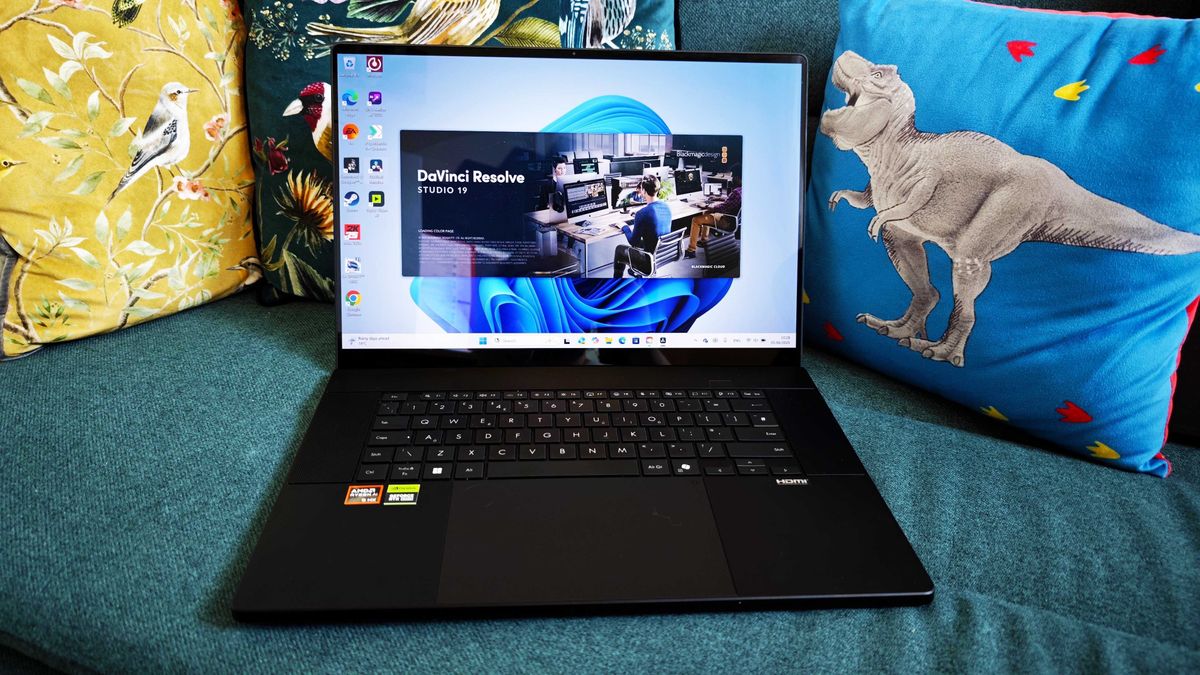
1. The Powerhouse: ASUS ProArt P16 (2025)
The ASUS ProArt P16 currently sits at the apex of the mobile CAD market. It manages to cram an AMD Ryzen AI 9 HX 370 processor and an NVIDIA GeForce RTX 5070 GPU into a form factor that is remarkably slim.
- Performance Metrics: In our testing, the AI-powered graphic processing proved transformative for AutoCAD. While the fans can reach audible levels under extreme rendering loads, the system manages to maintain peak clock speeds, avoiding the performance degradation seen in less capable thin-and-light models.
- Unique Features: The standout feature is the integrated ASUS Dial. For field professionals, this physical controller offers precise control over software parameters, effectively replacing the need for a mouse in tight spaces.
- The Verdict: While the proprietary power port and premium price tag are drawbacks, the ProArt P16 is an investment in professional longevity. It is, quite simply, the best overall machine for a creative professional who refuses to sacrifice performance for portability.
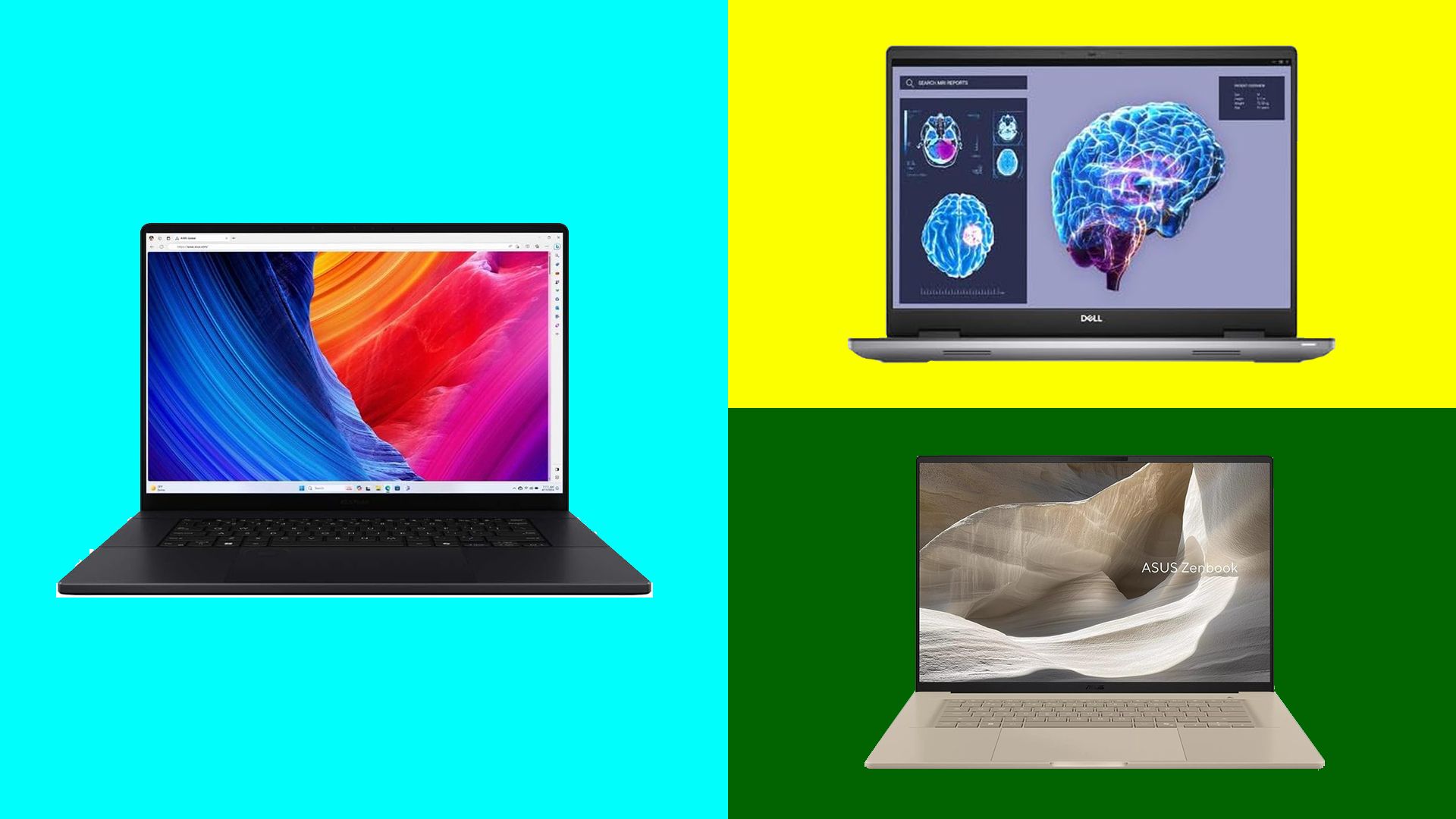
2. The Uncompromising Workstation: Dell Precision 7780
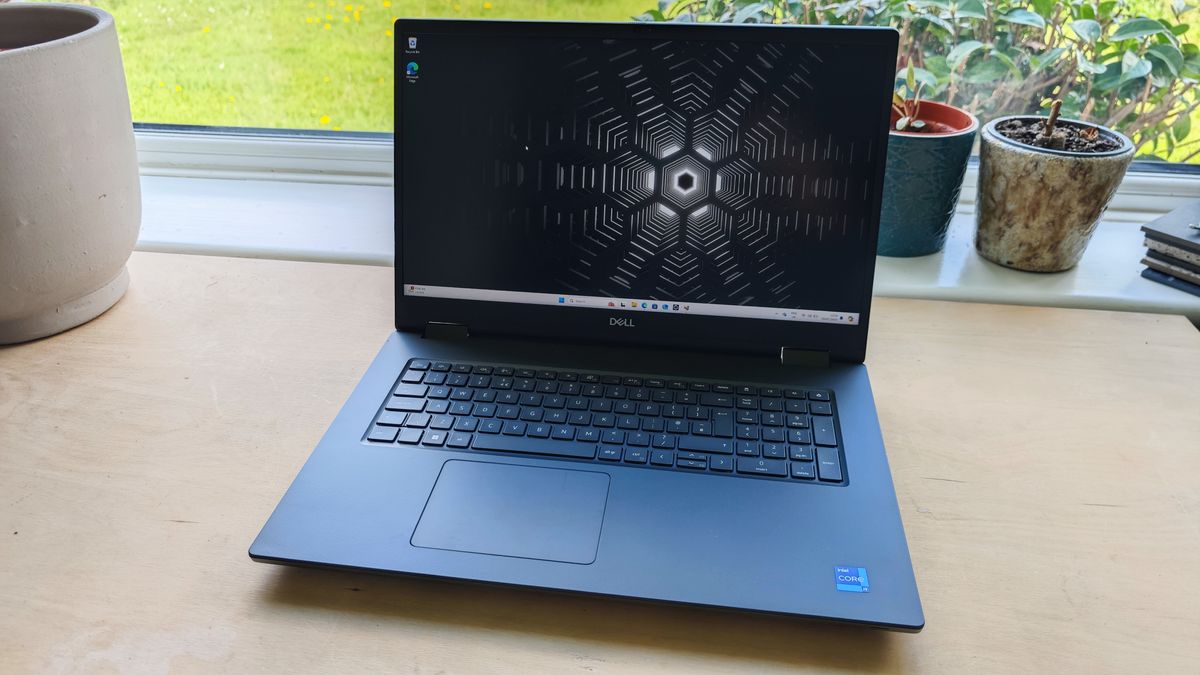
If your definition of "portable" is "transportable from one desk to another," the Dell Precision 7780 is the gold standard. It does not pretend to be a lifestyle laptop; it is a mobile toolset built for industrial endurance.

- Engineering Quality: Featuring a robust metal and alloy chassis, the 7780 is built to withstand the rigors of construction sites. It carries MIL-STD 810H military durability ratings, ensuring that it can handle the dust and vibrations of an active environment.
- Modular Design: Perhaps the most significant advantage for a long-term investment is the modularity. Components—including RAM (via CAMM2/SODIMM), SSDs, and even the battery—are user-replaceable. This extends the life of the machine by years, as users can upgrade components as software demands evolve.
- Implications: At over 3kg, it is heavy. However, for 3D visualizers who need a 17.3-inch screen for complex assemblies and side-by-side window multitasking, the sheer screen real estate is invaluable.
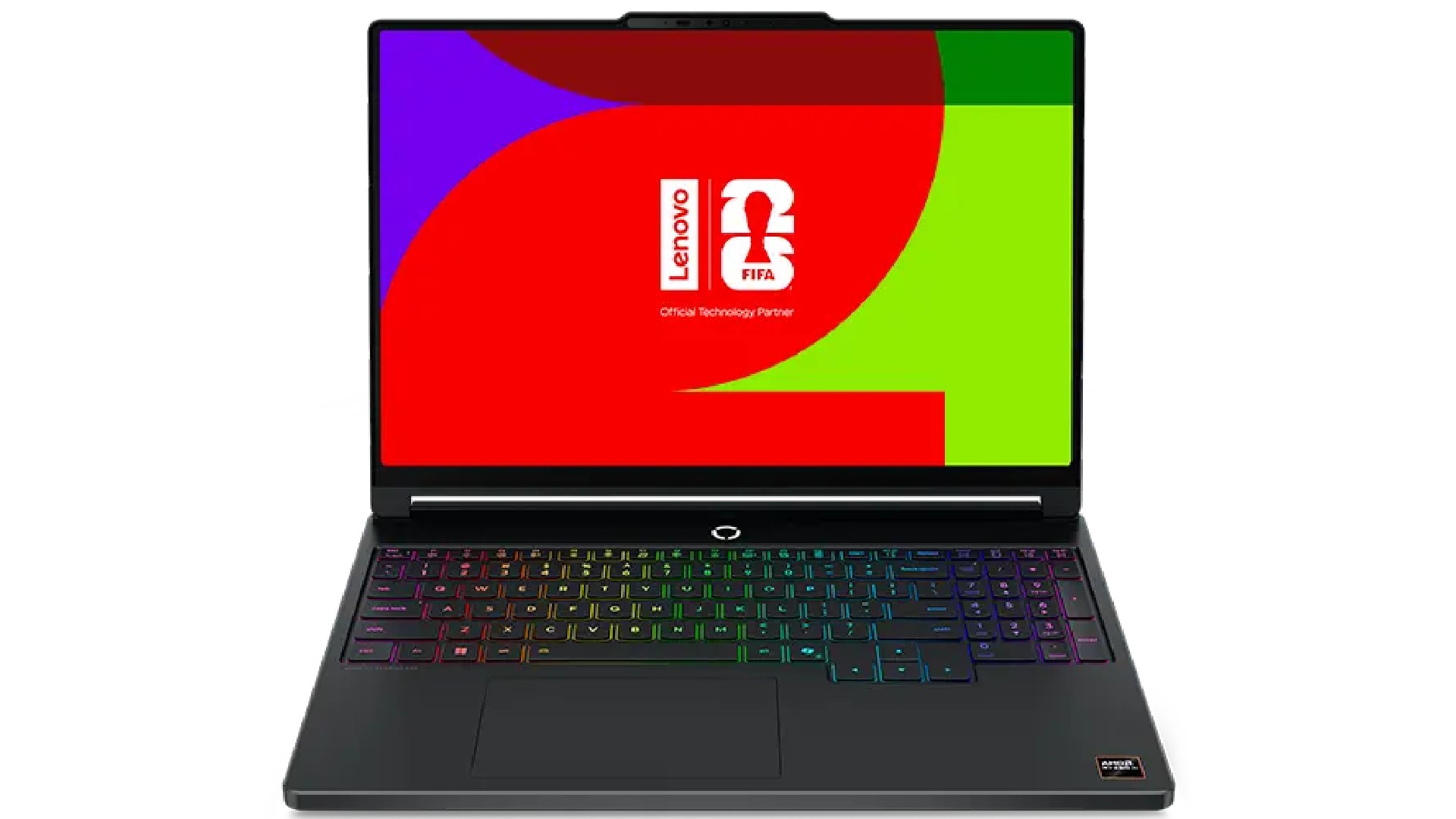
3. The Value Proposition: Lenovo Legion Slim 5 (Gen 11, 2026)
Engineering students and budget-conscious professionals often find themselves priced out of the $3,000+ workstation market. The Lenovo Legion Slim 5 fills this gap with exceptional efficiency.
- Thermal Management: The "Slim" in the name is supported by a sophisticated cooling array that prevents the throttling issues common in budget-tier gaming laptops. It sustains high compute loads for long rendering sessions without breaking a sweat.
- Design Trade-offs: While it features a "gaming" aesthetic, the RGB lighting is easily muted, allowing it to blend into a professional setting. The IPS display is less contrast-rich than the OLED panels on the ProArt, but it remains color-accurate and sharp enough for technical drafting.
4. The Ultralight Challenger: ASUS Zenbook A16
The Zenbook A16 represents a departure from traditional workstation design. Weighing in at a mere 1.2kg, it is a marvel of modern materials science.
- Ceraluminum Construction: By utilizing a ceramic-aluminum alloy, Asus has created a frame that is simultaneously rigid and featherlight.
- Performance: Powered by the Qualcomm Snapdragon X2 Elite chip, this machine targets efficiency. While the integrated Adreno graphics limit its ability to handle ultra-complex 3D simulations, it excels at 2D drafting and large-scale vector manipulation. With 17 hours of battery life, it is the ultimate "walk-around" machine for architects who spend more time in meetings than at a rendering station.
Technical Analysis: How We Evaluate CAD Hardware
To provide a fair assessment, our testing protocol focuses on the balance of the "Core Trio": CPU, GPU, and RAM.
- CPU Single-Core Performance: Since most CAD software—including AutoCAD—relies heavily on single-core clock speeds for geometric calculations, we prioritize machines that hit the 3GHz+ threshold.
- Thermal Stability: We subject each device to sustained 30-minute stress tests. A laptop that throttles after 5 minutes is a liability for a professional doing a final render before a client meeting.
- Display Accuracy: For designers, color fidelity is not optional. We look for a minimum of 95% DCI-P3 coverage to ensure that what is on the screen matches the final print or structural output.
- ISV Certification: We emphasize the importance of Independent Software Vendor (ISV) certification. This confirms that manufacturers like Autodesk have tested the hardware for stability, reducing the risk of catastrophic software crashes during critical projects.
Strategic Selection: What to Look For
When selecting your next machine, the project scope dictates the budget.

- For 2D Drafting: Focus on high single-core CPU speeds and at least 32GB of RAM. The display size is critical; avoid anything under 14 inches to prevent eye strain.
- For 3D Modeling/Point Clouds: A dedicated GPU with at least 12GB of VRAM is non-negotiable. Look for machines with high-performance mobile chips (Intel Core Ultra 9 or AMD Ryzen 9).
- The "Number Pad" Factor: Many CAD users overlook the importance of a physical number pad. Inputting coordinates and dimensions is significantly faster with a dedicated keypad. If your laptop is too small to include one, budget for an external wireless numpad as a necessary peripheral.
Summary and Final Considerations
The landscape of CAD laptops has fractured into two distinct paths: the high-performance, modular mobile workstation (like the Dell Precision) and the sleek, high-efficiency portable (like the ASUS ProArt P16).
The industry is currently trending toward greater integration of AI-assisted design, which is pushing the requirements for VRAM and NPU (Neural Processing Unit) power higher every year. Consequently, our recommendation is to "over-buy" on RAM. 32GB is the current professional baseline, but 64GB is the new target for those intending to keep their machines for more than three years.
Ultimately, the best laptop is the one that minimizes friction. Whether that is the sheer power of the ProArt P16 or the extreme portability of the Zenbook A16, ensure your choice aligns with the specific demands of your daily workflow. When you are on a construction site, the last thing you want is a machine that struggles to keep up with your vision.