Pevita Pearce
For most consumers, the labyrinth of cables hidden behind a television stand is a "set it and forget it" situation. As long as the Netflix app launches and the sound fills the room, the specific specifications of the black cord connecting the streaming box to the TV rarely warrant a second thought. However, in an era where 4K streaming, high-fidelity gaming, and premium subscription tiers are becoming the norm, understanding the hardware facilitating these experiences is essential to ensuring you aren’t paying for performance you cannot actually see.
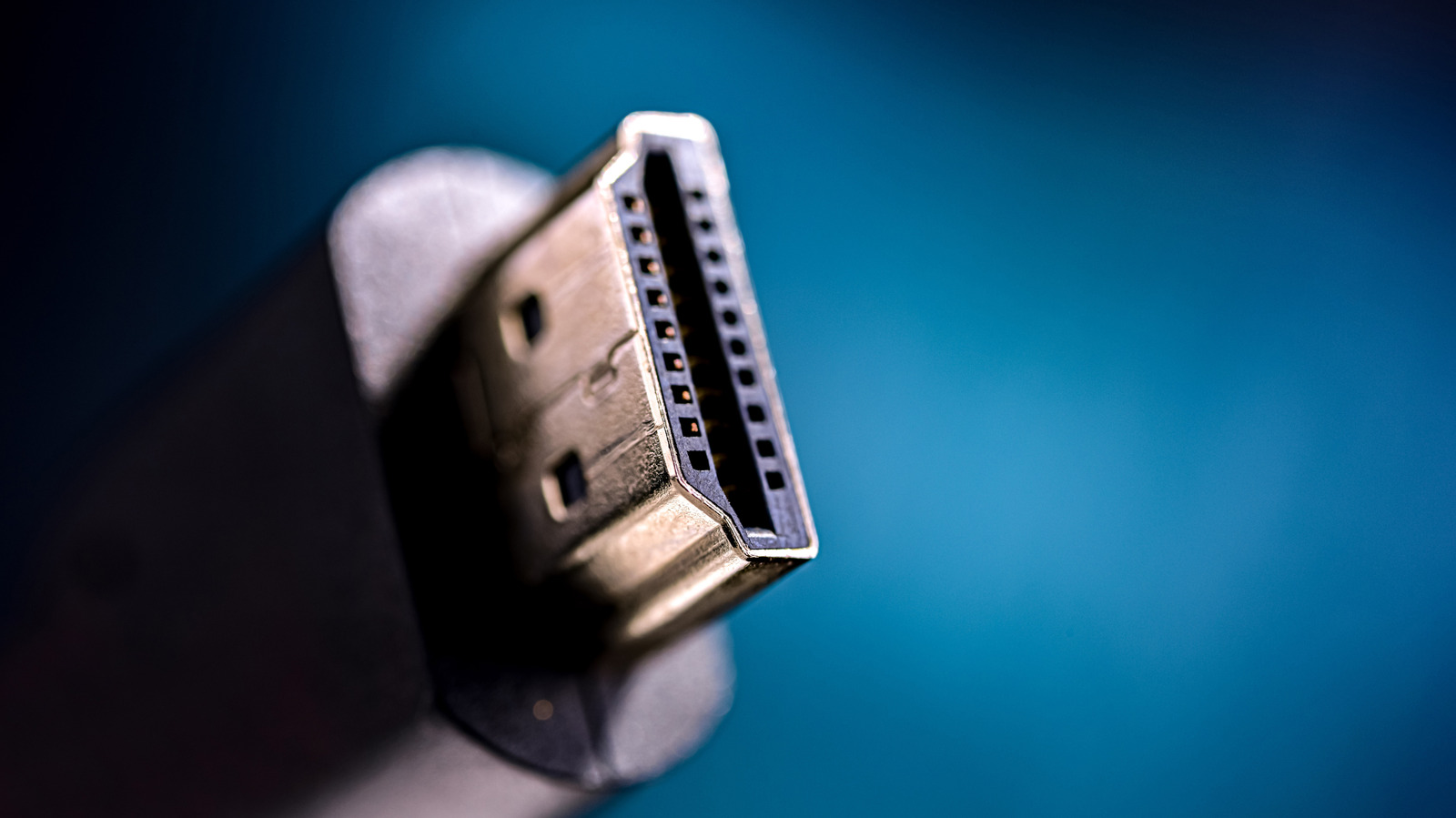
The High-Definition Multimedia Interface (HDMI) has been the gold standard for audio and video transmission for nearly two decades. Yet, as the industry pushes toward higher refresh rates and 16K resolution, the alphabet soup of HDMI versions has left many consumers wondering if their current setup is obsolete.
Main Facts: The Bandwidth Bottleneck
The fundamental purpose of an HDMI cable is to transmit raw data from a source (a console, PC, or streaming box) to a display (a monitor or television). The version of the HDMI standard determines the "bandwidth"—the highway width—available for that data to travel.
If your streaming device outputs a 4K signal at 60Hz, but your cable or port is limited to older standards, you will encounter performance caps. However, the most critical takeaway for the average household is this: Streaming services do not currently push content beyond the capabilities of HDMI 2.0.
While the marketing departments of television manufacturers might tempt you to upgrade every cable in your home, the physical reality is that the vast majority of streaming content—even "4K Ultra HD"—is encoded at a maximum of 4K resolution at 60 frames per second (fps). Because HDMI 2.0 handles this threshold with ease, upgrading your cables to 2.1 or 2.2 will result in zero perceptible improvement for your movie-watching experience.
Chronology: A History of the Interface
The evolution of HDMI reflects the broader trajectory of digital display technology. To understand where we are, we must look at how these standards have developed over the last decade:
- 2013 (HDMI 2.0): This version marked a significant leap, introducing support for 4K video at 60Hz. It became the backbone of the 4K revolution, allowing for richer color spaces and higher audio fidelity.
- 2017 (HDMI 2.1): As gaming hardware began to push boundaries, the industry required a massive increase in bandwidth. HDMI 2.1 expanded the limit to 48 Gbps, enabling 4K resolution at 120Hz and 8K at 60Hz. It also introduced Variable Refresh Rate (VRR) and Auto Low Latency Mode (ALLM), features primarily aimed at gamers.
- 2025 (HDMI 2.2): Finalized in June 2025, this newest iteration aims to future-proof the industry. It introduces support for an staggering 96 Gbps of bandwidth, paving the way for 16K resolution and 4K at 240Hz.
Supporting Data: Why "The Lowest Common Denominator" Rules
A home theater system is only as fast as its slowest component. This is the "weakest link" theory of electronics. If you purchase an ultra-expensive, gold-plated HDMI 2.2 cable but plug it into an HDMI 2.0 port on your television, you are essentially driving a Ferrari in a school zone. The cable will perform only at the maximum speed supported by the port.
Bandwidth Comparison Table
| Standard | Max Bandwidth | Key Capabilities |
|---|---|---|
| HDMI 2.0 | 18 Gbps | 4K at 60Hz |
| HDMI 2.1 | 48 Gbps | 4K at 120Hz, 8K at 60Hz |
| HDMI 2.2 | 96 Gbps | 16K at 60Hz, 4K at 240Hz |
The data is clear: Unless your source device (like a PlayStation 5 Pro or a top-tier RTX 50-series graphics card) and your display both support the higher standards, the cable is irrelevant. Furthermore, the streaming industry’s current compression algorithms and delivery infrastructures are nowhere near the point of requiring the bandwidth offered by HDMI 2.2.
Official Responses and Industry Outlook
The HDMI Forum, the consortium responsible for overseeing the standard, has been clear in its messaging: standards are backward compatible. You can physically plug an HDMI 2.1 cable into a 2.0 port without damaging the equipment. However, they emphasize that "compatibility" should not be confused with "upgraded performance."
Industry analysts suggest that the push for HDMI 2.2 is not for the benefit of the average Netflix viewer, but rather for high-end professional production and the nascent 8K/16K gaming sector. Manufacturers are incentivized to push the latest HDMI versions to justify the high price tags on new flagship televisions, often leading consumers to believe that a new TV requires a complete "cable refresh" to function correctly. This is, in almost every home use case, a fallacy.
Implications for the Consumer
For the vast majority of the public, the implications of these technological leaps are minimal. If you are a casual viewer who enjoys high-definition streaming, your existing HDMI 2.0 cables are perfectly adequate.
When to Actually Upgrade
There is only one primary scenario where a hardware upgrade—including cables—is justified: Competitive Gaming.
If you are a PC enthusiast or a console gamer playing at the highest levels, the jump from 60Hz to 120Hz is transformative. The fluid motion of a 120Hz refresh rate provides a tangible competitive advantage and a smoother visual experience that 60Hz simply cannot match. If you own a console or PC capable of outputting 4K/120Hz, then—and only then—should you ensure that your cable is HDMI 2.1 certified.
The HDMI 2.2 Wait-and-See
As for the recently announced HDMI 2.2, the consensus among experts is to wait. Because hardware adoption is in its infancy, buying 2.2-compliant hardware today means paying a "premium for being first." Given that we are likely two years away from a market where 16K content or 4K/240Hz gaming is mainstream, your current investment should be focused on display quality (HDR, OLED, local dimming) rather than the cable connecting the components.
In conclusion, before you replace the "web of cables" behind your TV, perform a simple audit. If you aren’t gaming at 120Hz, your current setup is likely doing exactly what it needs to do. Save your money for better speakers or a more comfortable couch—the bits and bytes are already traveling fast enough.


 Reynand Wu
 Laily UPN