

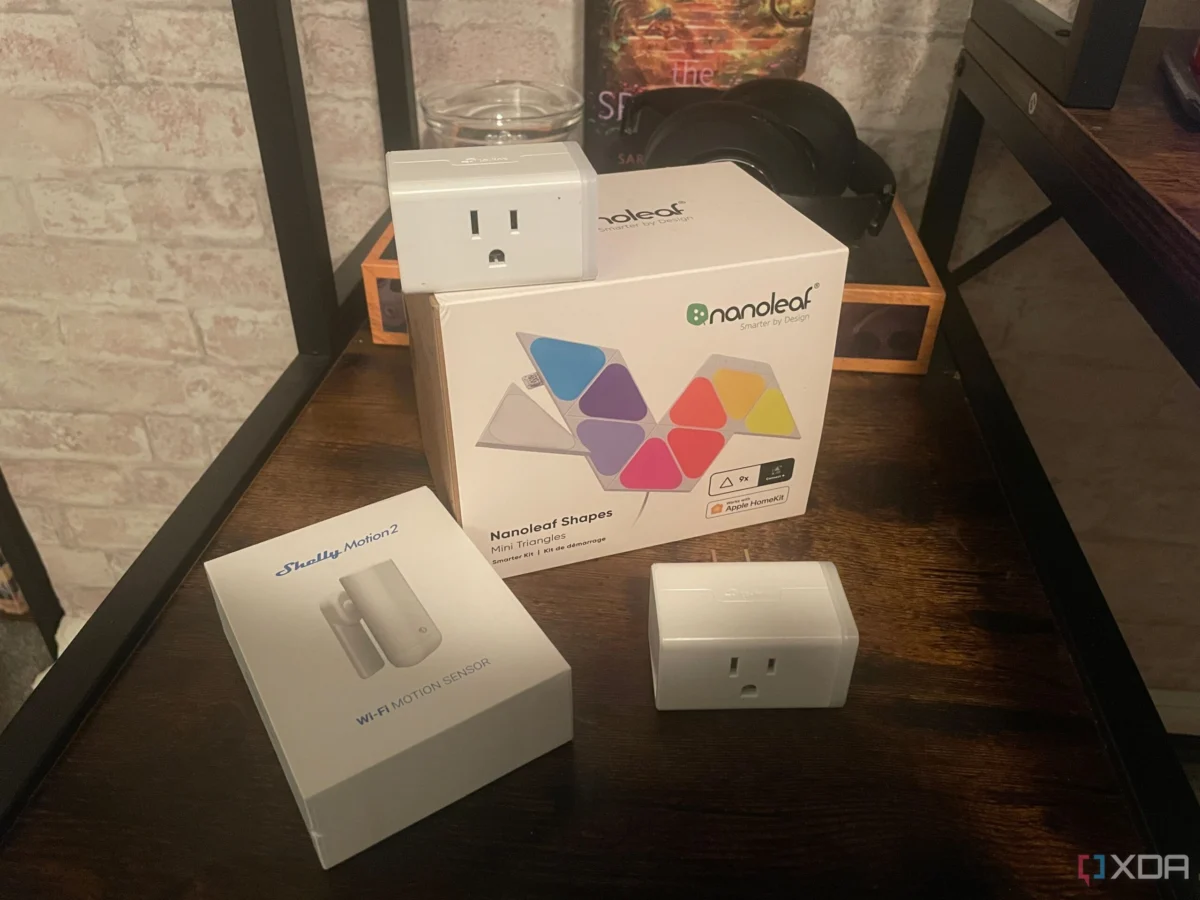
In the modern digital household, the "smart" experience is often defined by convenience—the ability to dim lights via a voice command or monitor a front porch from a smartphone. Yet, beneath the veneer of seamless automation lies a complex web of networking protocols, IP addresses, and tangled cabling. As the number of connected devices in the average home continues to climb, many enthusiasts find themselves staring at a router dashboard filled with cryptic strings like ESP_88bc or Android_4f91.
When a smart plug inevitably drops off the network, the frustration of identifying which physical device corresponds to a generic IP address can turn a two-minute troubleshooting task into a twenty-minute ordeal. As tech experts and seasoned builders know, a smart home is only as reliable as its organization. Implementing a robust system of physical and digital labeling is not merely a "best practice"—it is the foundational architecture required to prevent your home network from spiraling into a chaotic sprawl.
The Anatomy of a Smart Home Crisis
The problem typically manifests during a routine network update or a power cycle. When devices reconnect, they often lose their place in the DHCP table, or the user is simply forced to cross-reference a MAC address against a dozen identical-looking smart plugs hidden behind furniture.

The "sprawl" effect is insidious. It begins with one or two smart bulbs and a voice assistant. Within a year, it evolves into a complex ecosystem involving bridges, sensors, smart plugs, and custom automation servers. Without a documentation strategy, the user loses the ability to perform basic maintenance. This leads to "ghost devices"—entries in your smart home hub that no longer exist but continue to clutter the interface, potentially causing latency or authentication errors.
Chronology of an Organized Setup
To prevent this technical debt, the process of organization must begin at the deployment phase. Professionals in the networking field often follow a standardized lifecycle for device integration:
- Pre-Installation Mapping: Before a device is even powered on, it should be documented. This includes noting the device’s intended room, its specific function, and its MAC address.
- Physical Labeling: Every power cable and device chassis should be marked. This provides a "source of truth" that exists outside the digital realm.
- Network Reservation: Once connected, the device should be assigned a static or reserved IP address within the router’s DHCP settings.
- Alias Assignment: The device should be renamed at the router level, the manufacturer’s app level, and the home automation platform (e.g., Home Assistant or Hubitat) to ensure consistency.
- Periodic Auditing: Every six months, the user should review their connected device list to prune inactive entries and verify firmware update status.
The Physical Layer: Why Cables Matter
Cables are the most overlooked component of home automation. Whether it is an Ethernet run snaking through an attic or a power brick plugged into a surge protector, cables become indistinguishable once they are zip-tied into a bundle.

The Power of Tags and Color Coding
The fix is surprisingly low-tech. Utilizing a dedicated label maker to print wrap-around cable tags allows you to identify a cord without tracing it to its source. For those managing complex rack setups, color-coded Ethernet cables can denote different traffic types—for example, blue for standard data, red for security cameras, and green for IoT-specific traffic.
Smart Plug Identification
Smart plugs are notorious for their lack of unique physical markers. In a house with ten identical plugs, it is impossible to know which one controls the office lamp versus the living room fan. Applying a small, unobtrusive label to the face of each plug takes seconds during the installation process but saves hours of troubleshooting when a specific device fails.
The Digital Frontier: Network Mapping and VLANs
Physical organization is only half the battle. Digital labeling—specifically how your network perceives your devices—is the key to a manageable system.

Renaming Devices at the Router
Most routers present devices by their hardware ID, which is useless for end-users. By logging into your router’s administrative dashboard, you can rename every connected client. Using a consistent naming convention (e.g., ROOM_DEVICE_FUNCTION) transforms a cryptic list into a clear, searchable directory.
The Role of VLANs in Security and Organization
For advanced users, Virtual Local Area Networks (VLANs) offer a superior level of organization. By segmenting your IoT devices onto a separate network from your personal computers and mobile devices, you achieve two goals:
- Security: If a cheap, insecure smart bulb is compromised, it cannot easily move laterally across your network to access your primary laptop or NAS (Network Attached Storage).
- Logical Separation: Your network dashboard becomes cleaner, as "smart" traffic is isolated from high-bandwidth activities like streaming or gaming.
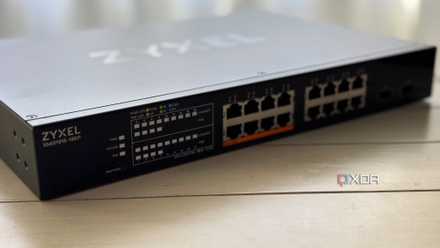
However, a VLAN is only as effective as its documentation. It is essential to maintain a network diagram or a spreadsheet that maps specific ports on your managed switches to the corresponding VLANs and physical rooms.
Supporting Data: The Cost of Disorganization
Studies on home network performance indicate that "device congestion"—often caused by improperly configured or malfunctioning IoT devices—is a leading cause of intermittent Wi-Fi drops. When a device is poorly named and improperly managed, it often goes ignored during firmware update cycles. Unpatched devices are not only a security risk but are more likely to exhibit "chatty" behavior, flooding the network with unnecessary broadcast traffic.
According to networking surveys, households with more than 30 connected devices see a 40% increase in network-related support requests. The vast majority of these issues are resolved not by hardware replacement, but by simply identifying the device and resetting its network handshake.
Implications: The "Set and Forget" Fallacy
There is a common misconception that smart home technology should be entirely "plug and play." While the initial setup is designed to be simple, maintaining a home with 50+ connected devices is akin to managing a small-scale enterprise network.
The implication for the modern consumer is clear: if you want a responsive, reliable smart home, you must adopt an administrative mindset. This involves:
- Documentation: Keeping a log of device passwords, IP addresses, and purchase dates.
- Naming Conventions: Establishing a strict, uniform system for naming devices across all platforms (Google Home, Alexa, Home Assistant).
- Redundancy: Ensuring that if your primary hub fails, you have a record of what each device is so you can rebuild your automation rules quickly.
Official Industry Perspectives
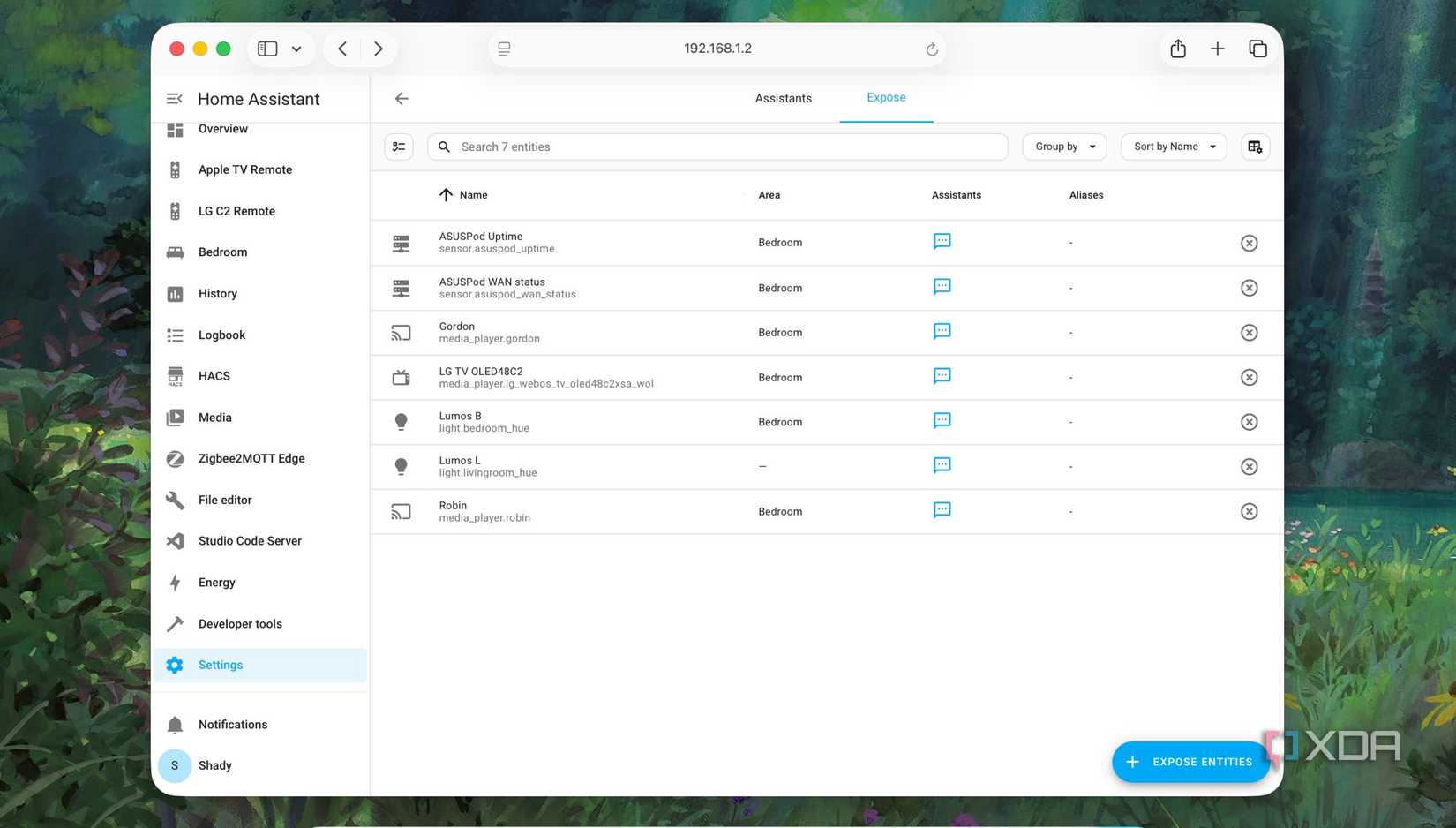
Industry leaders in home automation, such as the developers behind the open-source platform Home Assistant, consistently emphasize that "entities" are the heart of the system. In their documentation, they advocate for the "human-readable" standard. By ensuring that every entity has a clear, descriptive ID, users can create more powerful automations that are easier to debug. When a trigger fails, knowing that light.living_room_corner failed is infinitely more helpful than trying to figure out why switch.tplink_5521 is unresponsive.
Conclusion: A Boring But Necessary Upgrade
Administrative work is undeniably the most boring part of building a smart home. It lacks the immediate gratification of a new smart display or the "wow factor" of automated blinds. However, labeling, network mapping, and consistent naming are the invisible pillars that support your home’s infrastructure.
A label maker, a spreadsheet, and a few hours of effort might not impress your guests, but they will prevent your home from becoming a chaotic, fragile sprawl of malfunctioning technology. If you have already built a complex network, do not despair; set aside an afternoon to audit your devices, rename your clients, and bring order to the digital mess. The best time to start was when you bought your first smart device, but the second best time is today. By treating your home network with the same care as a professional data center, you ensure that your smart home remains a tool for convenience rather than a source of stress.












No comments yet. Be the first to join the conversation!