Neng Nana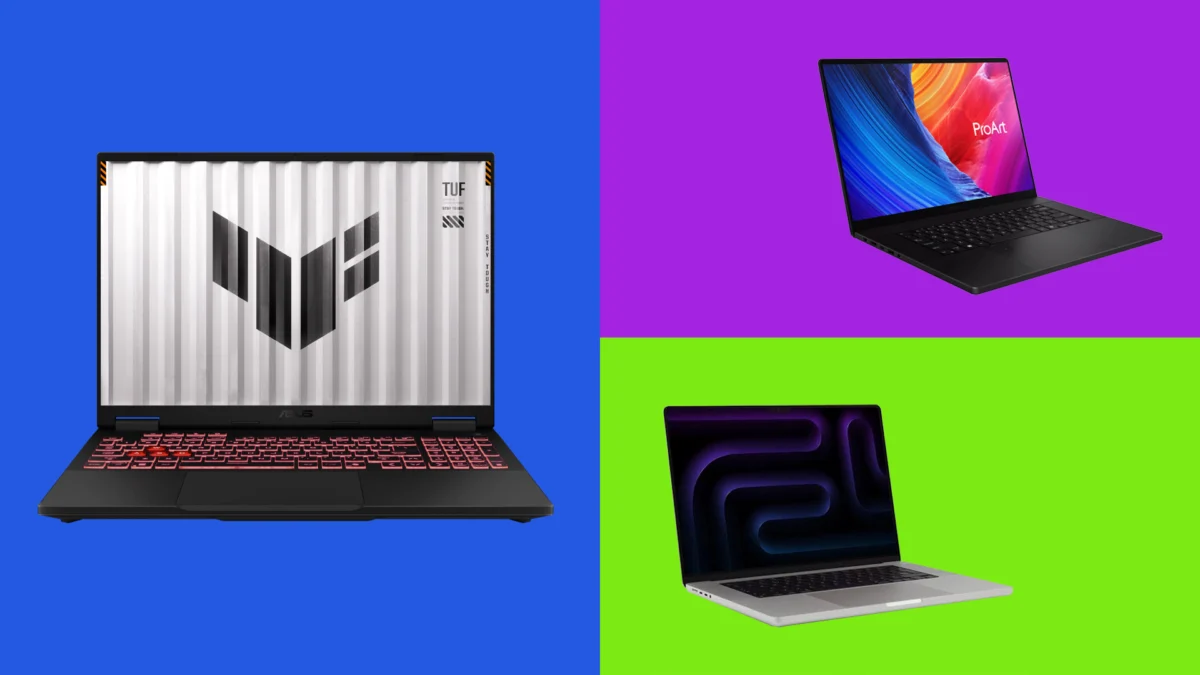
For creative professionals working in the high-stakes world of motion design and visual effects (VFX), the technological landscape is undergoing its most radical transformation in a decade. The question of whether you "need" an AI-powered laptop is no longer a matter of future-proofing; it is a question of immediate professional survival.
Modern creative workflows, which once relied on endless render queues and cloud-dependent processing, are being fundamentally rewritten by local AI acceleration. Whether it is real-time denoising, complex motion tracking, or high-fidelity upscaling, the demand for local compute is higher than ever. If you have been relying on standard graphic design machines, you are likely operating at a significant competitive disadvantage.
The Evolution of the Creative Workstation: A Chronology
The integration of AI into the creative pipeline has moved at a staggering pace.
- 2020–2022: The Cloud Era: Early AI-assisted tools, such as basic auto-rotoscoping or cloud-based upscaling, were primarily tethered to external servers. This introduced latency and data privacy concerns, limiting the adoption of AI in high-end studio environments.
- 2023: The NPU Arrival: With the introduction of dedicated Neural Processing Units (NPUs) in consumer-grade silicon, the industry shifted focus. Manufacturers began prioritizing "on-device" AI to reduce reliance on the cloud, enabling artists to keep proprietary project files secure and offline.
- 2024–2025: The Hardware Maturity: This current period marks the arrival of robust hardware—such as the M5 Max chip and the Nvidia RTX 50-series GPUs—that can finally handle generative AI, real-time upscaling, and complex motion simulation without choking the CPU or GPU.
- 2026: The New Standard: We have now reached a threshold where hardware is no longer just "supporting" AI—it is designed to facilitate it. For a motion designer, an AI-capable laptop is now the primary tool for managing the heavy lifting of modern VFX software.
The Hardware Hierarchy: What Matters Most
When assessing the performance of these machines, we look at more than just the clock speed. The modern VFX workstation requires a specific "balanced diet" of components:
- The GPU (The Heavy Lifter): For 3D rendering and complex compositing, the GPU remains the king. The jump from the RTX 40-series to the 50-series has provided a roughly 25-28% boost in raw graphical performance, essential for reducing render times.
- The NPU (The Efficiency Expert): While the GPU handles raw pixels, the NPU handles the AI-assisted metadata—tracking points, frame interpolation, and sketch enhancement. A high-TOPS (Trillions of Operations Per Second) rating, ideally 40 TOPS or above, is now the baseline for professional-grade workflows.
- Unified Memory and VRAM: Motion design involves massive assets. With 128GB of unified memory (in the case of the M5 Max), creatives can manipulate enormous project files that would cause standard 16GB or 32GB systems to crash.
Detailed Analysis of Top Performers
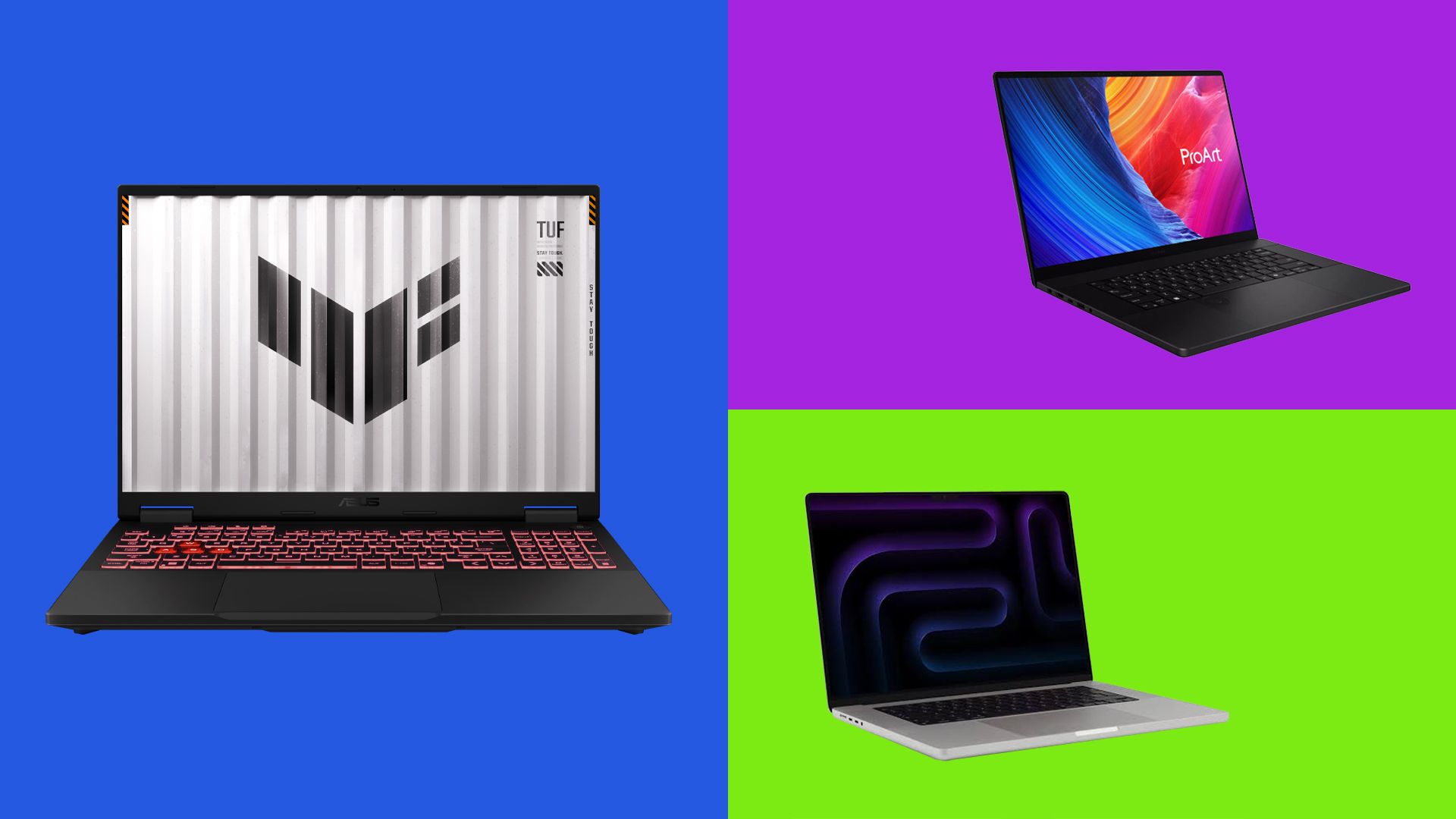
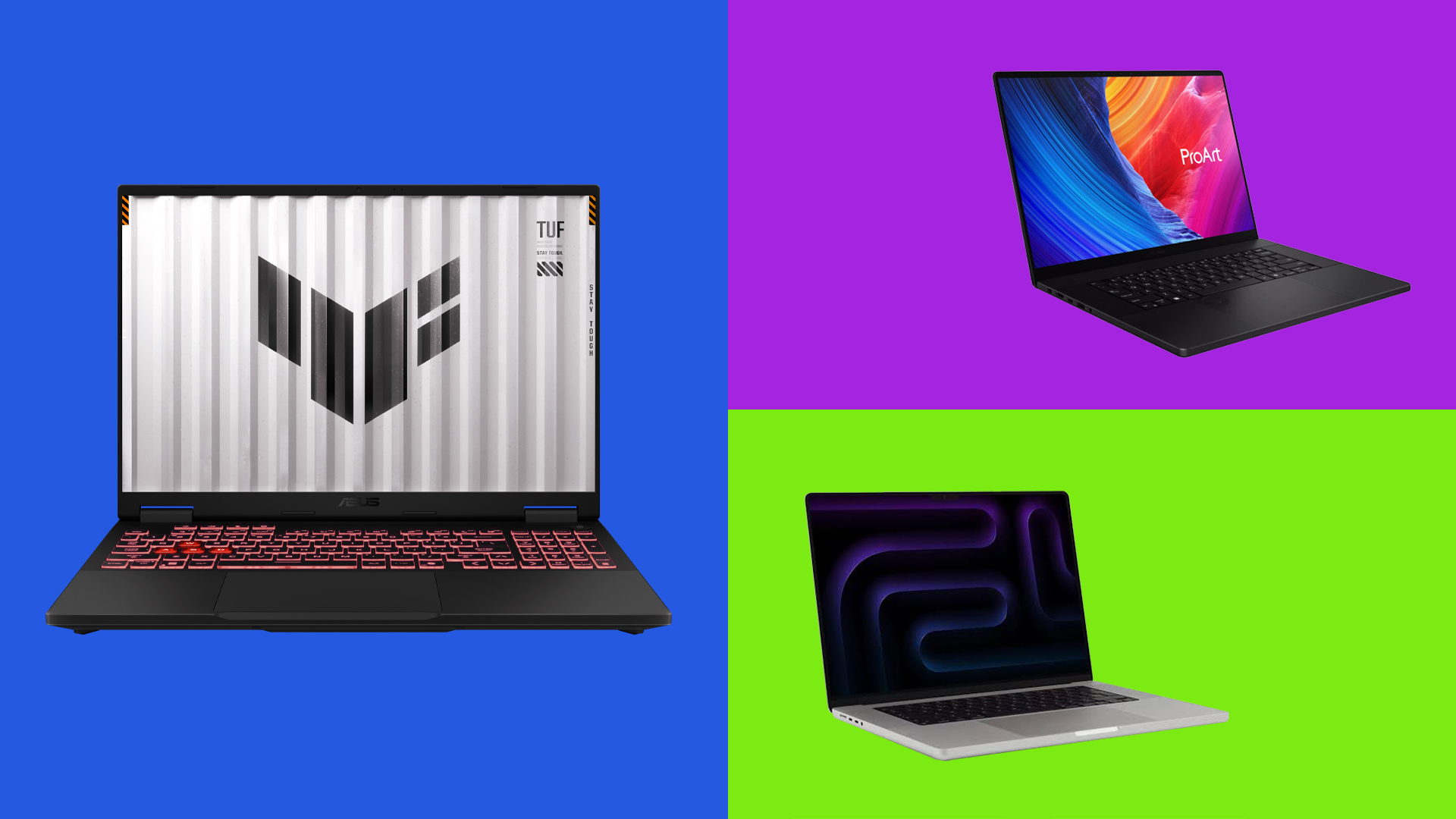
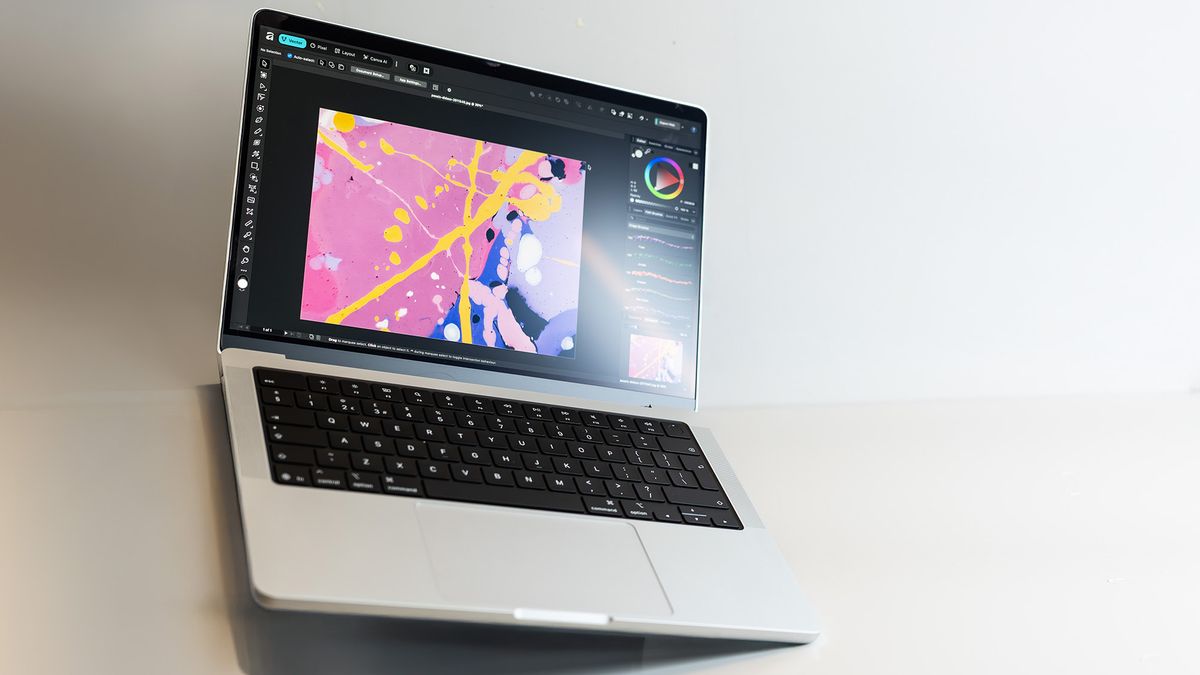
1. The Powerhouse: Apple MacBook Pro 16-inch (M5 Max)
The M5 Max represents the pinnacle of mobile creative power. By integrating a dedicated Neural Accelerator into every individual GPU core, Apple has ensured that AI tasks in software like DaVinci Resolve Studio and Cinema 4D run locally with unprecedented speed—up to five times faster in specific rendering scenarios compared to previous generations.
- Implication: This machine is an investment in time. While the entry price is steep—reaching into five figures for fully specced configurations—the time saved on rendering and the ability to work entirely offline make it a preferred choice for high-end agencies.
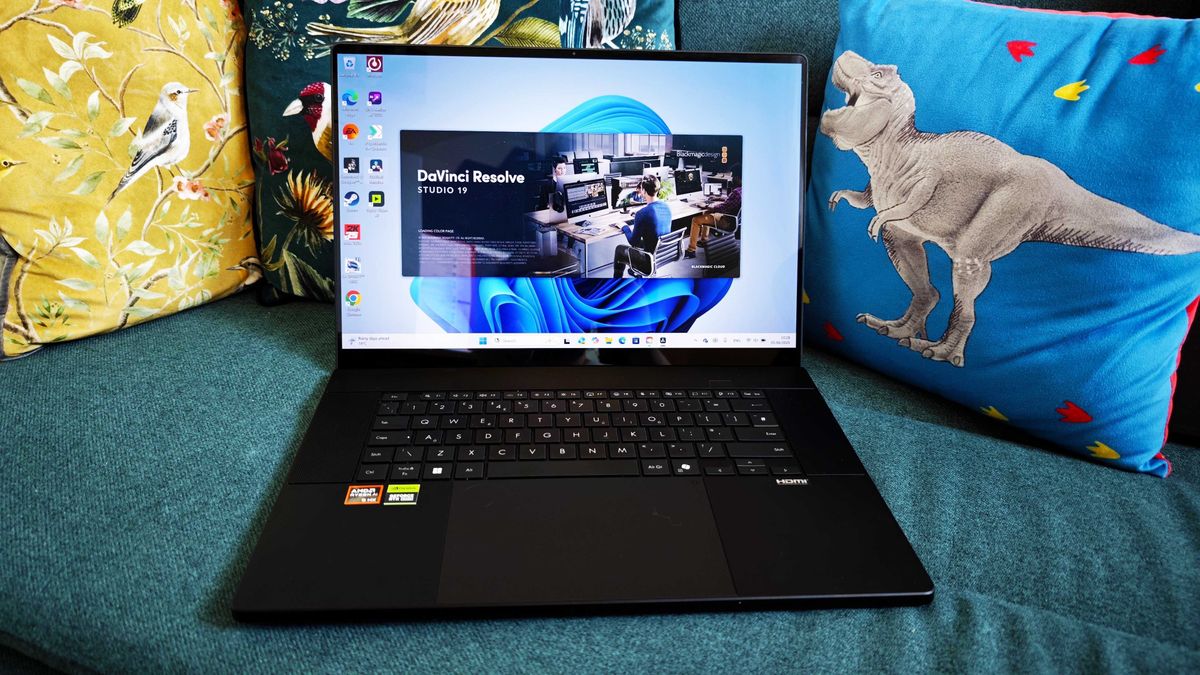
2. The Windows Champion: ASUS ProArt P16
For those who prefer the Windows ecosystem and the tactile utility of a touchscreen, the ASUS ProArt P16 is the premier choice. The inclusion of the Nvidia RTX 5070 and the AMD XDNA NPU (delivering 50 TOPS) creates a balanced machine that thrives in Adobe Creative Cloud and generative AI environments.
- Implication: The touchscreen capability is a game-changer for digital illustrators and animators who require stylus-driven control, a feature that remains conspicuously absent from Apple’s Pro lineup.
3. The Workstation Desktop Replacement: Lenovo Legion Pro 7
If portability is secondary to raw, unadulterated power, the Legion Pro 7 is the answer. By packing an RTX 5090 with 16GB of VRAM into a chassis that can be moved between office and home, Lenovo has effectively created a desktop workstation that happens to have a battery.
- Implication: It is a machine for the "power-user." It sacrifices battery life and portability for peak performance, making it ideal for studios that need a machine capable of constant, high-intensity 3D rendering.
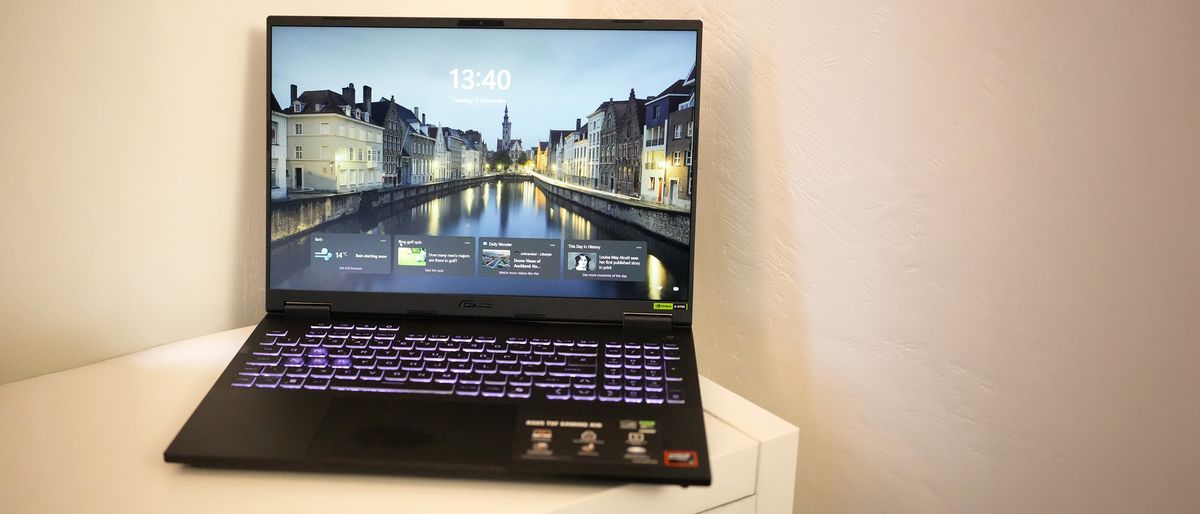
4. The Budget Entry Point: ASUS TUF Gaming A16
For the freelancer just starting their journey into motion design, the TUF Gaming A16 proves that you do not need to spend a fortune to gain entry to the AI era. While it lacks the sheer rendering might of the M5 Max or the RTX 5090, it provides a discrete RTX 5050 GPU, which is a massive upgrade over any integrated-graphics laptop.
- Implication: It is an accessible gateway. While the screen may not be color-accurate enough for high-end color grading, it is a formidable tool for layout, compositing, and general animation tasks.
Implications for the Creative Industry
The shift toward local AI-ready hardware has three primary implications for the industry:
A. Decentralization of Creative Power:
Previously, only large studios with massive server farms could afford the luxury of real-time rendering and complex AI simulation. Today, a single freelancer with a high-end laptop can achieve comparable results, effectively leveling the playing field.
B. Data Security and Workflow Sovereignty:
By moving AI processes from the cloud to the laptop’s local NPU, creative professionals can work on confidential projects without the risk of uploading sensitive assets to public or third-party AI servers. This is becoming a critical requirement for studios working with major film and advertising clients.
C. The "Efficiency Tax":
We are entering an era where hardware obsolescence is measured by how well a machine handles AI. Software developers are increasingly building tools that require NPU acceleration. As a result, creative professionals who do not upgrade to AI-ready hardware will find themselves locked out of the latest, most efficient software features, creating a clear divide between "legacy" workflows and "modern" high-speed pipelines.
Frequently Asked Questions (FAQs)
Q: Is an NPU actually necessary if I have a powerful GPU?
A: Yes. While the GPU is better at heavy rendering, the NPU is designed for efficiency. By offloading lighter, background AI tasks (like frame interpolation or intelligent mask tracking) to the NPU, you free up the GPU to focus entirely on rendering, preventing system bottlenecks and overheating.
Q: Can I get away with 16GB of RAM?
A: For motion design and VFX, 16GB is the absolute floor, and honestly, it is insufficient for modern standards. We strongly recommend 32GB as the minimum for any professional-grade machine to ensure that applications like After Effects or Premiere Pro can cache adequately without slowing down the entire OS.
Q: Why are these laptops so expensive?
A: You are paying for the integration of high-performance silicon, advanced cooling solutions, and premium displays. In the context of professional work, these costs are usually offset by the time saved. If a new machine saves you 30 minutes of render time every day, the "investment" pays for itself in just a few months of billable hours.
Final Verdict
The era of the "standard" laptop is over for motion designers. Whether you opt for the immense efficiency of the MacBook Pro, the tactile flexibility of the ASUS ProArt, or the brute force of the Lenovo Legion, the goal remains the same: ensuring that your hardware is a bridge to your creativity, not a barrier to it. For the modern VFX professional, an AI-ready laptop is no longer a luxury—it is the engine of your craft.

 Nana Wu
 Rifan Muazin