Muslim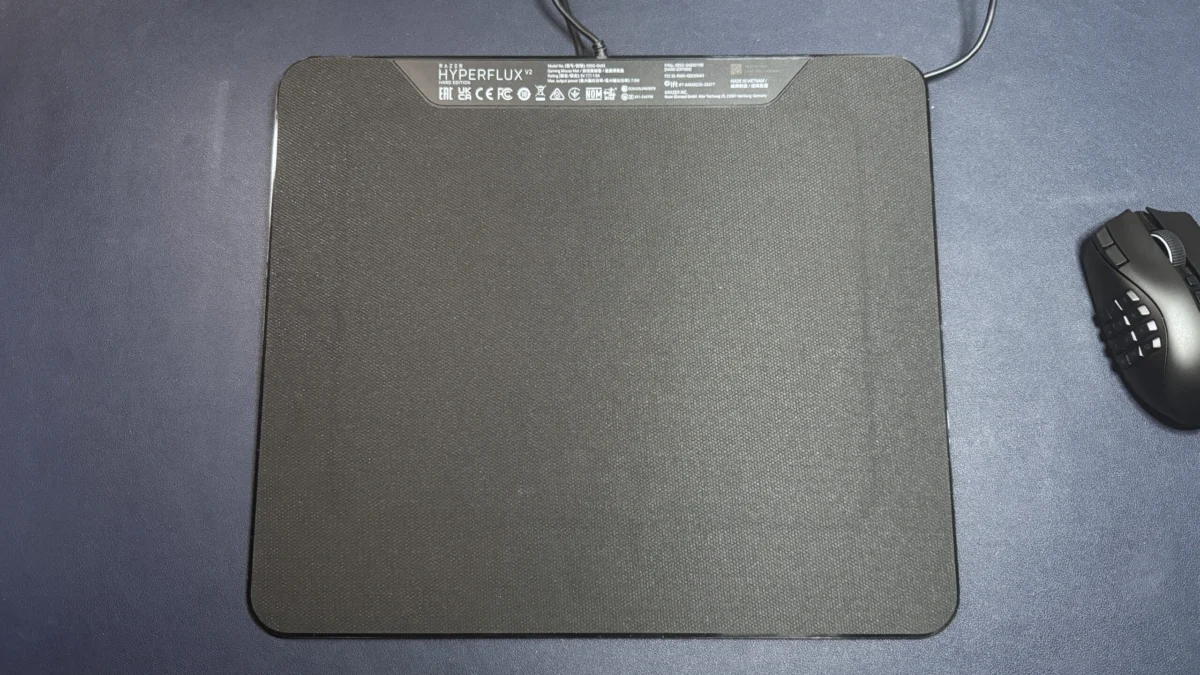
In the world of high-end PC gaming, the "wireless revolution" has arguably been one of the most significant shifts in hardware history. Players are no longer tethered by braided cables that snag on desk corners or drag against mouse pads. However, this freedom comes with a recurring tax: the anxiety of a low battery during a clutch competitive moment. While many manufacturers have turned to lightweight designs and efficient sensors to prolong battery life, Razer has doubled down on the ultimate convenience solution: the wireless charging mouse pad.
The Razer HyperFlux V2 is the latest iteration of this philosophy. By creating an active electromagnetic field beneath the mouse surface, the HyperFlux V2 aims to keep your peripheral charged perpetually, effectively turning your wireless mouse into a "wired" device that isn’t actually tethered. But in a market where standard mouse pads cost a fraction of the price, is the $119.99 cost of entry justified?
Main Facts: The Ecosystem Play
The HyperFlux V2 is not merely a surface for your mouse; it is a proprietary ecosystem hub. Designed to work specifically with Razer’s wireless lineup, it utilizes a modular charging puck that replaces the standard weight compartment on the bottom of supported mice.
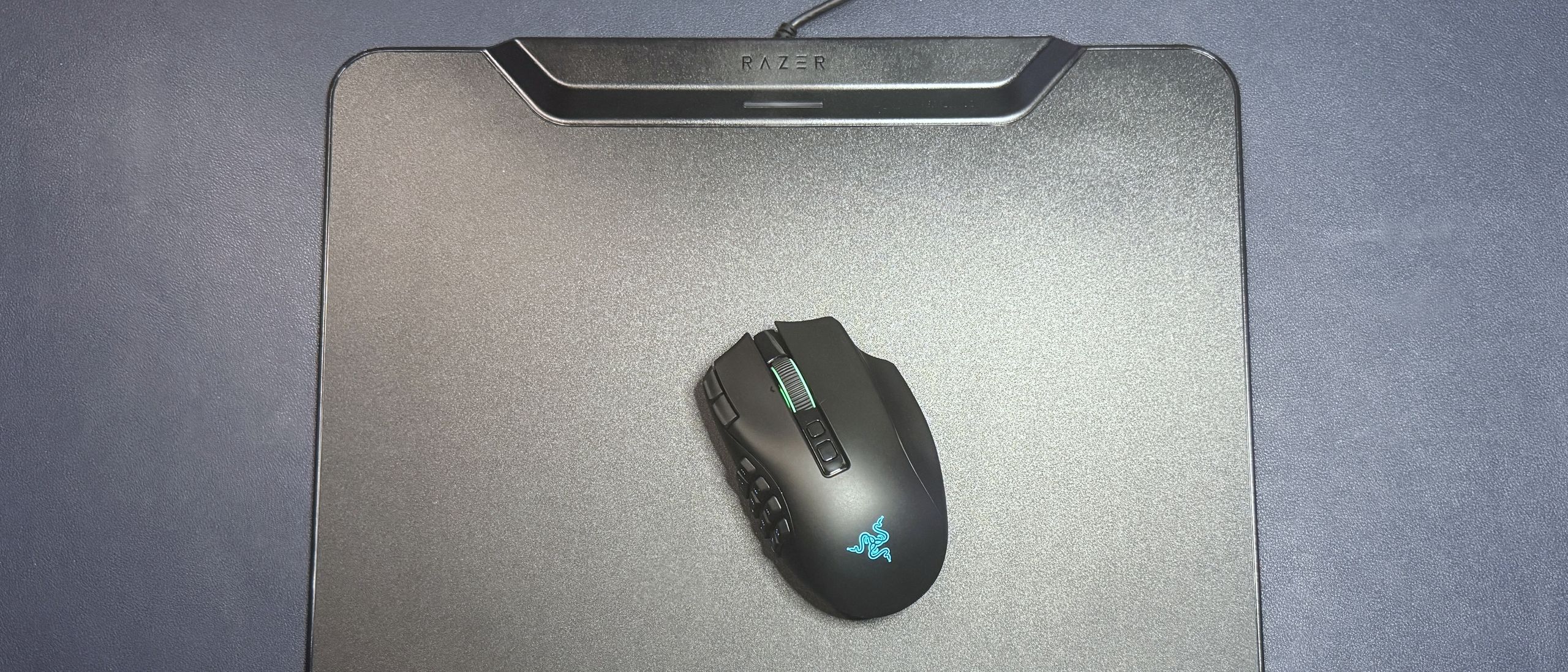
Compatible models include:
- Naga Series: Naga V3 Pro, Naga V2 Pro
- Basilisk Series: Basilisk V3 Pro, Basilisk V3 Pro 35K
- Cobra Series: Cobra HyperSpeed, Cobra Pro
The device comes in two distinct variants: a "Hard" edition featuring a micro-textured polycarbonate surface for speed-oriented players, and a "Cloth" edition for those who prioritize tactile control. Both models are priced at $119.99. Crucially, the pad acts as an integrated wireless receiver, effectively replacing the need for a standard USB dongle and allowing for multi-device pairing with select Razer keyboards.
A Brief Chronology of Wireless Charging
To understand the HyperFlux V2, one must look at its lineage. Razer first introduced the "HyperFlux" concept back in 2018. At the time, it was a radical, albeit polarizing, experiment. The original technology required a specific, proprietary mouse that lacked an internal battery entirely, relying solely on the power delivered by the pad. If you lifted the mouse more than a few millimeters off the surface, it would instantly shut down.
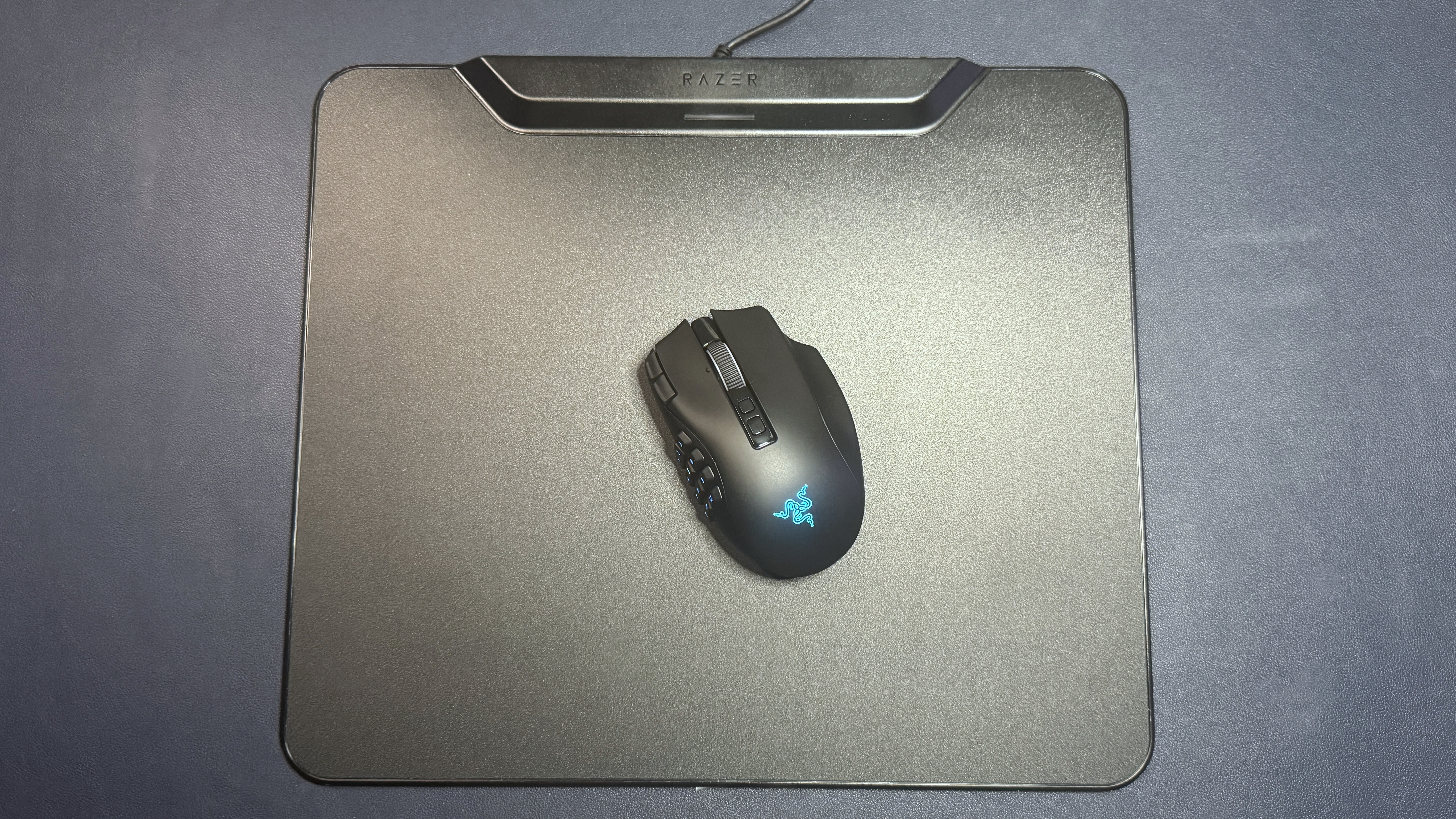
The V2 represents a maturation of this technology. Unlike its predecessor, modern Razer mice equipped with the HyperFlux V2 puck contain an internal battery. The pad now serves to trickle-charge that battery during use, rather than acting as a mandatory power source for the mouse’s internal circuitry. This allows for a much more stable user experience, as the mouse remains functional even when moved away from the mat, provided the battery has a charge.
Design and Build Quality
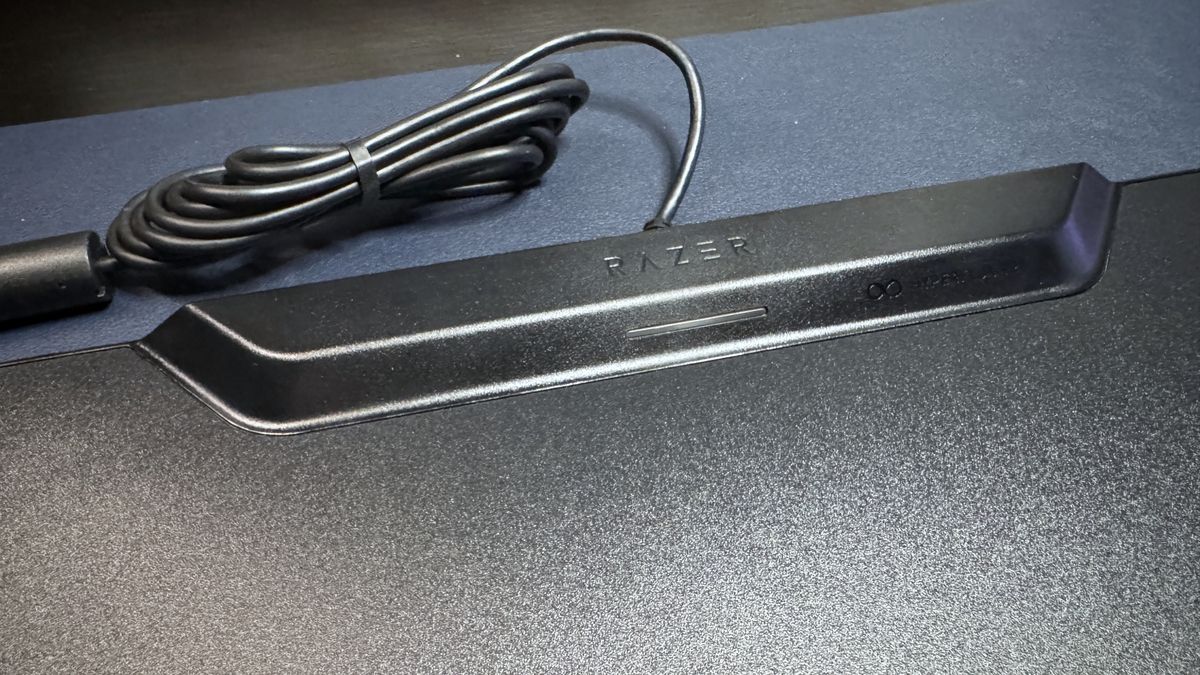
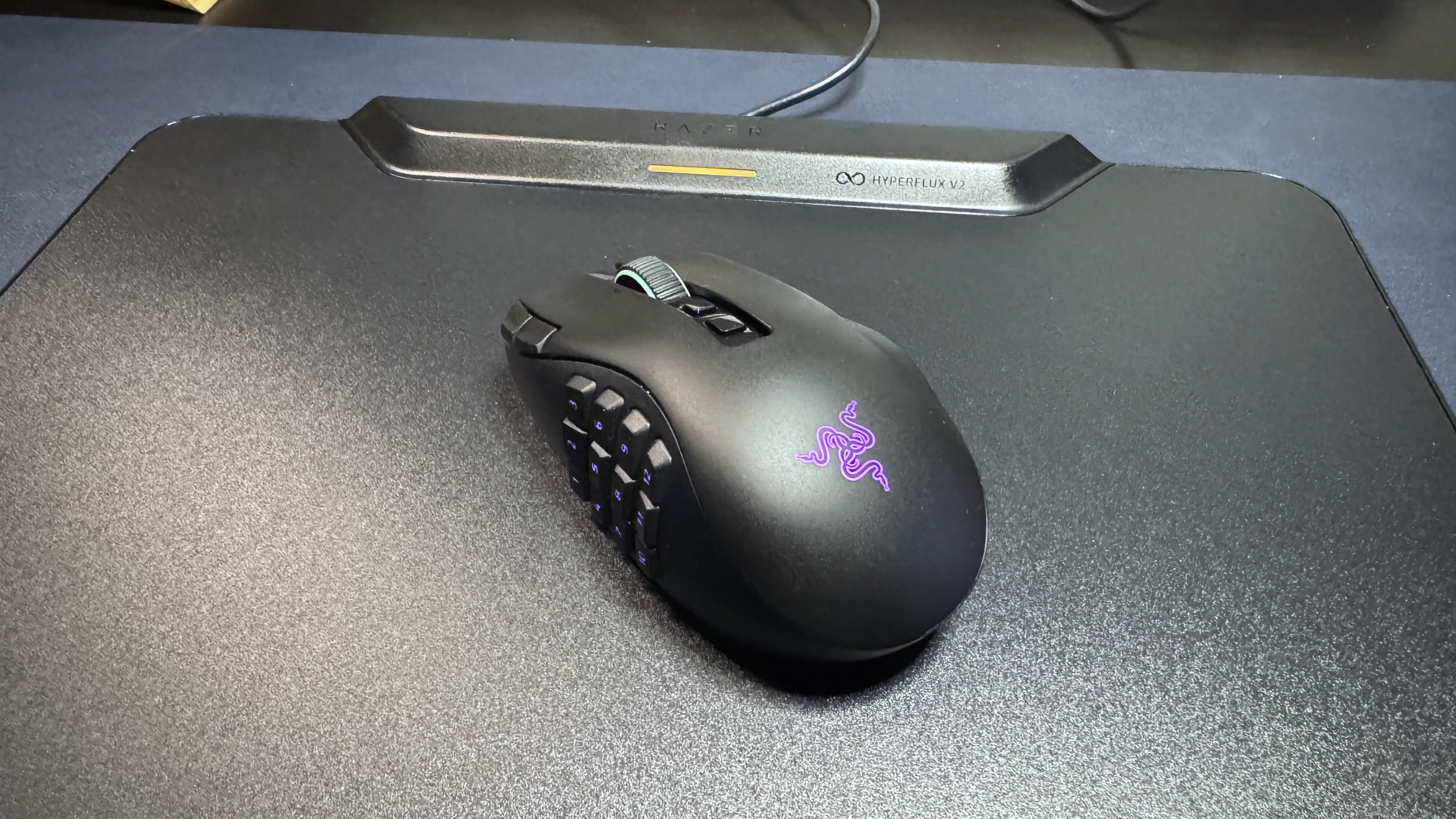
The HyperFlux V2 measures 16 inches (360mm) in width by 12.24 inches (311mm) in length. While it sits firmly in the "medium" size category, it is noticeably larger than the competing Logitech PowerPlay 2. The surface itself is impressively thin at just 0.2 inches (5mm), though the top-mounted charging module adds a slight "hump" of 0.52 inches (13.3mm) at the very top edge.
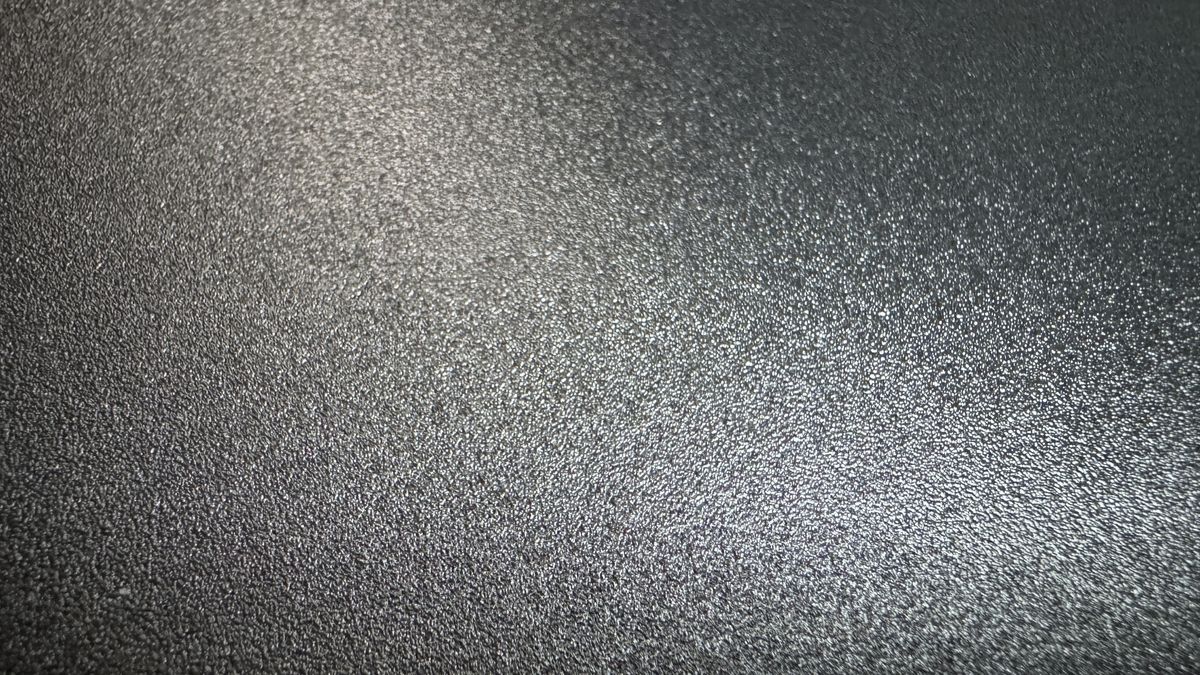
Upon inspection, the build quality is functional but utilitarian. The hard edition, which we tested, features a sleek, micro-textured polycarbonate surface that is easy to wipe clean. However, the shiny plastic bezel surrounding the surface lacks the premium "feel" one might expect from a $120 accessory. Furthermore, dust collection in the minute gap between the bezel and the surface is a minor, albeit recurring, frustration.
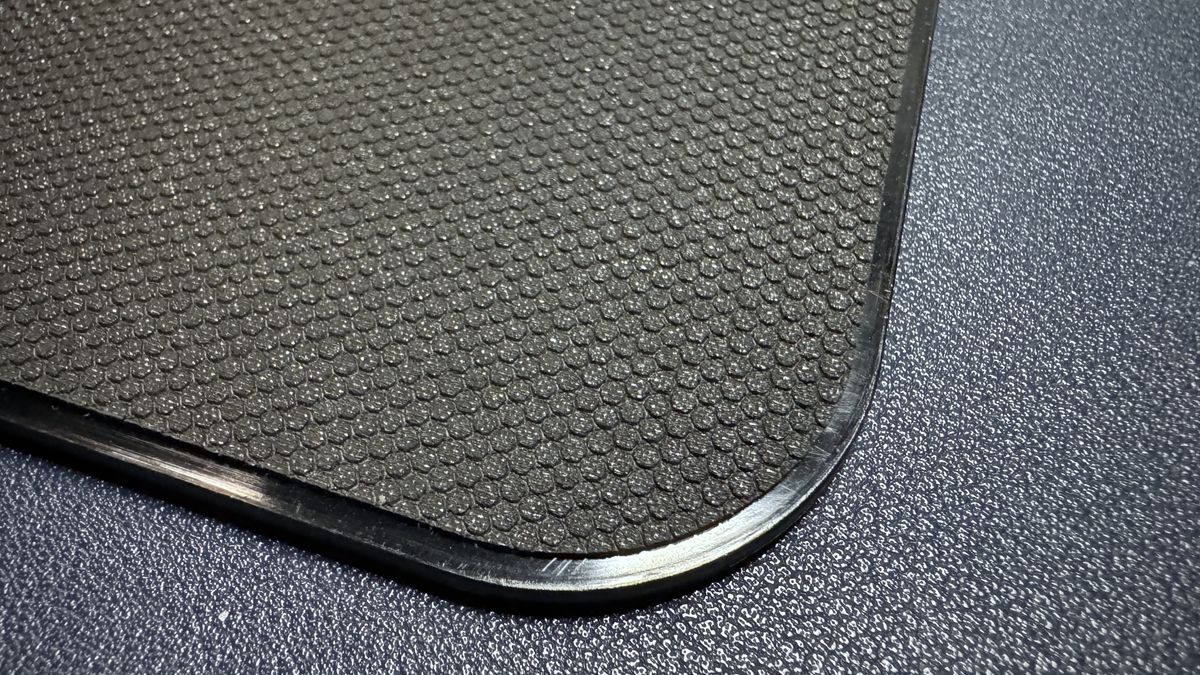
The charging module itself houses a 1.25-inch (32mm) LED indicator. This light is subtle, providing status updates on battery levels and pairing without being overly distracting. The base is fully lined with a high-friction anti-slip rubber, ensuring that the pad stays anchored even during the most aggressive flick-shots in an FPS title.
Performance: The "Set It and Forget It" Experience
In testing, the HyperFlux V2 performed exactly as advertised. Once the puck is installed and the pad is connected to your PC, the pairing process is automated via Razer Synapse 4. The "seamless" nature of the connection is the product’s primary selling point; once set up, the user never has to think about battery life again.
However, there is a technical limitation for competitive purists: the polling rate. The HyperFlux V2 natively caps at a 1,000 Hz polling rate. While this is the industry standard for most gamers, those who have invested in 4,000 Hz or 8,000 Hz "HyperPolling" technology will find that this pad effectively bottlenecks their mouse’s performance. To achieve higher rates, one must use a separate dongle or the Razer Mouse Dock Pro, rendering the HyperFlux’s built-in receiver redundant.
Regarding surface performance, the hard edition is fast and consistent, though it lacks the absolute, frictionless glide of a dedicated glass pad like the Razer Atlas. It is a competent, reliable surface, but it is not a "best-in-class" surface in its own right. It is a vehicle for the charging tech, and it succeeds in that capacity without being particularly memorable as a mouse pad.
Supporting Data: Software and Ecosystem
The integration with Razer Synapse 4 is a double-edged sword. On one hand, it provides granular control over battery health. A feature labeled "Battery Health Optimizer" allows users to set a charge ceiling (between 50% and 80%). This is a thoughtful inclusion, as it prevents the constant micro-charging of the battery from degrading its long-term health—a common issue with devices that remain on a charger 24/7.
On the other hand, the software can be finicky. During our testing, the pad occasionally struggled to differentiate between multiple charging pucks. If you own other Razer charging devices, such as the Mouse Dock Pro, you may find that the software prioritizes the wrong hardware, requiring a manual unpairing process to get the HyperFlux V2 to recognize the correct mouse. While this is an edge case, it highlights the potential for "ecosystem friction" when you have too many proprietary charging solutions in one space.
Implications for the Market
The existence of the HyperFlux V2 raises a broader question about the future of PC peripherals. We are currently in an era where wireless mouse batteries can last for hundreds of hours on a single charge. With battery technology reaching a point where users only need to plug in once or twice a month, the utility of a permanent wireless charging pad becomes a niche preference rather than a necessity.
At $119.99, the HyperFlux V2 is a luxury convenience. It solves a problem that many modern gamers no longer find particularly burdensome. For the casual user, the price is difficult to justify. However, for the professional streamer or the gamer who spends 12+ hours a day at their desk and wants the ultimate "clean" setup, the value proposition is clearer: it is about removing one more cable and one more maintenance task from the daily routine.
Official Verdict
The Razer HyperFlux V2 is a specialized tool for a specific type of user. It is highly effective, reliable, and perfectly integrated into the broader Razer ecosystem. It does exactly what it promises, and for those already using a compatible Naga or Basilisk, it offers a level of "set it and forget it" freedom that is genuinely pleasant to live with.
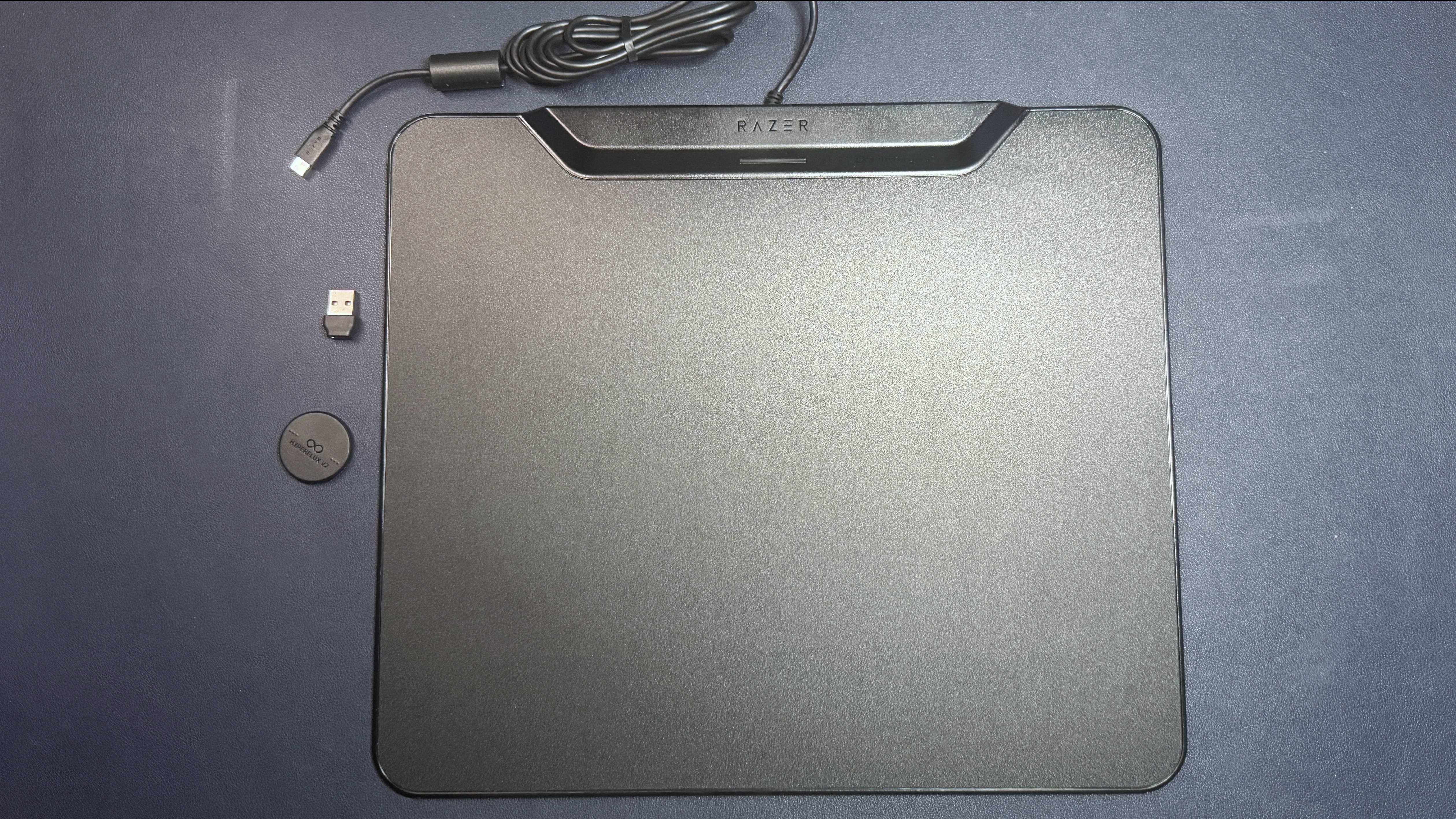
However, it is not without flaws. The non-detachable cable feels antiquated at this price point, the build materials feel somewhat plasticky, and the potential for software hiccups with multiple Razer devices is a reality for enthusiasts.
Pros:
- True "set it and forget it" battery management.
- Seamless, automatic pairing with compatible Razer hardware.
- Battery Health Optimizer extends the lifespan of your mouse.
- Saves valuable USB port space on your PC.
Cons:
- High $119.99 price point.
- Limits polling rate to 1,000 Hz unless bypassed.
- Non-detachable, bulky rubber cable.
- Proprietary nature limits the pad’s utility to Razer users only.
Ultimately, the HyperFlux V2 is the best product of its kind for Razer devotees. If you aren’t already committed to the Razer ecosystem, the high cost and the proprietary nature of the charging pucks make this a hard sell. It is a masterclass in convenience, provided you are willing to pay the premium for it.


 Pevita Pearce
 Reynand Wu