Wall-mounting a television is one of the most effective ways to declutter a living space and achieve a sleek, modern aesthetic. However, for many consumers, the process begins with confusion regarding a ubiquitous yet often misunderstood industry standard: the VESA mount.
If you have ever stared at the back of a flat-screen television and wondered what those four threaded holes are for, or why your new wall mount bracket doesn’t seem to line up with your screen, you are dealing with VESA compatibility. Understanding this standard is the critical first step in ensuring your display is mounted safely, securely, and correctly.
The Foundation: What Exactly Is a VESA Mount?
The term "VESA" stands for the Video Electronics Standards Association. This organization sets the technical standards for the computer and electronics industry. When it comes to displays, the VESA standard—specifically the Flat Display Mounting Interface (FDMI)—was created to ensure that manufacturers of televisions, monitors, and mounting hardware could produce products that work together seamlessly.
It is a common misconception that a "VESA mount" is a specific brand or a singular style of bracket. In reality, a VESA mount is simply a standardized interface. When a TV is described as "VESA compatible," it means that the manufacturer has placed the mounting holes on the back of the chassis according to a globally recognized measurement grid. This allows consumers to purchase third-party mounts—ranging from fixed, low-profile wall plates to full-motion, articulating arms—without needing to buy proprietary hardware from the TV manufacturer.
Decoding the Measurements: How VESA Sizes Work
When you look at a product listing for a wall mount, you will often see specifications like "VESA 200 x 200" or "VESA 400 x 300." These are not abstract model numbers; they are precise physical measurements.
Understanding the Grid
The numbers represent the distance between the center of the mounting holes, measured in millimeters.
- The First Number: Represents the horizontal distance between the holes.
- The Second Number: Represents the vertical distance between the holes.
For example, a television with a 400 x 200 VESA pattern has mounting holes that are 400 millimeters apart horizontally and 200 millimeters apart vertically. A square pattern, such as 200 x 200, means the holes form a perfect square with 200mm sides.
Why Screen Size Isn’t Enough
A common mistake consumers make is assuming that the VESA pattern is directly tied to the screen size of the television. While it is true that larger, heavier TVs typically require larger VESA patterns to distribute weight effectively, this is not a hard rule. A 55-inch television from one brand may have a 300 x 300 pattern, while a 55-inch model from another manufacturer might use a 400 x 400 pattern. Because of these variations, you should never rely on "guesswork" based on screen size alone. Always check your specific model’s technical specifications.
A Brief Chronology of Display Mounting Standards
To understand why VESA is so important, we must look at the evolution of display technology.
- The CRT Era (Pre-2000s): Before the rise of flat-panel technology, Cathode Ray Tube (CRT) televisions were bulky, heavy, and typically sat on dedicated furniture. There was no standard for mounting, as these sets were not designed to be hung on walls.
- The Plasma/LCD Transition (Early 2000s): As flat-panel displays entered the consumer market, manufacturers began experimenting with different ways to attach screens to walls. This led to a "Wild West" period where finding a compatible mount was incredibly difficult, often forcing consumers to buy expensive, manufacturer-specific kits.
- The VESA Standardization: The Video Electronics Standards Association recognized this frustration and implemented the FDMI standard. By the mid-2000s, this became the industry default.
- Modern Integration: Today, the VESA standard is so deeply integrated that nearly every consumer-grade TV and computer monitor produced globally utilizes this system. It has allowed the aftermarket wall-mount industry to flourish, offering consumers a wide variety of mounting options at various price points.
How to Determine Your TV’s VESA Pattern
If you are planning to mount your television, you need to identify the exact pattern before purchasing hardware. Here is a step-by-step approach to finding your VESA specification.
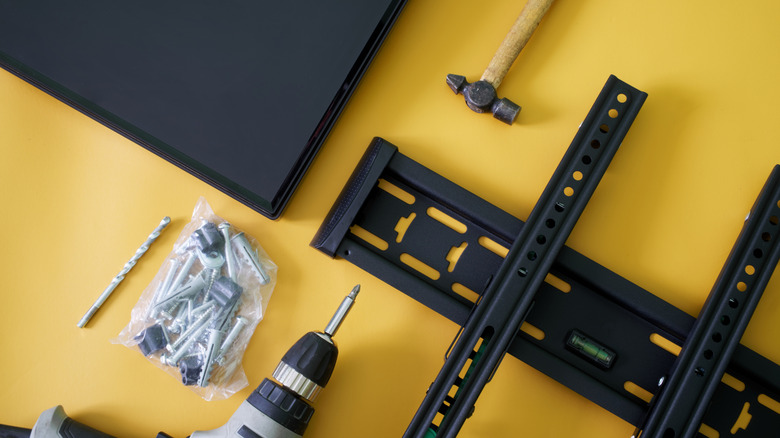
1. Consult the Manufacturer’s Documentation
The most reliable method is to check your TV’s user manual or the manufacturer’s official support page. Most manufacturers include a "Specifications" section that explicitly lists the VESA mounting pattern in millimeters.
2. Manual Measurement
If the manual is missing or the information is not listed, you can measure the holes yourself using a metric ruler or tape measure:
- Ensure the TV is placed face down on a soft, protected surface (such as a blanket or rug) to prevent screen damage.
- Locate the four threaded holes on the rear panel.
- Measure the distance from the center of one hole to the center of the next horizontally.
- Measure the distance from the center of one hole to the center of the next vertically.
- Record these two numbers in millimeters. This is your VESA pattern.
Beyond the Pattern: The Critical Factors for Safety
While a matching VESA pattern is the primary requirement for installation, it is only one part of the equation. A mount that fits the VESA pattern might still be unsafe if other technical requirements are ignored.
The Weight Limit
Every wall mount comes with a maximum weight capacity. This is non-negotiable. Even if your TV’s VESA pattern matches the bracket, you must ensure the bracket is rated to support the total weight of your television. Modern TVs have become lighter due to LED and OLED technology, but larger screens still carry significant mass. Exceeding the weight limit of a mount risks catastrophic failure, which could result in a damaged TV or injury to people in the room.
The Hardware and Mounting Surface
VESA compatibility does not account for the wall itself. A mount is only as strong as the surface it is anchored to.
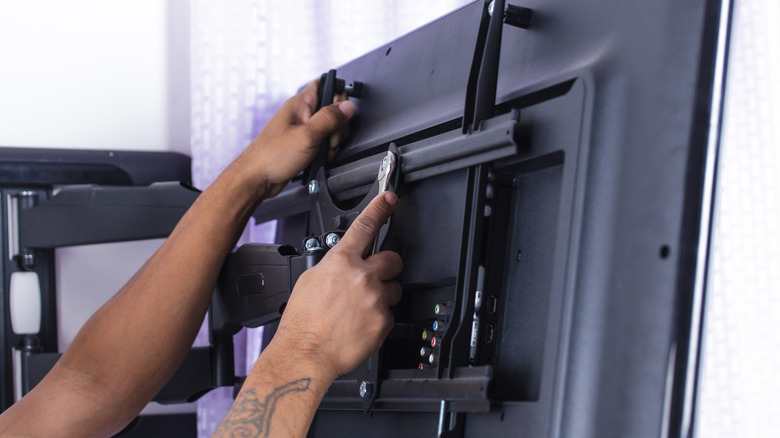
- Studs: In most residential homes, the wall mount must be securely anchored into the wooden studs behind the drywall. Using simple drywall anchors to hold a television is dangerous and not recommended.
- Bolt Compatibility: Different TVs require different screw lengths and diameters to fit the VESA holes. Many high-quality mounts come with a variety of screws, but you should always refer to your TV manual to ensure you are using the correct thread pitch and length. Using screws that are too long can puncture internal components, while screws that are too short may not provide enough thread engagement to hold the weight of the screen.
Implications for the Consumer
The existence of the VESA standard has profound implications for the consumer electronics market.
First, it creates market competition. Because the interface is standardized, mounting bracket manufacturers (such as Sanus, Vogel’s, or generic brands on Amazon) must compete on quality, features, and price rather than compatibility. This keeps prices low and innovation high.
Second, it promotes sustainability. If you upgrade your television from a 50-inch model to a 65-inch model, you may be able to reuse your existing wall bracket, provided the new TV shares the same VESA pattern and the bracket supports the weight of the new screen. This reduces electronic waste and saves the consumer money.
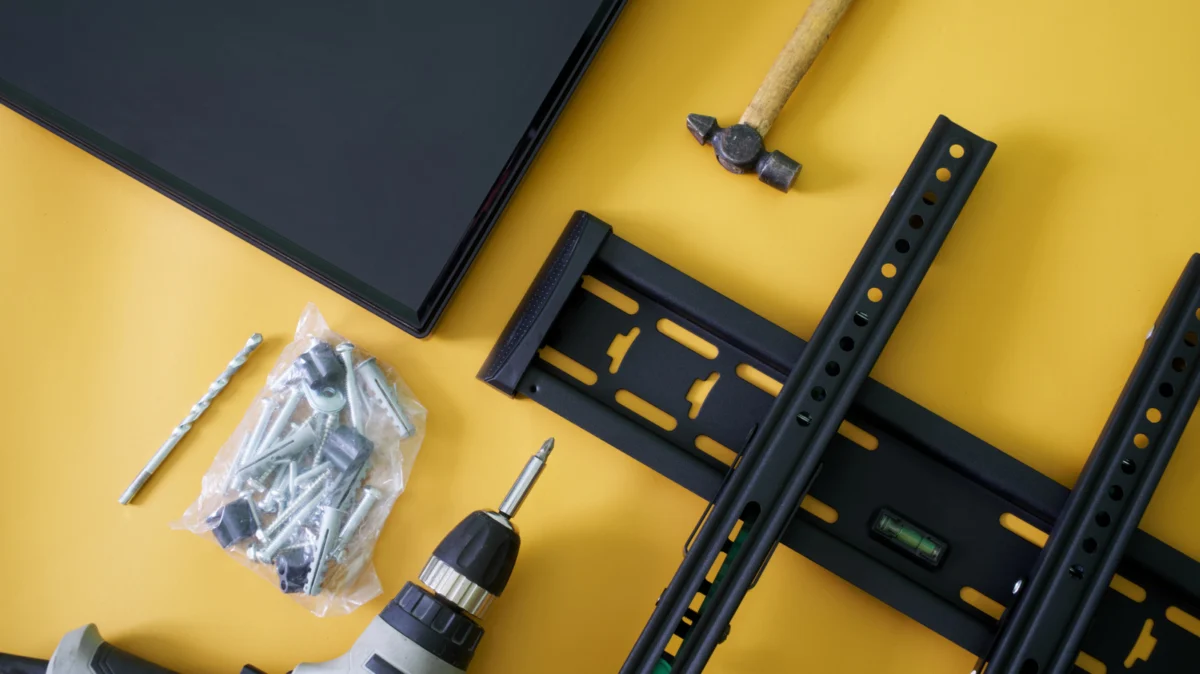
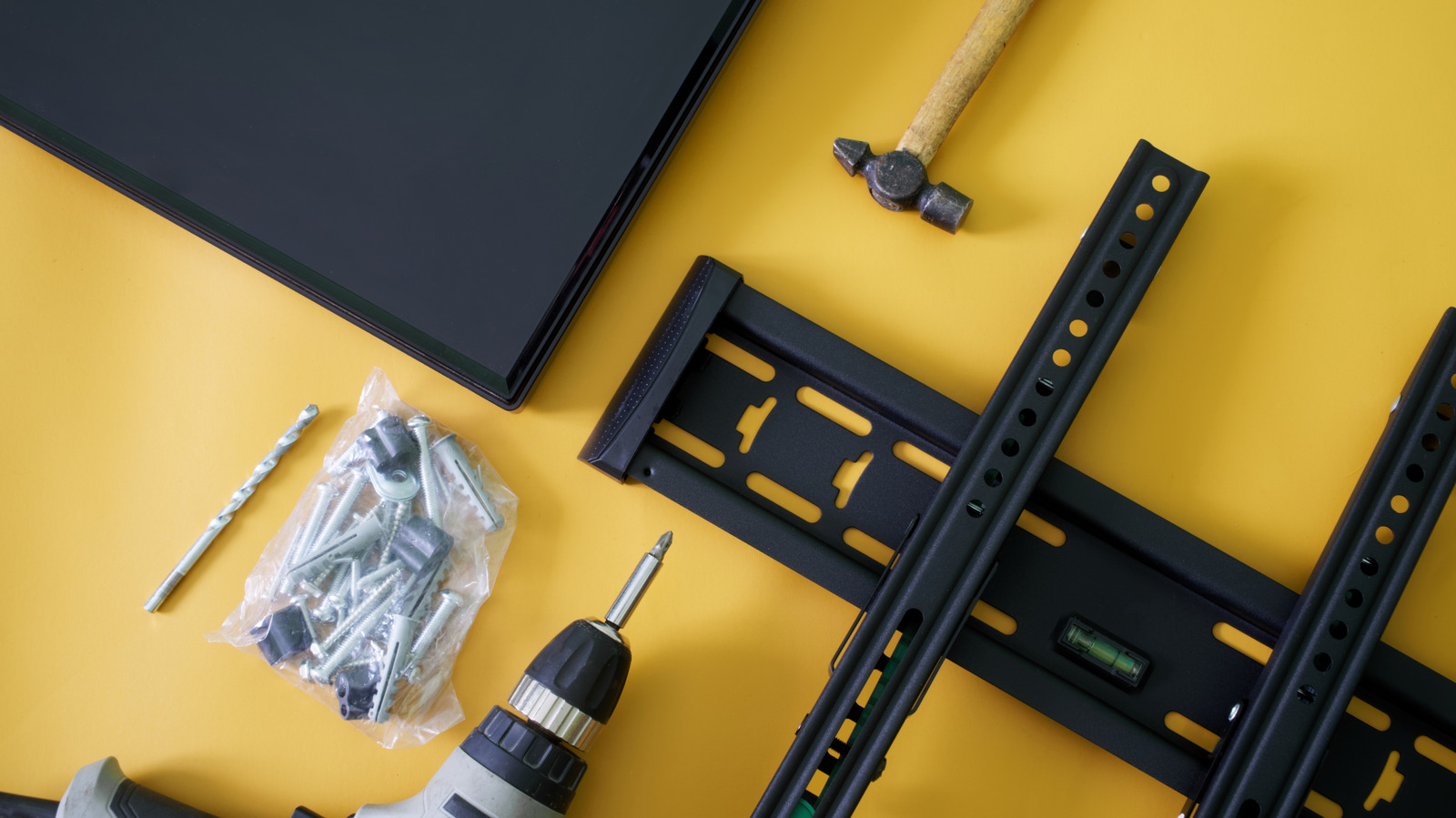
Third, it empowers DIY installation. The standardization of the VESA system means that information is widely available, and tutorials are easily found. By following the standardized rules, the average homeowner can perform a professional-grade installation, provided they have the correct tools—such as a stud finder, a level, and a power drill.
Conclusion: A Standard for Success
The VESA mounting standard is a silent hero of the home entertainment industry. It is a simple set of rules that governs the interface between your technology and your living space, ensuring that your display stays where it belongs.
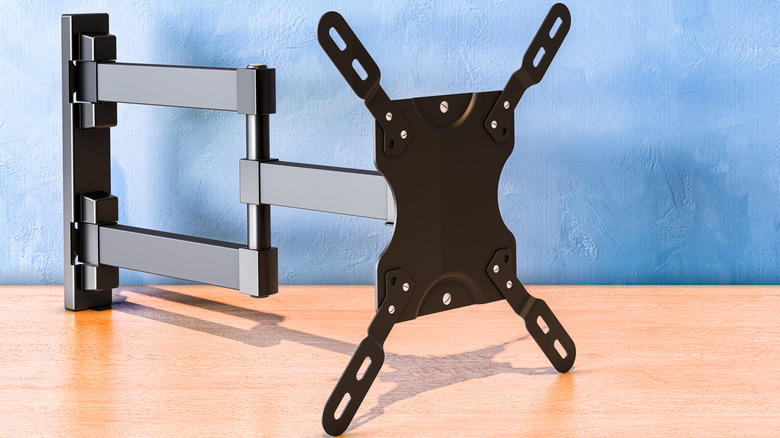
When preparing to mount your television, remember the golden rule: Match the pattern, respect the weight limit, and secure the mount to the structure. By verifying your VESA dimensions through official channels or careful manual measurement, you can avoid the frustration of incompatible hardware and ensure that your wall-mounted setup is a source of enjoyment rather than a cause for concern. Whether you are aiming for a clean, minimalist look or trying to optimize your viewing angles with an articulating arm, the VESA standard is the bridge that makes it all possible.