Reynand Wu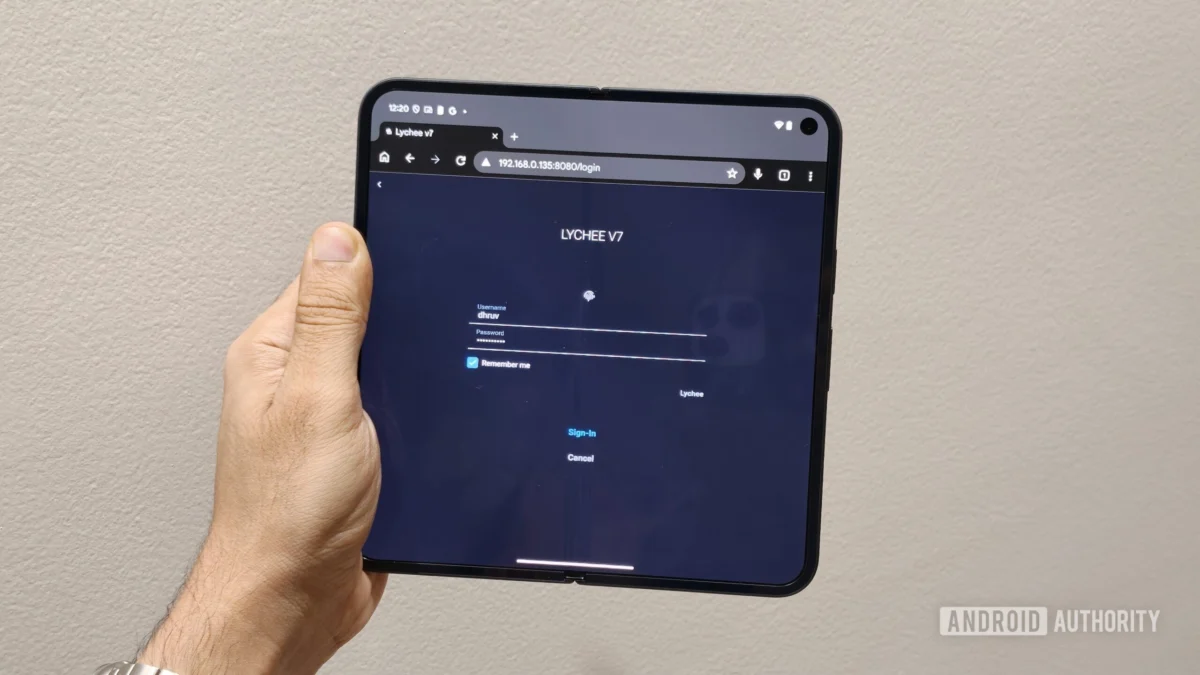
For over a decade, Google Photos stood as the unchallenged gold standard for digital photography management. It was the "set-it-and-forget-it" solution that democratized cloud storage, offering a seamless, unlimited, and intuitive way to preserve memories. However, the landscape has shifted. With the end of unlimited storage tiers and the introduction of aggressive subscription models, the once-perfect service has become a monthly tax on our digital lives.
As cloud storage costs mount and concerns over data privacy and AI-driven surveillance grow, many tech enthusiasts have begun looking for alternatives. While many turn to bulky Network Attached Storage (NAS) units or complex home servers, a surprising, high-performance, and battery-backed solution has been hiding in plain sight: the old Android phone collecting dust in your desk drawer.
The Case for the "Pocket Server"
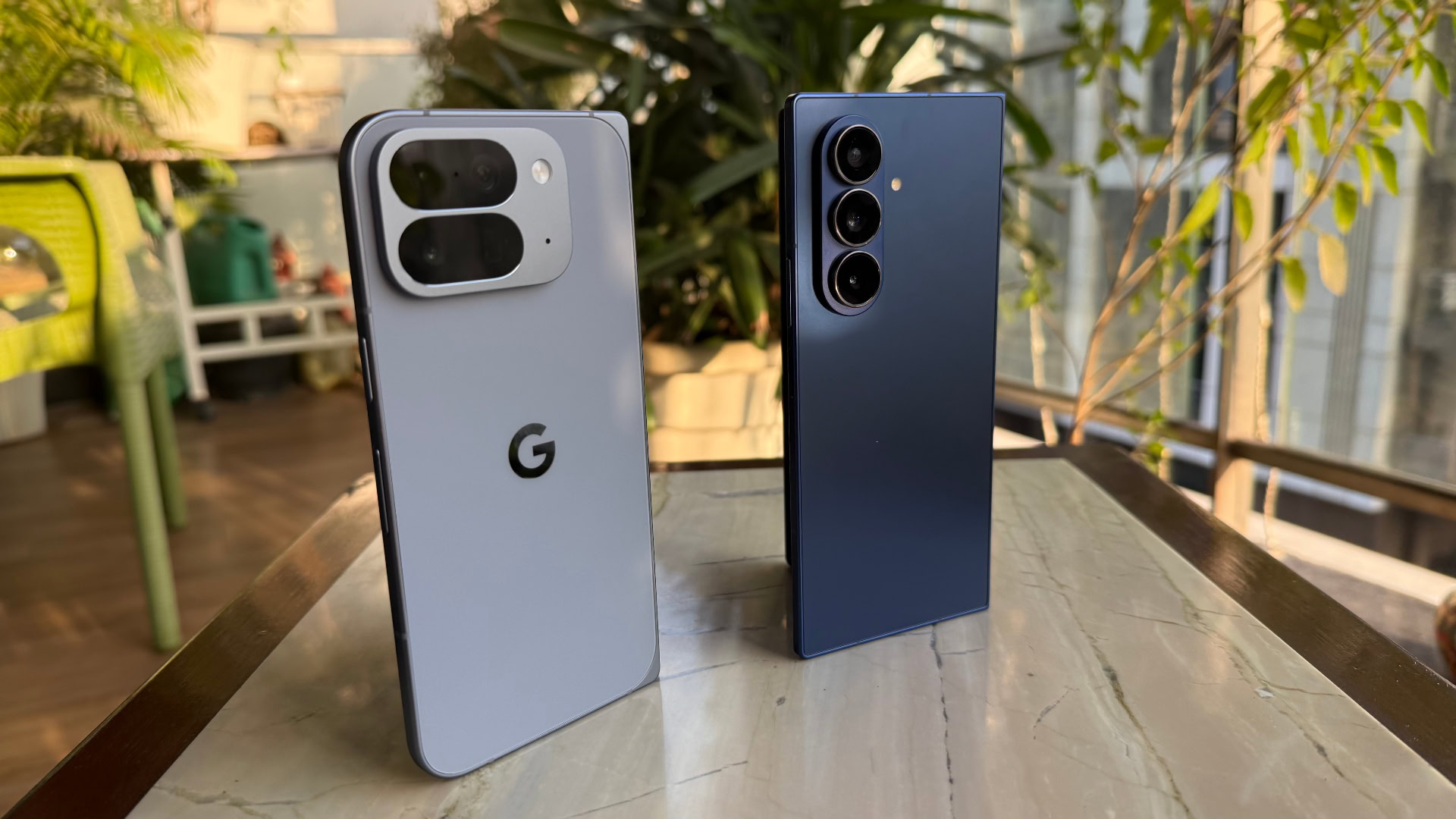
The narrative that old electronics are destined for the e-waste bin is not only environmentally damaging but technically flawed. A three-year-old flagship smartphone, such as a retired Google Pixel, possesses processing power that frequently exceeds that of the Raspberry Pi—the industry-standard board for DIY home hosting.
Beyond sheer compute, these devices offer a unique "all-in-one" package that traditional servers lack. They include high-speed Wi-Fi connectivity, significant internal storage, and, crucially, an integrated battery that acts as an Uninterruptible Power Supply (UPS) during power flickers or outages. By repurposing these devices, we aren’t just saving money; we are extending the lifecycle of premium hardware and reclaiming control over our personal data.
Chronology of the Transformation: Building the Lychee Stack
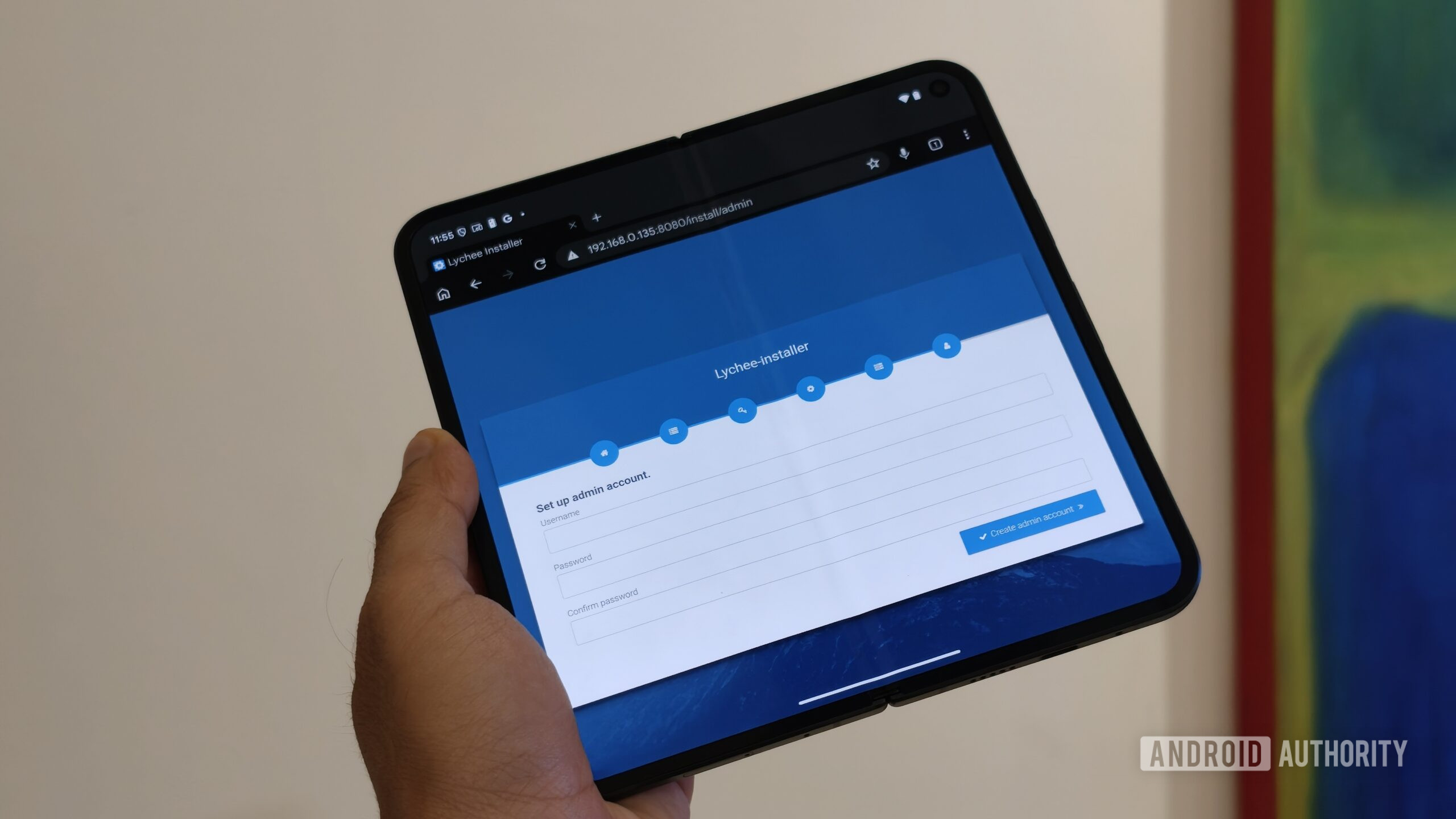
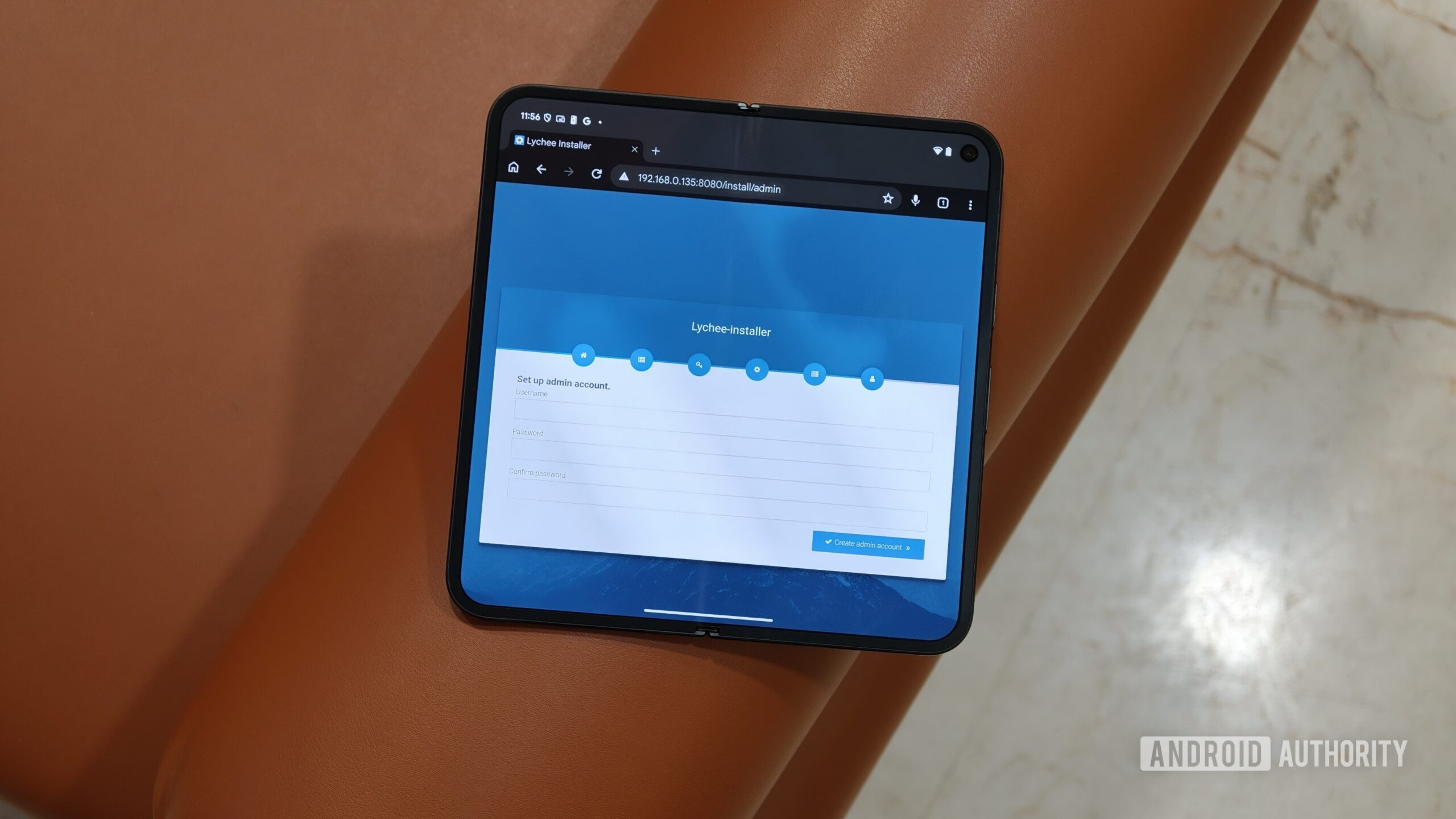
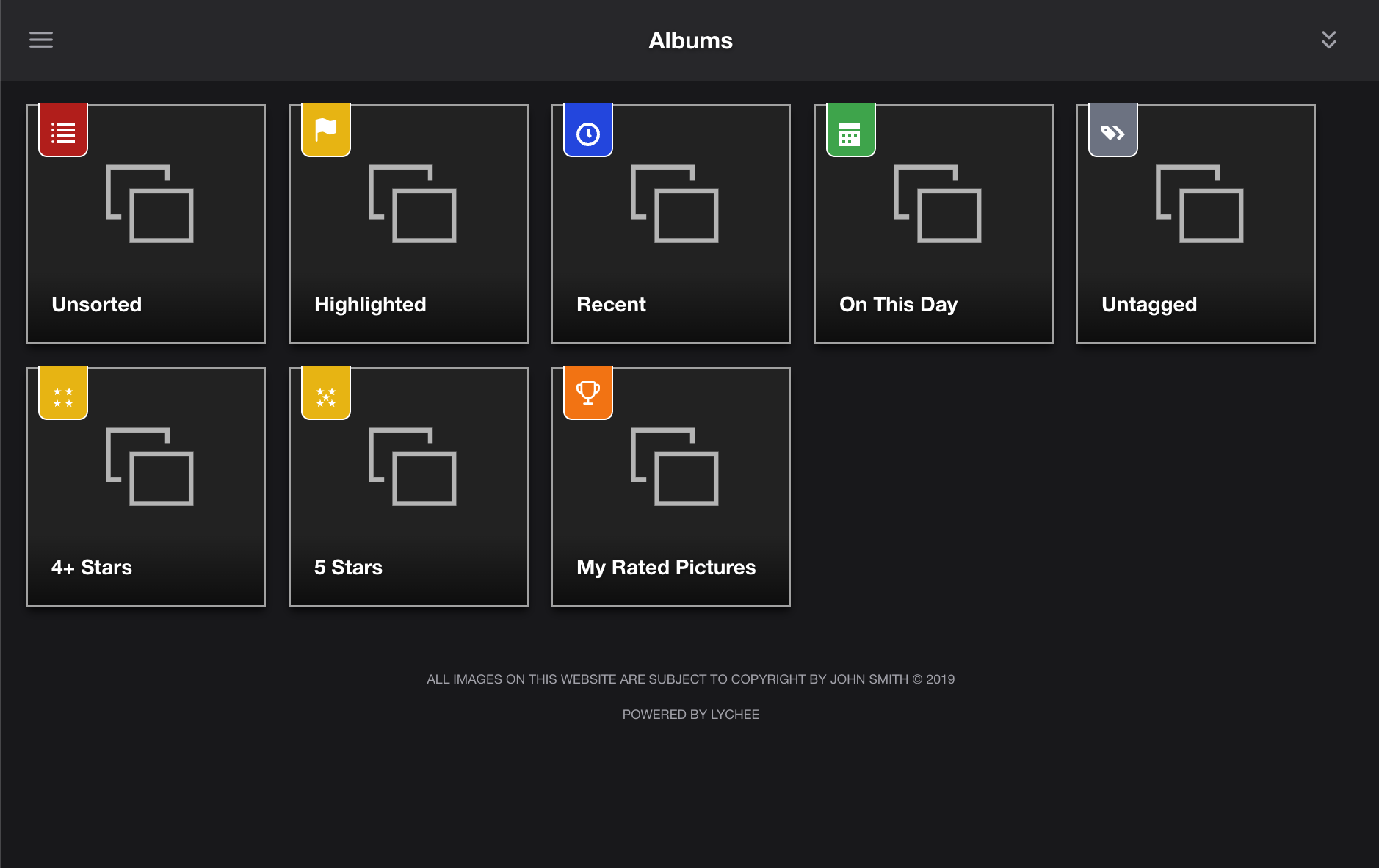
To prove that a high-end smartphone could handle the rigors of a modern photo management system, I set out to deploy Lychee, a professional-grade, self-hosted photo management platform. Unlike heavier solutions like Immich, which require complex Docker environments and significant system overhead, Lychee is built on a PHP framework, making it exceptionally lightweight and suitable for the Termux environment on Android.
1. Preparing the Environment
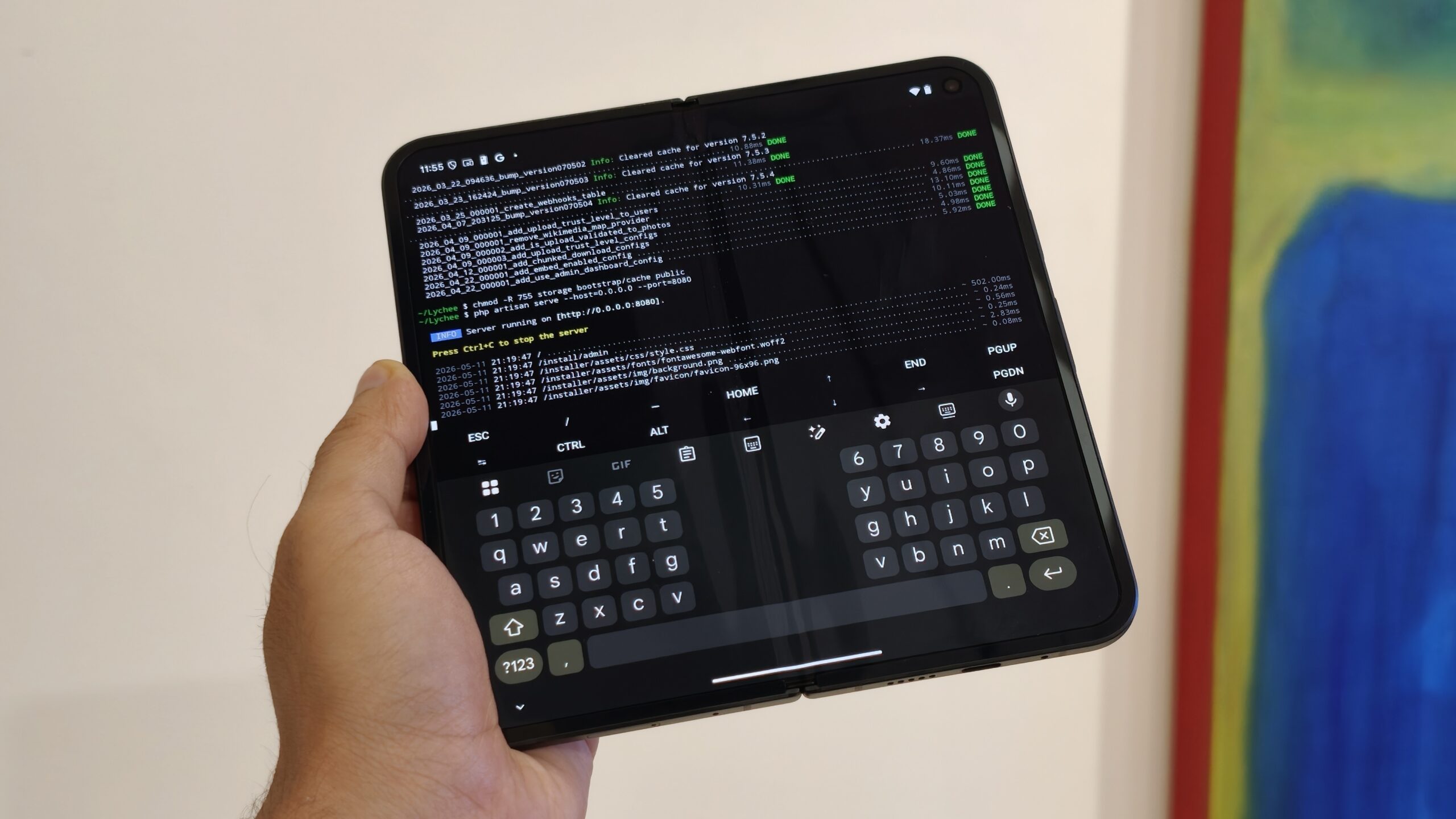
The journey began by bypassing the Google Play Store’s version of Termux in favor of the F-Droid build, ensuring full access to updated repositories. The first hurdle was the Android "sandbox." By utilizing the termux-setup-storage command, I bridged the gap between the Linux environment and the device’s physical filesystem. This was the foundational step required to allow the server to write to the device’s storage.
2. The Software Stack
With the terminal open, I initiated the installation of the core stack: PHP, the Apache web server, and Git. For the database, I opted for SQLite. While MySQL is powerful, it carries a heavy memory footprint; SQLite’s ability to handle large photo libraries with minimal resource consumption made it the ideal choice for a smartphone processor.
3. Resolving Dependencies and Thumbnails
The most challenging aspect of this project was image processing. Generating thumbnails for a gallery is resource-intensive. After some initial troubleshooting, I installed critical PHP extensions, including ImageMagick and Sodium, to ensure the server could render images rather than displaying broken icons.
4. Tuning for Performance
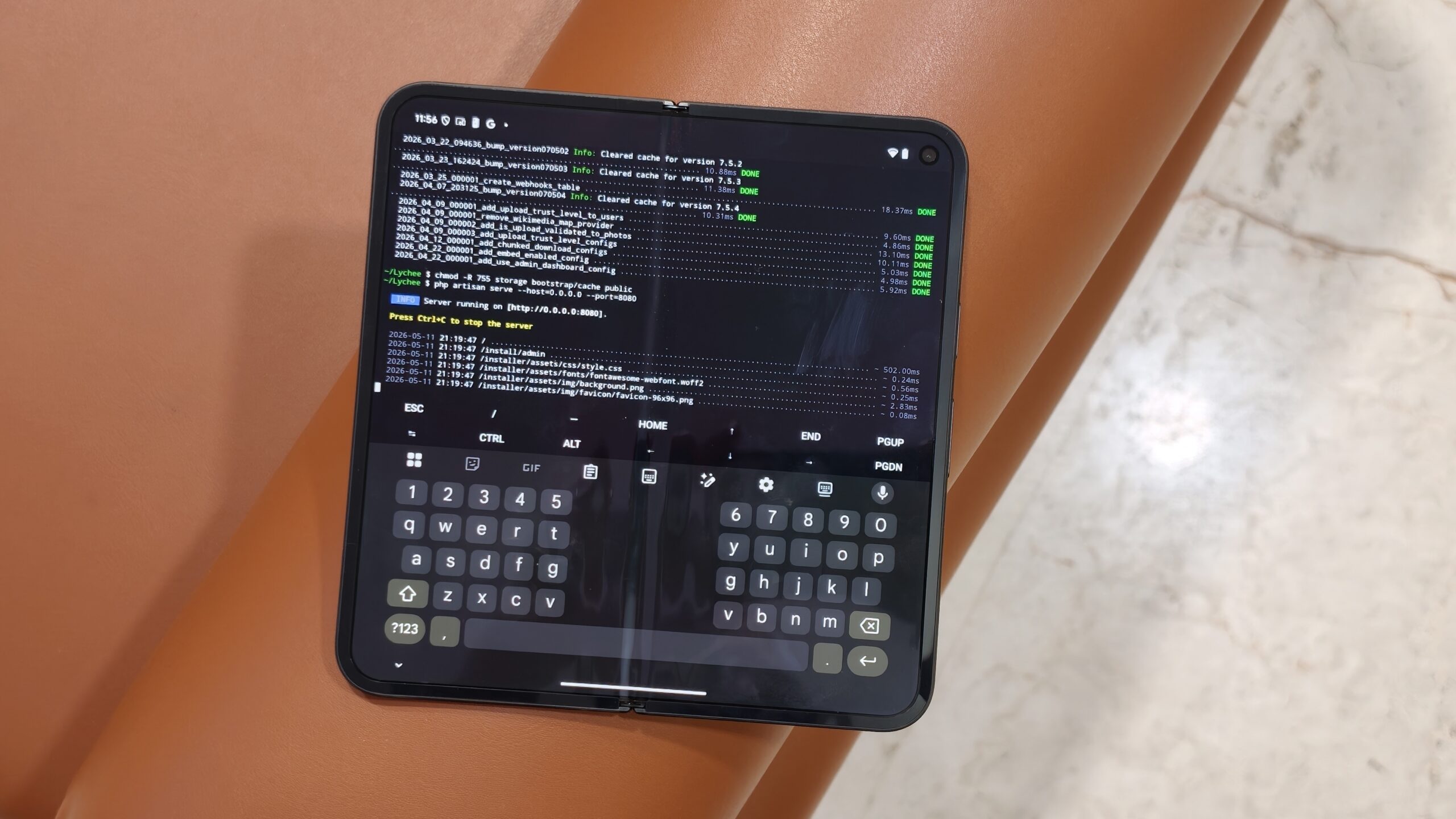
After a successful composer install, I performed several critical "quality-of-life" tweaks. Because PHP defaults to a 2MB upload limit, I increased this to 30MB to accommodate high-resolution RAW and HEIC files. Furthermore, I modified Android’s power management settings to prevent the system from "killing" the background process, ensuring that the server remained accessible 24/7.
Supporting Data: Efficiency vs. Complexity
When comparing this DIY smartphone solution to traditional server setups, the data favors the smartphone for small-to-medium home needs.
- Power Consumption: A standard home server/NAS typically consumes between 30W and 100W of power. A smartphone in "server mode" consumes a fraction of that, often drawing less than 5W under load.
- Performance: While not designed for enterprise-level databases, the modern octa-core processors in flagship phones handle SQLite migrations and concurrent browsing sessions with surprising speed.
- Cost-Benefit: For the cost of an old phone (which is effectively zero if already owned) and a few hours of configuration, users avoid the recurring $20–$100 annual fees associated with cloud storage providers.
The Role of Cloudflare Tunnels
A common critique of local hosting is the "walled garden" problem: if you aren’t at home, you can’t access your photos. Traditionally, this required complex port forwarding and opening vulnerabilities in your home router.
I bypassed this entirely using Cloudflare Tunnels. By installing the Cloudflare package in Termux, I created an encrypted, secure bridge between my smartphone and the public internet. This allowed me to map my local Lychee server to a custom domain. Now, I can access my entire, full-resolution library from a laptop or mobile browser on the other side of the world without ever opening a single port on my router.
Implications for Privacy and Ownership
The decision to move away from Google Photos is rarely about the software interface, which is undeniably excellent. It is about the "AI Tax." When you upload photos to a corporate cloud, you are effectively paying with your metadata. Google’s algorithms scan your images for facial recognition, location tagging, and object identification to train machine learning models.
By hosting your own Lychee server:
- Zero-Knowledge Storage: You are the only person with the keys to your database.
- No "Surprise" Deletions: You aren’t subject to the terms of service that allow a corporation to lock your account or delete content based on automated flag systems.
- Full Resolution: You never have to worry about "storage-saver" compression that strips the quality from your original captures.
Official Responses and Industry Outlook
While companies like Google and Apple continue to push users toward integrated cloud ecosystems, the "Self-Hosting Movement" has gained massive momentum. Experts in digital preservation note that as companies become more restrictive with their APIs and storage tiers, the demand for "sovereign data" will only increase.
Google has previously defended its storage policies by citing the massive energy costs and security requirements of maintaining global data centers. However, for the average family, the shift toward decentralization provides a compelling counter-narrative: why pay to store data in a massive, power-hungry facility when your existing, highly capable mobile hardware is sitting idle?
Conclusion: A Second Life for Your Flagship
Repurposing a smartphone into a dedicated home server is more than just a weekend project; it is a statement on the sustainability of technology. While you might sacrifice some of the "magical" AI features—like hyper-accurate facial recognition—the trade-off is a faster, more private, and entirely personal digital gallery that you own in perpetuity.
The Pixel I pulled from my drawer is no longer a relic of the past; it is a high-performance, battery-backed server running my family’s photo history. As the costs of cloud storage continue to climb and the privacy of our personal photos remains a critical concern, the most effective solution might not be buying more cloud space, but simply looking at the hardware we already own.
Whether you are looking to save money, increase your privacy, or simply enjoy the satisfaction of building something truly your own, the "pocket server" is a testament to the fact that yesterday’s flagship is more than enough for today’s needs.

 Suro Senen
 Ammar Sabilarrohman