Nila Kartika Wati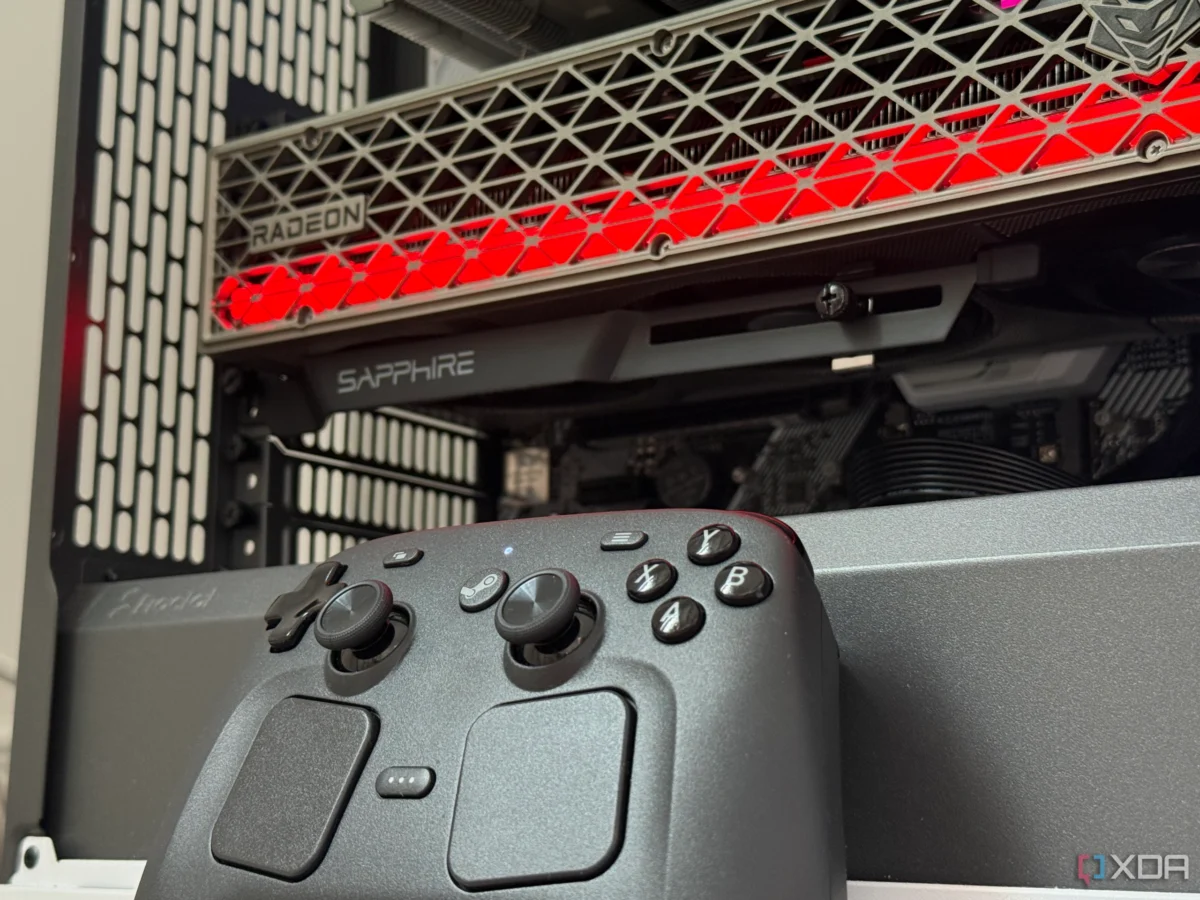
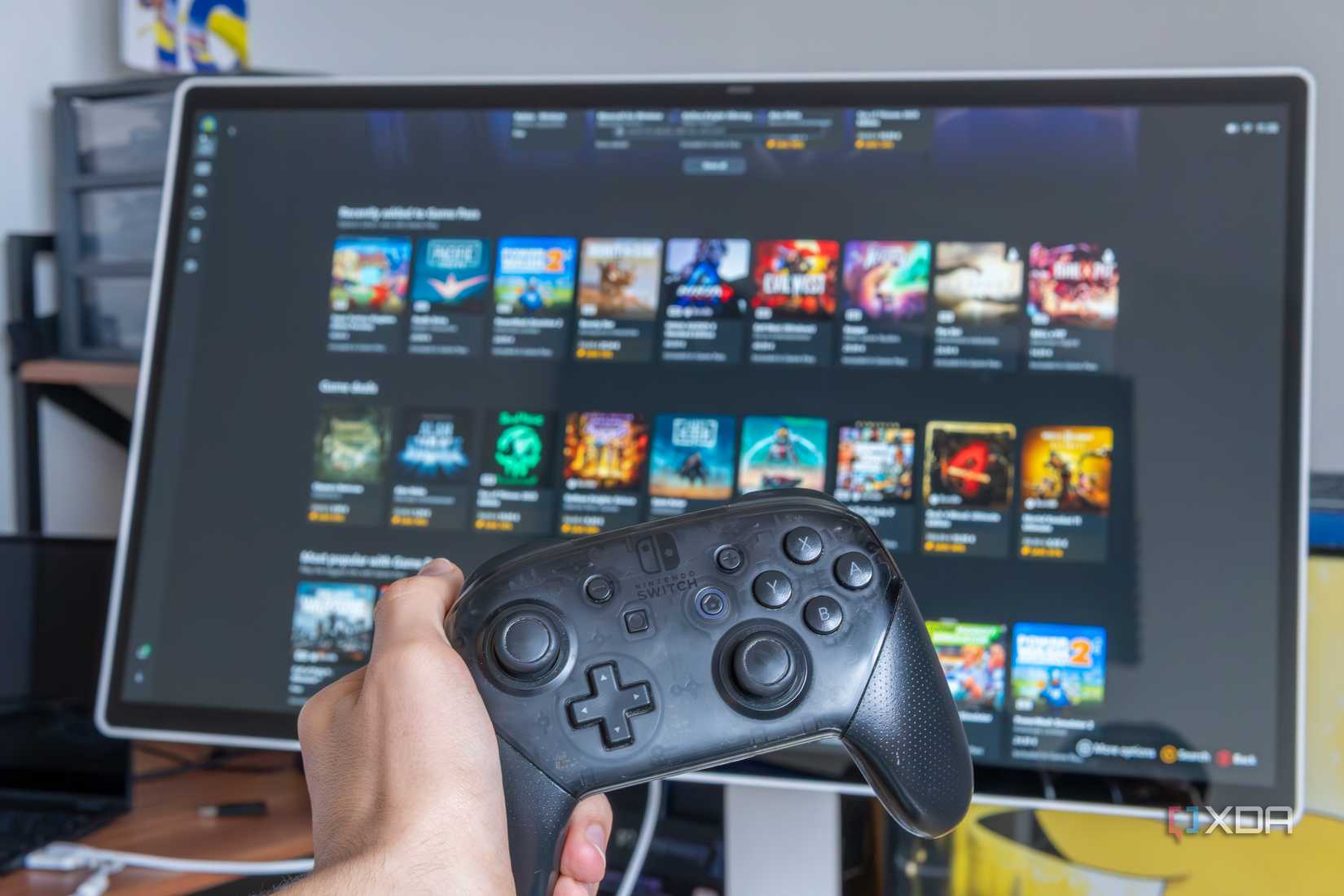
For years, the dream of the "Living Room PC" has remained just out of reach for many. The goal is simple: a machine that provides a console-like experience—turn on the TV, grab a controller, and dive into your game library without ever seeing a desktop cursor or wrestling with a mouse. For the longest time, this dream necessitated the purchase of a dedicated console. Desktop operating systems, particularly Windows, were simply too intrusive, and Linux was often too fragmented to offer a truly "set it and forget it" experience.
However, the landscape shifted dramatically with the advent of Valve’s Steam Gaming Mode, now popularized through distributions like Bazzite. By mirroring the interface of the Steam Deck, these platforms promise a seamless couch-gaming experience. But as I discovered when building my own home theater PC (HTPC), the reality of this promise depends heavily on the hardware you have under the hood—specifically, your choice of graphics card.
The Quest for Console-Like Perfection
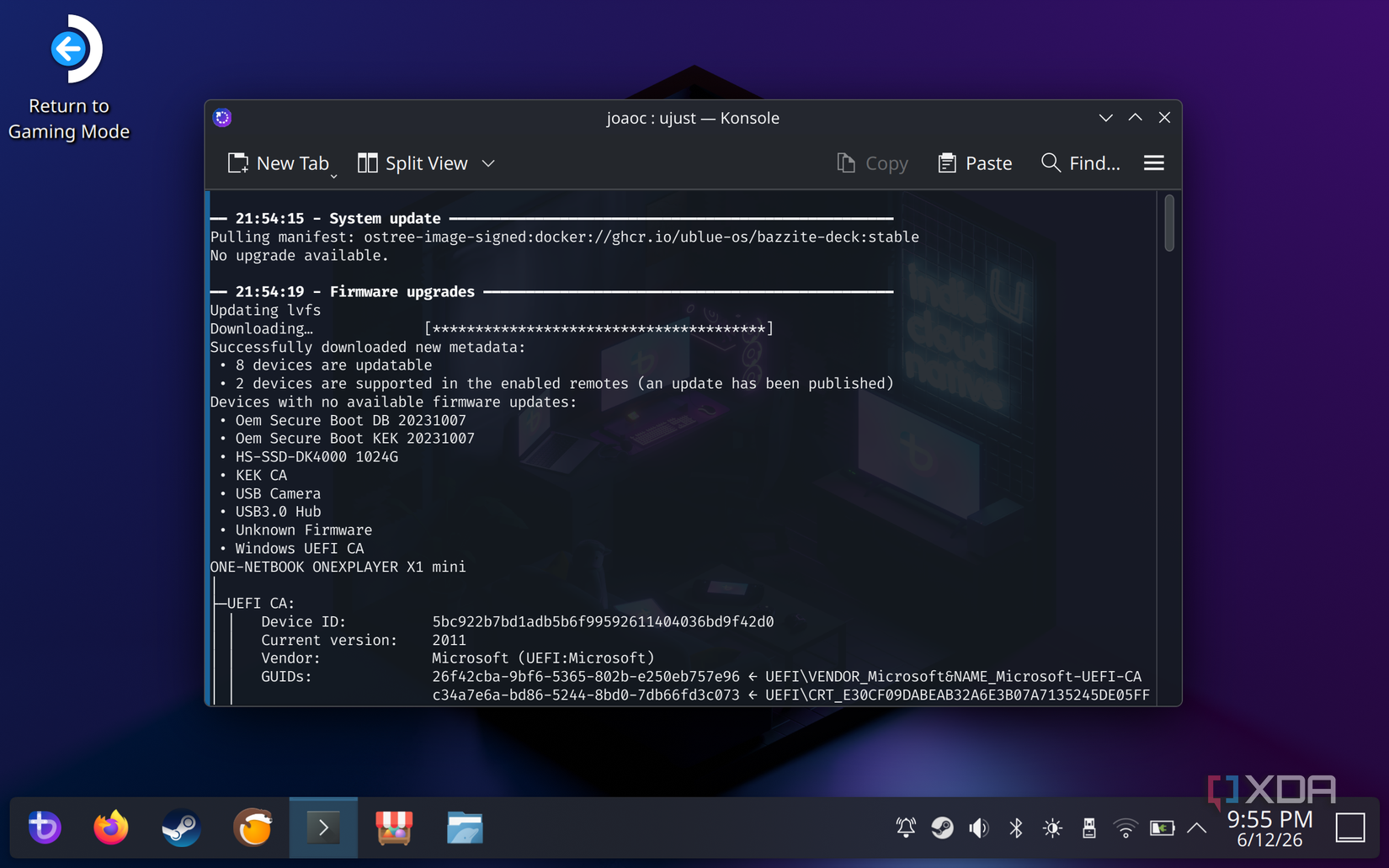
The appeal of the Steam Gaming Mode on a home theater PC is rooted in its "gamescope-session." This is a lightweight, controller-first environment forked from the work done for the Steam Deck. It is designed to be the sole interface for the user, abstracting away the underlying complexities of the Linux kernel and window managers.
When I decided to convert my HTPC—previously running a potent RTX 3080—into a dedicated Linux gaming console, I expected a plug-and-play experience. I ignored the warnings on the Bazzite website, which cautioned that Nvidia support within this specific gaming mode was experimental and prone to issues. My optimism was quickly met with a barrage of technical hurdles: glitched menus, sudden application crashes, and a UI that struggled to render properly at 4K resolutions.

Chronology of a Failed Build: The Nvidia Struggle
My journey began with high expectations. I wiped my Windows 11 installation, confident that the open-source community had solved the HTPC interface problem.
- Initial Setup: Installing Bazzite was, as promised, intuitive. The system booted into the Steam UI quickly, and the interface felt snappy.
- The 4K Wall: The problems began as soon as I attempted to launch high-fidelity titles at 4K resolution. The "gamescope" layer, which manages the display output, appeared to have fundamental conflicts with the proprietary Nvidia drivers.
- Persistent Instability: Forum scouring revealed I was not alone. From RTX 20-series to the latest 40-series cards, users reported a wide array of graphical artifacts and session crashes when running the compositor on Nvidia hardware.
- The Pivot: After several days of attempting to patch the system and fine-tune driver configurations, I realized the issue was systemic. The "gamescope-session" is currently optimized for AMD’s open-source driver stack,
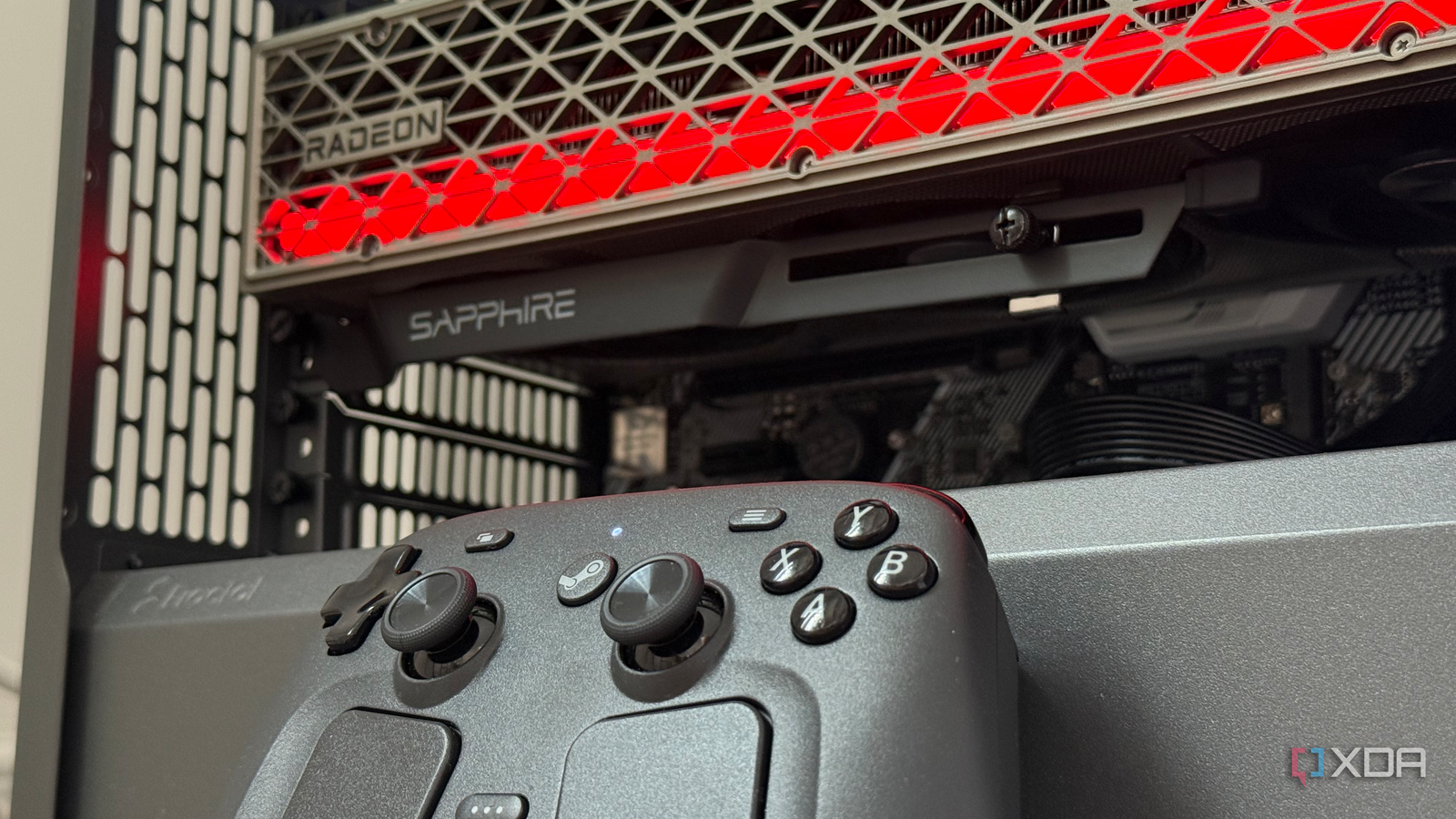
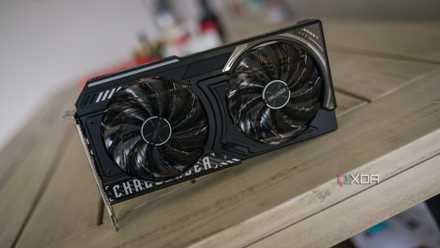
amdgpu. - The Solution: I swapped the RTX 3080 for an AMD Radeon RX 9070 XT. The change was transformative. With a clean re-image using the AMD-specific Bazzite build, the system was not just functional—it was flawless. The interface was fluid, games launched instantly, and the system handled sleep-wake cycles with the reliability of a PlayStation or Xbox.
Supporting Data: Why AMD Reigns Supreme in Linux Gaming
The disparity in experience between Nvidia and AMD on Linux comes down to architecture and philosophy. AMD’s graphics support is deeply integrated into the Linux kernel through the amdgpu driver, and the RADV Vulkan driver is part of the standard Mesa userspace stack.

For an immutable, image-based distribution like Bazzite, this integration is critical. Because the drivers are already present in the kernel, there is no need to manually layer packages or rebuild the system after every minor kernel update. It is a true "plug-and-play" architecture.
In contrast, while Nvidia provides proprietary drivers for Linux, they exist outside of the standard kernel development cycle. While these drivers perform excellently on a traditional desktop workstation (I currently use an Nvidia card on a CachyOS workstation with zero issues), they struggle within the rigid, containerized environment of a console-mode compositor. The Bazzite team openly acknowledges this, providing an Nvidia-specific image only as a secondary option for those who understand the risks of "tinkering."

Official Responses and Developer Stance
The Bazzite developers have been transparent about these limitations. Their documentation explicitly warns that using an Nvidia or Intel GPU for a home theater build puts the user in "beta" territory. They recommend a standard desktop interface for these vendors, noting that the Steam Gaming Mode issues are tied to the way the compositor interacts with closed-source driver blobs.
The broader Linux community, including the developers behind ChimeraOS (from which the Bazzite session is derived), largely echo these sentiments. The reality is that the "console experience" on Linux is currently built on the backs of open-source drivers. Until Nvidia pivots its Linux strategy to better support standard Vulkan-based compositors, this gap will remain.
Implications for the Home Theater Enthusiast
If you are currently planning a high-end HTPC build, the implications of these findings are significant.
1. The Hardware Compatibility Tax
If your priority is a seamless, couch-gaming experience using a Linux-based interface, AMD is the clear winner. The performance and stability of an RX series card within a gamescope session allow you to forget the PC underneath. It removes the "tinkering" requirement that has historically plagued Linux gaming.
2. The Case for Windows 11
If your rig must use an Nvidia card—perhaps for productivity tasks that require CUDA or if you simply prefer the raw power of the latest GeForce hardware—then Windows 11 remains the pragmatic choice. While it requires more initial setup (like configuring Steam to start in Big Picture Mode on boot and disabling sleep-killing background tasks), it is undeniably the more stable environment for Nvidia hardware in a living room setting. Windows supports proprietary drivers natively, and HDR management is generally more consistent, even if the OS itself is less "lean" than a specialized Linux distro.
3. The Future of Linux Gaming
This experience highlights both the progress and the pitfalls of the "Year of the Linux Desktop" (or in this case, the Linux Living Room). We have reached a point where the gaming performance of Linux is nearly indistinguishable from Windows, and in some cases, superior. However, the ecosystem is still heavily reliant on open-source driver support.
As someone who values the ability to grab a controller, wake the system, and play, the specialized Linux approach remains my preferred route. It provides a cleaner, more focused experience that feels like a true gaming appliance. It is a genuine shame that Nvidia GPUs, which are marvels of engineering, continue to be unreliable in this specific, high-end niche.
Final Thoughts: Choose Your Path Wisely
The "console experience" is no longer a pipe dream for Linux users; it is a reality, provided you align your hardware choices with the software’s architecture.
If you are starting from scratch, my advice is simple: buy AMD. The integration with the Linux kernel is so mature that the GPU essentially disappears, leaving you with nothing but the games. If you are already locked into the Nvidia ecosystem, save yourself the frustration of broken menus and system crashes. Either stick with a well-optimized Windows 11 installation or, if you are determined to use Linux, opt for a standard desktop environment where Nvidia’s drivers are better supported.
The HTPC dream is alive and well, but it demands that you play by the rules of the platform you choose. For now, those rules clearly favor the open-source-first approach of AMD.


 Jia Lissa
 Neng Nana