Sagoh
Sagoh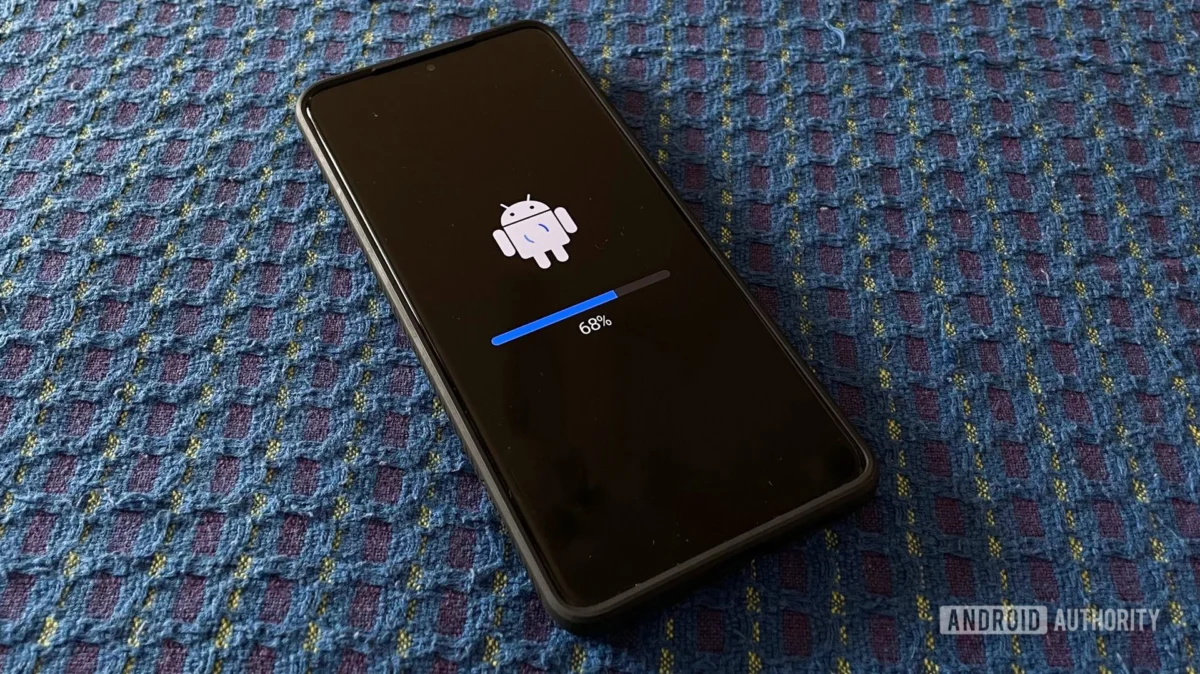
In the modern digital ecosystem, the convenience of the Google Play Store’s "Update All" feature has conditioned smartphone users to adopt a "set it and forget it" mentality regarding software maintenance. For most applications—from social media platforms to productivity suites—this automated approach works flawlessly. However, beneath the polished interface of your Samsung Galaxy device lies a complex architecture of core system components that occasionally require more proactive attention.
Recent reports indicate that three critical Google-developed system components—Android System SafetyCore, Android System WebView, and Google Play Services—have received significant updates that are not appearing in the standard automated update queue. For users on Samsung’s latest software iterations, this necessitates a manual intervention to ensure device security, stability, and optimal performance.
The Core Components: What Are You Updating?
To understand why these updates are being pushed independently of the standard Play Store cycle, it is essential to understand the roles these components play in the Android ecosystem.
Android System SafetyCore
SafetyCore acts as a specialized, isolated layer within the Android operating system designed to handle sensitive security and privacy-related tasks. By separating these functions from the main OS, Google can deliver critical security patches and privacy updates without needing to overhaul the entire Android version. When SafetyCore receives an update, it typically addresses underlying vulnerabilities that could potentially be exploited to bypass hardware-backed security measures.
Android System WebView
WebView is arguably one of the most critical components of the Android experience. It allows apps to display web content without forcing the user to switch to a standalone browser like Chrome. Because it essentially serves as a browser engine embedded within other applications, it is a high-priority target for security researchers and threat actors alike. Keeping WebView updated is non-negotiable for anyone who values their digital security.
Google Play Services
Often described as the "heart" of the Android operating system, Google Play Services is a background package that provides APIs for almost every major function of the phone. From location services and push notifications to Google Account synchronization and battery management, Play Services is the connective tissue that allows your phone to function as a smart device.
Chronology: How the Update Came to Light
The discovery of these pending updates was brought to public attention via SamMobile, which noted that users running Samsung’s latest software environments—specifically those testing One UI 8.5 and the early builds of One UI 9—were not seeing these components update via the standard "Manage apps & device" dashboard.
The Discrepancy in Distribution
While the Google Play Store is designed to push these updates silently in the background, a synchronization lag or a specific deployment strategy for the latest One UI builds has caused these components to stall in a "pending" state. For users in specific regions, most notably India, the system failed to trigger the automatic update, leaving thousands of devices running slightly outdated—and therefore potentially vulnerable—versions of these core packages.
The specific version numbers now available for manual installation are:
- Android System SafetyCore: 1.0.925574157
- Android System WebView: 149.0.7827.91
- Google Play Services: 26.22.33
Supporting Data: Why Manual Updates Matter
While the lack of an official changelog from Google is frustrating for power users, the history of these components suggests that these updates are not mere cosmetic tweaks.
Security Vulnerabilities
Historically, updates to Android System WebView have patched "Zero-Day" vulnerabilities—security flaws that are known to developers but are already being exploited in the wild. By delaying these updates, a user leaves a "backdoor" open in apps that rely on WebView, such as banking apps, email clients, and news aggregators, which could be exploited to leak user data or execute malicious code.
Performance and Battery Efficiency
Google Play Services is frequently cited by users as a primary source of battery drain. When the service becomes bloated or outdated, it often fails to communicate efficiently with the device’s hardware, leading to excessive CPU wake-locks. Updating to version 26.22.33 is likely to include optimizations that streamline these background processes, potentially leading to improved standby battery life for Galaxy users.
Compatibility with One UI 9
As Samsung prepares for a wider rollout of One UI 9, the OS relies heavily on the latest APIs provided by Google. If a device is running the new One UI interface but is anchored to an older version of Google Play Services, it can lead to "Force Close" errors, app crashes, or system instability. Ensuring these three components are updated is a prerequisite for a smooth transition to the next generation of Samsung’s software.
Step-by-Step: How to Perform the Manual Update
Because these system components are excluded from the standard "Manage apps & device" list, you cannot rely on the Play Store’s main dashboard to flag them. You must navigate to them individually. Follow these steps to ensure your device is current:
- Access System Settings: Open the Settings app on your Samsung Galaxy device.
- Navigate to Apps: Scroll down and select the Apps menu.
- Search for the Components: Use the search bar at the top to look for the following three apps:
- Android System SafetyCore
- Android System WebView
- Google Play Services
- Open App Details: Tap on each app individually to open its specific settings page.
- Navigate to Store Details: Scroll to the bottom of the App Info page and tap on App details in store.
- Execute the Update: This will open the specific Play Store listing for that system component. If an update is available, you will see a prominent Update button. Tap it to initiate the installation.
Note: If you do not see an "Update" button, your device may have already received the update via the background server-side push, or your region may not yet be eligible for this specific build.
Implications: The Future of Android Maintenance
The situation surrounding these updates highlights a growing tension in the Android ecosystem between "seamless automation" and "user control."
The Burden of Maintenance
While Google aims to make Android updates invisible, the complexity of the modern smartphone means that occasionally, the automation fails. This incident serves as a reminder that users—particularly those using flagship devices like the Samsung Galaxy S20 Ultra or newer—should occasionally perform a "sanity check" on their system components.
Regional Rollouts and One UI 9
The fact that this issue is currently most prevalent for users on the One UI 9 beta in India suggests a potential fragmentation in how Google’s update servers communicate with Samsung’s custom ROMs. As Samsung continues to tighten the integration between its own services and Google’s, the potential for these "update deadlocks" increases.
Implications for Enterprise Security
For users who utilize their Samsung devices for enterprise or work-related tasks, these updates are not optional. Corporate IT departments often push security policies that require devices to be on the latest version of WebView to protect company data. If these updates remain stuck in the Play Store, it could lead to compliance failures or security warnings within corporate-managed environments.
Conclusion
The recent updates to Android System SafetyCore, Android System WebView, and Google Play Services are critical for maintaining the health and security of your Samsung device. While the automated nature of modern smartphones is a welcome convenience, it is not infallible.
By taking the time to manually check for these updates, you are not only ensuring that your device remains protected against the latest security threats, but you are also contributing to the overall stability and performance of your software experience. Whether you are currently testing the cutting-edge One UI 9 or running a stable version of One UI 8.5, these manual updates are a small but vital part of responsible device ownership. Stay proactive, keep your software current, and ensure your device continues to function at its peak potential.

 Ammar Sabilarrohman
 Jia Lissa