Basiran
As record-breaking heatwaves sweep across the globe, bringing temperatures that frequently climb above 100 degrees Fahrenheit, humans aren’t the only ones feeling the thermal stress. Our digital lifelines—the smartphones we rely on for everything from navigation to emergency communication—are increasingly vulnerable to the punishing effects of extreme environmental heat.
When a phone is exposed to excessive temperatures, it doesn’t just "feel" hot; its internal components suffer. Batteries, the heart of any mobile device, are particularly sensitive. Heat accelerates chemical degradation within lithium-ion cells, leading to permanent capacity loss and, in extreme cases, potential safety hazards. Beyond the battery, processors throttle their speed to prevent heat-induced damage, leading to sluggish performance, while sensitive screen components can suffer from discoloration or permanent ghosting.
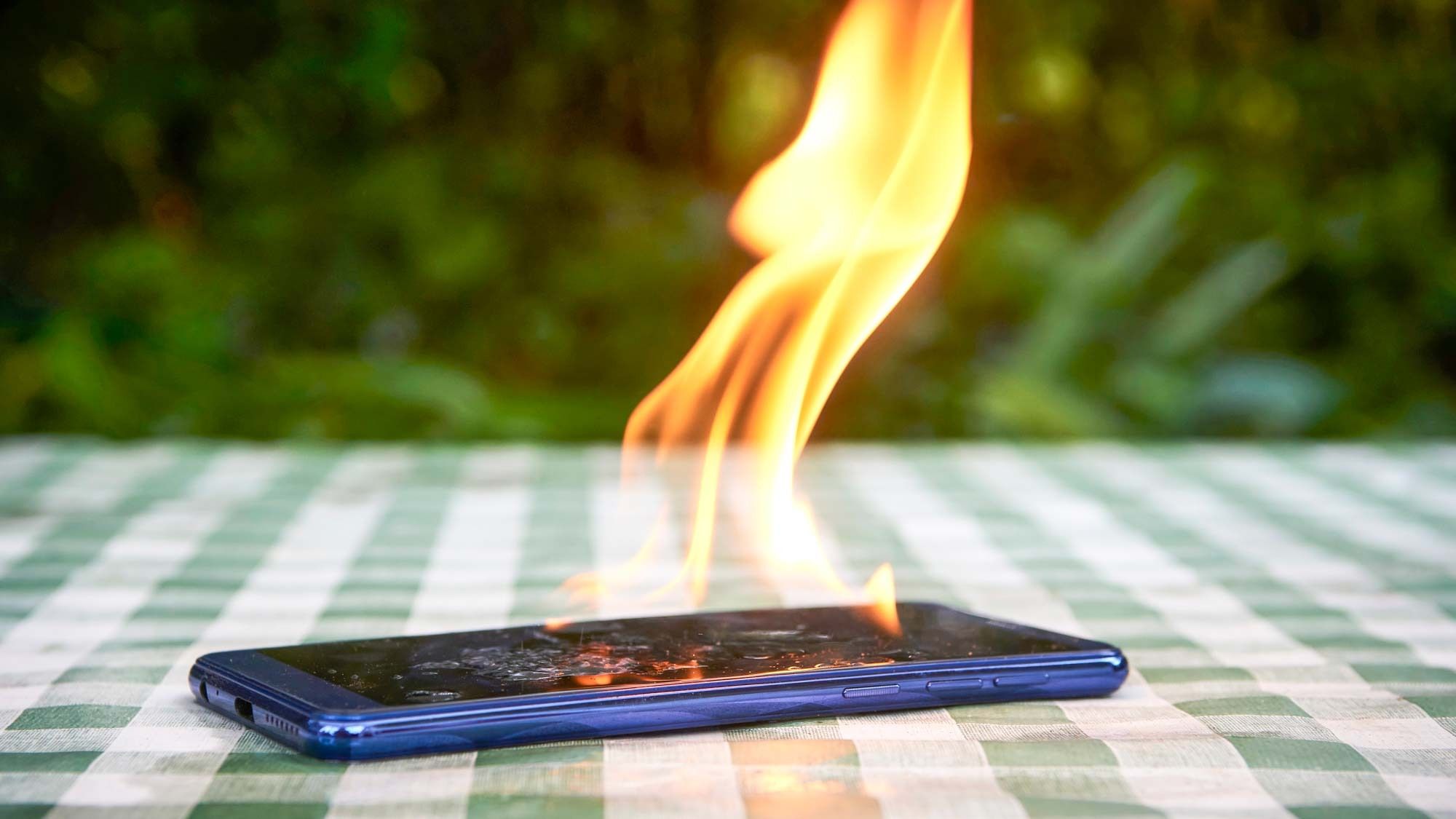
To ensure your device survives this summer’s heatwaves, we have compiled an essential, data-backed strategy to protect your technology.
The Chronology of Thermal Damage: Why Heat Matters
The relationship between ambient temperature and hardware health is a downward spiral. It begins with "thermal throttling," a protective mechanism embedded in modern smartphone operating systems. When internal sensors detect temperatures exceeding the manufacturer’s recommended operating range (typically between 32°F and 95°F), the device automatically limits CPU and GPU performance.
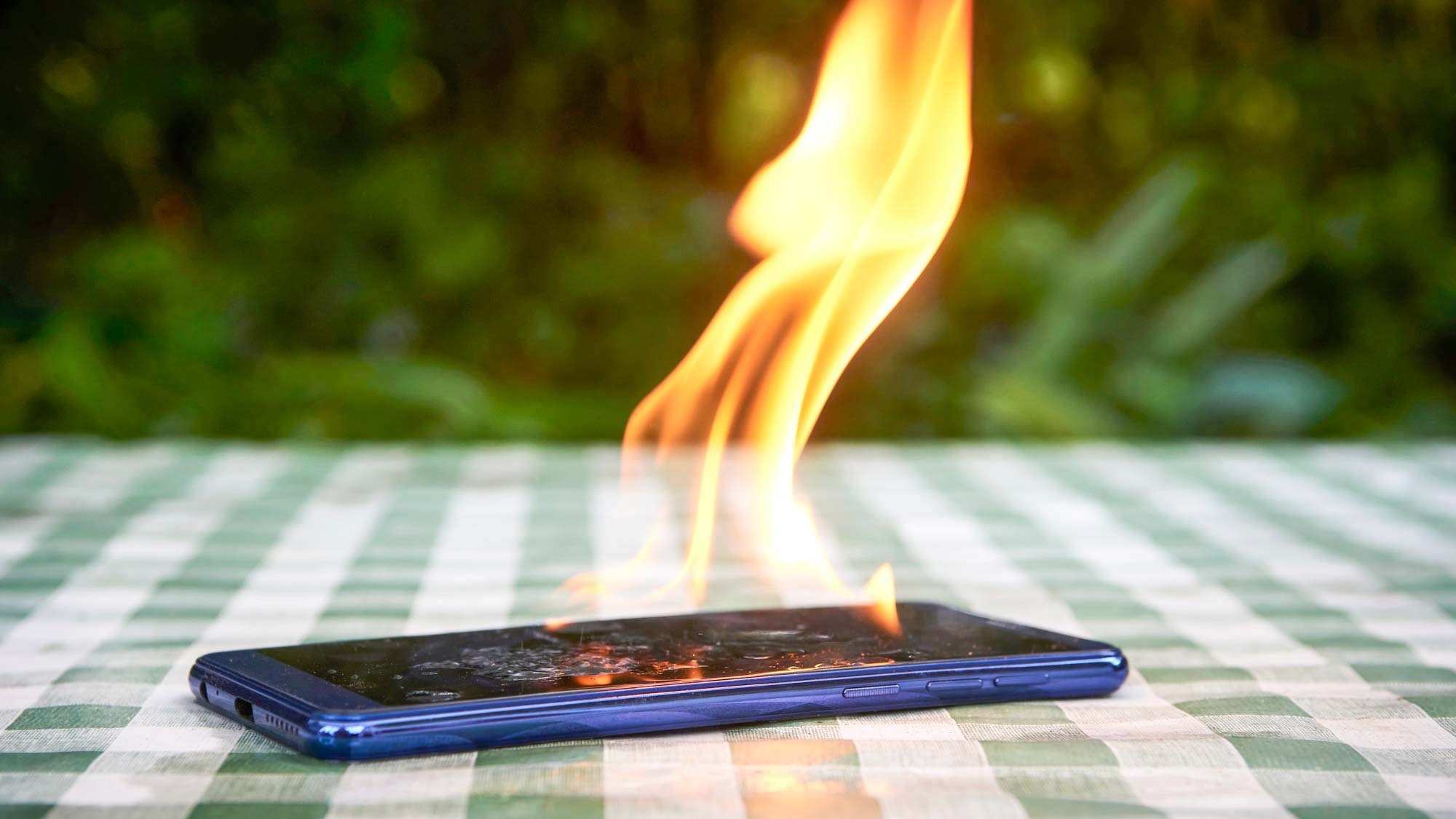
- Initial Warning: The phone slows down significantly. Apps become unresponsive, and the UI stutters.
- Degradation: If the temperature continues to rise, the chemical structure of the battery’s electrolyte begins to break down.
- Critical Failure: In extreme instances, the device will force a shutdown, displaying a thermal warning screen. At this point, the hardware is at significant risk of permanent damage, including fried capacitors and logic board stress.
9 Essential Strategies to Keep Your Device Cool
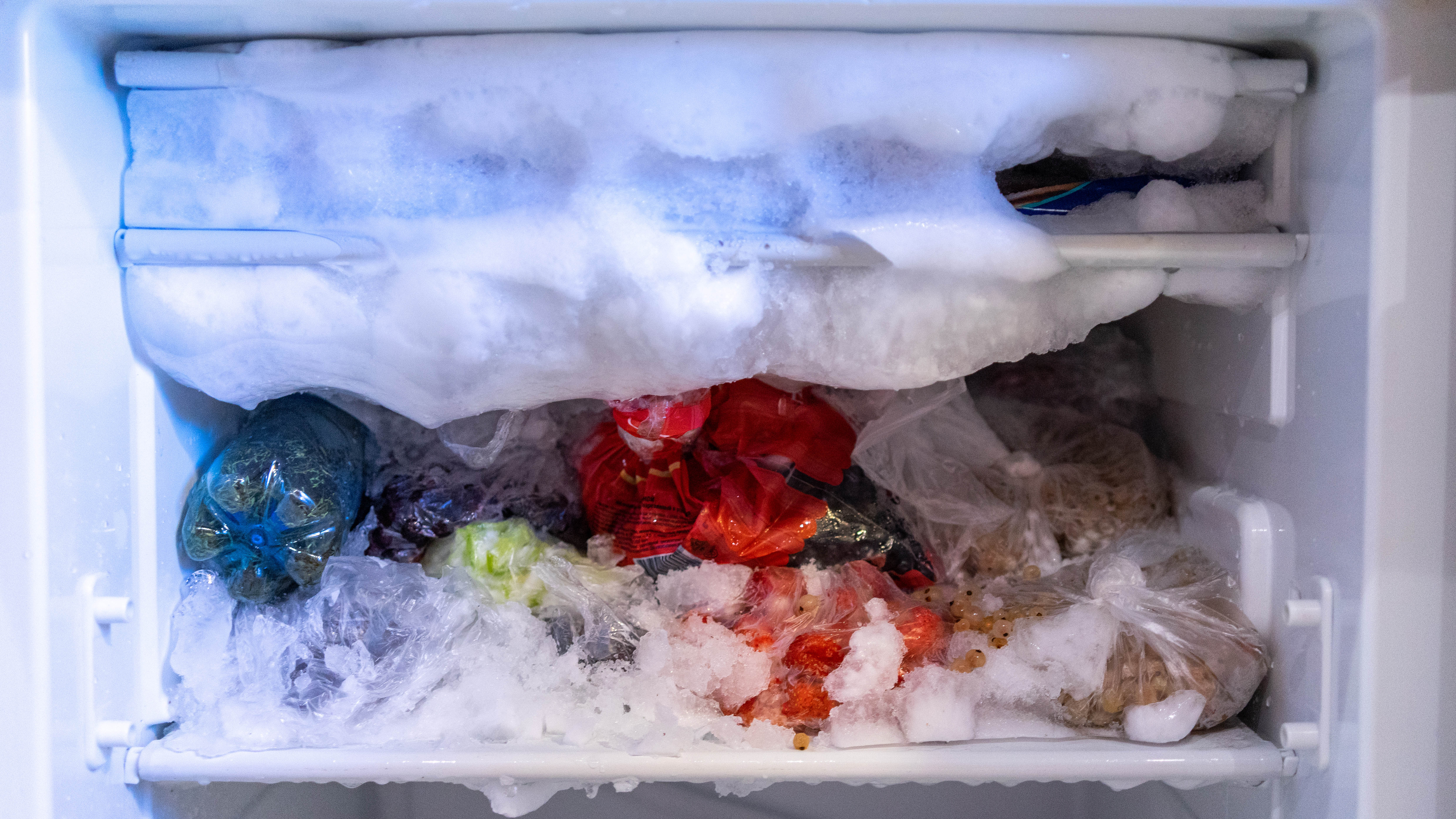
1. Avoid the Fridge or Freezer at All Costs
There is a dangerous, common myth that placing a hot phone in a freezer will "reset" its temperature. Do not do this.
Moving a device from 100°F to 32°F in seconds causes "thermal shock." The rapid contraction of internal components can cause microscopic cracks in the motherboard, and the sudden change in temperature often leads to condensation. Humidity is the enemy of electronics; as the device cools, moisture from the air can liquefy inside the chassis, leading to short circuits and long-term corrosion.
2. Prioritize Cool, Ambient Environments
The simplest solution is often the most effective: keep your phone in an air-conditioned room. If you are outdoors, avoid direct sun exposure. Using a reflective surface, a shaded bag, or even an umbrella can prevent the "greenhouse effect" where the glass screen acts as a magnifying lens for solar radiation. Most importantly, never leave your phone in a parked car, where interior temperatures can climb to over 150°F in minutes.
3. Seek Shade and Avoid Body Heat
When you are on the move, your body acts as a heat source. Carrying your phone in a tight pocket means the device is absorbing your body heat while simultaneously being unable to dissipate its own generated heat. In extreme heat, keep your phone in a bag or a loose-fitting pocket where air can circulate around the chassis.
4. Improve Ventilation
Heat dissipation is a physical process that requires airflow. Your phone’s chassis acts as a passive heat sink. By covering it with thick, insulating cases, you are effectively trapping the heat inside. While a "naked" phone is more susceptible to drops, during a heatwave, you may consider swapping to a thinner, breathable case or removing the case entirely during periods of heavy use.
5. Strip Away Unnecessary Accessories
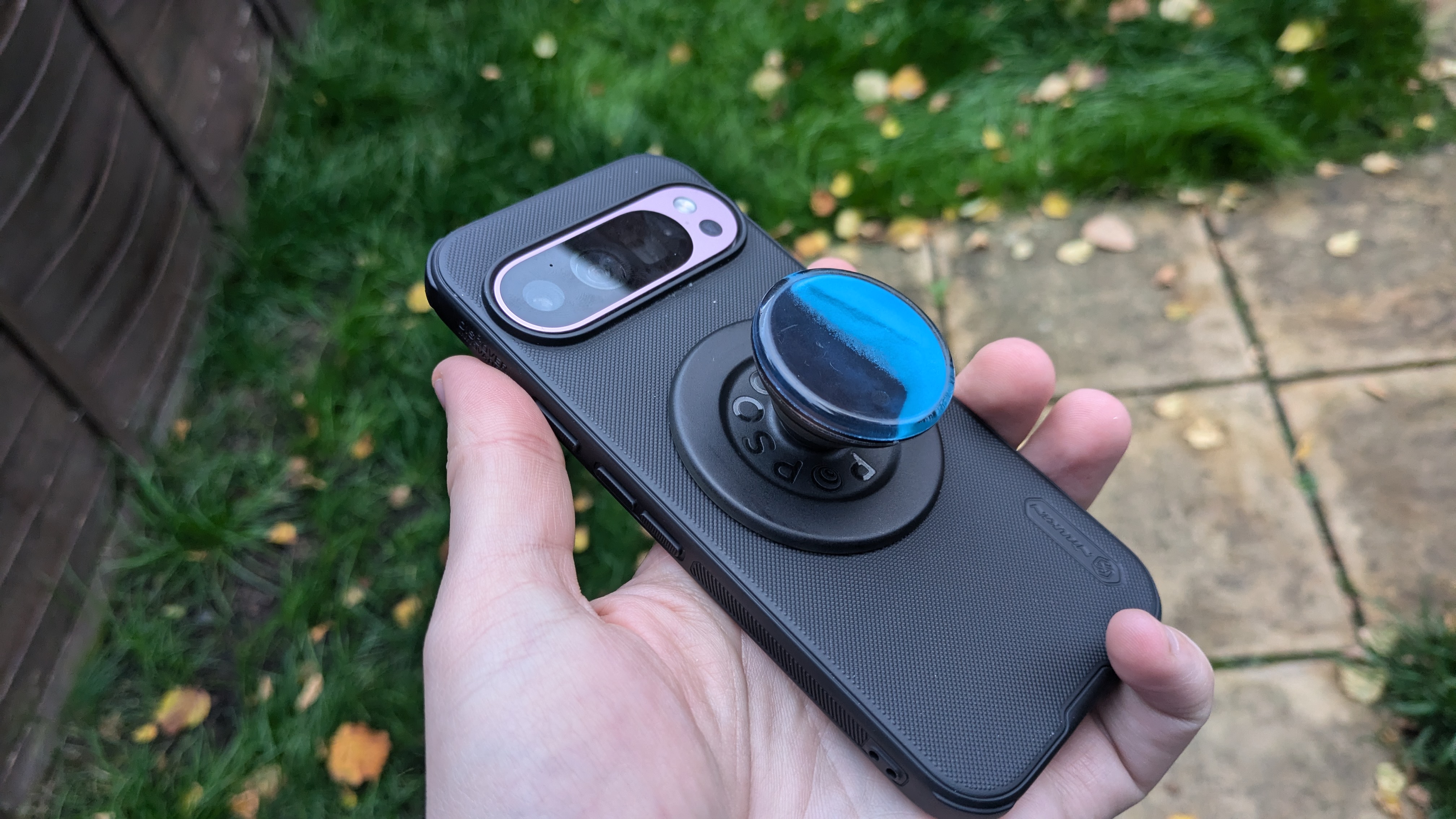
Modern smartphones are often festooned with rings, grips, and thick wallet cases. These accessories often cover the areas of the phone designed to dissipate heat. If you notice your device getting warm, remove these add-ons immediately to allow the metal or glass back of the phone to vent heat into the surrounding air.

6. Abandon Fast and Wireless Charging
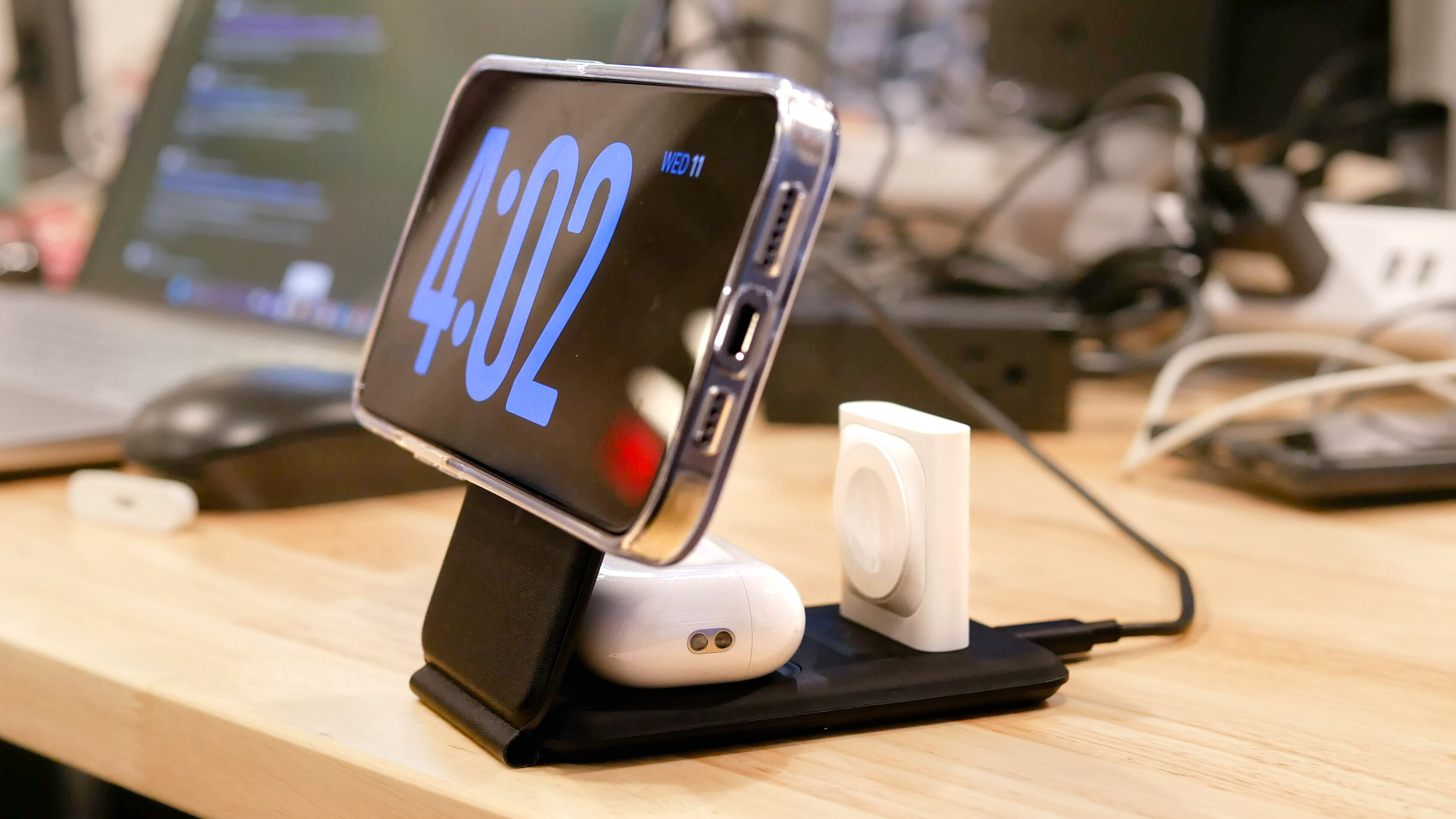
Charging is a high-energy process that inherently generates heat. Fast charging (especially 60W+) is significantly more efficient but creates more thermal waste than "slow" charging. Similarly, wireless charging is notoriously inefficient, with a portion of the energy lost as heat during the induction process. During a heatwave, stick to a standard 5W or 10W wall charger and avoid wireless charging pads, which can turn into small space heaters for your device.
7. Limit High-Performance Tasks
If you want your phone to stay cool, don’t ask it to work hard. Avoid:
- Gaming: 3D rendering pushes the GPU to its limit.
- Video Recording: Capturing 4K or 8K video is one of the most taxing operations for a processor.
- On-Device AI: Modern AI features, such as real-time translation or local LLM processing, generate substantial internal heat.
- Streaming: Heavy data usage and constant display activity create a perfect storm for thermal buildup.
8. Invest in Specialized Cooling Hardware
For mobile power users, there is a burgeoning market for active cooling accessories. Peltier-effect coolers—small devices that clamp onto the back of your phone and use a cooling plate and a fan—can actively drop a phone’s temperature by 20 to 30 degrees. These are a game-changer for those who must use their devices for professional work in hot conditions.
9. Optimize Software Settings
Your software settings control the power draw, and therefore the heat output.
- Brightness: Turn down the screen brightness. The display is often the biggest power drain and heat generator.
- Connectivity: If you are in a location with poor cellular signal, your phone will "search" for a tower, cranking up the antenna power and generating heat. Switch to Airplane mode if you don’t need cellular data.
- Background Processes: Disable GPS, Bluetooth, and background app refresh to ensure the processor isn’t working harder than necessary.
Implications of Thermal Neglect
Ignoring these guidelines leads to more than just a momentary annoyance. The long-term implications are financial and functional. A battery that has been repeatedly overheated will reach the end of its life cycle years earlier than expected. Furthermore, the internal glue holding the phone’s water-resistant seals together can soften under extreme, sustained heat, potentially compromising the IP68 rating of your device.
Official Manufacturer Guidance
Most smartphone manufacturers, including Apple and Samsung, explicitly state that their devices should be used in environments between 0°C and 35°C (32°F to 95°F). Storage, when not in use, should ideally be between -20°C and 45°C. When a device exceeds these temperatures, manufacturers have designed them to automatically initiate "thermal mitigation" protocols. This is not a failure of the device; it is a safety feature. If you see the temperature warning screen, turn the device off immediately and move it to a cool, dry place. Do not attempt to force it back on until it is cool to the touch.
Conclusion
As climate change continues to drive global temperatures higher, we must adapt our technology usage habits. Your phone is a sophisticated piece of micro-engineering that, like any engine, requires proper cooling to function efficiently. By avoiding the common traps of rapid charging, direct sunlight, and high-intensity processing, you can ensure your device remains a reliable companion throughout the summer, rather than a casualty of the heat. Stay cool, stay shaded, and keep your tech protected.

 Iffa Jayyana
 Suro Senen