

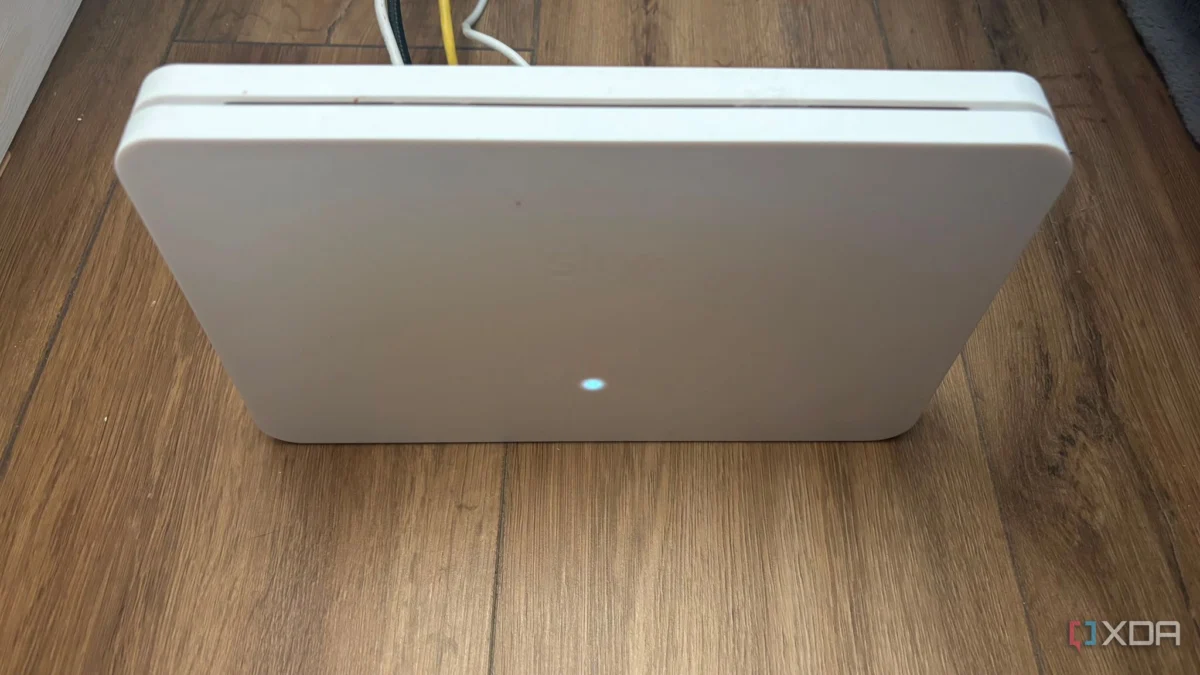
It is a familiar narrative in the modern household: you are paying a premium monthly subscription for high-speed fiber or cable internet, yet your streaming service is buffering, your video calls are stuttering, and your speed tests are coming back at a fraction of the advertised rate. The immediate, reflexive response for most consumers is to blame the hardware provided by the Internet Service Provider (ISP). We often view these "free" gateways as cheap, underpowered "e-waste," leading many to rush to e-commerce sites to drop hundreds of dollars on the latest mesh Wi-Fi systems or high-end routers with protruding antennas.
However, industry experts and hardware analysts are increasingly pointing to a simpler, cost-free solution. The truth is that most ISP-provided hardware—particularly the Wi-Fi 6 and Wi-Fi 6E units deployed over the last three years—features robust chipsets and highly capable internal antenna arrays. The problem is rarely the silicon; it is the geography. Your ISP router does not need to be replaced; it needs to be rescued from its environment.
The Architecture of Failure: Why Your Router is Trapped
To understand why your internet feels slow, we must first look at the "chronology of installation." When a technician arrives to set up your home network, their primary objective is speed and convenience. They look for the nearest entry point for the utility line—often a crawlspace, a basement corner, or a utility closet. They drill a hole, plug in the gateway, and consider the job done.
This creates a "worst-case scenario" for wireless propagation. In many homes, these routers end up:
- Encased in metal: Utility closets act as Faraday cages, effectively trapping the signal within a metal box.
- Obstructed by "Hell Bricks": Placing a router behind a massive 65-inch television is a death sentence for signal strength. A modern TV is essentially a large, solid sheet of metallic shielding and copper circuitry that absorbs the high-frequency waves your router is trying to emit.
- Low-Level Placement: Tucking a router on the floor under a desk or behind a couch forces the signal to travel through furniture, carpet, and legs before it even has a chance to reach your living room.
The Physics of Signal Attenuation
Wireless signals are not magic; they are subject to the rigid laws of physics, specifically signal attenuation. When a Wi-Fi wave passes through a medium, it loses energy. While drywall is relatively permeable to 2.4 GHz waves, materials like concrete, brick, and even glass mirrors (which often feature a metal-backed reflective layer) act as significant barriers.
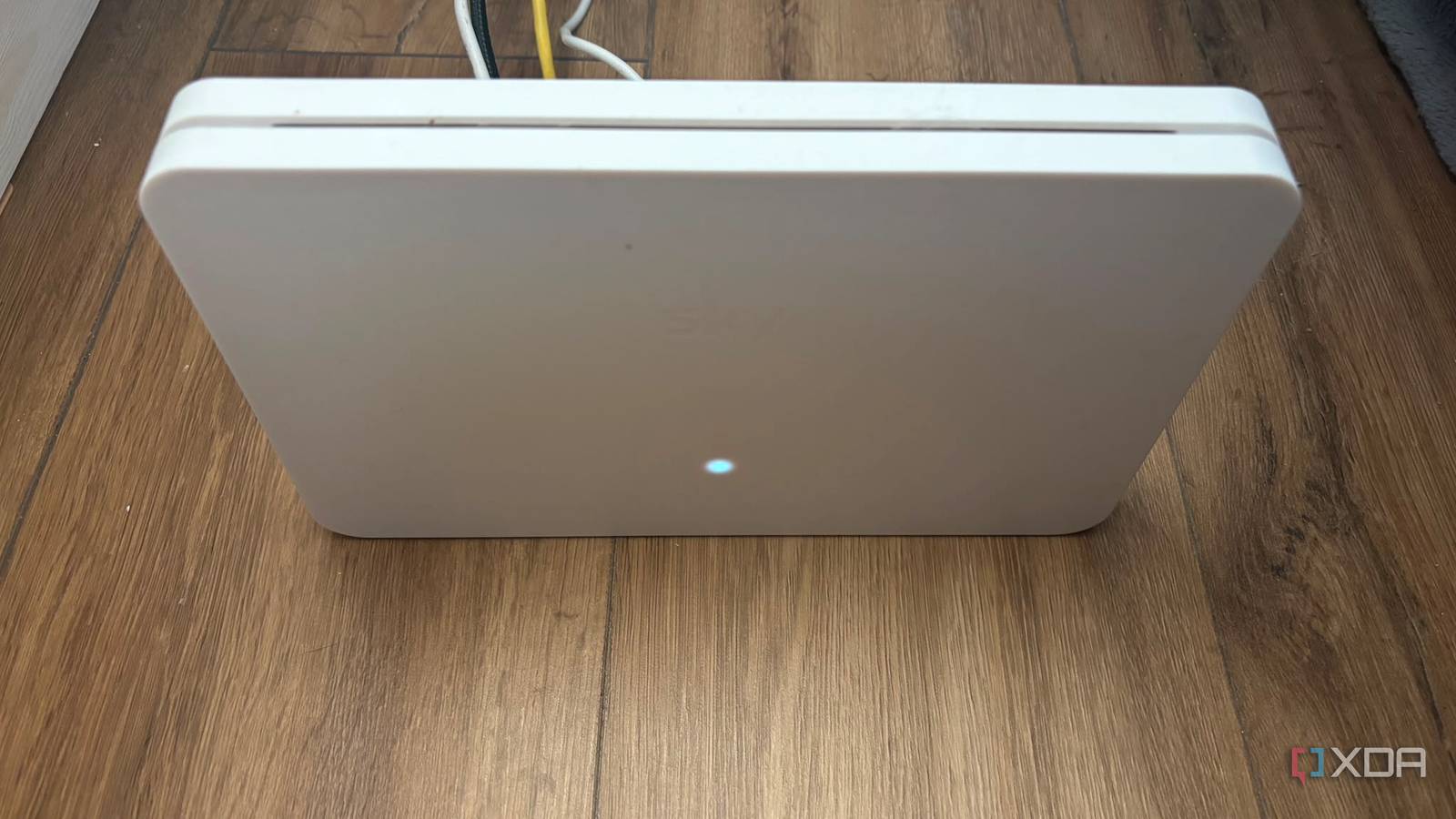
When you place a router in a suboptimal location, you are asking it to fight against these physical realities. High-speed bands like 5 GHz and 6 GHz are particularly fragile. While they offer the high throughput necessary for 4K streaming and low-latency gaming, their shorter wavelengths struggle to penetrate dense objects. If your device does not have a clear line of sight to the router, you are not getting the performance you are paying for.
Data-Driven Diagnostics: Analyzing Your Network Topology
Before you consider spending money on an upgrade, you must transition from guessing to measuring. Your home has a "live wireless topography" that can be mapped using simple, often free, tools.
Step 1: Utilize Wi-Fi Analyzer Tools
Download a reputable Wi-Fi analyzer app on your smartphone or laptop. These tools allow you to walk through your home and view your Received Signal Strength Indicator (RSSI) values, measured in dBm.
- -30 dBm: Near-perfect connection.
- -50 dBm to -60 dBm: Excellent, reliable signal.
- -70 dBm or lower: The "danger zone." At this level, data packets begin to drop, latency spikes, and your connection becomes unstable.
Step 2: The Three-Foot Rule
Once you have identified your dead zones, apply the "three-foot rule." Radio waves propagate outward and downward from the router. To maximize their reach, clear the space within a three-foot radius of the device. Remove heavy metal objects, filing cabinets, large mirrors, and dense cable clusters from this immediate area. Think of the router as a lightbulb; if you put it inside a lampshade, the room stays dark.
Practical Strategies for Immediate Improvement
If your ISP has placed your router in a remote corner of the home, you do not have to leave it there. Many homeowners assume the router must stay where the technician drilled the hole. This is a misconception.

Relocation via Cabling
You can purchase a high-quality, shielded Cat6a Ethernet patch cable. These cables are inexpensive and can be run along baseboards to move your router from a dark basement or closet into a central hallway or living area. Moving the router even ten feet toward the center of the home can result in a massive jump in signal quality, often far exceeding the performance gains you would see from buying a "premium" router that is placed in the exact same bad location.
Elevation is Key
Radio waves travel significantly better when they are not hitting furniture. Elevate your router. Placing it on a shelf, a high table, or a mounted bracket at least four to six feet off the ground allows the signal to travel over obstacles rather than through them. This simple change can, in many cases, increase your effective throughput by 20% to 40% without changing a single setting in your router’s firmware.
Industry Implications and Consumer Behavior
The networking industry has a vested interest in the "upgrade cycle." By marketing "tri-band," "Wi-Fi 7," and "mesh systems" as the only path to better internet, companies ensure a steady stream of revenue. However, for the average household, the hardware provided by the ISP is already highly capable.
The current trend toward "mesh" systems is a response to the poor placement of the primary gateway. If you have a large home, you might truly need a mesh system, but even then, the system will only perform as well as the placement of the satellite nodes. If you place a satellite node behind a television, you have simply extended the reach of your poor-quality signal.
When is an upgrade actually necessary?
There are legitimate reasons to upgrade your router, such as:
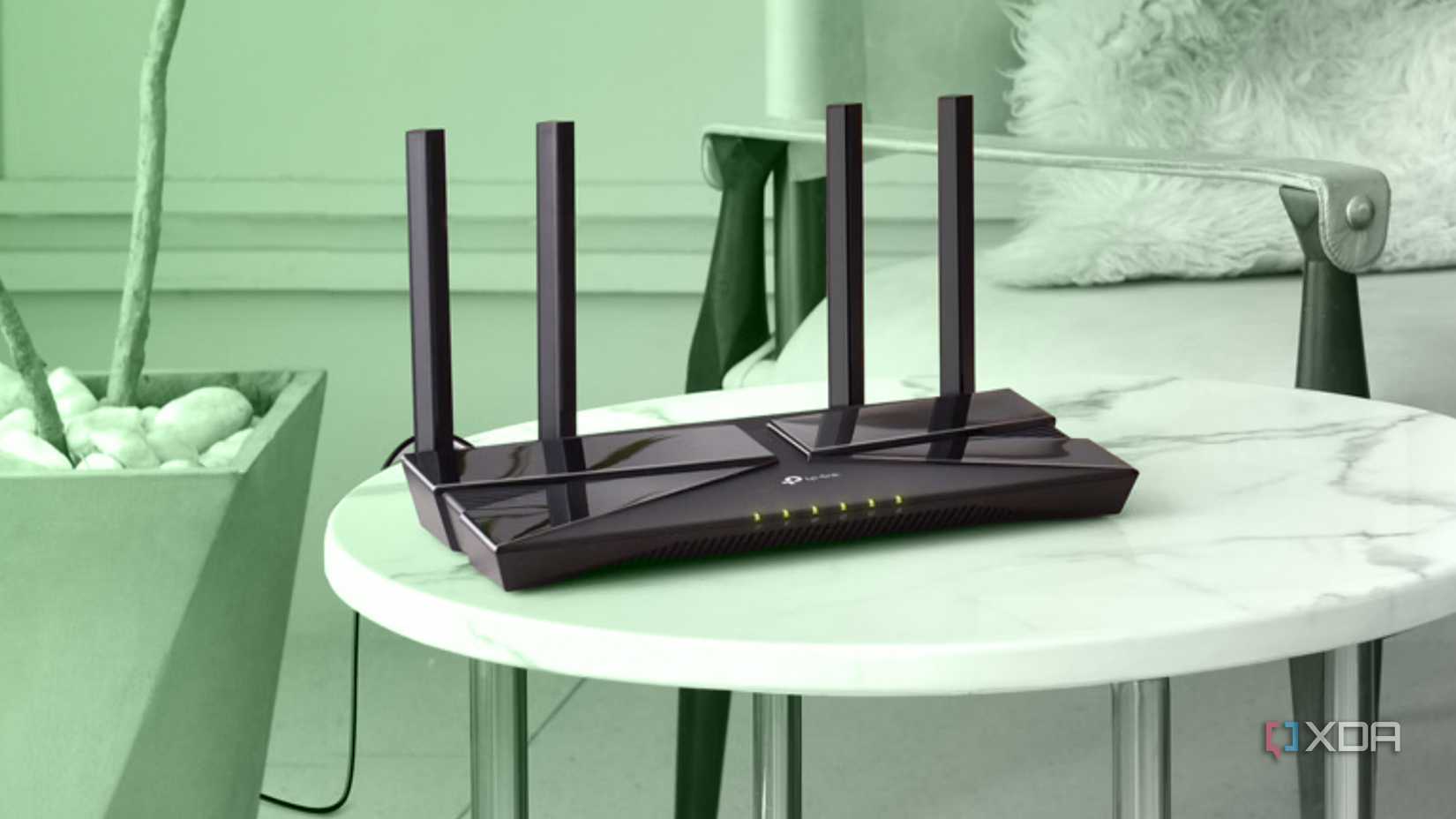
- ISP Hardware Limitations: If you are using a router that is five to seven years old, it may lack modern standards like Wi-Fi 6 (802.11ax), which manages congested environments (like apartment buildings) much better than older hardware.
- Advanced Features: If you require deep administrative control, such as advanced VPN configurations, complex VLAN tagging, or enterprise-grade parental controls that your ISP does not offer.
- Physical Damage: If the internal antennas have been compromised or the hardware is overheating due to poor ventilation.
In these cases, purchasing a third-party router is a valid strategy. However, for 90% of consumers experiencing standard connection issues, the culprit is the physical environment.
Conclusion: The "Zero-Cost" Fix
The narrative that your ISP-provided gateway is "junk" is a marketing construct designed to sell hardware. Before you reach for your credit card, take ten minutes to analyze your home’s layout. By simply relocating your hardware, elevating it, and ensuring it has a clear line of sight to the areas where you spend the most time, you can often solve your connection issues permanently.
The goal is to stop treating your router like an appliance that needs to be hidden away and start treating it like a precision instrument that needs a clear line of sight. By respecting the laws of physics and the importance of physical geometry, you can unlock the full potential of your existing internet plan, ensuring that the gigabit speeds you pay for are the same speeds that actually reach your devices. Your credit card—and your home network—will thank you.











