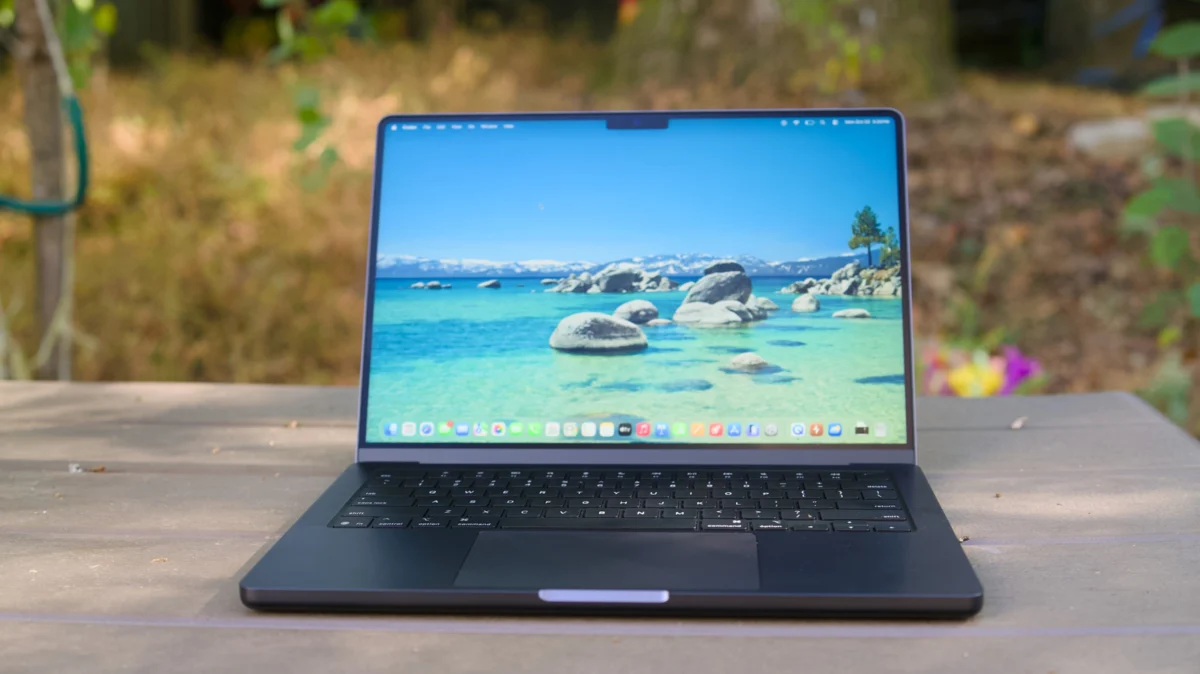
The transition from the Windows ecosystem to macOS is a rite of passage for many technology enthusiasts. Driven by the impressive power-to-efficiency ratio of Apple Silicon, superior build quality, and industry-leading battery life, a growing number of power users are making the jump. However, while the transition is often touted as seamless, the reality for a long-time Windows user involves more than just getting used to a new wallpaper. Moving to the Mac is a departure from a decade or more of muscle memory, software compatibility habits, and hardware expectations.
While the "grass is greener" on the Apple side regarding hardware reliability, the shift involves a series of subtle but significant friction points that can frustrate the uninitiated.
The Learning Curve: Breaking Muscle Memory
The most immediate challenge for any Windows switcher is the fundamental re-learning of the user interface. For decades, Windows users have relied on the taskbar, the Start menu, and the ubiquitous right-click context menu.
The Right-Click Paradigm
On macOS, the concept of a "right-click" is conceptually different. Historically rooted in Steve Jobs’ insistence on a single-button mouse—a philosophy intended to keep the interface uncluttered—the modern Mac uses a trackpad gesture (a two-finger tap) or the Control-key modifier to replicate the secondary menu. For a user who has spent twenty years clicking a dedicated right button, this requires a period of cognitive adjustment. While one could connect a traditional two-button mouse, it often feels like an unnatural appendage to the sleek macOS environment.
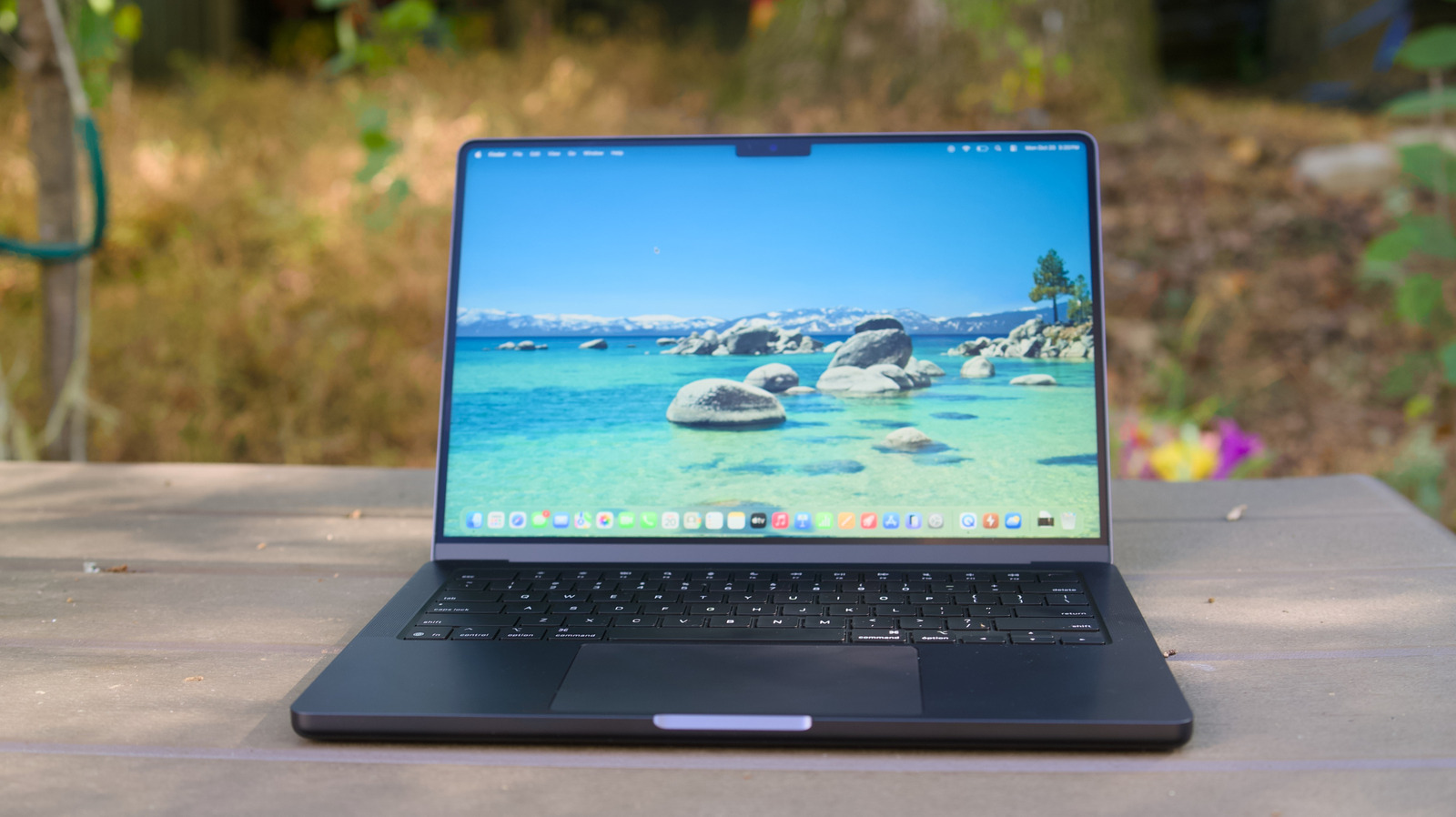
File Management and Application Installation
Windows users are accustomed to sophisticated installers—files that run you through a setup wizard and place items in the Registry. macOS, conversely, relies on a more containerized approach. Many applications are simply dragged into the "Applications" folder. While this is arguably cleaner and prevents the "registry rot" common in older Windows versions, it feels alien to those expecting an automated installation process.
The Dock vs. The Taskbar
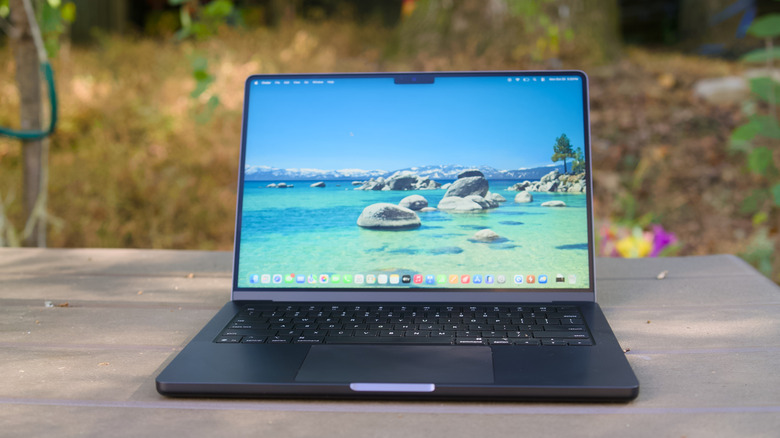
The macOS Dock is often a point of contention for new arrivals. Unlike the Windows Taskbar, which clearly lists every active window, the Dock serves more as a launcher and a shortcut repository. Identifying which windows are active requires a different set of visual cues. Mastering "Hot Corners"—a feature that allows users to trigger specific actions by moving the cursor to the screen’s edge—is a vital skill that bridges the gap between Windows window-management and Apple’s more fluid, gesture-heavy approach.
Chronology of the Switch: From Familiarity to Integration
The journey of a switcher typically follows a predictable arc:
- The Honeymoon Phase: The user appreciates the silence of the fans, the color accuracy of the Retina display, and the immediate wake-from-sleep functionality.
- The Frustration Phase: The user reaches for a non-existent right-click, struggles to find a window hidden behind another, or realizes their favorite gaming title is missing from the App Store.
- The Adaptation Phase: The user learns key shortcuts (like Command-Space for Spotlight search), begins utilizing Stage Manager for multitasking, and starts to appreciate the interoperability of the ecosystem.
- The Integration Phase: The user finds themselves considering an iPhone or iPad to complete the "hand-off" experience, fully realizing the gravity of the Apple ecosystem.
Gaming: The Great Divide
If there is one area where Windows remains the undisputed king, it is gaming. Despite Apple’s recent efforts to court developers with the M-series chips and the "Game Porting Toolkit," the reality is that macOS is not a platform designed for the high-end PC gamer.
While high-profile titles such as Baldur’s Gate 3 and certain Resident Evil ports have made their way to the Mac, these are the exceptions, not the rule. The vast majority of the Steam library remains inaccessible or requires emulation layers that can impact performance. For those who prioritize gaming, a Mac cannot currently replace a dedicated Windows rig.
However, we are seeing a shift in how "gaming" is defined. Cloud streaming services like NVIDIA GeForce Now and Xbox Cloud Gaming have effectively bypassed the hardware limitations of the Mac. By streaming the processing load to a remote server, a user can enjoy AAA titles on a MacBook Air, provided they have a stable internet connection.
Hardware Rigidity: The End of Upgradability
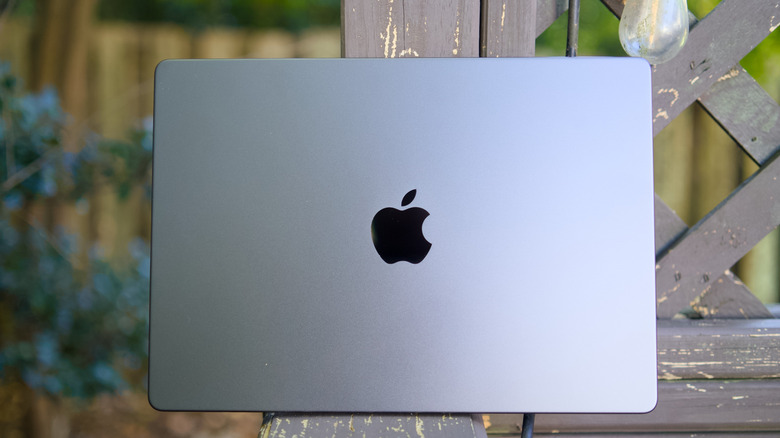
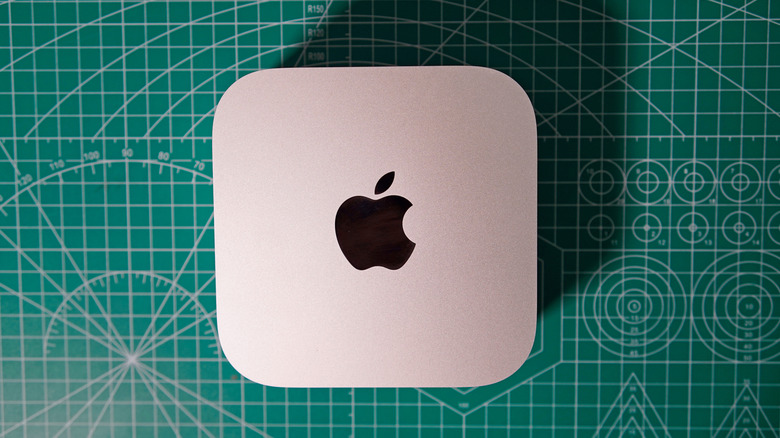
In the era of custom PC builds, the ability to swap out a GPU or add an extra stick of RAM is a foundational right for many users. Apple Silicon has effectively ended this tradition. Because the CPU, GPU, and unified memory are all integrated onto a single System-on-a-Chip (SoC), upgrades are physically impossible after the point of purchase.
This creates a significant implication for the buyer: you must "future-proof" your machine at the checkout counter. Choosing 8GB of RAM today may be sufficient, but it will inevitably become a bottleneck in four years. For users transitioning from a world where they could add an SSD or upgrade their graphics card, this "fixed" hardware model requires a shift in financial planning—you are essentially buying the final version of that machine on day one.
The Ecosystem Siren Call
The most profound, and perhaps most subtle, downside is the "walled garden" effect. Apple products are designed to talk to each other in ways that third-party hardware simply cannot replicate.
When you use a Mac, you are invited to use iCloud for file synchronization, iMessage for communication, and AirDrop for file transfers. If you are an Android user, you will find yourself excluded from these conveniences. You cannot easily sync your text messages, you cannot use "iPhone Mirroring," and you cannot take advantage of the seamless hand-off between a Mac and an iPad.
For many, this is the final step of the transition. The "siren call" of interoperability often leads switchers to abandon their Android devices in favor of an iPhone, not necessarily because the hardware is superior, but because the collective experience of the devices is greater than the sum of their parts.
Implications for the Future
Looking ahead, the divide between Windows and macOS continues to narrow in terms of software utility but widen in terms of philosophy. With rumors of touch-screen MacBooks on the horizon—potentially the "MacBook Ultra"—Apple may eventually address the only remaining hardware category where it lags behind the Windows competition.
However, the core difference remains one of control versus customization. Windows offers a "build your own experience" environment, while macOS offers a "curated, optimized experience."
Final Thoughts for Potential Switchers
If you are considering the jump, ask yourself what you value most. If you require absolute control over your hardware, a library of the latest triple-A games, and a desire to mix-and-match components from different manufacturers, Windows 11 remains the superior choice.
If, however, you value a machine that is a cohesive tool—one where the battery lasts through a full workday, the trackpad feels like an extension of your hand, and the ecosystem handles your data with automated grace—the Mac is a compelling upgrade. Just be prepared to leave your old habits at the door and spend a few weeks learning a new language of computing. The friction is real, but for many, the destination is worth the effort.