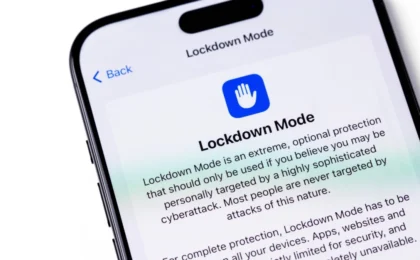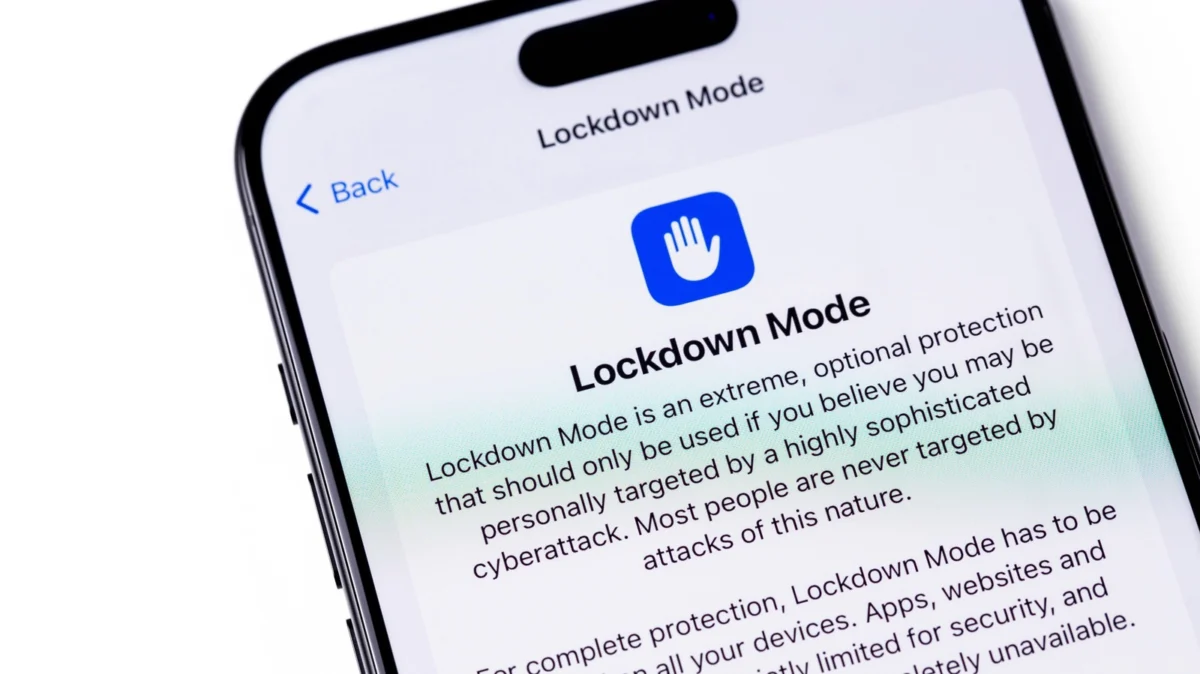
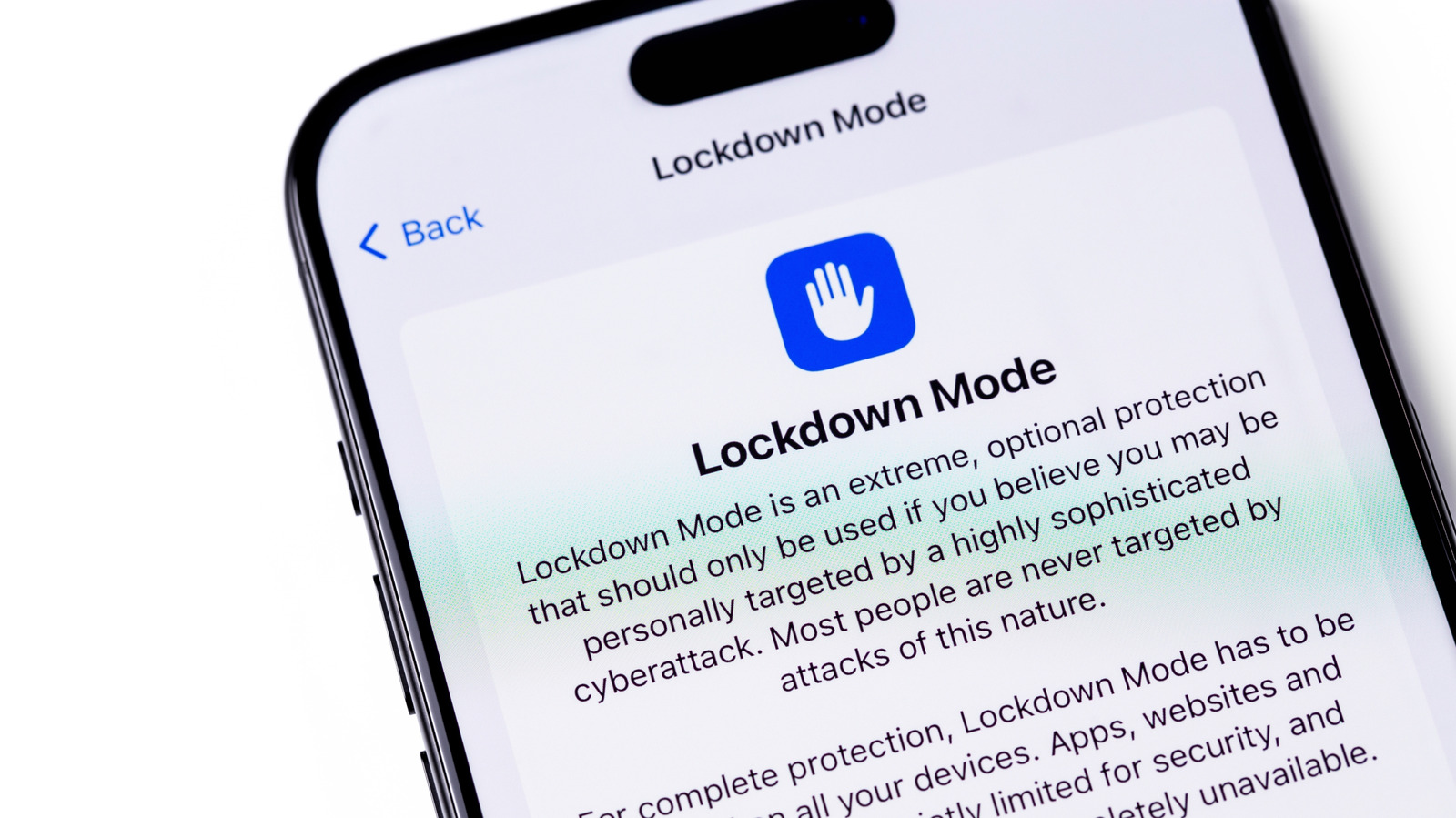
In an era where digital privacy is constantly under siege, the threat of state-sponsored surveillance and sophisticated commercial spyware has moved from the realm of spy thrillers into the pockets of everyday citizens. To counter this, Apple introduced "Lockdown Mode" in 2022—an "extreme" security setting designed not for the casual user, but for the high-risk individual. While it offers a digital bunker for your iPhone, it comes at a significant cost to user experience. This article explores the mechanics, implications, and necessity of Apple’s most restrictive security feature.
The Genesis of Lockdown Mode: Protecting the Vulnerable
The primary catalyst for the development of Lockdown Mode was the proliferation of commercial spyware, most notably the NSO Group’s Pegasus. Pegasus represents a new class of digital weapon: "zero-click" exploits that require no user interaction to infect a device. Once installed, the software can access encrypted messages, track locations, and activate microphones and cameras.
When victims include journalists, human rights activists, and high-ranking political officials, the standard security measures of a consumer operating system are often insufficient. Apple realized that for this specific demographic, the standard trade-off between functionality and security needed to be recalibrated entirely. By stripping away features that act as common entry points for malware, Lockdown Mode creates a "hardened" version of iOS, iPadOS, and macOS.
Chronology: From Concept to Digital Bunkering
- July 2022: Apple officially announces Lockdown Mode as part of its iOS 16 and macOS Ventura updates, framing it as a direct response to mercenary spyware attacks.
- September 2023: The "Blastpass" exploit is discovered. Security researchers find that the Pegasus spyware was using a specific image-based vulnerability in iMessage to bypass standard protections. Crucially, researchers confirm that devices with Lockdown Mode enabled were completely immune to this attack.
- 2023–2024: Apple expands the scope of Lockdown Mode, integrating it deeper into the ecosystem and offering substantial "bug bounty" rewards—up to $2 million—to researchers who can successfully demonstrate a way to bypass the mode’s defenses.
- Present Day: Lockdown Mode has become a standard feature across the Apple ecosystem, serving as the gold standard for personal digital security against advanced persistent threats (APTs).
How It Works: The "Extreme" Security Architecture
Lockdown Mode does not simply add a password; it fundamentally changes the operating system’s attack surface. To understand why it is so effective, one must look at what it systematically disables:
1. Messaging and Communication Restrictions
The most common vector for spyware is the messaging app. In Lockdown Mode, the majority of attachment types are blocked in Messages. Link previews—which often contain metadata that can be used to identify a device—are disabled. Only pre-approved contacts can initiate new conversations, and FaceTime calls are restricted to individuals you have already contacted. This eliminates the "click-to-infect" scenarios that have historically plagued mobile devices.
2. Web Browsing Limitations
Web browsers are complex pieces of software that interpret code from unknown sources. Lockdown Mode restricts Just-In-Time (JIT) JavaScript compilation, a feature often exploited by hackers to execute malicious code. While this drastically improves security, it creates a "broken" web experience for the average user, as many modern websites rely heavily on complex JavaScript to function correctly.
3. Hardware and Connectivity Hardening
Perhaps the most draconian measure is the disabling of wired connections when the device is locked. If your phone is locked, it cannot communicate with a computer or unauthorized accessory. This effectively neutralizes "juice jacking" and hardware-based forensic extraction tools. Furthermore, support for older, less secure cellular protocols (2G/3G) is removed, and the device will refuse to join non-secure Wi-Fi networks.
4. Apple Service Restrictions
Configuration profiles—often used by corporate IT departments—cannot be installed. HomeKit, Game Center, and shared photo albums are restricted or entirely disabled, as these services often provide secondary backdoors for persistent data collection.
Supporting Data: The Cost of Total Security
The trade-off for this protection is high. Users who enable Lockdown Mode often report:
- Reduced Productivity: Without configuration profiles, corporate email and VPN setups often fail.
- Broken Web Experience: Sites that rely on legacy scripts or complex interactivity will fail to load or display correctly.
- Ecosystem Disruption: Integration with the Apple Watch is diminished; notifications and specific app-handover features cease to function as intended.
However, the efficacy of the feature is undeniable. The fact that the Blastpass exploit—a highly sophisticated, multi-stage attack—was rendered inert on devices with Lockdown Mode active proves that the security model works. Apple’s willingness to pay a $2 million bounty for a bypass is a testament to the company’s confidence in the architecture.
Official Responses and Strategic Intent
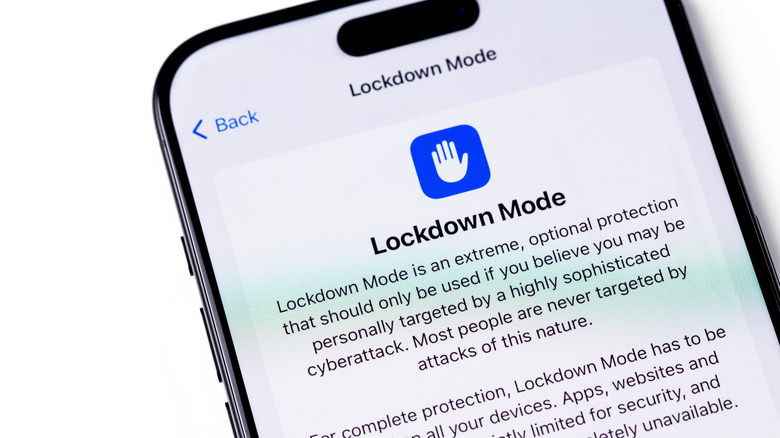
Apple has been transparent about the target audience for this feature. In their official documentation, they emphasize that it is not for the "average person." Instead, it is for those who, based on their profession or digital footprint, face "extraordinarily rare and highly sophisticated cyberattacks."
Apple’s move to notify users via "Threat Notifications" when they suspect a state-sponsored attack is a unique industry move. When a user receives such a notification, Apple explicitly recommends enabling Lockdown Mode. This creates a clear roadmap for the user: if you are not being targeted, the inconvenience is unnecessary; if you are being targeted, the inconvenience is a small price to pay for your digital integrity.
Implications for the Future of Privacy
The existence of Lockdown Mode raises a profound question: Should we all be living in a state of digital lockdown?
While the average user doesn’t need to fear a $1 million NSO Pegasus infection, the techniques used by these high-end spyware tools eventually trickle down to common cybercriminals. As we move into an era of AI-driven phishing and automated social engineering, the "hardened" features of Lockdown Mode—such as blocking link previews and restricting JavaScript—may eventually become the baseline for all users.
For now, the feature stands as a litmus test for the modern digital citizen. It forces us to ask: What do we value more—the seamless convenience of a fully featured smartphone, or the peace of mind that comes with a device that prioritizes defense over utility?
Conclusion
Lockdown Mode is a triumph of engineering that prioritizes the safety of the most vulnerable members of our global society. By allowing users to essentially "de-feature" their devices to prevent intrusion, Apple has set a new standard for mobile security. While the average user will find the experience restrictive, cumbersome, and perhaps even frustrating, it is a necessary tool in a landscape where privacy is increasingly under threat.
For the journalist, the activist, and the dissident, Lockdown Mode is not just a setting in the Privacy menu—it is a lifeline. For everyone else, it serves as a powerful reminder of how much of our digital freedom we trade for the convenience of an "always-on" connected life. If you have any reason to believe your digital footprint makes you a target, the path is clear: open your Settings, navigate to Privacy & Security, and choose the fortress. For the rest of us, it is enough to know that the option exists, standing as a sentinel in the background of our daily digital lives.