

In the modern digital household, a stable and fast Wi-Fi connection is no longer a luxury—it is a fundamental utility. As we move toward a world of smart appliances, high-definition streaming, and remote work, the limitations of the standard ISP-provided router have become increasingly apparent. Many homeowners, faced with "dead zones" where the signal fails to penetrate, turn to the most accessible solution: the Wi-Fi extender. But as the number of connected devices grows, a common question arises: Can you connect multiple Wi-Fi extenders to the same router to blanket your entire home in a high-speed signal?
The short answer is yes. Technically, you can pair several extenders with a single router. However, the reality of wireless networking is far more nuanced than simply "more devices equals more signal." Relying on multiple extenders can be a double-edged sword, potentially creating a network that is wider in reach but significantly poorer in performance.
Main Facts: How Wi-Fi Extenders Function
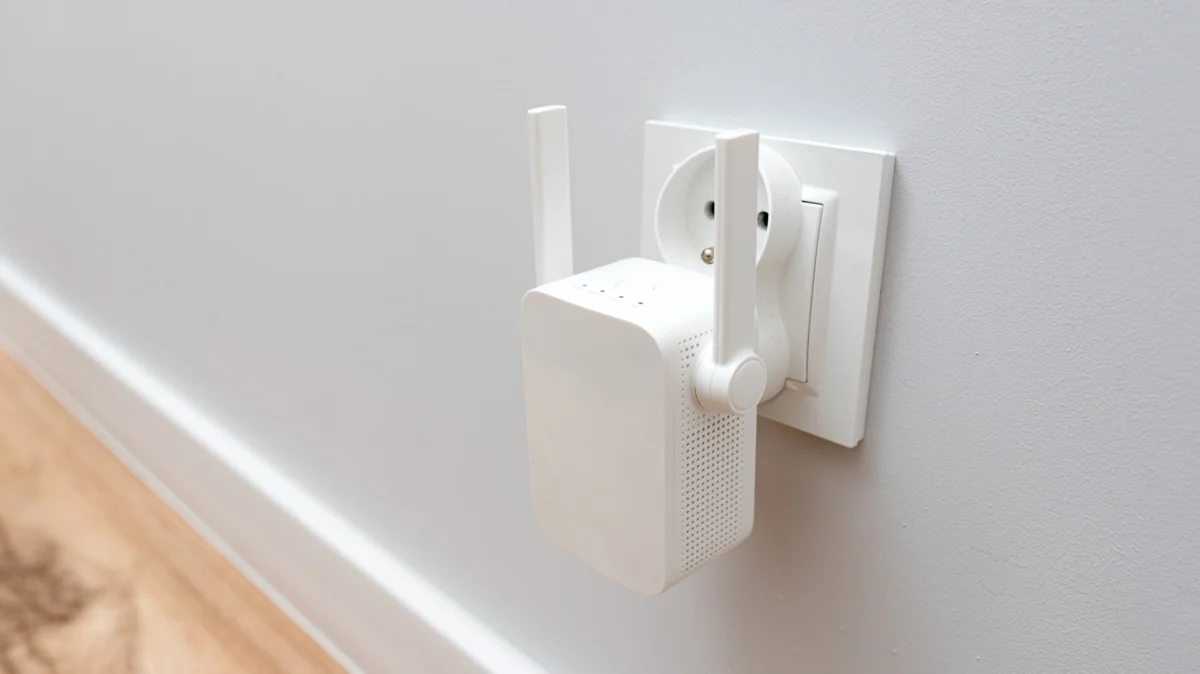
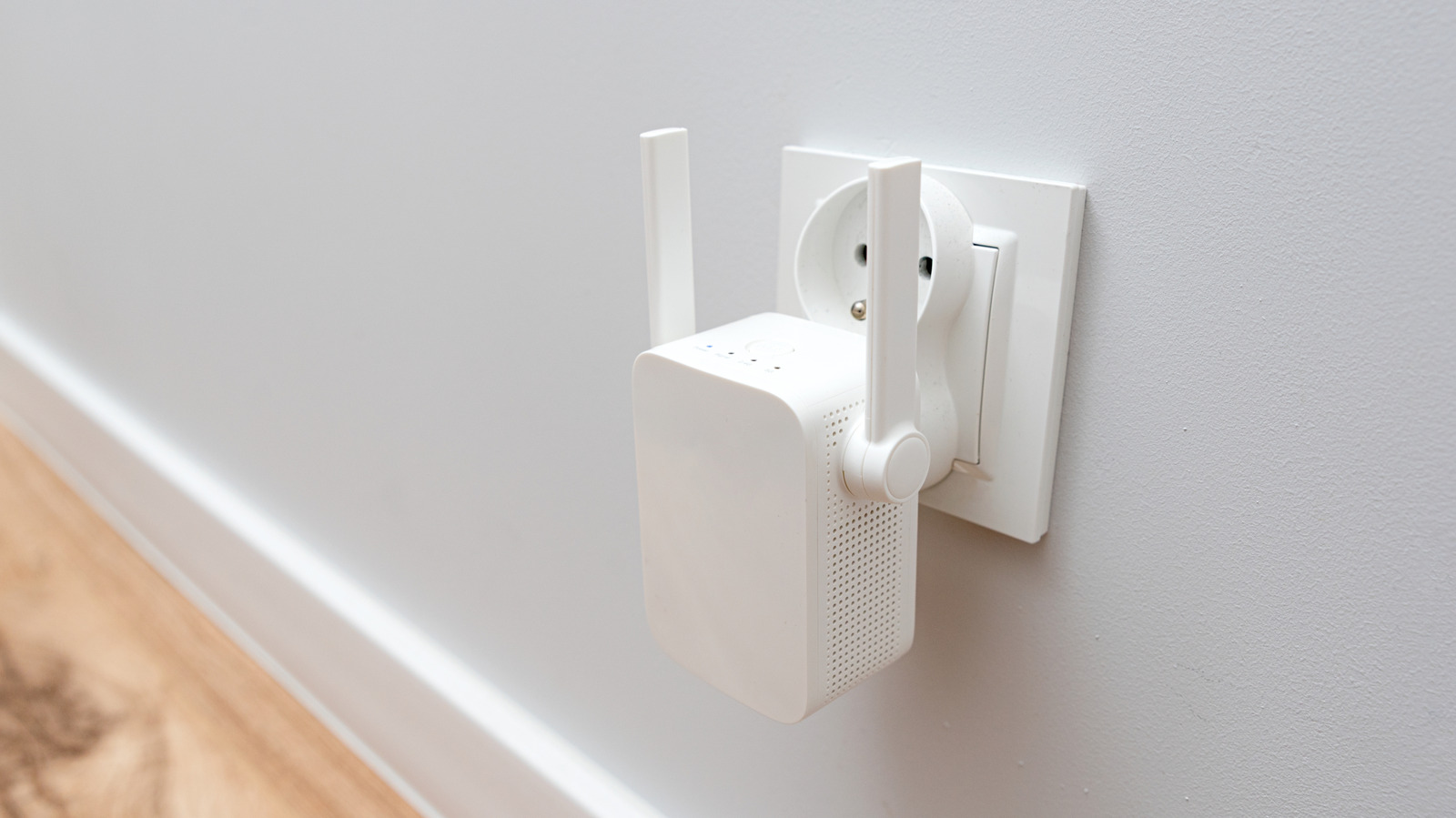
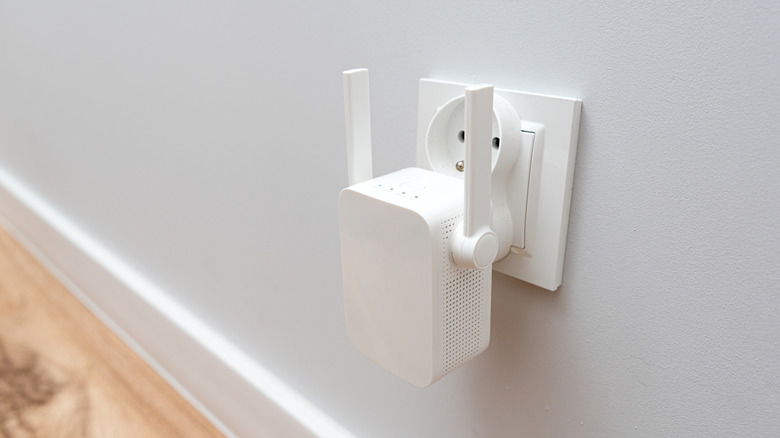
To understand why adding multiple extenders can be problematic, one must first understand how they operate. A Wi-Fi extender, or repeater, acts as a bridge. It captures the existing signal from your primary router, amplifies it, and then rebroadcasts it to areas of your home that were previously underserved.
The Mechanics of Signal Extension
When you install an extender, you are effectively creating a secondary access point. Unlike a mesh system, where nodes communicate intelligently to manage traffic, a standard extender is "dumb." It does not optimize the path for your data; it simply repeats whatever signal it receives. If the signal received by the extender is weak or unstable, the signal it broadcasts will be equally degraded.
The Myth of "Double the Speed"
A common misconception among consumers is that adding an extender will increase internet speed. This is categorically false. An extender does not "boost" your bandwidth; it only extends the range of your existing bandwidth. In fact, because of the overhead involved in receiving and retransmitting data, using an extender often introduces a slight reduction in overall throughput and a noticeable increase in latency (the time it takes for data to travel between your device and the router).
Chronology: The Evolution of Wireless Coverage Solutions
The history of home networking has seen a steady progression in how we handle connectivity.
- The Early Era (Single Router): In the early 2000s, a single router was generally sufficient for small homes.
- The Rise of Extenders (2010s): As homes grew and walls became thicker with modern insulation and smart hardware, signal attenuation became a major issue. Wi-Fi extenders hit the market as a low-cost, plug-and-play solution.
- The Mesh Revolution (2017–Present): With the introduction of affordable mesh networking (e.g., Eero, Google Nest WiFi), the industry began moving away from the "hub and spoke" model of extenders toward a unified, intelligent, and seamless fabric of connectivity.
Despite the superiority of mesh systems, the Wi-Fi extender remains popular due to its low entry price and simplicity. However, as users attempt to connect two, three, or even four extenders to a single router to cover larger properties, they often find themselves in a "latency trap," where the signal is present, but the connection is sluggish.
Supporting Data: Why "More" Isn’t Always "Better"
Network engineers emphasize that wireless channels are a shared medium. When you add multiple extenders, you are not just expanding the signal; you are increasing the "noise" floor of your home network.
The Impact of Overlapping Signals
When multiple extenders are placed too close to one another or to the router, they create signal interference. This is known as co-channel interference. If your router is broadcasting on Channel 6, and your two extenders are also broadcasting on Channel 6, they effectively compete for airtime. This forces your connected devices to struggle with "packet collisions," leading to dropped video calls, buffering during streaming, and slow page loads.
Latency and "Hop" Penalties
Every time your data makes a "hop" through an extender, you introduce a delay. If you daisy-chain extenders (connecting Extender B to Extender A, which is connected to the Router), the latency penalty compounds. In a standard setup with multiple extenders, a user might experience:
- Packet Loss: Increased frequency of lost data packets due to signal congestion.
- Jitter: Fluctuations in connection speed, which is fatal for real-time applications like online gaming or VoIP calls.
- Client Handover Issues: Many devices (phones and laptops) are "sticky." They will refuse to disconnect from a weak router signal even when a strong extender signal is available, causing the device to stay connected to a failing link.
Official Responses and Industry Best Practices
Major networking hardware manufacturers, including Netgear, TP-Link, and Linksys, have issued guidelines regarding the use of multiple extenders.
Strategic Placement
The "halfway point" rule remains the industry standard. Manufacturers suggest placing the extender at the midpoint between the router and the dead zone. However, for those determined to use multiple units, the official recommendation is a star topology.
- The Star Topology: All extenders should ideally connect directly to the main router, rather than to each other. This prevents the "hop penalty" and ensures that the total load on the network is managed by the main router’s CPU.
The Mesh Alternative
Industry experts almost universally agree that for homes larger than 1,500 square feet, a mesh system is the superior solution. Unlike extenders, mesh nodes share the same SSID (Network Name) and use a technology called "Client Steering." This allows the network to intelligently hand off your device to the node with the strongest signal, ensuring a seamless transition as you move through your home.
Implications for the Modern Consumer
The decision to use multiple Wi-Fi extenders carries significant implications for your long-term user experience.
Financial Considerations
While it is tempting to purchase three $30 extenders to solve a $200 problem, the long-term cost is often higher. The time spent troubleshooting connection drops, restarting devices, and dealing with the frustration of a sub-optimal network usually outweighs the initial savings.
Performance Requirements
If your household requires high-bandwidth applications—such as 4K streaming, heavy cloud-based work, or competitive gaming—the inherent limitations of multiple extenders make them an unsuitable choice. The latency introduced by the retransmission process will inherently limit your performance regardless of the speed of your ISP plan.
When are Extenders Actually Useful?
There are specific scenarios where extenders remain viable:
- Small-to-Medium Homes: If you have one specific area (like a backyard patio or a detached garage) that needs coverage, a single, well-placed extender is often sufficient.
- Budget Constraints: For users who do not have the capital to invest in a full mesh ecosystem, a single extender is a functional "patch" for a temporary issue.
- Low-Traffic Environments: In households with minimal device density (only one or two phones), the performance degradation caused by extenders is often negligible.
Final Assessment
If you find yourself needing more than one extender to achieve coverage, you have reached the threshold where your current network architecture is failing. Instead of purchasing more extenders, consider migrating to a mesh system. By replacing your router with a mesh node and adding satellites, you create a unified, intelligent network that handles the complexities of signal routing, client handoff, and bandwidth allocation automatically.
In conclusion, while you can connect multiple Wi-Fi extenders to the same router, doing so is rarely the most effective way to manage a modern home network. Prioritize quality over quantity by investing in technology that is designed to work together, rather than relying on disparate devices to patch a failing signal. Your network’s speed, reliability, and sanity are worth the upgrade.











