

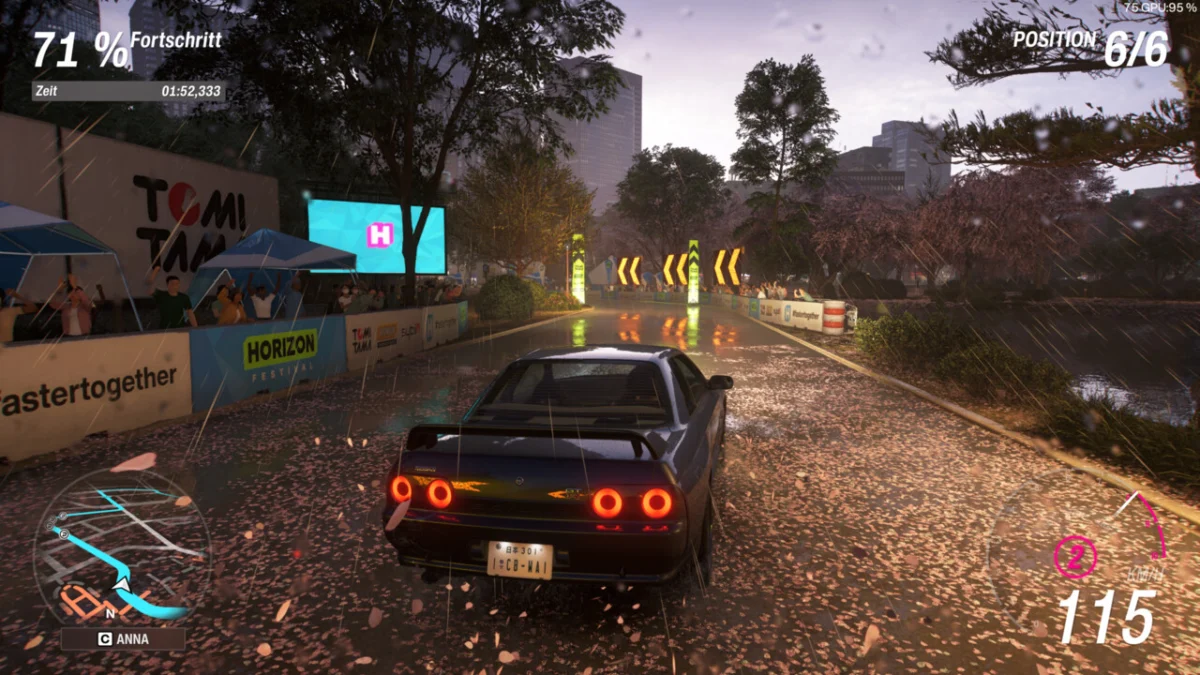
Forza Horizon 6 has officially arrived, and with it, a new benchmark for the racing genre. As players tear through the meticulously recreated landscapes of Japan, critical acclaim has followed suit. With a Metacritic score comfortably sitting in the 90s, the title has cemented its status as the first true blockbuster of 2026. While desktop PC users are enjoying the visual fidelity and optimized performance—as detailed in our extensive GPU benchmark analyses—the handheld community is currently deep in the trenches of optimization. Despite its "Verified" status on Steam, getting Forza Horizon 6 to run smoothly on the Steam Deck requires a tailored approach.
The State of the Genre: Why Forza Horizon 6 Dominates
The gaming industry is notoriously difficult to conquer, yet Forza Horizon 6 has managed to do so with apparent ease. By moving the franchise to Japan, developers have tapped into a cultural goldmine that blends neon-soaked urban drift culture with serene mountain passes.
Technical performance on high-end hardware is stellar, but the true test of a modern title’s accessibility is how it scales down to mobile form factors like the Steam Deck. While the title is technically "Verified," players have quickly realized that the "auto-detect" settings are far from optimal. To truly enjoy the thrill of the race without the immersion-breaking stutter of fluctuating frame rates, users must move beyond the default configurations.
Chronology of the Optimization Discovery
Following the game’s launch, the Forza community immediately flooded forums like Reddit and dedicated hardware hubs such as SteamDeckHQ and Rock, Paper, Shotgun. The initial sentiment was one of frustration: players found that while the game booted and played, the experience in dense environments—specifically the bustling streets of Tokyo—was inconsistent.
- Launch Day (Day 0): Users reported that "Verified" status did not equate to a locked 60 FPS. Performance was highly erratic, ranging from 45 FPS in the countryside to sub-20 FPS in dense urban zones.
- The Discovery Phase (Day 1-2): Community tinkerers began systematically testing presets. The consensus quickly formed: the "Low" preset is the baseline for viability. Anything higher triggered significant frame time spikes, while anything lower resulted in a visual fidelity drop that made the game look dated.
- Refinement (Day 3-Present): Technical outlets and enthusiasts narrowed down the specific bottlenecks. By isolating GPU clock speeds and leveraging the Steam Deck’s built-in frame limiter, the community has arrived at a "Golden Ratio" of settings that provides a stable, if not perfect, experience.
Supporting Data: The Technical Breakdown
To achieve a playable experience that feels responsive, the community has arrived at a consensus: ignore the automated "High" or "Ultra" settings.
The "Low" Preset as a Foundation
The "Low" preset is the only reliable starting point. When users attempt to push settings to "Medium" or "High," they encounter thermal throttling and significant frame pacing issues. The game’s engine, while highly scalable, is clearly optimized for more powerful hardware, and the Steam Deck’s APU struggles to maintain consistent delivery when shadows and global illumination are set to higher tiers.
The Frame Limiter Debate
One of the most contentious points in the optimization community is the frame rate cap.
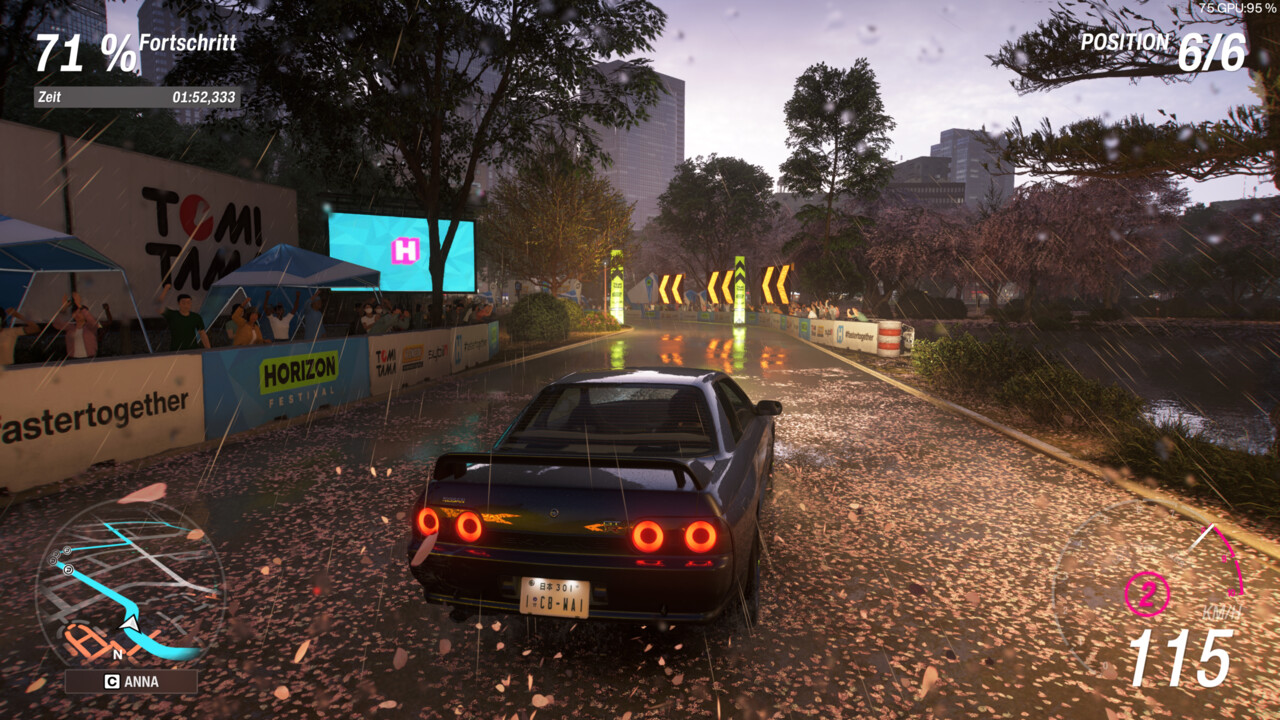
- The 30 FPS Lock: Most experts, including those at SteamDeckHQ, suggest locking the game to 30 FPS. While this introduces a slightly higher input lag, it ensures the frame time remains consistent, preventing the jarring "stutter" that occurs when the game fluctuates between 25 and 40 FPS.
- The 45 FPS Target: For those who prioritize responsiveness, a 45 FPS cap is possible, but it requires lowering nearly all graphical settings to their absolute minimums and accepting that the game will dip during intense weather effects or high-speed urban chases.
GPU Clock Management
A critical tip emerging from the community is the manual control of the Steam Deck’s GPU clock. By locking the GPU to 1,600 MHz, users can prevent the system from aggressively down-clocking during lighter sequences, which helps maintain a more stable "floor" for performance when the action ramps up. Furthermore, keeping the native 720p resolution is non-negotiable; attempting to upscale via FSR often leads to shimmering artifacts that detract from the visual quality of the car models.
The Role of Visual Fidelity: What to Keep
While the overall settings should lean toward "Low," not all graphical features should be sacrificed. The consensus is clear: keep shadows enabled.
Disabling shadows, a common trick in older games to squeeze out performance, results in a flat, unconvincing image in Forza Horizon 6. The game relies heavily on its sophisticated lighting model to ground the vehicles in the environment. Without active shadow rendering, the cars appear to "float" above the road, breaking the visual immersion. The trick is to keep shadows at the lowest possible setting rather than turning them off entirely.
Implications for the Future of Handheld Gaming
The experience of Forza Horizon 6 on the Steam Deck highlights a growing trend in the industry: the "Verified" label is a promise of functionality, not necessarily a promise of a high-fidelity experience.
As we move into the middle of 2026, the gap between "desktop-class" performance and "handheld-optimized" performance is widening. Developers are increasingly targeting higher hardware specs, which leaves handheld users in a constant state of adjustment. This has significant implications for how consumers view handhelds:
- The Rise of the "Tinkerer" Gamer: The success of Forza Horizon 6 on the Deck proves that a dedicated community will do the work developers cannot.
- The Need for Better Scalability: Future titles will need more robust, handheld-specific presets to avoid the negative user sentiment that occurs when a "Verified" game performs poorly out of the box.
Conclusion: Is the Effort Worth It?
Despite the manual labor required, Forza Horizon 6 is undeniably a triumph on the Steam Deck. Playing a game of this graphical caliber on a portable device remains a technical marvel. By following the community-derived settings—locking at 30 or 45 FPS, keeping shadows on, and manually pinning the GPU clock—the experience becomes not just playable, but enjoyable.
The game’s stunning recreation of Japan, combined with the visceral joy of its driving physics, makes it a "must-have" title. It serves as a reminder that while the hardware might have its limits, the dedication of the player base to squeeze every drop of performance out of their device remains the heartbeat of the gaming community. For those willing to spend fifteen minutes in the settings menu, Forza Horizon 6 offers one of the best racing experiences available on any platform, handheld or otherwise.








No comments yet. Be the first to join the conversation!