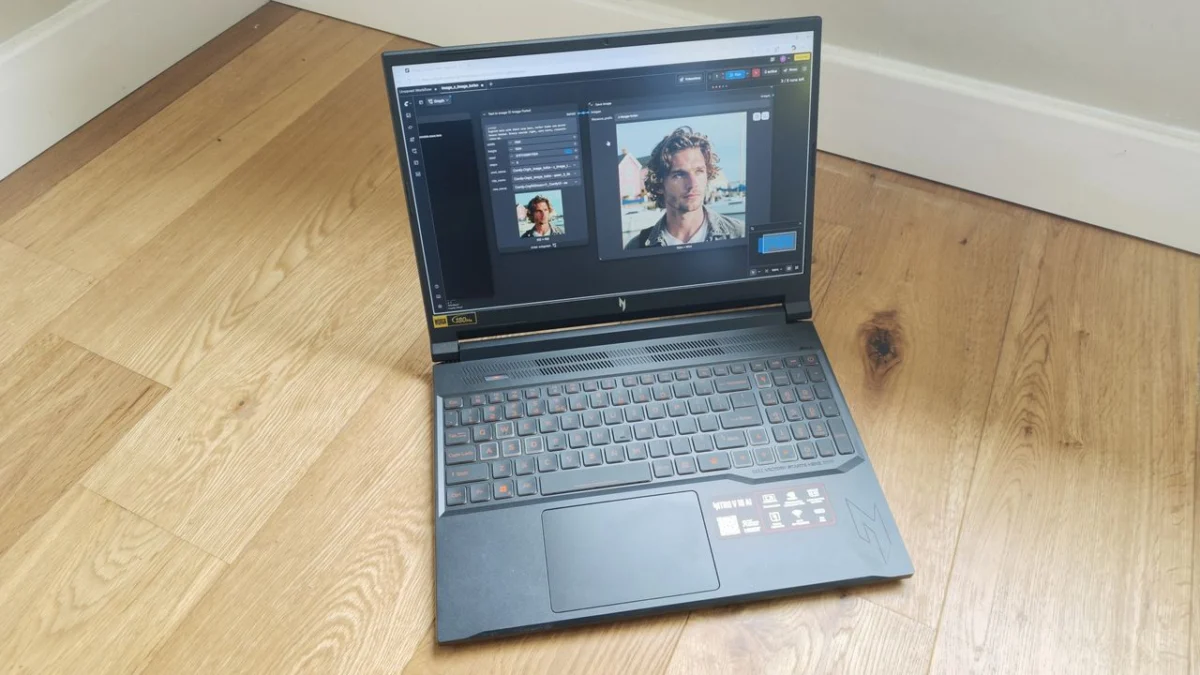
The landscape of creative computing is shifting beneath our feet. As generative AI transitions from a novelty to a fundamental component of professional workflows, hardware manufacturers are scrambling to rebrand their gaming machines as "AI-ready" workstations. The Acer Nitro V 16 AI is the latest entrant in this competitive arena, promising to bridge the gap between high-octane gaming performance and the nuanced demands of content creation.
However, as we put the machine through a grueling, real-world gauntlet of creative applications, it became clear that the reality of this "AI revolution" is more complex than marketing brochures suggest.
Main Facts: A Spec-Heavy Contender
The Acer Nitro V 16 AI is the mid-sized sibling in a five-model lineup. Positioned as a versatile powerhouse, it targets the "hybrid professional"—the user who needs to edit 4K video by day and engage in high-fidelity gaming by night.
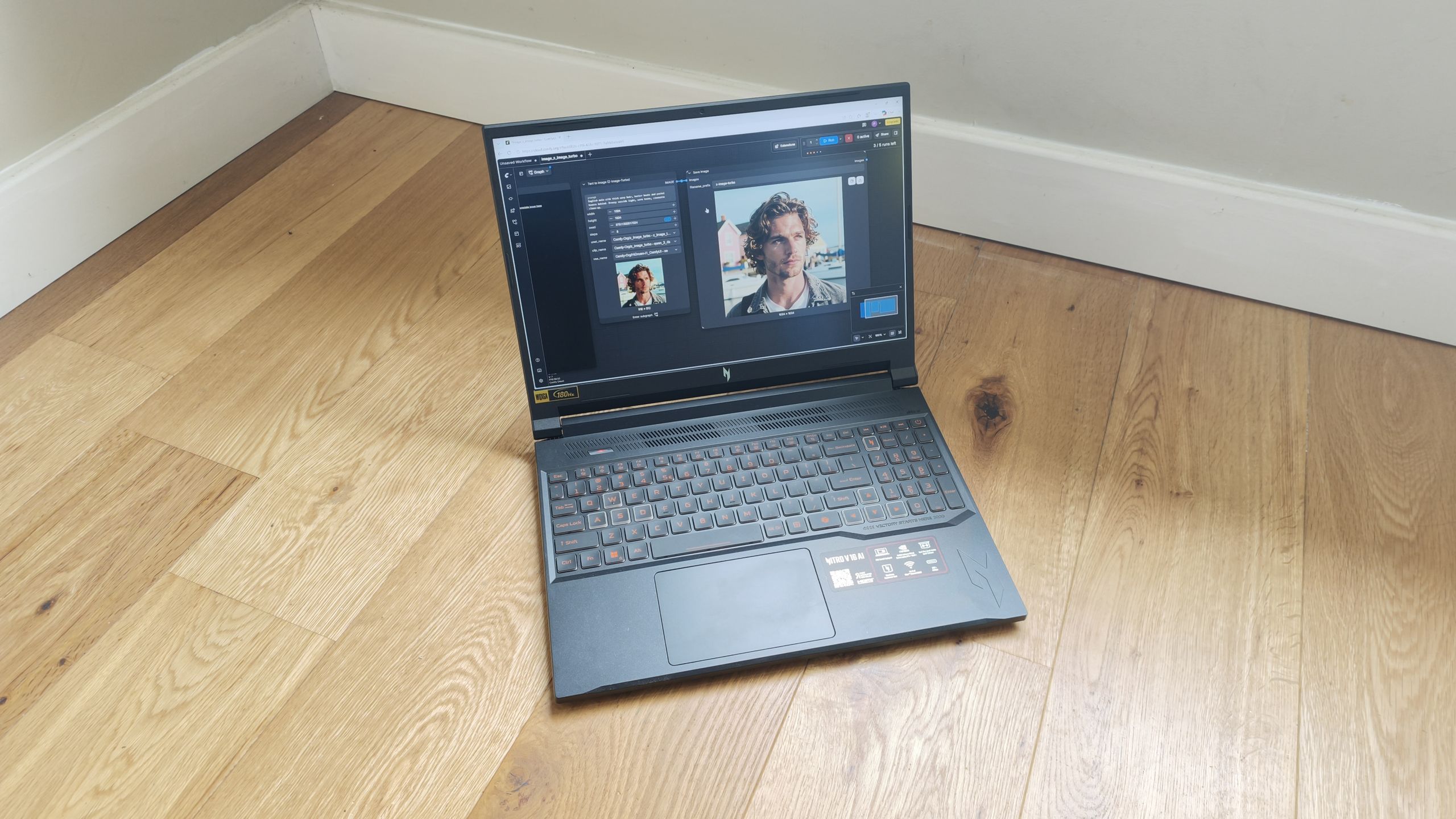
At its heart, the machine features an AMD Ryzen AI 7 CPU, an architecture designed for intelligent task allocation. This is paired with the cutting-edge NVIDIA GeForce RTX 5070 GPU, which utilizes Blackwell architecture and sophisticated Tensor cores to handle heavy-duty AI rendering and ray-tracing. With 32GB of RAM and a 1TB SSD, the hardware profile reads like a dream for most creative professionals. Yet, the question remains: does the internal power translate to a cohesive user experience?
The Chronology of Testing
To determine if the Nitro V 16 AI was truly ready for professional adoption, we subjected it to a systematic stress test over the course of a week.
Phase 1: Installation and Integration
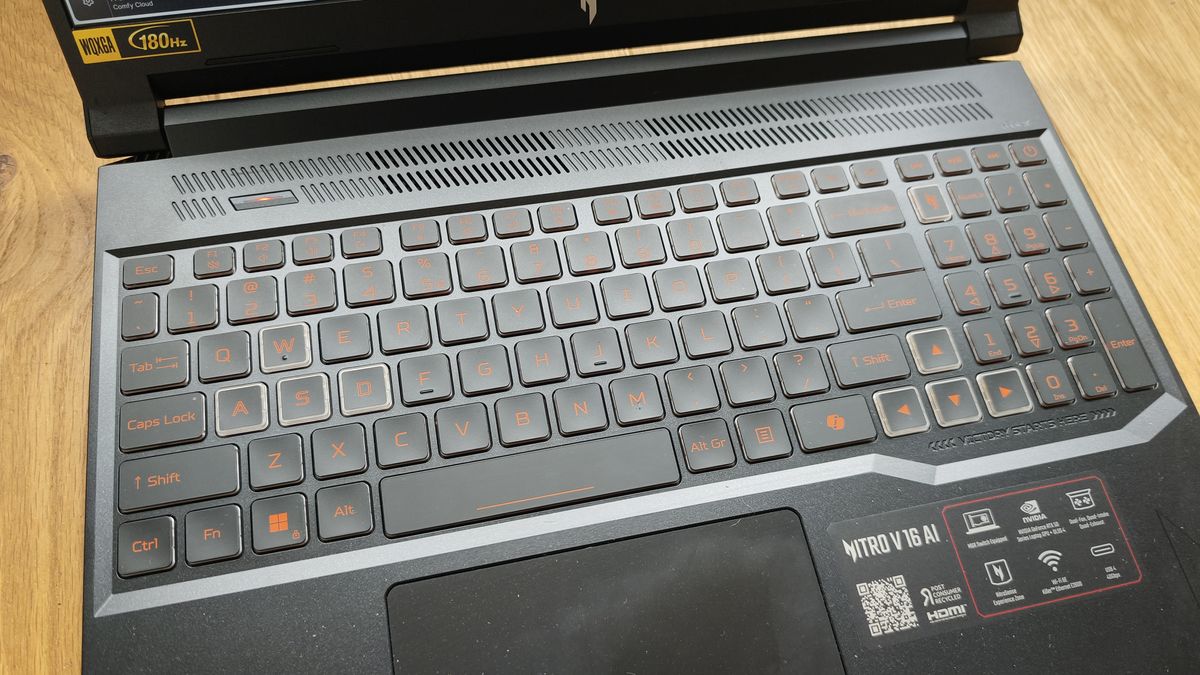
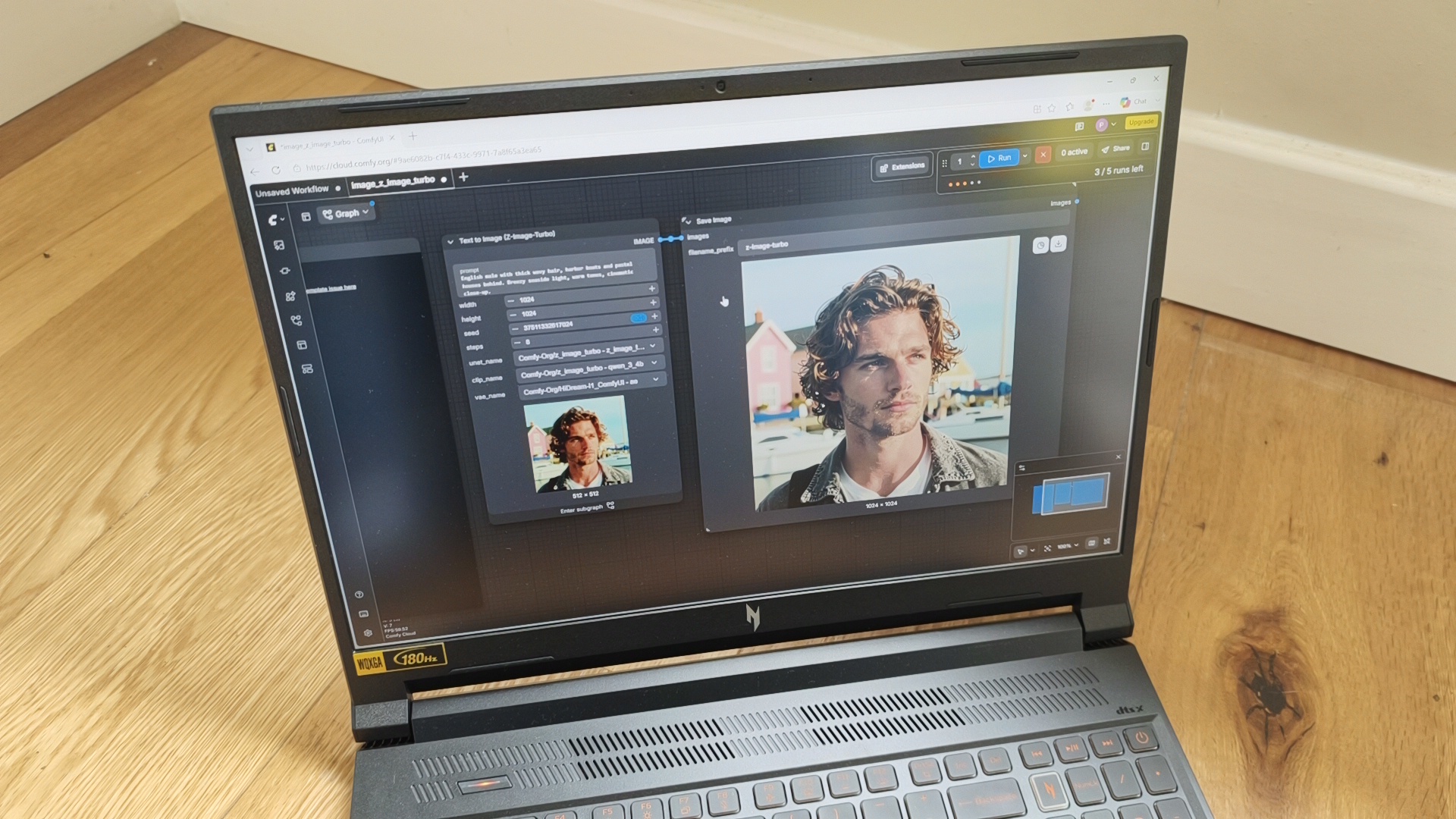
We began by saturating the system with a suite of industry-standard tools: NVIDIA Broadcast, ComfyUI, Topaz Labs, Adobe Photoshop, DaVinci Resolve, After Effects, Premiere Pro, and Illustrator. The goal was to observe how the AI-focused architecture handled non-AI tasks alongside generative workflows.
Phase 2: The Benchmark Gauntlet
We ran the machine through our standardized benchmarking suite, including Geekbench for CPU/GPU multi-core performance, Cinebench for rendering throughput, and the UL Procyon suite to measure AI image generation capabilities (Stable Diffusion) and, crucially, battery longevity.
Phase 3: Real-World Workflow Simulation
Finally, we moved beyond the numbers. We engaged in actual project work, including video encoding in Premiere Pro, color grading in DaVinci, and intensive batch-processing in Photoshop. This phase allowed us to identify "hidden" friction points, such as thermal throttling and UI responsiveness, that synthetic benchmarks often fail to capture.
Supporting Data: The Discrepancy Between Potential and Reality
The data gathered from our tests presents a curious dichotomy. On one hand, the machine is a monster when plugged into a wall outlet. The NVIDIA RTX 5070 GPU performs exceptionally well in traditional creative tasks. In Adobe Premiere Pro and Photoshop, the device felt "zippy," handling complex effects and high-resolution layers with minimal latency.
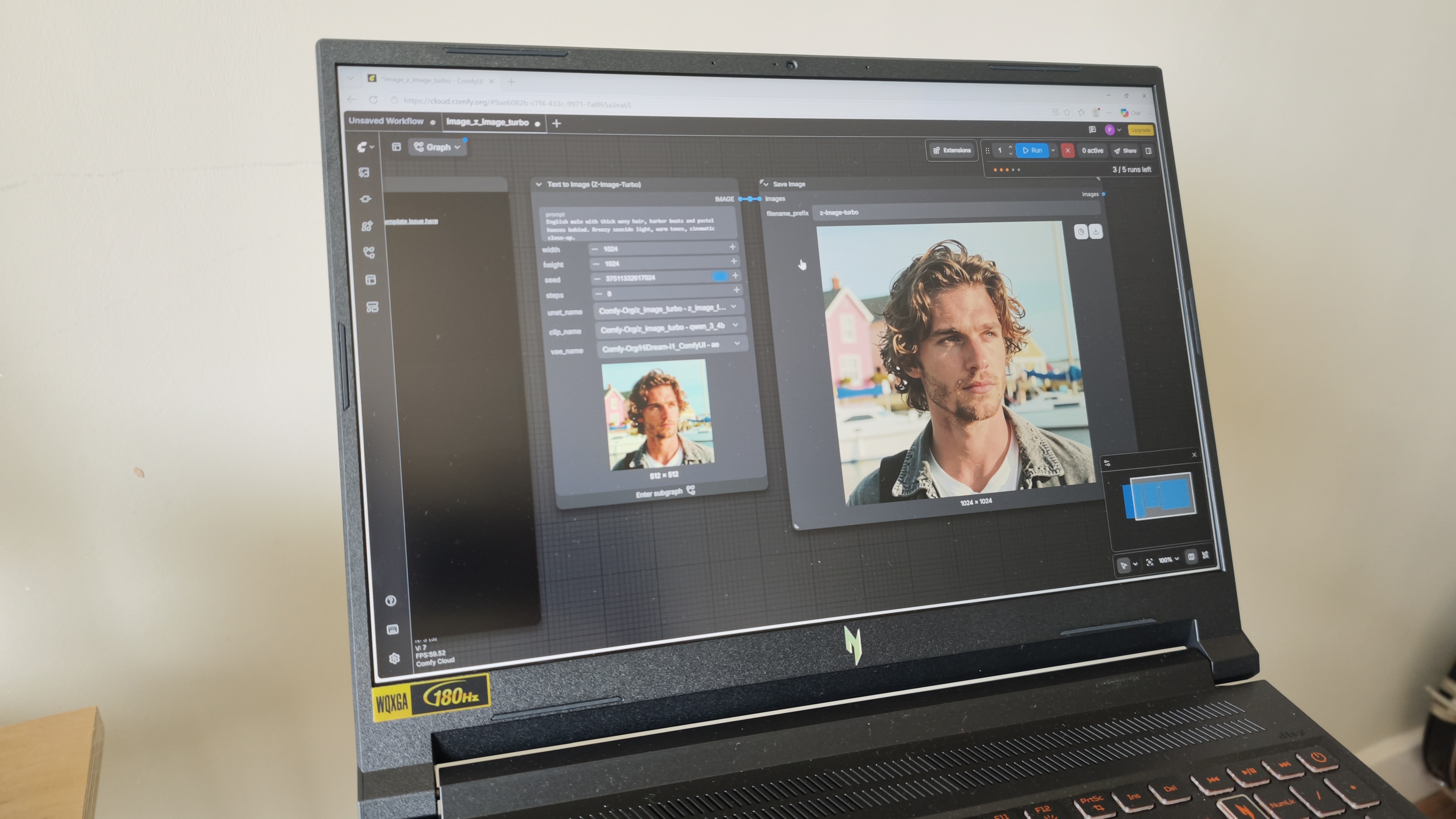
However, the "AI" branding seems, in some cases, to be more aspirational than functional. Our Procyon Stable Diffusion 1.5 tests resulted in a workload error, and synthetic benchmarks for AI-specific tasks like Topaz Video AI reported figures lower than the high-end hardware would suggest.
The most damning piece of data, however, is the battery life. In the Procyon Video Battery Life test—a standardized loop of video playback—the Acer Nitro V 16 AI failed after just 95 minutes. This is, by any professional standard, remarkably poor. It signals that while the components are high-performance, the power management and efficiency optimization are lacking, effectively chaining the user to a power outlet.
Official Positioning and Design Philosophy
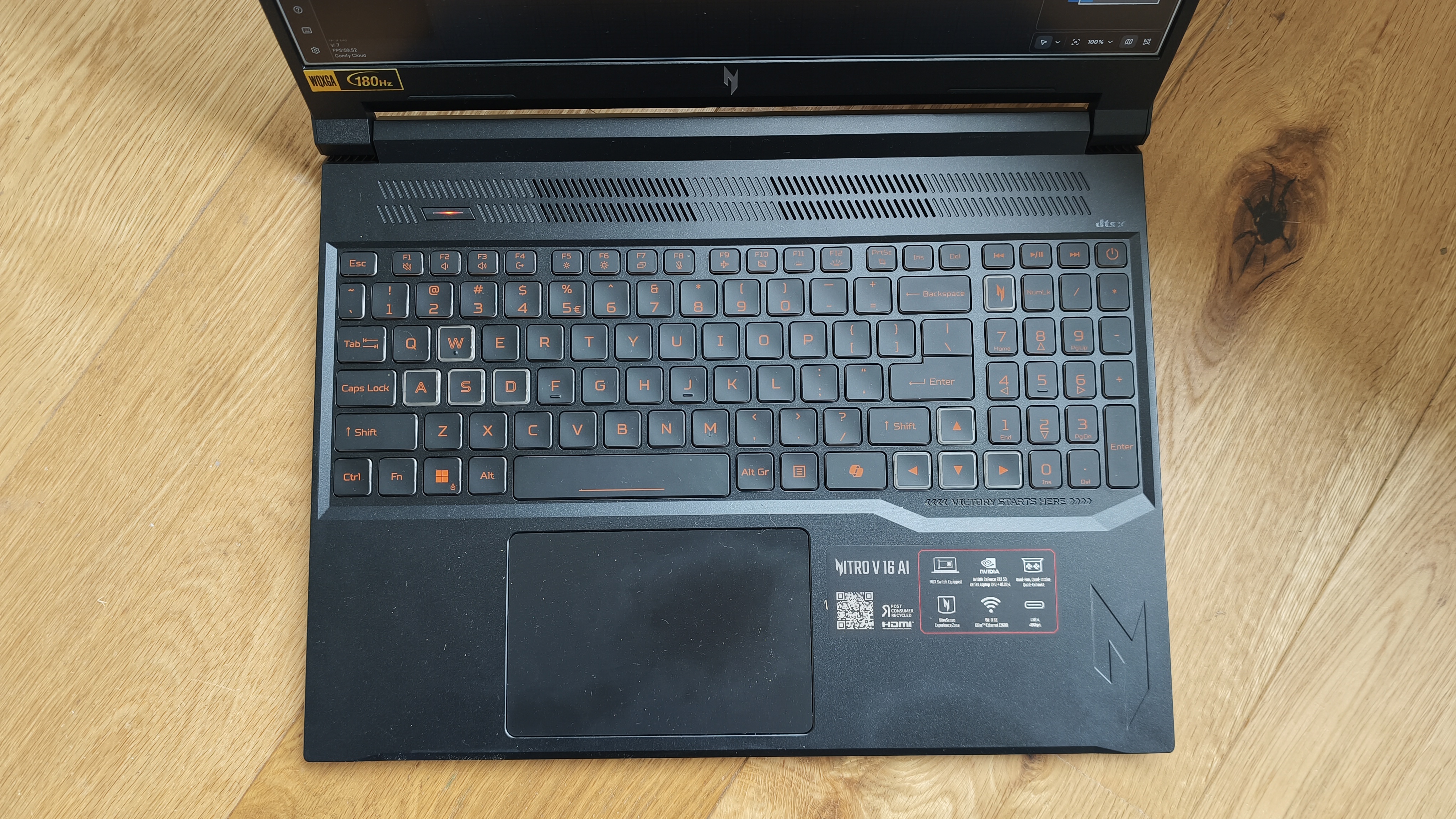
Acer’s design philosophy for the Nitro V 16 AI is unabashedly "function over form." The chassis is defined by sharp, aggressive, jagged edges and standard-issue RGB lighting. It is a design that screams "gamer" rather than "designer."
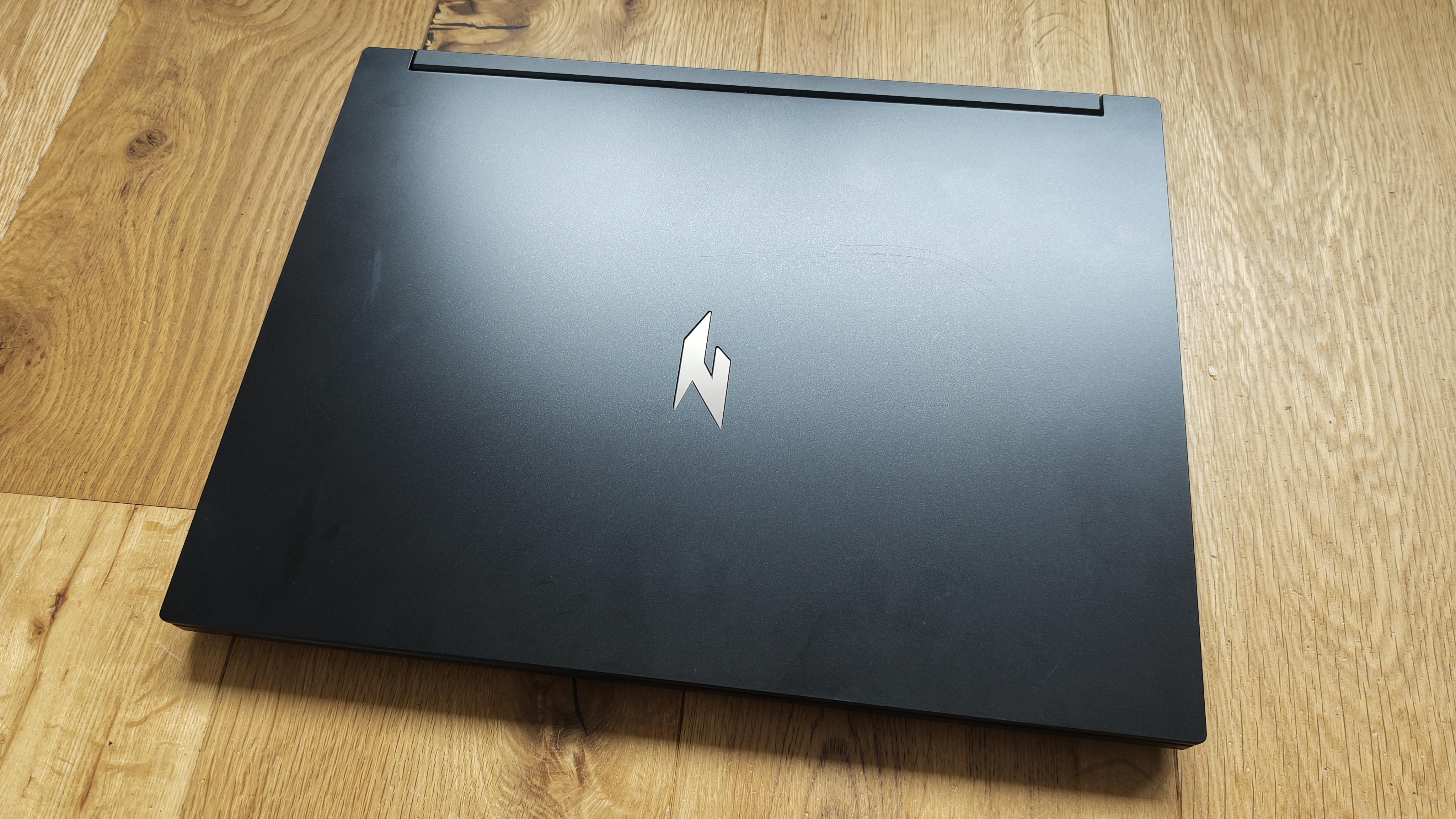
While some may find the aesthetic derivative, it serves a clear purpose: airflow. A massive grille sits above the keyboard, acting as the primary intake for a dual-fan, dual-exhaust cooling system. During our long-form creative sessions, the cooling system performed admirably, maintaining consistent thermal control. The 16-inch IPS display is a highlight, offering 100% DCI-P3 coverage and a 180Hz refresh rate—a feature that provides fluid motion for animators and digital artists.
Connectivity is robust. With dual USB-C ports, three USB-A ports, HDMI 2.1, RJ-45 Ethernet, and a MicroSD card reader, the machine acknowledges that professionals need to connect to a variety of peripherals, from studio monitors to external storage drives.
Implications for the Creative Industry
What does the Acer Nitro V 16 AI mean for the future of the creative laptop market?
1. The "AI" Labeling Conundrum
The industry is currently in a "wild west" phase regarding AI branding. Many laptops marketed as "AI-ready" are simply gaming laptops with a slight bump in NPU (Neural Processing Unit) capabilities, primarily catering to those using Copilot in Windows. For professional AI artists who require massive local compute power for stable diffusion or generative video, the Nitro V 16 AI is a capable entry point, but it should not be confused with specialized, high-end workstations designed solely for AI training.
2. The Portability Trade-off
The 95-minute battery life forces a hard decision: is this a laptop, or a desktop replacement? For creators who value mobility—freelancers working from cafes, or videographers on-set—the Nitro V 16 AI is problematic. It is a tethered device. For those who work in a fixed studio environment, however, the performance-to-price ratio remains highly competitive.
3. Price and Market Positioning
At £2,099.99, the Nitro V 16 AI occupies a middle ground. It is significantly cheaper than a maxed-out MacBook Pro 16-inch, yet it offers comparable, and in some gaming scenarios superior, graphics performance. It presents an interesting dilemma for OS-agnostic users: do you pay a premium for the efficiency and build quality of Apple Silicon, or do you bet on the raw, unrefined power of an NVIDIA-RTX-backed Windows machine?
Conclusion: A Work in Progress
The Acer Nitro V 16 AI is a "mixed bag" in the truest sense of the phrase. It is a machine of extremes. Its performance in traditional creative suites—Photoshop, Premiere, and After Effects—is top-tier, and the display is a genuine pleasure to work on.
However, the abysmal battery life and the inconsistency in specialized AI benchmarks prevent it from being the "perfect" creative workstation. Acer is undeniably moving in the right direction, and for many users, the sheer horsepower of the Ryzen AI 7 and RTX 5070 will be enough to justify the purchase. Yet, for the professional who needs a device that can last through a flight or a long day of remote work, the search for the definitive AI laptop continues.
As it stands, the Nitro V 16 AI is a powerful tool for the studio-bound creative, but it leaves plenty of room for improvement in the next iteration. If you are a professional with a traditional workflow looking to incorporate some generative AI, this machine will serve you well, provided you never forget your power cable.