Reynand Wu
In the modern hybrid workplace, the quality of your video presence has become as essential as the quality of your work itself. As companies continue to navigate the complexities of remote and office-based collaboration, hardware manufacturers are racing to provide solutions that promise "broadcast-quality" imagery with minimal effort. Dell, a perennial titan in the office hardware space, recently launched its latest entry into this competitive landscape: the Dell Pro 5 (WB526).
Marketed as a high-performance, office-centric webcam, the Pro 5 offers 2K QHD resolution and a suite of AI-driven features. However, as our testing reveals, while the device is undoubtedly functional, it finds itself in a precarious position, squeezed between budget-friendly alternatives and professional-grade peripherals that offer significantly more value.
Main Facts: The Hardware at a Glance
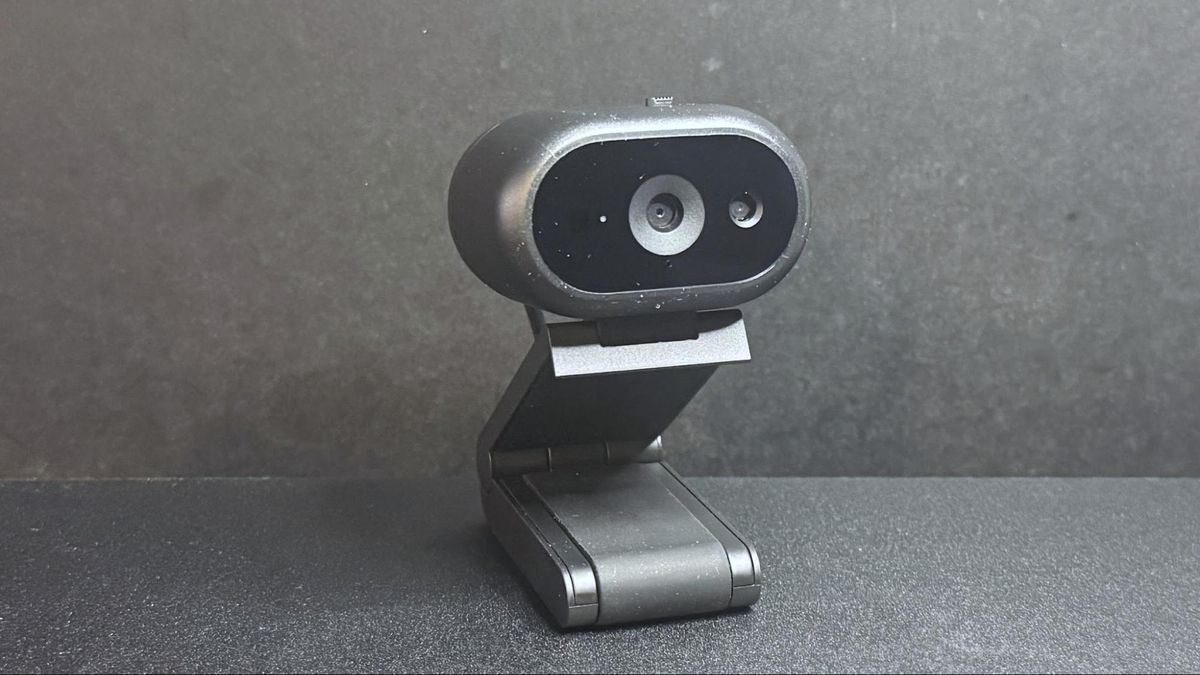
The Dell Pro 5 (WB526) is a compact, oval-shaped webcam designed to blend seamlessly into a corporate environment. At its core, the device utilizes a Sony sensor capable of recording video at 2K QHD at 30 frames per second (fps). Users also have the option to drop to 1080p/30fps or 720p at either 30 or 60fps, depending on bandwidth requirements and lighting conditions.
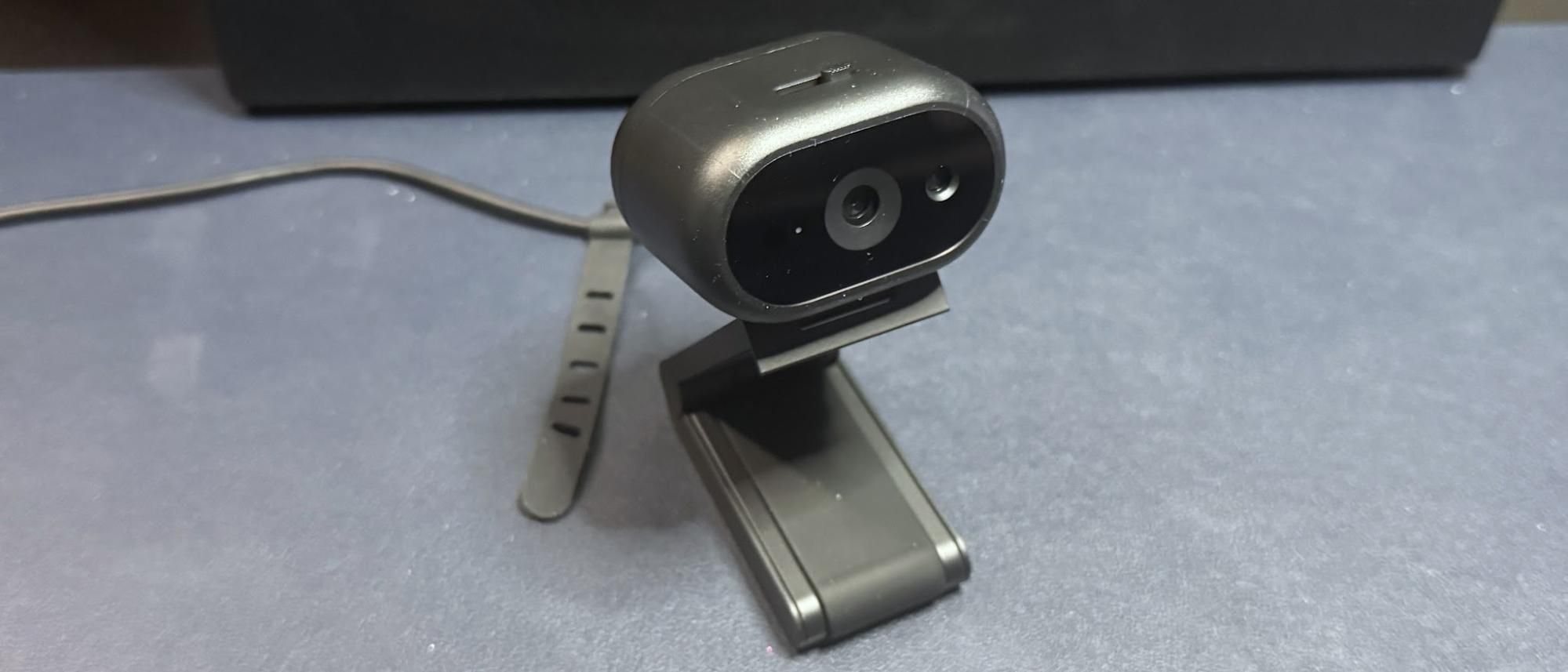
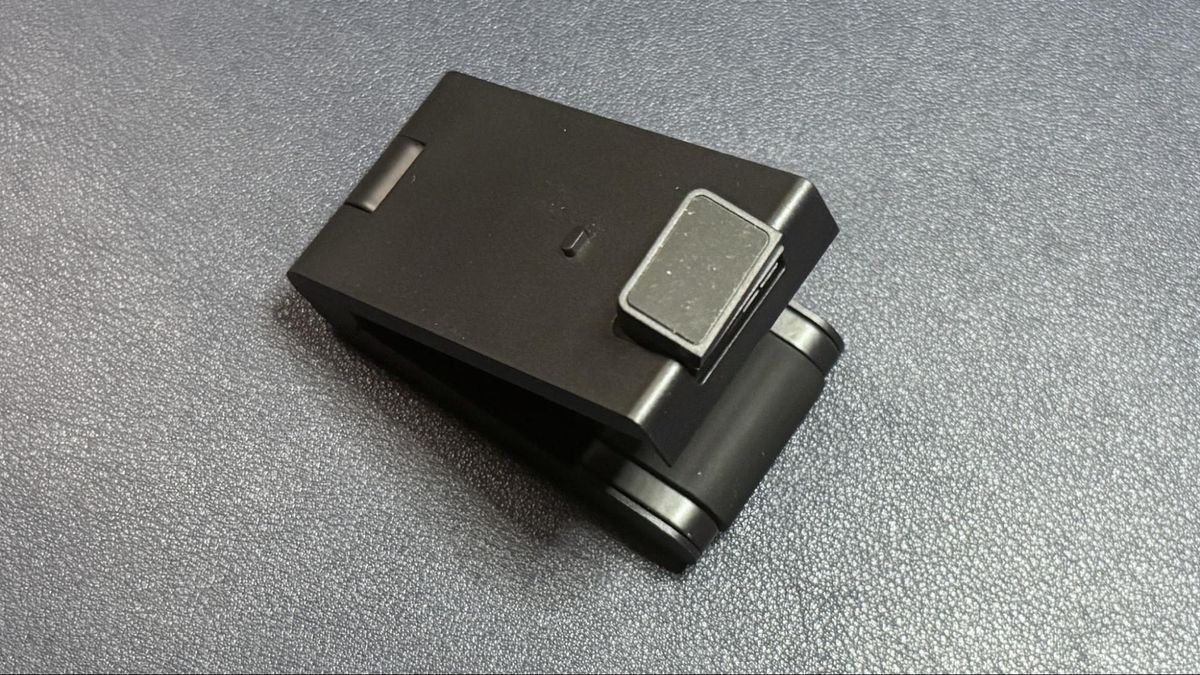
The lens features a 78-degree field of view, an f/2.0 maximum aperture, and autofocus capabilities—all standard fare for a mid-range webcam in 2026. Beyond the optics, the Pro 5 distinguishes itself with "office-friendly" security features, including a physical privacy shutter and an anti-theft interface with a lockable cable mechanism. The inclusion of Windows Hello compatibility adds a layer of biometric security, allowing users to sign into their workstations with a glance.
Despite a $119.99 MSRP, the device feels remarkably lightweight, weighing in at just 2.57 ounces (73g). It connects via a non-detachable, 5-foot (1.5m) USB-C cable, which includes a tethered USB-A adapter to ensure compatibility with both modern laptops and legacy office docking stations.
Chronology of Testing and Performance
To determine if the Dell Pro 5 lives up to its promise, we subjected it to a rigorous, multi-stage testing process over several days. Our evaluation focused on three distinct lighting environments: well-lit, low-light, and overexposed scenarios.
Well-Lit Performance
In a controlled environment with professional-grade lighting (key lights and ring lights), the Dell Pro 5 performed admirably. The image was bright and even, successfully capturing the professional aesthetic that enterprise environments demand. However, the color reproduction felt slightly "flat," and the image lacked the crispness one might expect from a 2K sensor. It is a functional, clean image suitable for corporate Zoom calls or Teams meetings, but it falls short of the cinematic quality enthusiasts might hope for.
Low-Light Performance
As the light levels dropped, the limitations of the sensor became apparent. While the Pro 5 successfully retrieved more detail in the shadows than a budget 1080p webcam, the trade-off was significant grain and digital noise. Moving video, in particular, suffered from large artifacts. While the onboard HDR functionality is marketed as a solution for high-contrast environments, it provided little improvement in these darker scenarios. When compared to the previous-generation Dell Pro (WB5023) or even the budget-oriented Elgato Neo, the Pro 5 struggled to maintain a clean signal.
Overexposed Performance
Office environments are notoriously unpredictable regarding light, often featuring backlighting from windows or harsh overhead fluorescent strips. In our overexposed test—where we disabled front-facing lights and relied on ambient room light—the Pro 5 managed to maintain a recognizable image, but the auto-white-balance (AWB) struggled significantly. The color temperature shifted unnaturally, requiring manual intervention in the Dell Display and Peripheral Manager to correct.
Supporting Data and Technical Specifications
For those analyzing the technical merits of the device, the following table summarizes the core specifications as documented during our bench testing.
| Feature | Specification |
|---|---|
| Max Resolution/FPS | 2K QHD / 30fps; 1080p / 30fps; 720p / 60fps |
| Field of View | 78 degrees |
| Zoom | 2x Digital |
| Autofocus | Yes |
| Microphone | Omni-directional |
| Connectivity | USB-C (with USB-A adapter) |
| Software | Dell Display and Peripheral Manager |
| Weight | 7.41oz (with mount) |
The software interface, while robust in terms of toggles for HDR and AI-framing, left something to be desired. Adjustments made to vibrance and saturation often felt subtle to the point of being negligible. Furthermore, the inability to minimize the application to the system tray—a standard expectation for peripheral management software—was a consistent frustration during our workflow.
Official Positioning and Use Cases
Dell has explicitly positioned the Pro 5 as an "office-first" product. This is evident in the inclusion of the "Document View" feature, which allows the camera to tilt downward at 60 degrees to scan physical paperwork. When activated, the software automatically crops and adjusts the perspective to ensure the document is legible to remote meeting participants.
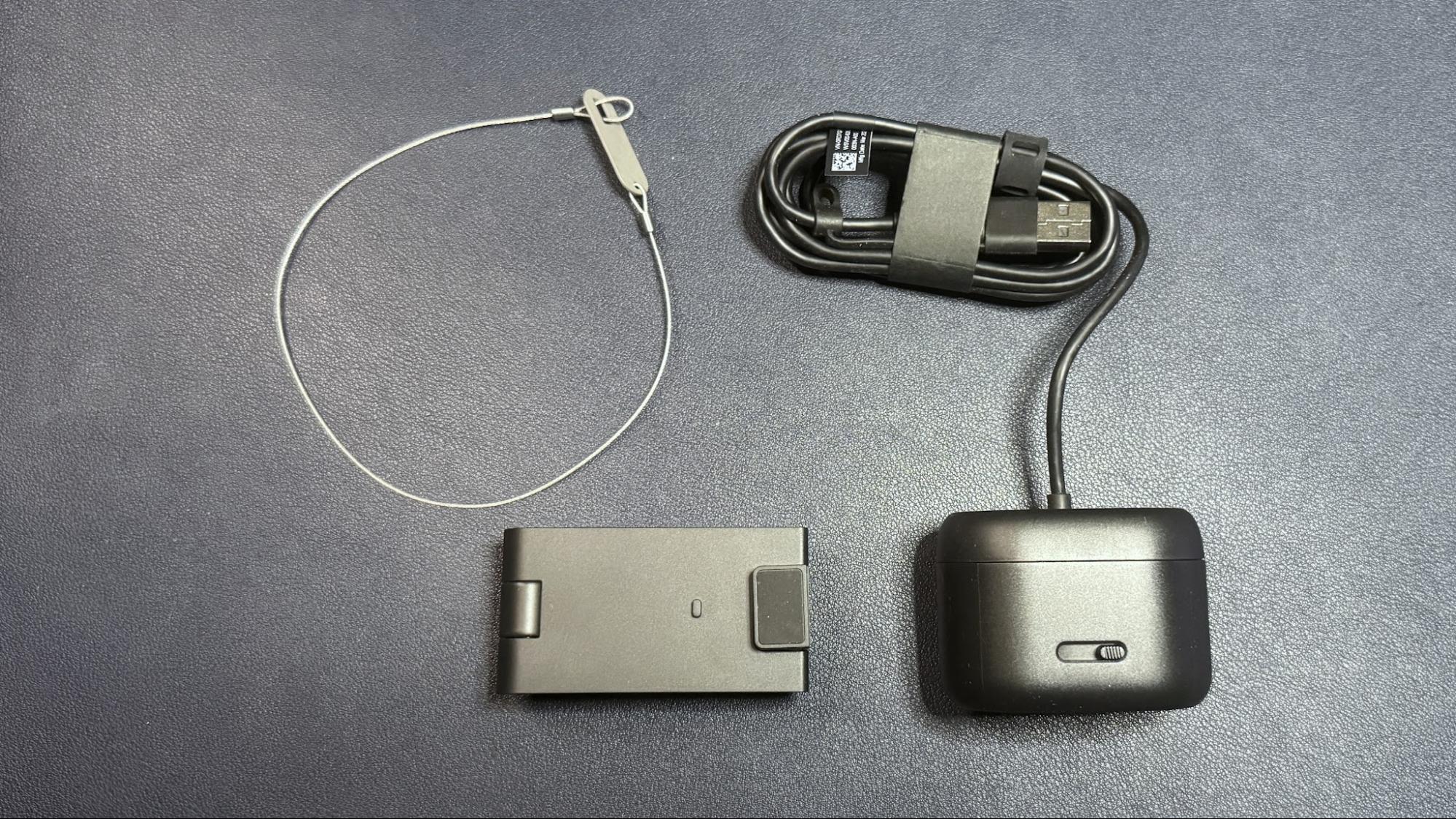
The security focus is the other pillar of Dell’s pitch. For professionals in shared workspaces or those traveling frequently, the anti-theft cable lock provides a tangible deterrent against equipment loss. This, combined with the magnetic, adjustable monitor mount—which allows for 90-degree tilting and swiveling—makes the Pro 5 a highly ergonomic tool for desk-bound professionals.
Implications: Is the Price Justified?
The most critical takeaway from our review is the issue of value. Retailing at approximately $115–$120, the Dell Pro 5 occupies a crowded space. While it provides a reliable, plug-and-play experience that IT departments will likely appreciate for its consistency and security features, the average consumer will find better value elsewhere.
If your primary goal is professional conferencing, the Elgato Facecam Neo offers a significantly more polished, albeit 1080p, image for nearly half the price. Similarly, the Razer Kiyo X delivers 2K resolution at a lower price point than the Dell Pro 5.

The Dell Pro 5 is a "good" webcam, but it is not a "great" value. It is built for a specific audience: the corporate employee whose equipment is provided by an IT department that prioritizes unified software ecosystems and security. For those purchasing with their own money, the Pro 5 struggles to differentiate itself from the competition in terms of raw image quality or feature innovation.
Conclusion: A Specialized Tool
In conclusion, the Dell Pro 5 is a competent, professional-grade peripheral that performs exactly as advertised. It provides a stable, clear, and secure video feed that will undoubtedly make the user appear professional during meetings. However, it lacks the "wow" factor that justifies a triple-digit price tag in an era where competition is fierce and quality has been democratized.
If you are an enterprise buyer looking to standardize your company’s webcam fleet, the Dell Pro 5’s management software and security features make it a strong candidate. If you are an individual remote worker looking to upgrade your home office, you would be better served exploring the more cost-effective and visually impressive alternatives currently on the market.

The Dell Pro 5 proves that Dell understands the office environment, but it also highlights that understanding the market and leading it are two very different things. While the Pro 5 will get the job done, it invites you to ask whether that job is worth the premium you are paying to get it done.


 Basiran
 Pevita Pearce