

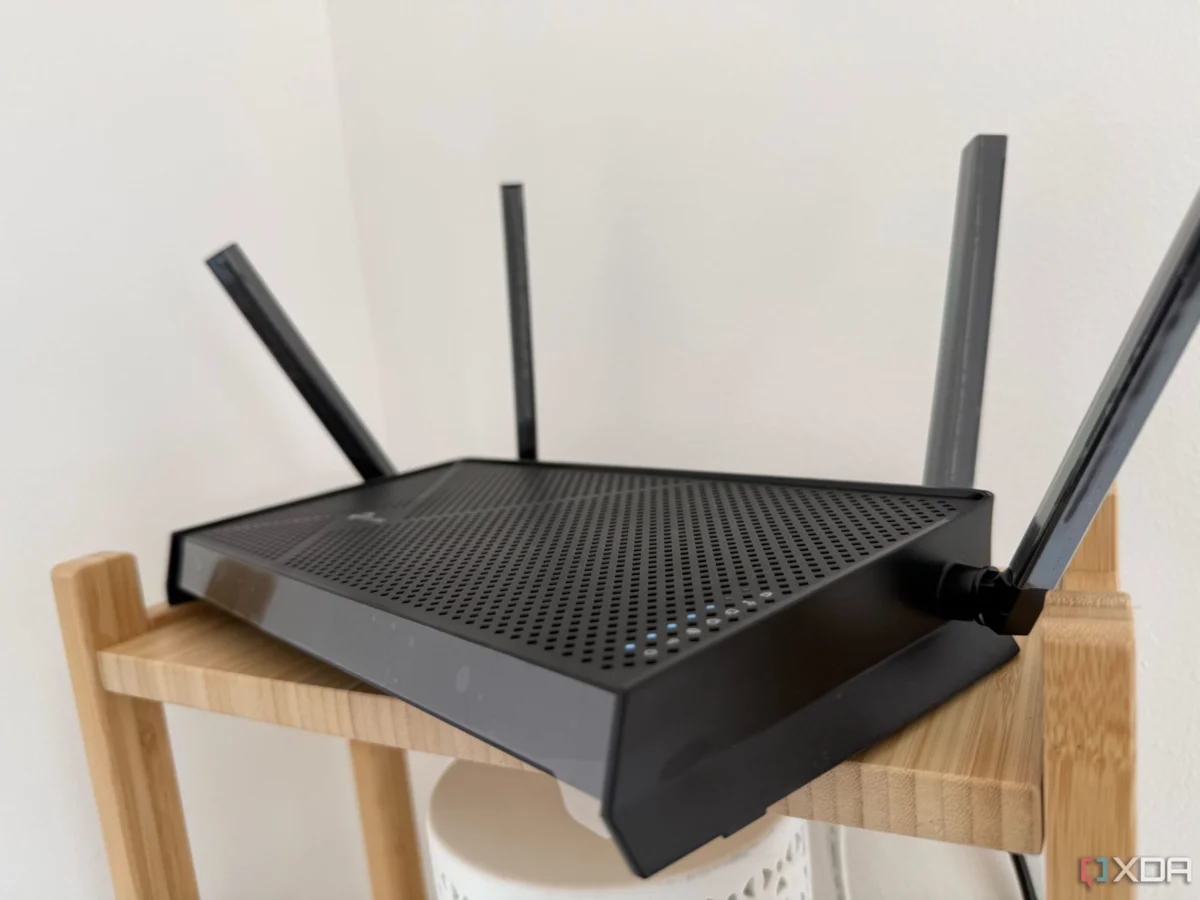
For most households, the router is a "set it and forget it" appliance. Once the internet light turns green and the Wi-Fi signal appears on our smartphones, the box is tucked away into a cabinet or behind a television, never to be touched again. However, relying on default configurations—especially those provided by your Internet Service Provider (ISP)—often leaves significant performance on the table.
In an era where our homes are saturated with high-definition streaming, cloud-based gaming, and an ever-growing army of IoT (Internet of Things) devices, the standard "out-of-the-box" setup is rarely sufficient. Your Wi-Fi is not just a utility; it is the backbone of your digital life. If you find your connection lagging, your Zoom calls stuttering, or your smart home devices dropping off the network, the solution isn’t necessarily a pricey hardware upgrade. It is, more often than not, a matter of optimization.
The State of Home Networking: Why Your Default Setup is Failing
The chronology of a typical home network installation is simple: a technician arrives, connects the modem, sets a default SSID, and departs. The router, usually a cost-effective model designed for mass deployment, is rarely configured for the specific architectural or usage needs of your home.
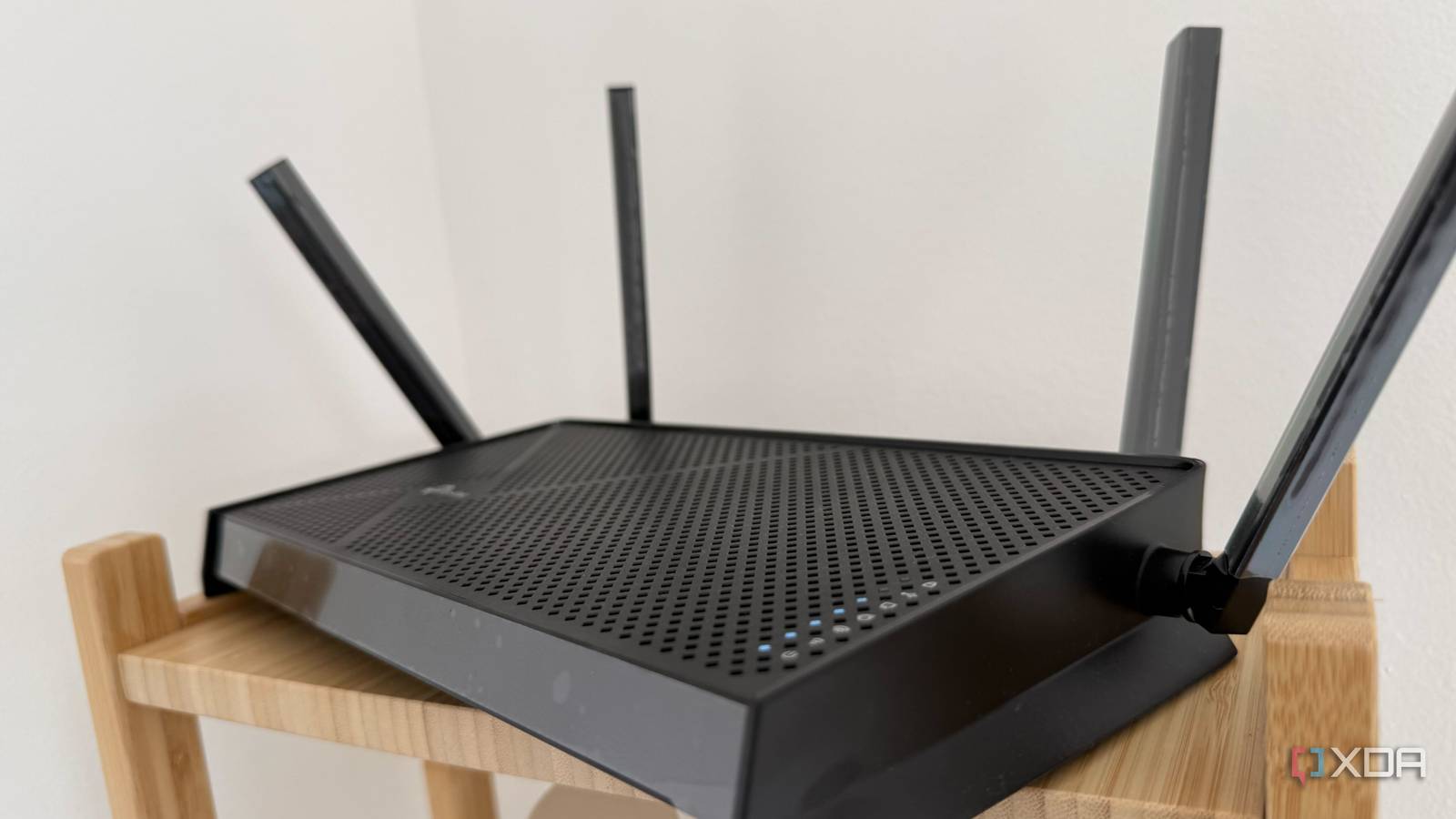
Data from recent network performance studies indicates that nearly 60% of home network latency issues are caused by environmental interference and improper channel management rather than inadequate bandwidth. By failing to adjust basic settings, users are essentially forcing their data to travel through a crowded, poorly mapped highway, leading to the "underperforming" symptoms that drive many to unnecessarily purchase expensive new equipment.
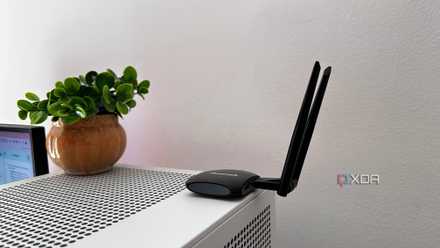
1. Recheck Your Antenna Positioning: Defying "Donut Physics"
The most common mistake in home networking is the universal habit of pointing router antennas straight up. While this feels like the "correct" way to mount them, it is arguably the least effective configuration for multi-story homes.
The Science of Signal Propagation
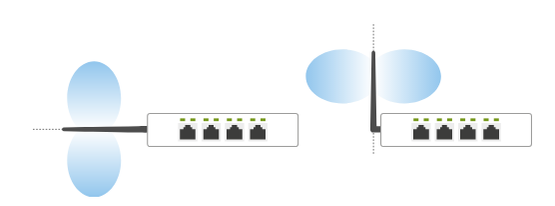
Router antennas are typically dipolar, meaning they radiate signals in a torus, or "donut-shaped" pattern. The signal is strongest perpendicular to the antenna. When antennas are oriented vertically, the signal blankets the horizontal plane—meaning your immediate floor receives excellent coverage, while the floor above and the basement below remain in a "dead zone" shadow.

To maximize coverage, you should experiment with a hybrid orientation. By angling one or two antennas horizontally or at a 45-degree angle, you redirect a portion of that signal energy toward different vertical planes. For a multi-story house, a mix of vertical and horizontal antennas ensures that the "donut" of connectivity is sliced to cover the entire building rather than just a single level. If you live in a single-floor apartment, keeping them vertical remains the optimal choice.
2. Channel Congestion: Clearing the Airwaves
Think of your Wi-Fi frequency bands (2.4GHz, 5GHz, and 6GHz) as highways. Each band is divided into "lanes," or channels. In a densely populated neighborhood, your router is likely fighting for space in the exact same lanes as your neighbor’s router, leading to massive packet collisions and increased latency.
Implementing a Channel Strategy
Using diagnostic tools like Wi-Fi Analyzer, you can visualize the congestion in your immediate vicinity.
- 2.4GHz Band: This band is notoriously crowded. Stick to non-overlapping channels 1, 6, and 11.
- 5GHz Band: With a wider spectrum, you have more room to breathe. Use channels 36, 52, 100, 116, 132, or 149.
By manually selecting a less-congested channel, you can instantly reduce latency. While modern routers often have "Auto" channel selection, they are frequently conservative and fail to switch when a neighbor’s new router begins broadcasting. A manual, informed choice is always superior to the default automated setting.
3. Mastering Quality of Service (QoS)
Quality of Service (QoS) is the traffic cop of your network. Without it, a massive file download or a system update on one device can monopolize your bandwidth, causing your real-time activities—like gaming or video conferencing—to suffer.
Prioritizing Your Workload
Most modern routers, even those provided by ISPs, offer some form of adaptive QoS. This allows you to categorize traffic. By assigning high priority to "Work-From-Home" and "Streaming" services, you ensure that these packets are placed at the front of the queue.
When you configure QoS, look for "Gaming" or "Media" modes. These settings prevent "bufferbloat," a phenomenon where a large stream of data fills the router’s buffer, causing your ping to skyrocket. Prioritization ensures that even when the network is under load, your essential tasks remain smooth and responsive.
4. The DNS Shift: Speed and Security
The Domain Name System (DNS) is essentially the phonebook of the internet. When you type a URL, your router asks a DNS server for the corresponding IP address. If your router is using the default ISP-provided DNS, you are relying on a server that is often slow, geographically distant, or—worse—used to track your browsing habits.
Switching to Performance DNS
Services like Cloudflare (1.1.1.1), Google (8.8.8.8), or Quad9 offer significantly faster resolution times. Switching to these is one of the quickest ways to make your internet "feel" faster. Beyond speed, these providers offer enhanced privacy and security, often blocking known malicious sites before your computer even attempts to connect to them. By changing your DNS, you are effectively cutting out the ISP’s middleman, enhancing both the speed and the integrity of your connection.
5. VLAN Isolation: The Secret to a Professional Network
If you have a smart home filled with connected lightbulbs, thermostats, and smart plugs, you have a security risk. These devices are often poorly maintained by their manufacturers and lack robust security patches. If a malicious actor compromises your smart toaster, they could potentially gain access to the rest of your network.
Segregating Traffic
By creating a Virtual Local Area Network (VLAN), you can isolate your IoT devices from your personal computers and smartphones. This does two things:
- Security: It creates a "walled garden." If a smart device is compromised, the attacker cannot easily pivot to your sensitive devices.
- Performance: It prevents the constant "chatter" of smart devices from flooding your main network. IoT devices are notorious for constant small-packet broadcasts that can create unnecessary noise on your primary Wi-Fi channels.
Implications and Final Considerations
Optimizing your network is an iterative process. While the tweaks mentioned above are foundational, the true power lies in the user taking ownership of their infrastructure.
Official Perspective on ISP Hardware:
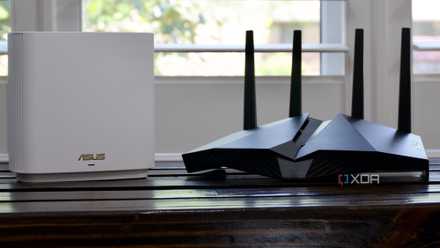
It is important to note that many ISPs provide routers with "locked" firmware. If you find that your ISP-provided unit does not allow for VLAN creation or manual channel selection, you have hit a wall that no amount of settings-tweaking can bypass. In these instances, the most professional recommendation is to bridge the ISP modem and invest in a high-quality, third-party router.
The Bottom Line:
You don’t need gigabit speeds if your network is clogged with inefficiencies. By positioning your antennas for better propagation, clearing the airwaves via channel selection, managing your traffic with QoS, securing your data with a better DNS, and isolating your IoT devices, you can achieve a "premium" network experience without spending an extra cent. Your network is a living system—treat it with care, and it will provide the reliability you need for the modern digital era.












No comments yet. Be the first to join the conversation!