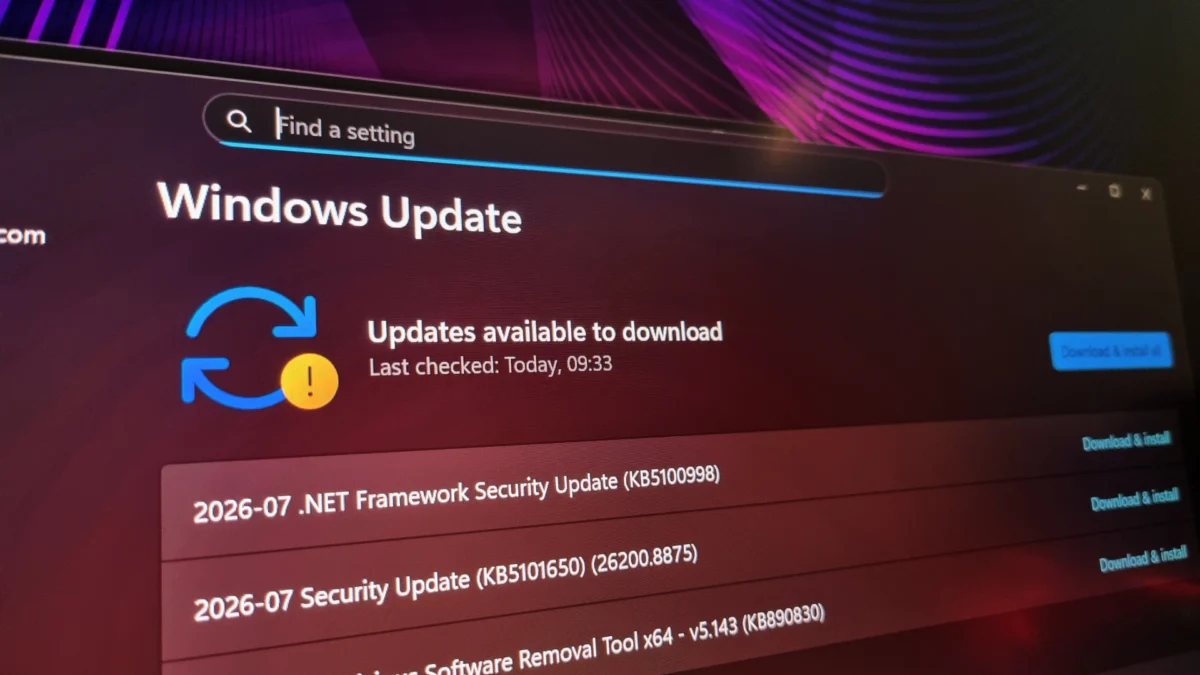
In the world of PC enthusiast hardware, high-refresh-rate monitors are the pinnacle of visual fidelity and competitive performance. However, for a growing cohort of users—including those running bleeding-edge 400Hz display setups—the promise of a more secure Windows experience has turned into a technical nightmare. Following the rollout of the KB5101650 update, users are reporting a wave of display anomalies, black screens, and forced refresh rate caps that have left the community scrambling for solutions.
This incident marks a significant milestone in software development: KB5101650 is the first major Windows update to lean heavily on artificial intelligence to expedite vulnerability detection. While the technical ambition is commendable, the resulting instability highlights a growing tension between the rapid-fire deployment of AI-driven patches and the necessity of rigorous stability testing in a diverse, heterogeneous hardware ecosystem.
The Chronology of a Patch-Induced Crisis
The trouble began almost immediately following the installation of KB5101650. For many, the update was presented as a standard, albeit unusually large, security patch. Microsoft’s strategy, which saw a record-breaking 570 flaws addressed in July alone, was touted as a massive victory for cybersecurity. Yet, the morning after the update’s deployment, the anecdotal evidence of system degradation began to flood community forums.
For one affected user, the degradation was immediate and specific. A high-end 400Hz monitor, previously functioning flawlessly, began suffering from signal cut-outs. The screen would flicker to black, lose connection, and then restore itself in a repetitive cycle. Through diagnostic trial and error, users found that lowering the refresh rate provided temporary relief, but only at the cost of performance. Dropping to 360Hz reduced the frequency of the "blackout" events, while falling back to 300Hz made them rare but still present. It was only at the 240Hz threshold that the display stabilized—a significant and unwanted downgrade for users who invested in high-refresh-rate technology specifically for its fluidity.
Supporting Data: A Widespread Pattern of Instability
The issues reported are not isolated to a single monitor model or specific GPU architecture, though a pattern is emerging. Preliminary reports from platforms like Reddit suggest a disproportionate impact on users with AMD Radeon graphics cards. While some users were initially hesitant to blame the operating system, the confluence of timing—immediately following the KB5101650 rollout—points toward a systemic driver or OS-level conflict rather than coincidental hardware failure.
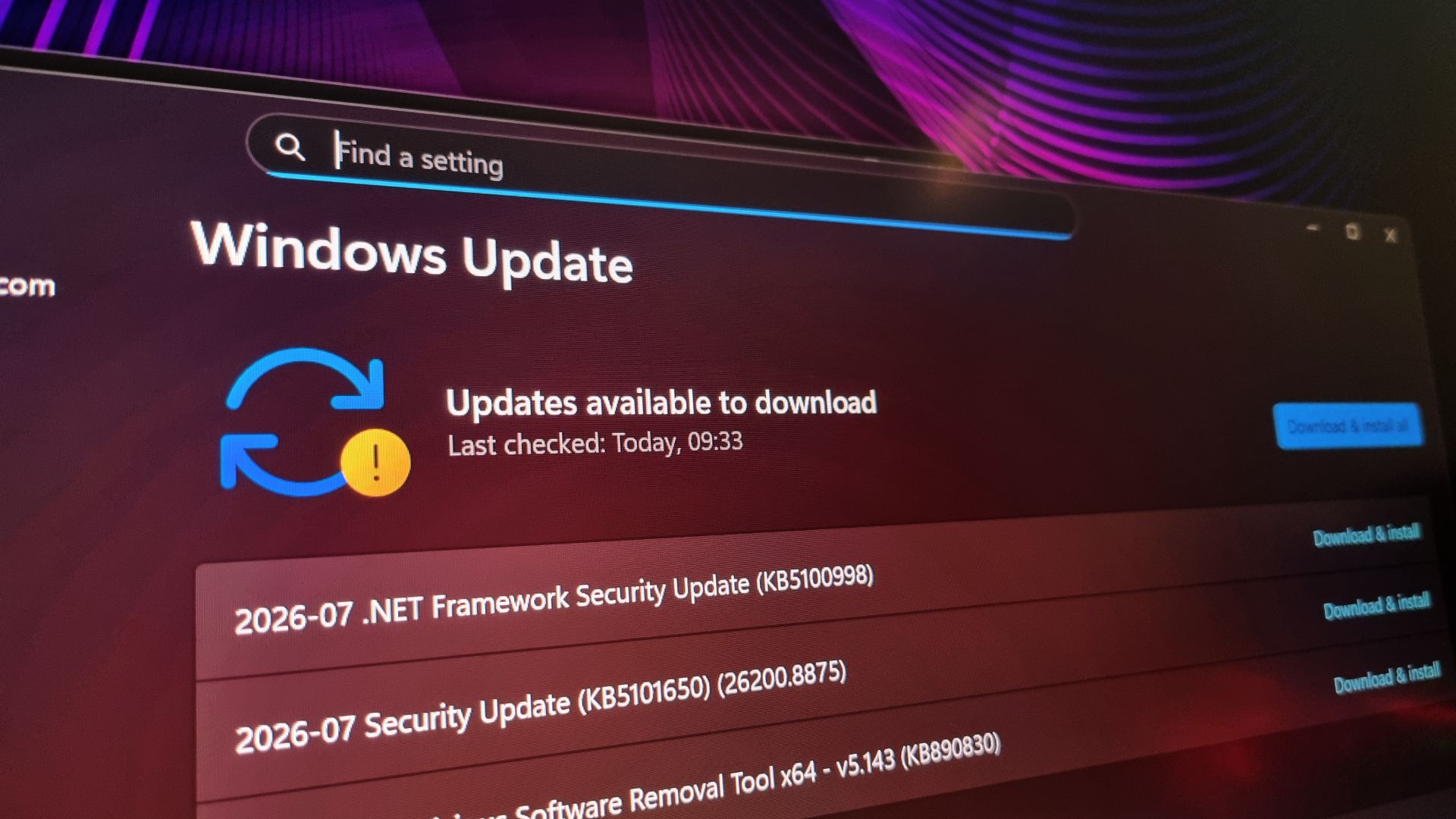
The complexity of the modern Windows ecosystem makes diagnosing such issues notoriously difficult. When the OS kernel, graphics drivers, and monitor firmware interact, a single change in how the OS handles display handshakes can lead to catastrophic failures. The fact that the issue is remediated by forcing a lower refresh rate suggests that the Windows Desktop Window Manager (DWM) or the underlying display driver stack is failing to maintain the necessary bandwidth or timing synchronization required for ultra-high refresh rates after the update.
Microsoft’s AI-Driven Vulnerability Strategy
To understand why this happened, one must look at how Microsoft is changing its update pipeline. The company has explicitly stated that it is leveraging AI to identify security vulnerabilities at a scale that human engineers simply cannot match. By utilizing machine learning models to comb through codebases, Microsoft has successfully identified and patched 570 vulnerabilities in a single month—a fourfold increase compared to the same period last year.
However, there is a fundamental philosophical divide between "finding" a bug and "fixing" it safely. Microsoft’s current stance suggests that AI is being used primarily for discovery. The implication is that the engineering team is now tasked with pushing out a much higher volume of patches to address these newly discovered flaws.
Here lies the paradox: the more frequently you update the OS to fix security vulnerabilities, the more frequently you introduce new variables into the system environment. Each patch, regardless of how small, requires extensive validation. If the pace of vulnerability discovery (aided by AI) outstrips the pace of traditional quality assurance (QA) testing, the result is an unstable OS.
Official Responses and Known Conflicts
Microsoft has acknowledged that the update cycle is not without friction. In a move that validates the reports of system instability, the company has officially paused the deployment of certain updates for specific Dell PC configurations. The official documentation cites "changes in performance, power consumption, or system behavior" as the primary reasons for the hold.
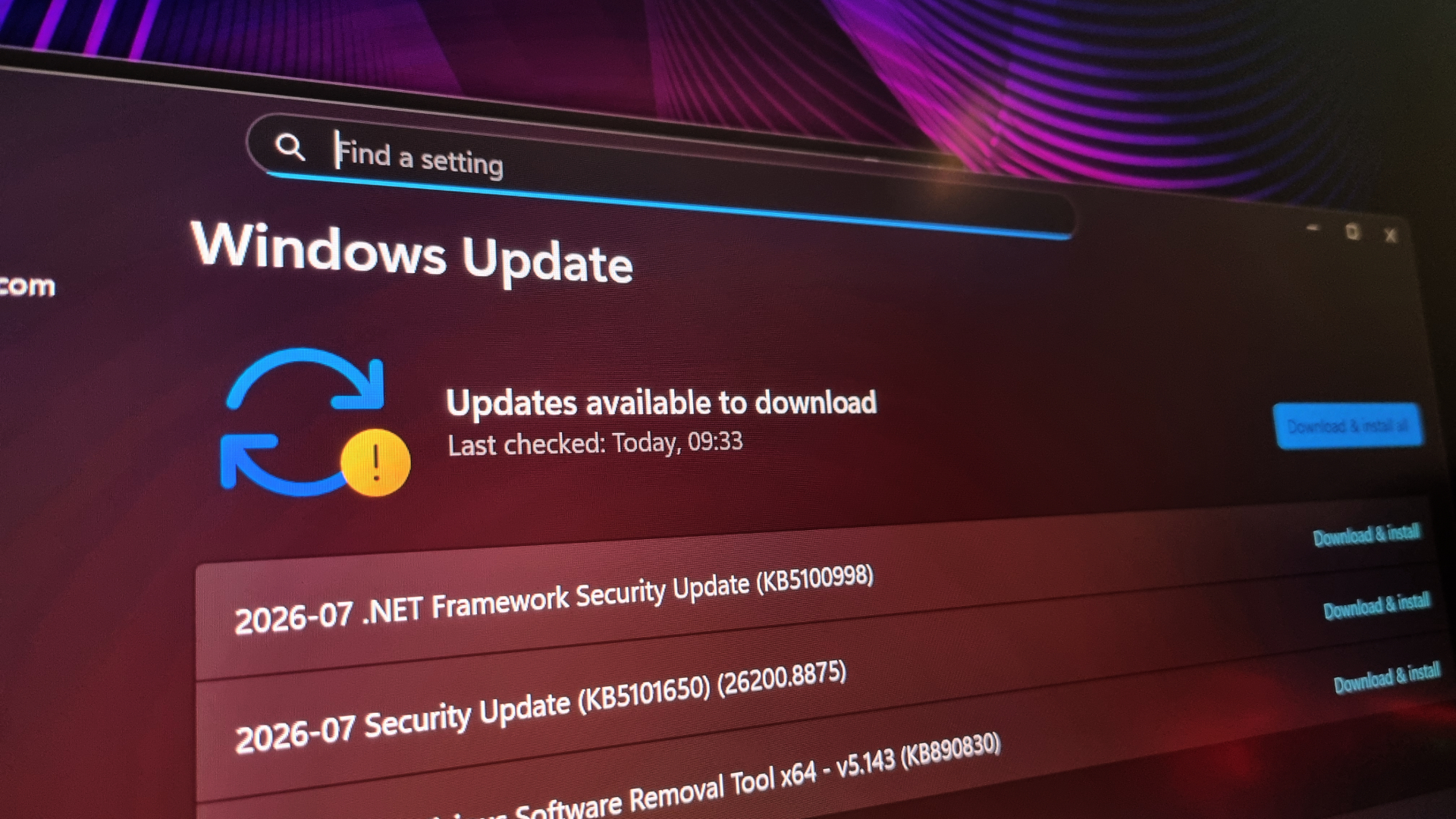
While this acknowledgement is a start, it is notably absent of a specific fix for the display-related issues currently plaguing enthusiast users. As of this writing, there has been no official statement from either Microsoft or AMD regarding the specific handshake errors occurring at 400Hz or 360Hz refresh rates. For now, users are left with the classic, if frustrating, set of workarounds:
- Rolling back the update: Using the Windows Recovery environment to uninstall the latest quality update.
- Forced Refresh Rate Capping: Manually limiting the monitor to a lower frequency in the Windows Display Settings or the GPU control panel.
- Driver Reinstallation: Performing a "clean" install of GPU drivers using tools like DDU (Display Driver Uninstaller) to ensure no registry conflicts remain from the update.
The Implications: Quality vs. Velocity
The current situation with KB5101650 serves as a cautionary tale for the future of software maintenance. As corporations rush to integrate AI into every facet of the development lifecycle, the focus often shifts to the velocity of delivery rather than the stability of the user experience.
If Windows 11 continues to push massive, AI-generated patch sets, the platform risks alienating the very users who require the most stability—power users, gamers, and creative professionals. A 400Hz monitor is a premium piece of hardware, and for a user to be forced to operate it at 240Hz due to an unforced software error is a significant degradation of value.
Moving forward, the industry must address how "AI-speed" development can coexist with "human-speed" testing. If AI can find 570 bugs in a month, it should also be tasked with predicting how those fixes might conflict with existing hardware configurations. Until that level of integrated testing is achieved, users will continue to find themselves in the precarious position of choosing between being secure or being functional.
For the enthusiast community, the current consensus is clear: the excitement of new features and the necessity of security patches must be balanced against the reality of day-to-day usability. Until a hotfix is released, those running high-refresh-rate displays may want to delay further updates or maintain a recovery image of their system, as the cost of "being up to date" has rarely been this physically visible.