Suro Senen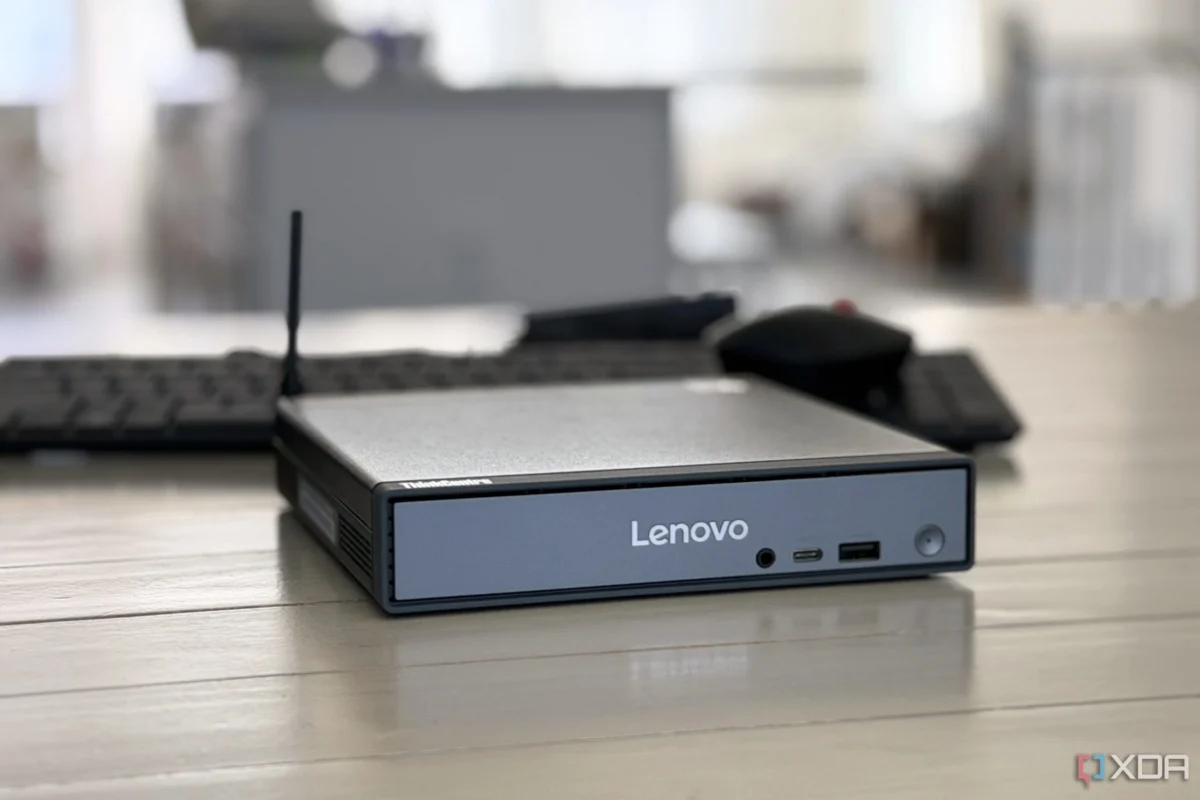
For several months, a series of high-performance ARM-based mini PCs sat prominently in my online shopping cart. The appeal was undeniable: passively cooled chassis, whisper-quiet operation, and an idle power draw that promised to shave a few dollars off my monthly energy bill. For a home lab enthusiast looking to experiment with always-on, low-power server nodes, the hardware seemed like a dream. The price points were aggressive, the performance-per-watt metrics were industry-leading, and the dream of a "set it and forget it" server rack felt closer than ever.
However, after diving deep into the compatibility requirements for my existing home lab stack, I made a difficult decision: I hit the "remove from cart" button. While ARM is undeniably the future of mobile and increasingly the high-end desktop market, it remains a fragmented, friction-heavy environment for the DIY home lab builder.
The Allure of ARM: A Shift in the Computing Paradigm
The rise of ARM in the desktop space is well-documented. Apple’s transition to Silicon with the M-series chips effectively proved that ARM could deliver desktop-class performance while maintaining mobile-grade thermal efficiency. In the Windows space, the arrival of the Snapdragon X series has sparked a renewed interest in non-x86 hardware. Meanwhile, at the lower end of the spectrum, Rockchip’s RK3588 has become a darling of the Single Board Computer (SBC) community, offering a compelling alternative to the traditional Raspberry Pi.
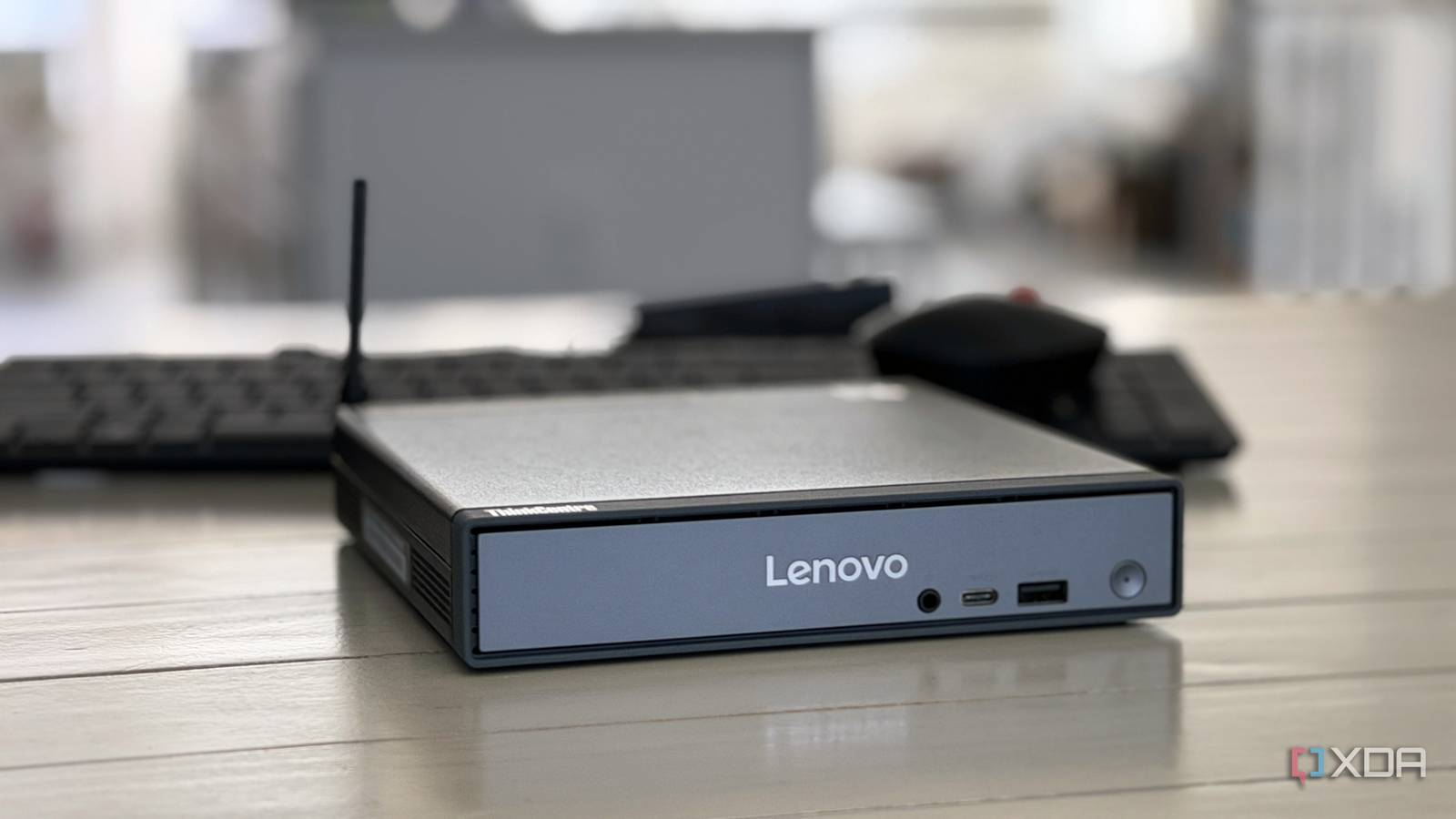
For a home lab user, these developments are exciting. The goal of a home lab is often to host self-contained services—media servers, reverse proxies, monitoring dashboards, and local LLM instances—that run 24/7. An ARM device that can run these tasks while drawing minimal power represents the pinnacle of efficiency. However, as I soon discovered, the gap between "capable hardware" and "functional ecosystem" remains a chasm for the average power user.
The Chronology of My Investigation
My journey toward an ARM-based home lab began with a simple hardware evaluation in early 2026.
- Phase 1: The Hardware Hunt (January 2026): I spent weeks analyzing specs, comparing benchmarks, and reading forum threads regarding thermal throttling and I/O speeds on various ARM-based boards.
- Phase 2: The OS Compatibility Audit (February 2026): I attempted to map my desired software stack against available operating systems. I quickly realized that unlike the "it just works" nature of x86, ARM requires a bespoke approach for almost every kernel iteration.
- Phase 3: The Container Reality Check (March 2026): I audited my Docker Compose files. I found that while 60% of my images had ARM64 support, the remaining 40%—critical utilities and niche tools—were either missing or years out of date.
- Phase 4: The Final Decision (April 2026): After weighing the cost of time-sink troubleshooting against the reliability of an x86 N100 system, I pivoted back to traditional architecture, officially abandoning the ARM-server project for the current year.
OS Flexibility: The x86 "Gold Standard"
As a veteran user of x86-based mini PCs, I had become accustomed to a specific level of freedom. Whether I am deploying Proxmox, Ubuntu Server, Debian, or even a specialized Windows 11 instance, the x86 architecture acts as a universal translator. If a piece of software exists for Linux, it runs on my x86 server. This is a level of abstraction that we often take for granted.

ARM, by contrast, is a ecosystem of "islands." Many ARM-based mini PCs ship with vendor-customized versions of Linux or Android that are tethered to a specific System-on-Chip (SoC). Because these platforms lack the standardized BIOS/UEFI implementations found on PC hardware, you are often at the mercy of the manufacturer for kernel updates and driver support.
My plan to run a community-maintained OS was quickly thwarted by the reality of device trees and custom patches. To get a stable environment, I would have been forced to rely on unofficial GitHub repositories maintained by hobbyists. In a home lab, where stability is the goal, relying on a stranger’s kernel patch for your core server OS is a recipe for frustration. When Proxmox—the industry standard for home virtualization—lacks official support for the architecture you’ve chosen, you are effectively operating outside the safety net of the broader technical community.
The Docker Dilemma: When Emulation Isn’t Enough
If the OS was the first hurdle, Docker was the wall. The containerized revolution has made home-labbing significantly easier, but it has also exposed a major blind spot in the current ARM ecosystem: the lack of multi-architecture builds for less-than-mainstream software.
When I browsed Docker Hub for my standard services—media servers, networking tools, and specialized database containers—the fragmentation was immediately apparent. Many images listed "arm64" support, but upon closer inspection, the last update was often over a year old. In the fast-moving world of security patches and feature updates, an outdated container is a liability.
Some might argue that QEMU emulation (which allows x86 images to run on ARM hardware) is the solution. While it is technically possible to pull an x86 image and run it on an ARM host via emulation, it is a sub-optimal experience. You trade performance for compatibility, leading to high CPU usage, unexpected hangs, and a debugging nightmare. When a container crashes, you are left wondering if the issue is a bug in the application or an artifact of the emulation layer. This is not the "set it and forget it" experience I was looking for.
Supporting Data: Efficiency vs. Compatibility
The primary selling point of ARM is its power efficiency. Comparing a modern ARM-based mini PC to an Intel N100-based mini PC, the numbers are indeed close.

| Metric | ARM-based Mini PC | Intel N100 Mini PC |
|---|---|---|
| Idle Power Draw | 3W – 5W | 5W – 8W |
| OS Support | Limited (Vendor-Specific) | Universal (x86_64) |
| Container Support | Fragmented (ARM64) | Native (x86_64) |
| Virtualization | Challenging/Unstable | Native (Proxmox/ESXi) |
| Price/Performance | Competitive | High Value |
While the ARM device saves an additional 2-3 watts at idle, the cost in configuration time, troubleshooting, and potential downtime far outweighs the small electricity savings. For an average user, the Intel N100 remains the king of the "budget-friendly home server" precisely because it doesn’t force the user to change their software habits to fit the hardware.
Implications for the Future of Home Computing
The friction I encountered is not a permanent state, but it is a significant hurdle for 2026. The ARM ecosystem on Linux is maturing, and in a year or two, we may reach a point where "multi-arch" becomes the default for every Docker maintainer. However, as of now, ARM is a platform for specialized, purpose-built tasks, not general-purpose home lab experimentation.
The implication for manufacturers is clear: if they want ARM to succeed in the home server market, they must prioritize standardized firmware and upstream Linux kernel support. Without a unified way to boot and manage these devices, they will remain niche products for enthusiasts who enjoy the process of "tinkering" more than the actual outcome of having a reliable, running server.
Final Verdict: Why I Chose x86
After much deliberation, I purchased an Intel N100-based mini PC. The setup process was instantaneous. I installed Proxmox, pulled my containers, and everything ran exactly as it had on my previous, more power-hungry hardware. The friction disappeared.
I still believe in the promise of ARM. I look forward to a day when I can drop a low-power ARM board into my rack and have it perform just as reliably as my x86 machines. But for now, if you are looking to build a functional, stable home lab that doesn’t require constant babysitting, the x86 architecture remains the superior choice. Sometimes, the most efficient tool is simply the one that gets out of your way and lets you work.


 Siti Muinah
 Layla Zulfa