Asro
Asro
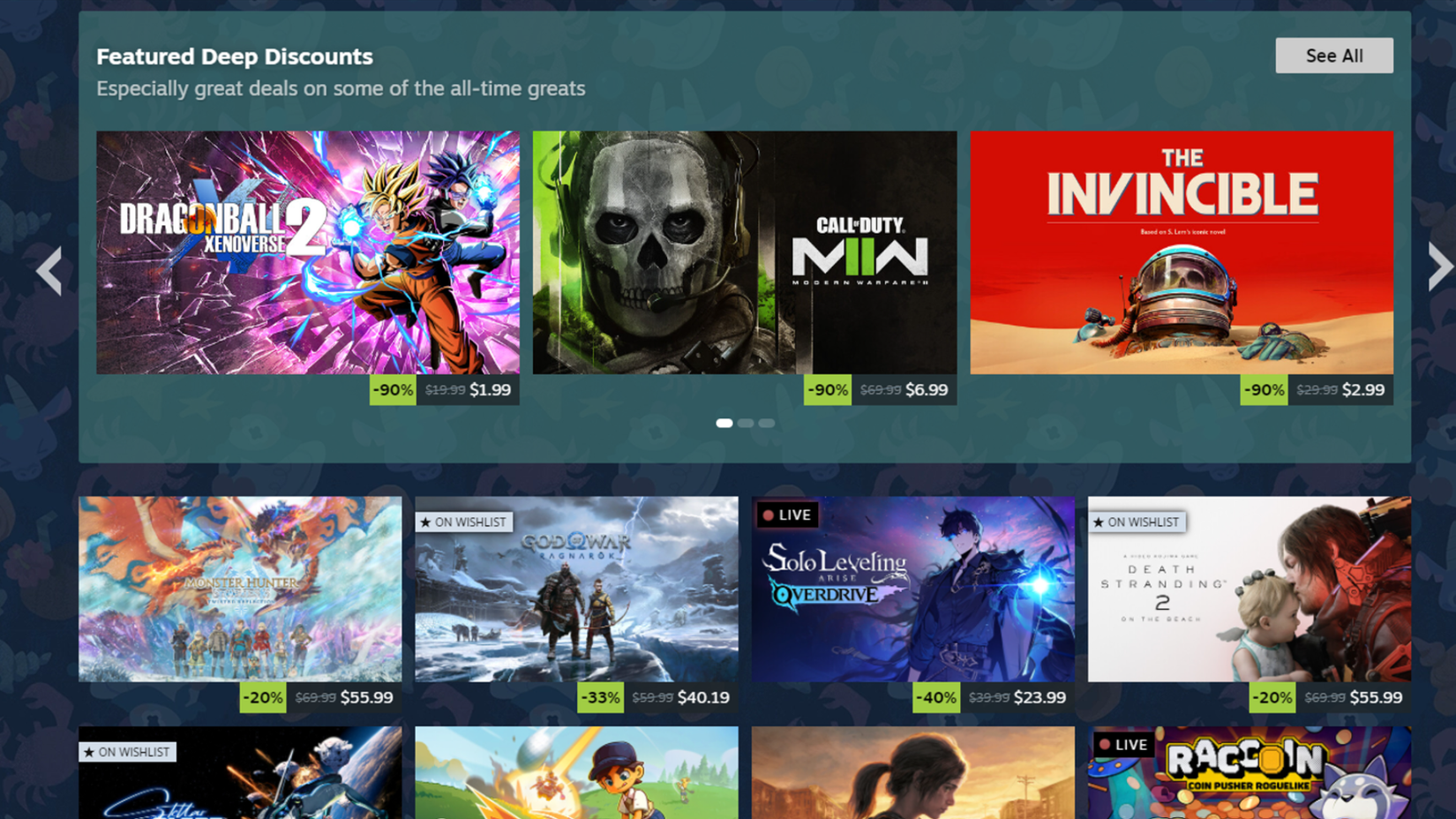
For nearly two decades, Valve’s Steam platform has served as the digital hearth of the PC gaming community. While the platform has evolved from a simple game launcher into a global ecosystem, its identity remains inextricably linked to its legendary seasonal sales. Whether it is the blistering heat of the Summer Sale or the cozy, festive atmosphere of the Winter Sale, these events represent a unique phenomenon in retail—a period where millions of gamers simultaneously engage in a high-stakes hunt for the best value.
However, as the platform has grown to accommodate over 40 million concurrent users, the process of navigating these sales has shifted from a simple browsing exercise to a strategic endeavor. For newcomers and veterans alike, the sheer volume of discounts can be overwhelming. To help you navigate these digital bazaars without sacrificing your fiscal sanity, we have compiled the ultimate guide to optimizing your Steam shopping experience.

The Anatomy of a Steam Sale: Main Facts
Steam’s seasonal sales are not merely discounts; they are large-scale, coordinated events that influence the entire industry. When Valve triggers a major sale—typically starting at 1:00 PM ET on the launch day—the sheer volume of traffic is immense. This leads to the first and most critical rule of the modern Steam shopper: Patience is a virtue.
Attempting to purchase games the exact second a sale goes live is a recipe for frustration. Server congestion is common, leading to latency, checkout errors, and the occasional loss of a transaction during payment processing. By waiting 60 to 120 minutes, you allow the initial surge of millions of users to clear, ensuring a smoother, more reliable experience for your own transactions.

A Chronological Approach to Shopping
Effective shopping on Steam requires a structured timeline. To truly maximize your efficiency, you should not approach the store as a chaotic scavenger hunt, but as a systematic operation.
1. Pre-Sale Preparation
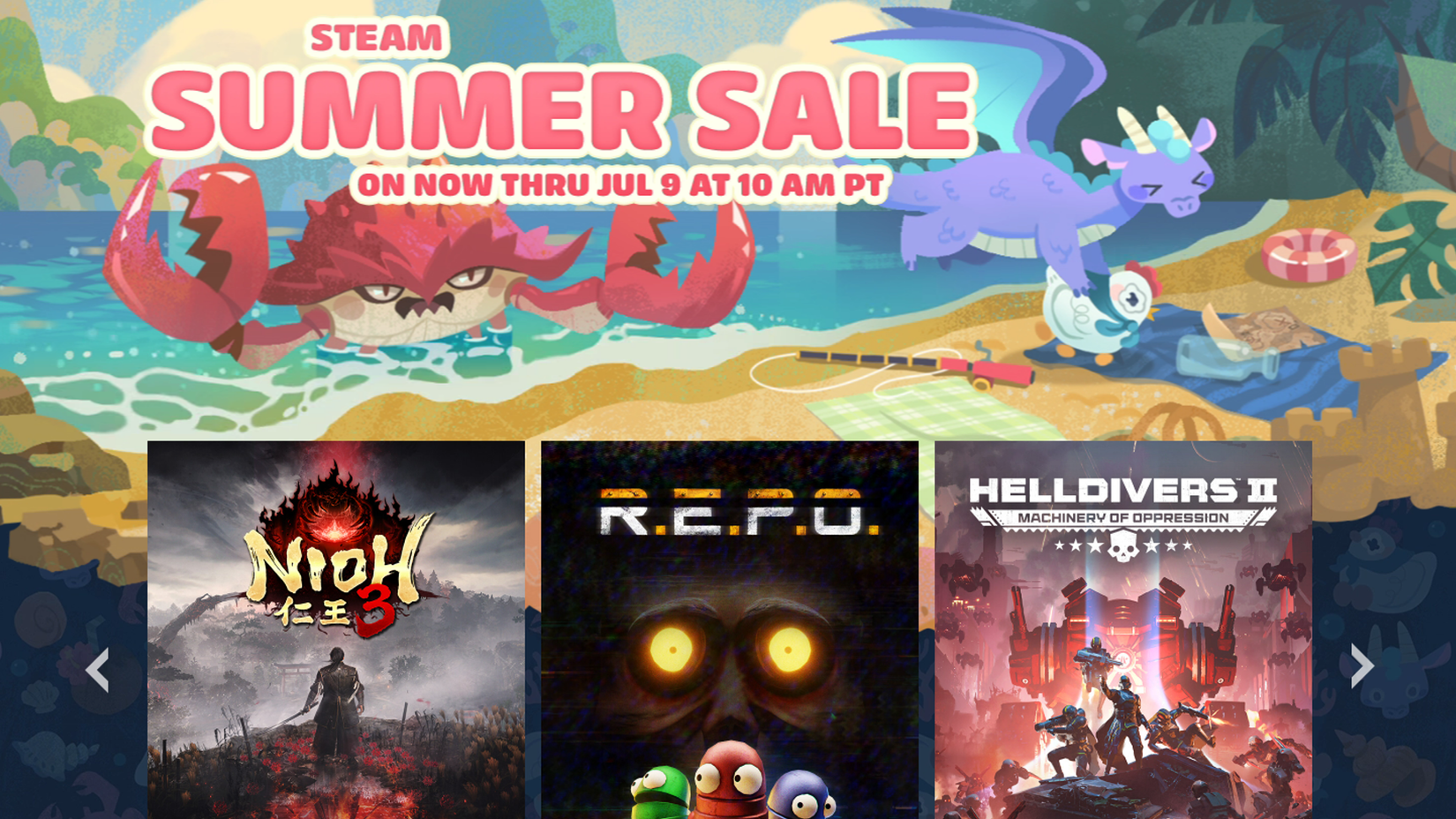
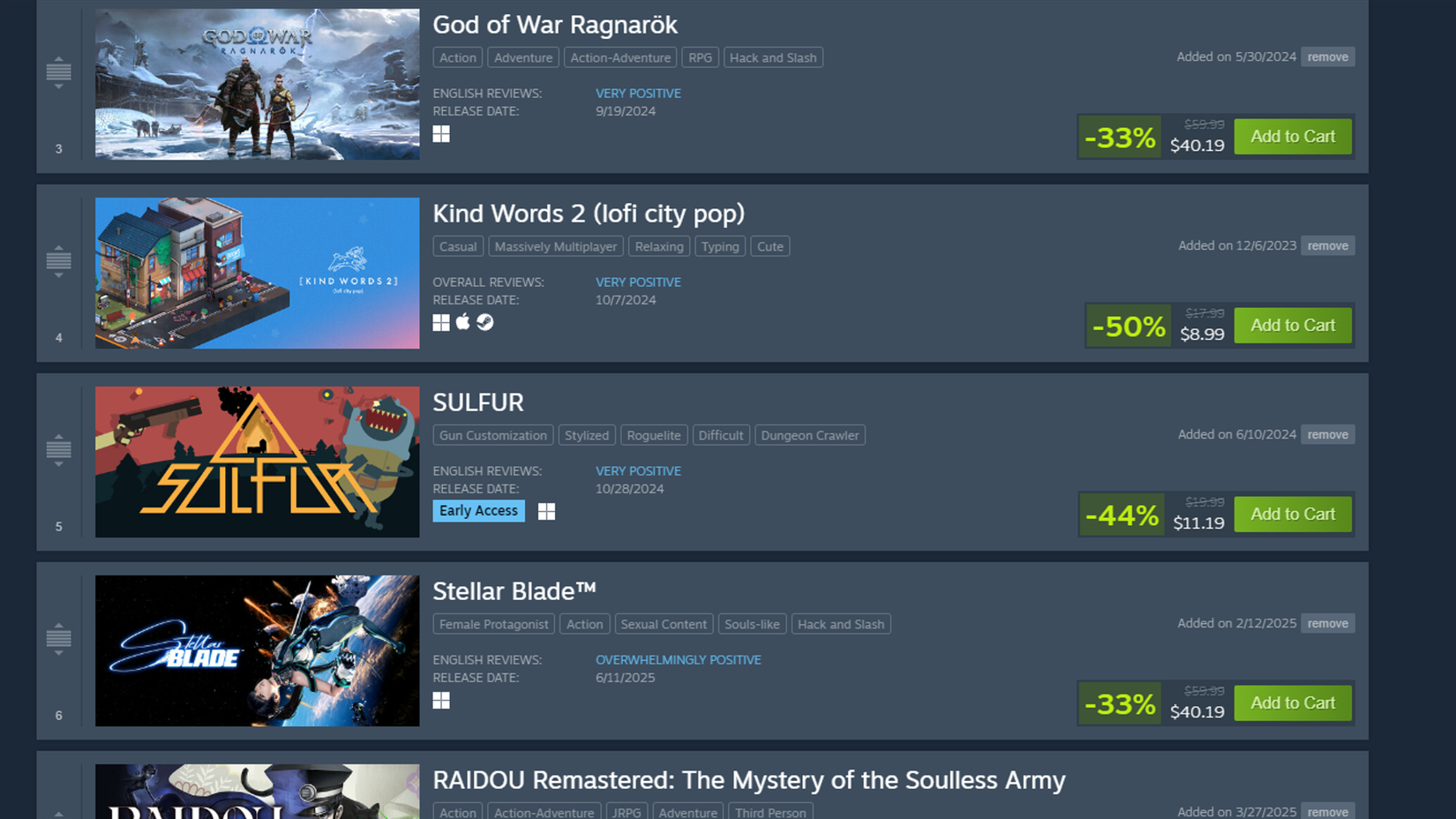
Long before the countdown hits zero, your most valuable asset is your Wishlist. By curating this list throughout the year, you gain an immediate advantage when the sale begins. Steam automatically updates your wishlist items with their new discounted prices, allowing you to prioritize the titles you actually want rather than getting distracted by the "Featured" banners that prioritize high-profile, AAA titles.
2. The Discovery Phase
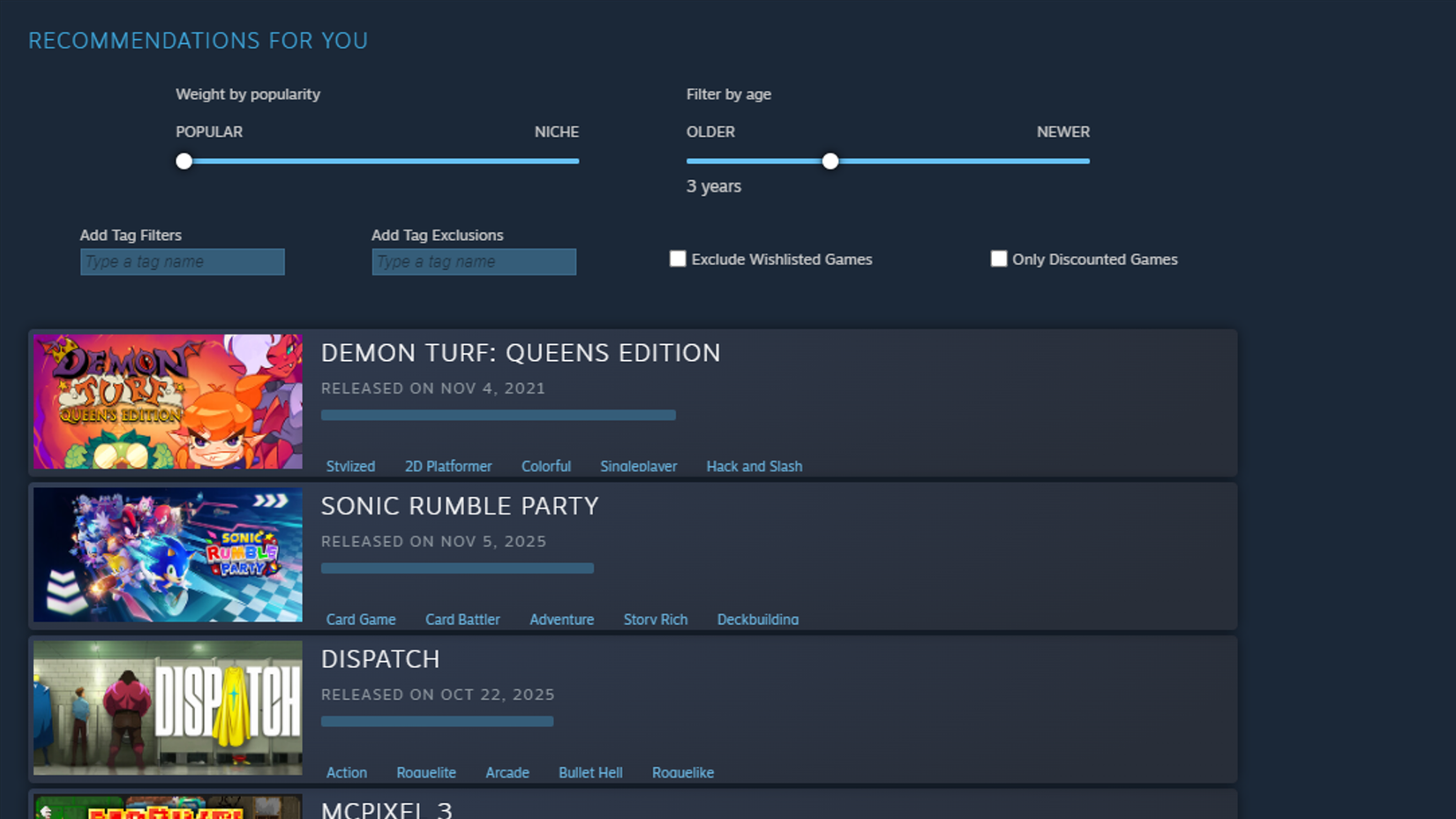
Once you have cleared your wishlist, turn your attention to the Discovery Queue and the Interactive Recommender. These tools are the backbone of Steam’s personalization engine. By interacting with these queues, you provide the platform with data on your preferences. Ignoring games you have no interest in helps the algorithm refine its suggestions, moving you away from generic, heavily marketed blockbusters and toward hidden gems that align with your specific tastes.
3. The "Marination" Period
Impulse buying is the enemy of the smart shopper. Once you have identified potential purchases, do not click "Purchase" immediately. Instead, let them sit in your cart. Take 24 to 48 hours to evaluate your budget and your actual intent to play. Ask yourself: Will I realistically play this in the next three months? If the answer is no, the game is likely to be just as cheap—or cheaper—in the next seasonal cycle.
Supporting Data and Market Trends
Understanding the history of a game’s pricing is the difference between a "good deal" and a "great deal." This is where external tools like SteamDB become indispensable.
SteamDB provides a comprehensive historical record of every price fluctuation a game has undergone on the Steam platform. If a game is currently discounted by 50%, but its historical low point was 75%, you know to hold off. This data-driven approach removes the guesswork from your purchasing decisions.
Furthermore, the rise of the PC gaming market has necessitated the use of third-party, legitimate storefronts. Websites such as GreenManGaming, Fanatical, and GameBillet are authorized retailers that often run their own seasonal sales that overlap with Valve’s. Using a service like IsThereAnyDeal allows you to cross-reference prices across these legitimate storefronts, ensuring you never pay more than necessary.
Official Policies and Community Standards
One of the most generous aspects of the Steam ecosystem is its refund policy. Valve allows users to request a refund for any game owned for less than two weeks and played for fewer than two hours.
The Ethics of Refunding
It is important to emphasize that this policy is designed to protect consumers from technical failures and "buyer’s remorse" regarding hardware compatibility, not as a tool for renting games for free. A "serial refunder" risks having their account privileges revoked or their ability to request refunds restricted. As a community, we must respect these guidelines. If you purchase a game, treat it as a commitment. If you are unsure, wait until you are ready to invest before hitting that purchase button.
Gift Culture
When gifting games to friends, communication is key. While the gesture is noble, it is wise to verify whether your friend actually wants the title. A gift that ends up as a permanent fixture in a backlog can feel more like an obligation than a favor. A quick, casual inquiry beforehand ensures that your gift is both wanted and appreciated.
Implications for the Future of PC Gaming
As the gaming industry continues to consolidate and digital storefronts evolve, the significance of these sales remains constant. They are the lifeblood of the "backlog culture," allowing users to build extensive libraries of high-quality titles for a fraction of their original MSRP.
However, the shift away from the old "Flash Sale" model—where discounts rotated every few hours—toward the current "static" discount model has changed the nature of the event. While it lacks the frantic, competitive energy of the early 2010s, it provides a more relaxed, consumer-friendly environment. Users no longer have to watch the clock to ensure they don’t miss a fleeting price drop.

The Verdict on Bundles
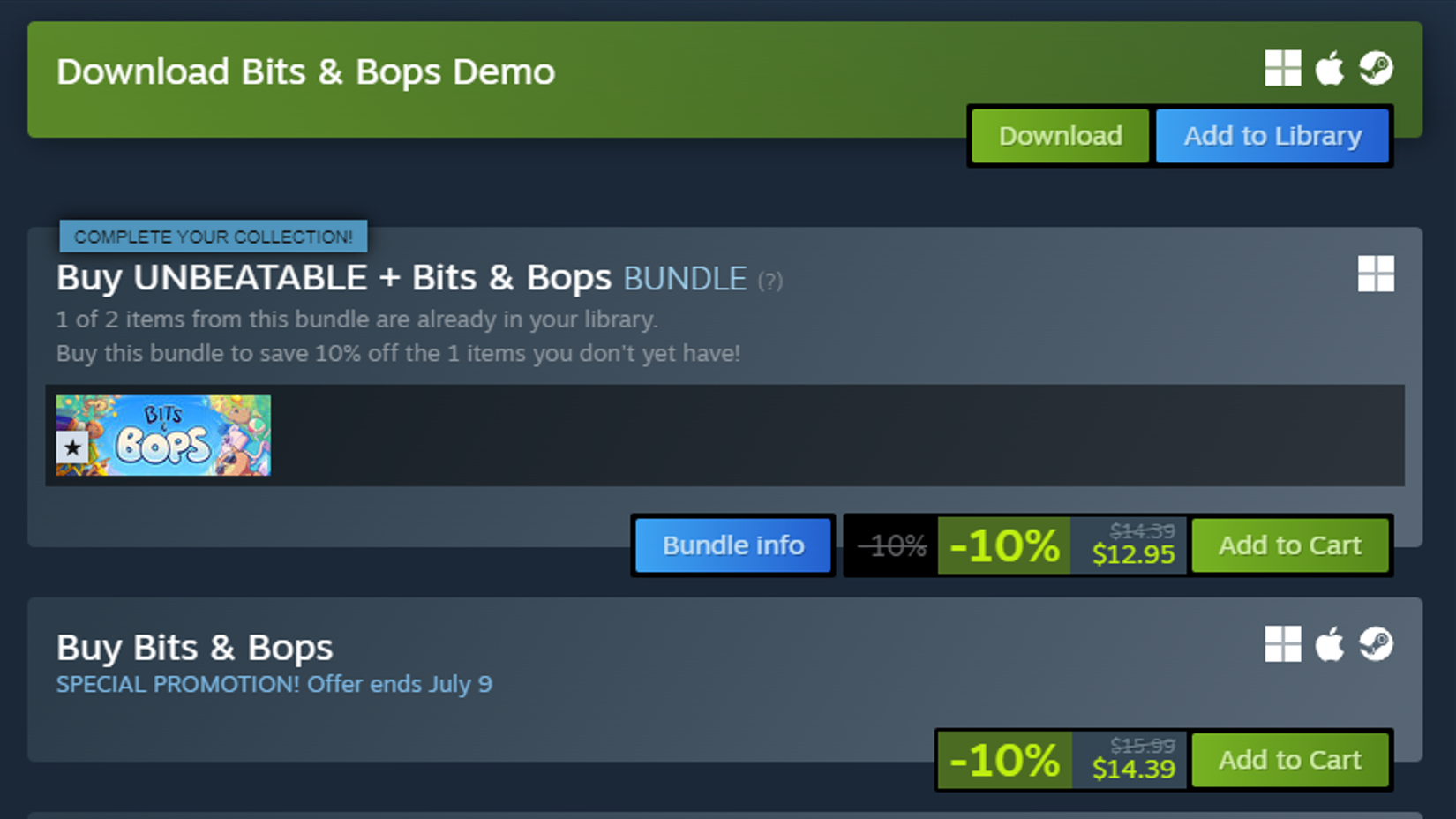
Finally, do not overlook the power of "Complete the Set" bundles. When you purchase a bundle on Steam, the price is dynamically adjusted based on the items you already own. During a sale, these bundles often receive additional, compounding discounts. Always check the individual store page of a game you intend to buy to see if it is part of a bundle; you might find that adding a few related titles costs only pennies more than the single game itself.
Conclusion
Navigating a Steam sale is an exercise in discipline, research, and self-awareness. By utilizing the platform’s native tools like the wishlist and discovery queue, cross-referencing price histories on SteamDB, and respecting the community policies regarding refunds and gifts, you can transform the overwhelming nature of these sales into a manageable and rewarding experience.
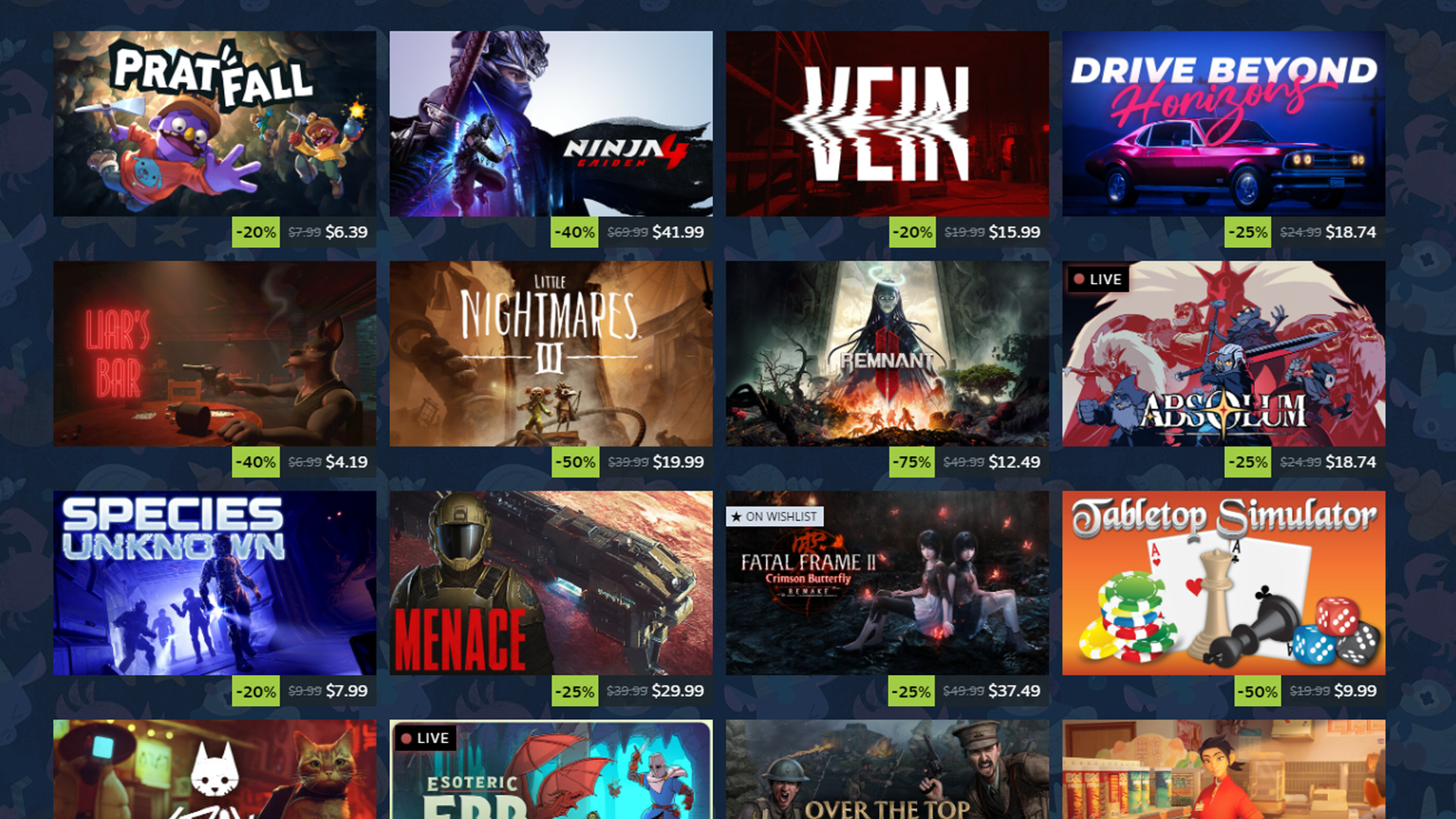
Whether you are a casual player looking to pick up a few indie titles or a hardcore enthusiast filling out your collection, the principles remain the same: Stay informed, shop with intent, and—above all—remember that there will always be another sale. Your wallet will thank you, and your backlog will remain a testament to your strategic prowess rather than a graveyard of impulsive decisions.


 Reynand Wu
 Nila Kartika Wati