

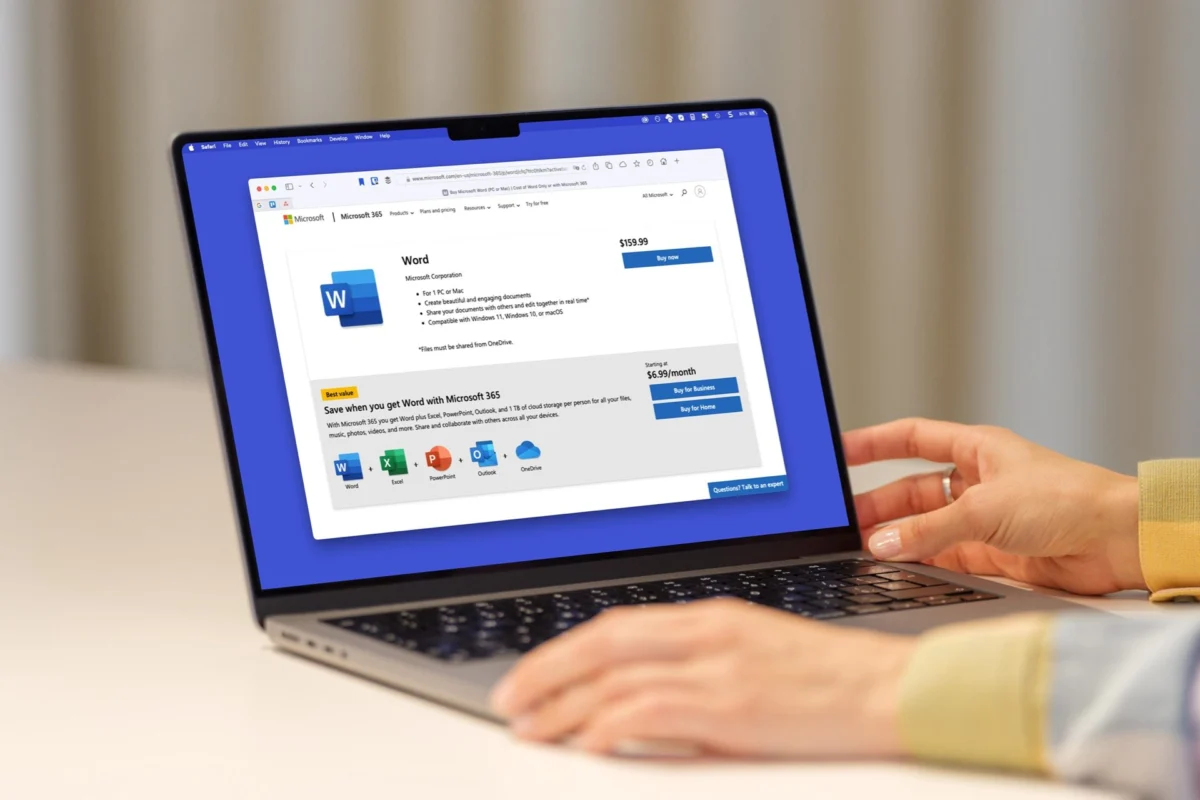
For years, a significant contingent of Mac users has relied on a reliable, static version of productivity software: Microsoft Office 2019. Purchased as a perpetual license, it offered a "set it and forget it" experience for those who preferred to avoid the monthly recurring costs of the cloud-based Microsoft 365 ecosystem. However, that era of stability is coming to an abrupt and controversial end.
Starting July 13, 2026, Office 2019 for Mac will effectively cease to function as a productivity suite. While the applications may remain installed on your hard drive, they will lose the fundamental ability to edit, save, or create new files. For thousands of professionals, students, and casual users, this represents a forced obsolescence that raises serious questions about the ethics of software ownership in the modern age.
The Core Technical Failure: Expiring Certificates
At the heart of this disruption is a seemingly mundane technical hurdle: an expiring security certificate. Modern software suites utilize digital signatures—cryptographic certificates—to verify the integrity of the application and its license.

Microsoft has stated that the issue arises from the expiration of the security certificate that validates Office 2019 licenses. While Microsoft has renewed this certificate for its currently supported products, it has explicitly chosen not to issue a patch or update path for Office 2019 for Mac. Without a valid, updated certificate, the software suite enters a "read-only" state, effectively rendering it useless for any meaningful work.
The tech giant’s decision to leave Office 2019 behind has sparked outrage, particularly because many users feel the fix—a simple update to the certificate verification process—would require minimal engineering overhead. Instead, Microsoft has opted to treat the software as a "legacy" product, shutting off the oxygen to a tool that many users still find perfectly adequate for their daily needs.
A Chronology of a Quiet Sunset
To understand the frustration felt by the user base, one must look at the timeline of events leading up to this point:

- September 2018: Microsoft releases Office 2019, positioning it as the successor to Office 2016 and a staple for those who prefer local, non-subscription software.
- October 2023: Microsoft officially ends mainstream support for Office 2019 for Mac. At the time, users were assured that while security updates would cease, the core functionality of the programs—Word, Excel, and PowerPoint—would remain intact.
- Early 2026: Users begin to notice discrepancies in official documentation regarding the longevity of "unsupported" perpetual software.
- June 2026: Reports surface confirming that the security certificate for the 2019 suite is set to expire on July 13.
- July 13, 2026: The "drop-dead" date. Microsoft officially stops supporting the license verification for the 2019 suite, forcing users into a read-only state.
The Official Stance: Convenience or Coercion?
Microsoft’s public response has been characteristically clinical. A company spokesperson, in comments provided to various media outlets, stated: "Microsoft is not intentionally limiting or changing Office 2019; the product cannot receive the renewed certificate because no update path exists for an out-of-support product."
This explanation has been met with intense skepticism from the tech community. Critics argue that an "update path" is not a physical limitation but a policy decision. By refusing to provide a minor patch to extend the life of the software, Microsoft is essentially deciding to kill a product that it previously sold as a permanent purchase.
Compounding this sentiment is the fact that, as users have pointed out, Microsoft reportedly removed language from its support website that once promised that Office 2019 would "continue to function" even after official support ended. This shift in documentation feels, to many, like a bait-and-switch strategy designed to shepherd users toward the subscription-heavy Microsoft 365 model.

Implications for the Perpetual License Model
The death of Office 2019 for Mac is not merely a local issue for spreadsheet users; it is a signal of a broader industry trend toward "Software as a Service" (SaaS).
For decades, the "perpetual license" was the gold standard of software ownership. You paid once, you owned the bits, and you could use them for as long as your hardware allowed. Today, that model is increasingly under fire. By leveraging technical dependencies—like security certificates or cloud-based activation servers—companies can effectively "turn off" software that has already been paid for.
This raises critical questions:

- Ownership vs. Licensing: Do we actually own the software we purchase, or are we merely renting the right to use it until the manufacturer decides otherwise?
- Sustainability and E-Waste: By forcing users to upgrade, companies contribute to a cycle of constant hardware and software turnover. If an older version of Word works perfectly fine for a student’s essay, why must they be forced to update to a version that requires more RAM and newer operating systems?
- The "AI-First" Future: Much of Microsoft’s push toward the 365 subscription model is driven by its desire to integrate AI features like Copilot. Users who are perfectly content with the "classic" experience of Word and Excel find themselves forced to pay for features they may never use, effectively subsidizing the development of high-end AI tools they didn’t ask for.
Your Options: Navigating the Aftermath
If you are currently staring at a "read-only" prompt in your Office 2019 apps, you are essentially at a crossroads. You have three primary paths forward:
1. The Subscription Route (Microsoft 365)
The path of least resistance is to bite the bullet and subscribe to Microsoft 365. This grants you access to the latest versions of the apps, cloud storage, and continuous updates. For professionals who rely on cross-platform compatibility and the latest security patches, this is the industry-standard recommendation. However, it requires a permanent monthly or annual financial commitment.
2. The Perpetual Upgrade (Office 2024)
For those who absolutely refuse to engage in a subscription, Microsoft still offers a perpetual license version, currently branded as Office Home 2024 for Mac. While this allows you to avoid the subscription, it is a "one-and-done" purchase that applies to a single device. It lacks the cloud-syncing and collaborative advantages of 365, and you will eventually face the same "end of life" cycle in a few years when this version, too, is deprecated.

3. The "Free Alternatives" Pivot
Many users are choosing this moment to break their dependence on the Microsoft ecosystem entirely. Apple’s iWork suite—Numbers, Pages, and Keynote—is free, pre-installed on every Mac, and remarkably capable for 90% of user needs. Other options like LibreOffice offer a robust, open-source alternative that doesn’t rely on proprietary certificates or subscription servers. While there may be a learning curve or minor formatting incompatibilities when sharing files, this is the only path that offers true long-term independence.
Final Thoughts: The Cost of Dependence
The forced retirement of Office 2019 for Mac is a wake-up call for the modern consumer. It highlights the inherent fragility of relying on proprietary, closed-source software for critical workflows.
Whether this was a calculated move by Microsoft to bolster subscription numbers or an unavoidable consequence of evolving security standards, the result is the same: the user is the one paying the price. As we move further into a future dominated by cloud-tethered applications and subscription-based models, the freedom to choose your tools—and keep them as long as you see fit—is becoming a luxury.

For now, the era of Office 2019 is over. Whether you choose to upgrade to the latest suite or migrate to a new platform, the message from Silicon Valley is clear: the era of "owning" your software is fading into the past.












No comments yet. Be the first to join the conversation!