

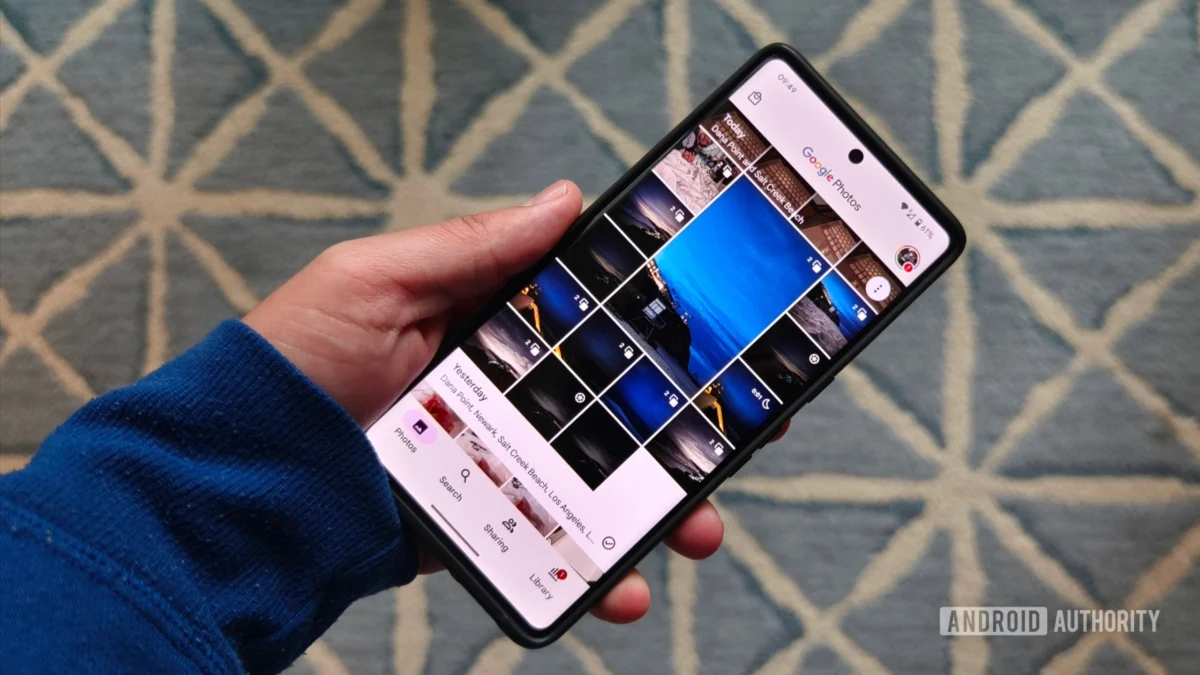
For years, the centerpiece of the modern living room has evolved from a simple broadcast receiver into a sophisticated media hub. At the heart of this evolution for millions of users is Google TV, a platform that excels at streaming, recommendation algorithms, and aesthetic customization. Yet, despite its polish and technological prowess, Google TV suffers from a glaring, persistent omission that alienates users who want to bridge the gap between their mobile memories and their home entertainment systems: there is no native Google Photos app for Google TV.
This oversight is not merely a minor inconvenience; it is a fundamental friction point in the Google ecosystem. While competitors have long recognized that the largest screen in the house is the ideal canvas for digital memories, Google remains strangely hesitant to bring the full weight of its photo management suite to the television.
The Core Problem: A Gallery Locked Behind a Screensaver
The current state of photo viewing on Google TV is paradoxical. On one hand, Google has invested heavily in "Ambient Mode," a sophisticated screensaver that prevents screen burn-in while displaying high-quality imagery from sources like NASA, Getty, and Google Arts & Culture. It is, by all accounts, a brilliant aesthetic feature.
Crucially, Ambient Mode allows users to pull images from their own Google Photos libraries. For many, this is a delightful way to see cherished memories of travels, family gatherings, and milestones flicker across the screen during periods of inactivity. However, Ambient Mode is a passive experience. It is designed to be a background element, not an interactive gallery.
The frustration arises when a user sees a photo they like and wants to do more: view the specific album it belongs to, scroll through related shots, or delete a blurry duplicate. They instinctively reach for their remote, only to realize that the interface is rigid and non-navigable. You cannot "open" the photo; you cannot explore the collection. You are effectively limited to being a spectator of your own digital archives.
Chronology of an Omission
The absence of a dedicated Google Photos application on Android TV and its successor, Google TV, has been a long-standing point of contention among power users and casual observers alike.
- The Early Days of Chromecast: When Google first introduced the Chromecast, its primary function was casting. Users were encouraged to push content from their phones to the TV. This worked well for media streaming services like Netflix or YouTube, but it treated photos as temporary, secondary content.
- The Rise of Android TV: As the platform matured into a full-fledged OS, competitors like Apple (with tvOS) and Amazon (with Fire TV) implemented dedicated photo galleries. Apple, in particular, integrated its Photos app deeply into the TV experience, allowing for curated slideshows and easy navigation. Google, however, doubled down on the "Assistant" and "Casting" paradigms.
- The Google TV Rebrand: When Google transitioned from Android TV to the Google TV interface, many hoped for a more unified ecosystem. Instead, the focus shifted toward "Google TV Home," which prioritized streaming content discovery, while personal photo management remained relegated to the "Ambient Mode" settings menu.
- The AI Pivot: In recent years, Google’s strategy has shifted almost exclusively toward integrating Gemini and generative AI across its suite of products. While voice-command searches for photos have been touted as a "future-forward" solution, these features are often geographically locked, hardware-dependent, or simply too clunky to replace a tactile, visual interface.
Supporting Data: Why "Casting" Isn’t Enough
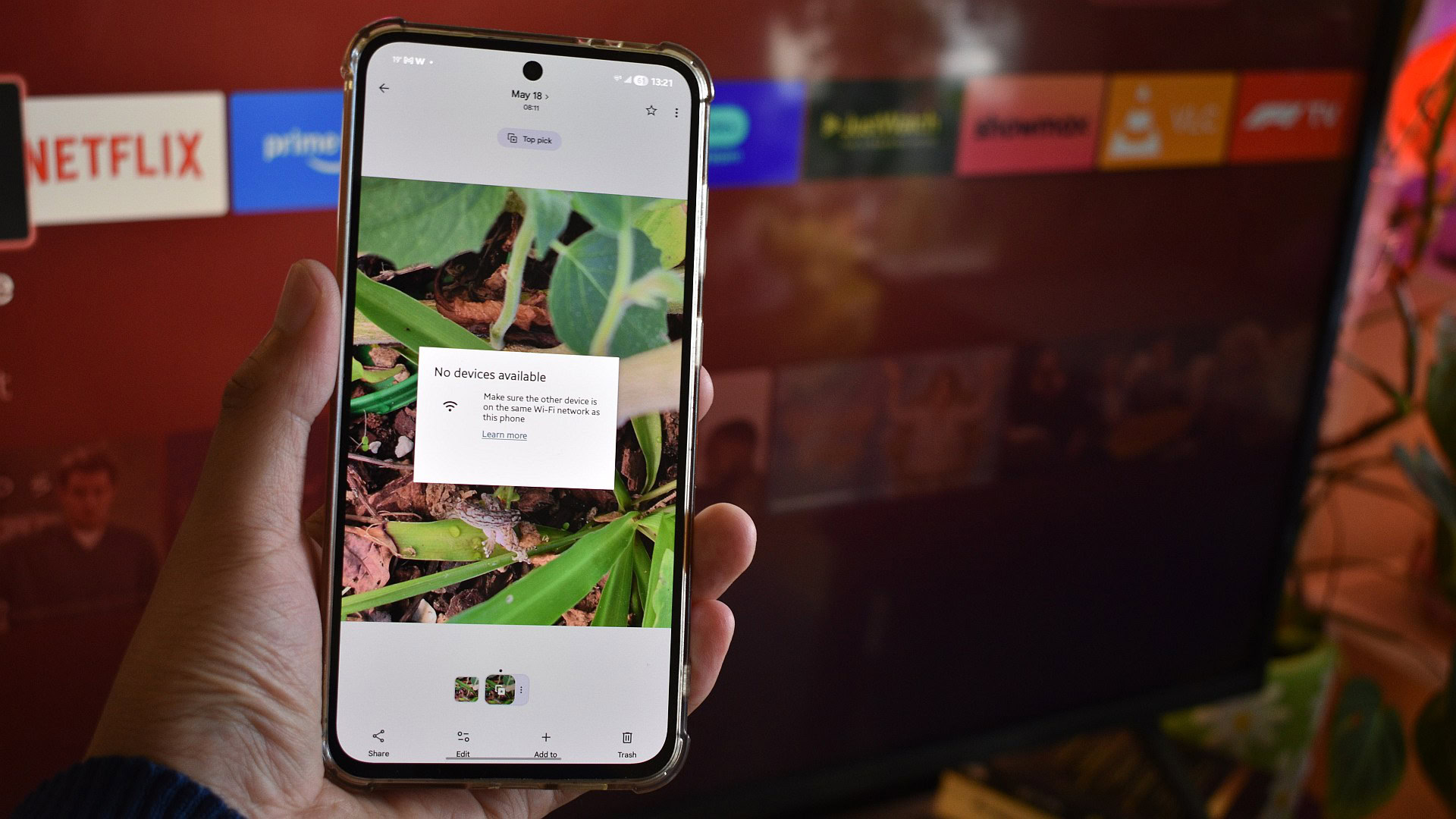
Google’s standard response to requests for a native photo app is that users can "cast" their photos from their phones or use voice commands via Google Assistant. However, both methods are fundamentally flawed for a television interface.
The Failure of Casting
Casting is inherently a "push" technology, not a "browse" technology. When you cast a photo from an Android phone, you are tethered to that phone. If the device goes to sleep, the Wi-Fi connection hiccups, or the casting protocol hangs—a frequent occurrence for users with complex network setups like Ethernet-connected streamers—the experience is broken.
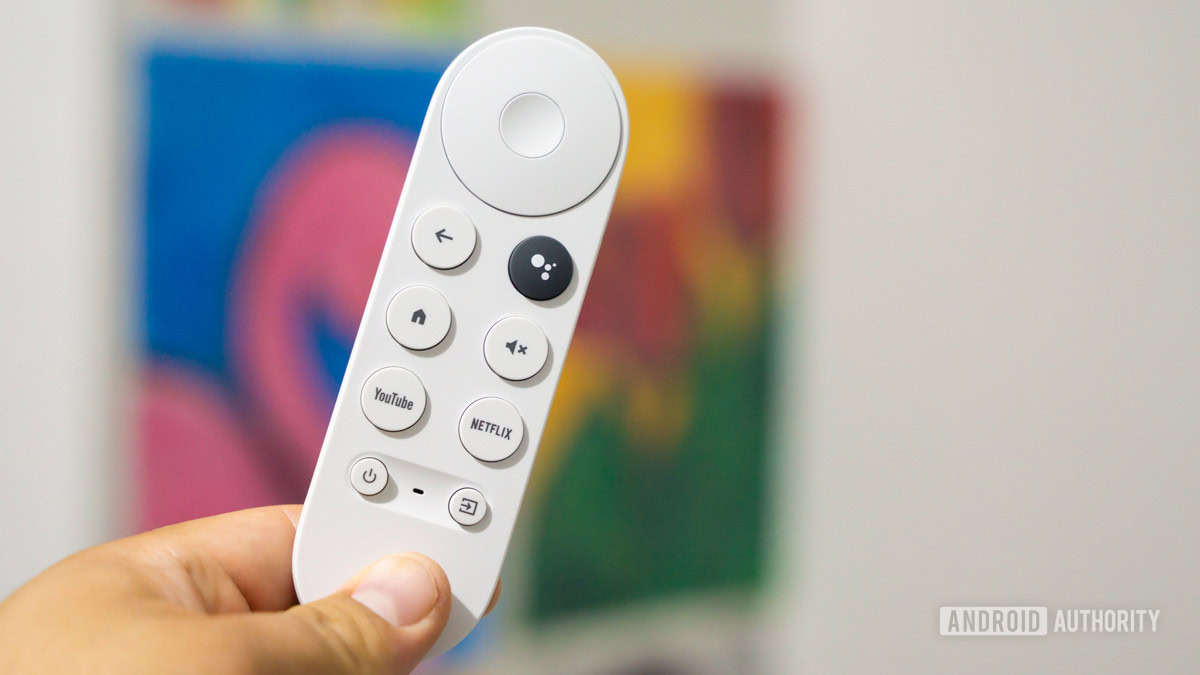
Furthermore, casting is a poor substitute for collaborative viewing. If a family is gathered on the couch, they want to browse through a library together, navigating with a remote control, not hovering around a single person’s smartphone screen to decide what to "push" next.
The Voice Command Barrier
Google’s reliance on voice commands (Gemini) as a navigation tool for photos is a classic case of "solution in search of a problem." Voice control is excellent for starting a movie or finding the weather, but it is notoriously imprecise for browsing photo galleries.
Moreover, the rollout of Gemini for TV has been slow and inconsistent. For users outside of the United States, or those who own older hardware, these features are inaccessible. Relying on an AI to find a specific memory—"Hey Google, show me photos from my trip to Japan in 2019"—is impressive in a marketing demo, but it fails to replicate the joy of manual, serendipitous discovery that comes from flipping through an album on a TV screen.
The Competitive Landscape: Lagging Behind Rivals
When looking at the broader market, Google TV’s lack of a dedicated photo app makes it look remarkably outdated.
- Apple TV (tvOS): Apple has treated the Photos app as a first-class citizen on tvOS. Users can view their entire iCloud library, create shared albums, and launch sophisticated slideshows with customizable transitions and music. It is a seamless extension of the iPhone experience.
- Amazon Fire TV: Amazon has long provided a dedicated Photos app on its Fire TV platform. It allows for direct cloud access, simple organization, and a clear, grid-based UI that is optimized for television remotes.
Compared to these rivals, Google’s approach feels disjointed. By ignoring the need for a native app, Google is essentially telling its users that their personal memories are "background noise" for their television, rather than a primary reason to engage with the screen.
Implications for the Future of Google TV
The implications of this missing app are twofold: it reduces user satisfaction and it hinders the potential of the TV as a personal hub.
The "Dopamine Dispenser" Opportunity
A dedicated Google Photos app would transform the TV into a "dopamine dispenser," as one user noted. By allowing users to easily navigate their albums, tag favorites, or view "On This Day" memories, Google could turn the television into a hub for family connection. The current "screensaver-only" approach prevents users from truly leveraging their own data on their largest display.
The Trust Factor
The absence of a native app has led some users toward third-party alternatives, such as Kodi-based plugins. However, these are often deprecated, buggy, or pose significant security risks. Users are rightfully hesitant to input their Google credentials into unofficial software. By not providing an official, secure, and well-designed app, Google is inadvertently pushing its power users toward insecure workarounds.
The AI-First Misalignment
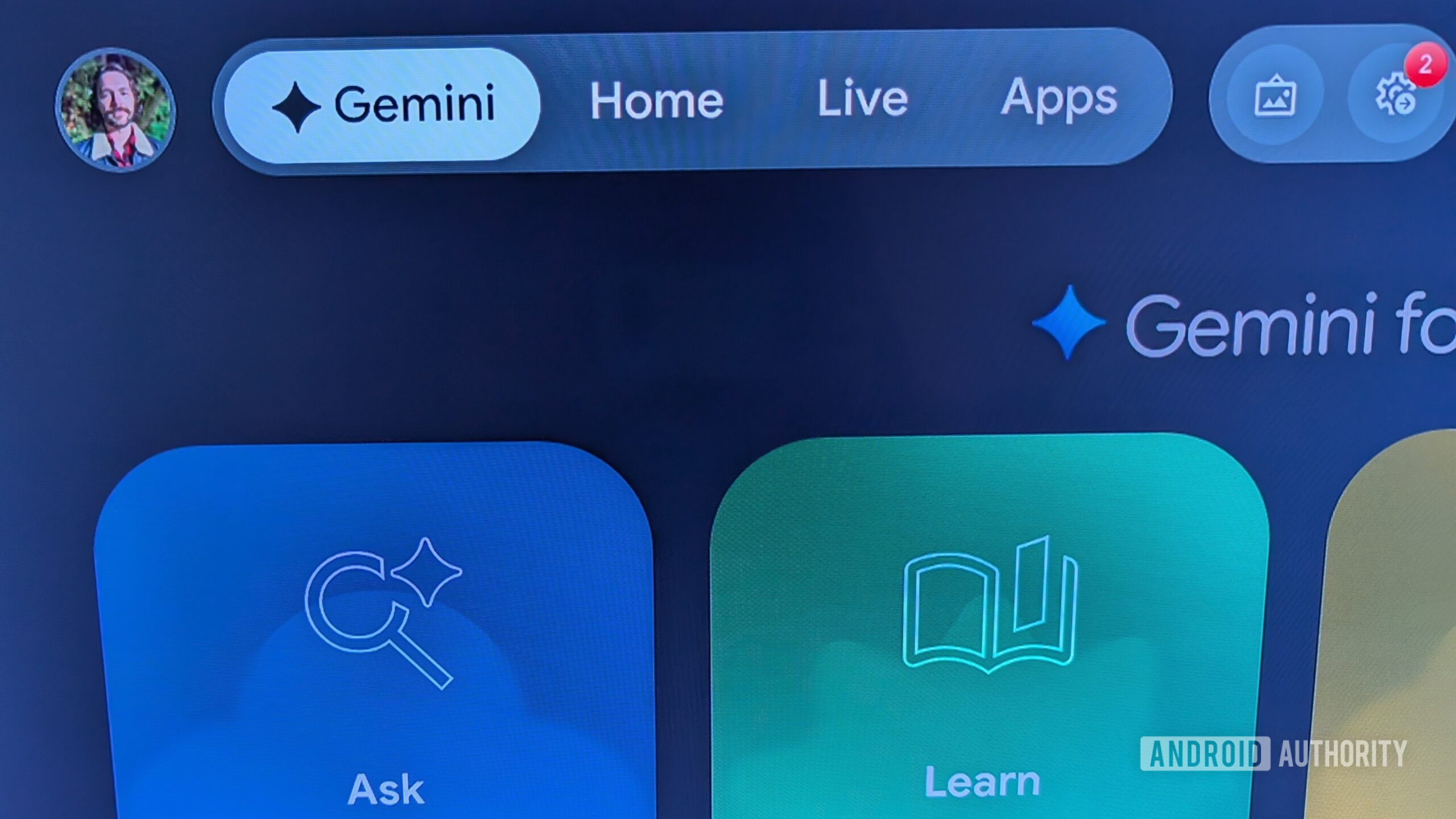
Google’s recent obsession with integrating Gemini into every corner of its OS may actually be the reason for this delay. If the company believes that voice/AI is the "future" of navigation, it may view a traditional, grid-based photo app as a "legacy" UI. This is a strategic mistake. Even in an AI-driven world, there is no substitute for a well-designed, touch-or-remote-navigated gallery that gives the user agency over their content.
Conclusion: A Call for Priority
It is time for Google to address this obvious shortcoming. The technology is already there; the images are already in the cloud; and the hardware is more than capable of displaying high-resolution imagery. What is missing is the intent.
Google TV is an excellent, customizable, and reliable platform. It is a portal to the world’s best movies and music. But as long as it treats the user’s own personal, historical data—their photos—as a mere screensaver afterthought, it will remain incomplete. If Google can prioritize the development of advanced AI integration, it can surely spare the resources to build a native app that lets us view, organize, and share our lives on the big screen. Until then, the "gallery" remains, ironically, just a flicker in the background.











