Layla Zulfa
For many tech enthusiasts, the "home lab" is a sacred space—a sprawling ecosystem of Docker containers, virtual machines, and high-powered NAS units that turn a simple home network into a private data center. For years, I viewed this infrastructure as tethered to the desk. Maintenance meant pulling out a laptop, opening a terminal, and manually auditing services. However, as my home lab grew in complexity, so did the friction of managing it.
Today, that paradigm has shifted entirely. My Google Pixel 10 Pro has evolved from a simple smartphone into the most critical component of my home lab maintenance stack. By leveraging Android’s inherent flexibility, high-performance hardware, and the maturing landscape of mobile terminal tools, I have effectively shrunk my entire server rack into my pocket.
The Evolution of Home Lab Accessibility
From Desk-Bound Management to Mobile Agility
Historically, the home lab administrator was a stationary figure. Whether you were troubleshooting a kernel panic on a Proxmox host or simply spinning up a new container, the workflow required a keyboard, a mouse, and a stable Wi-Fi connection. But as remote work and "digital nomadism" have become the norm, the requirement for physical proximity to one’s server rack has become an outdated bottleneck.
My own journey began with a modest NAS and a few Raspberry Pis. Over time, this expanded into a sophisticated cluster running a variety of services, ranging from automated media servers to self-hosted cloud storage. As someone who spends a significant amount of time on the road, I realized that the "laptop-first" mentality was preventing me from maintaining the 99.9% uptime I desired. I needed a mobile solution that offered the same granularity as a desktop environment, but with the portability of a daily-driver smartphone.
Chronology of the Mobile Shift
Mapping the Transition to Pocket-Admin
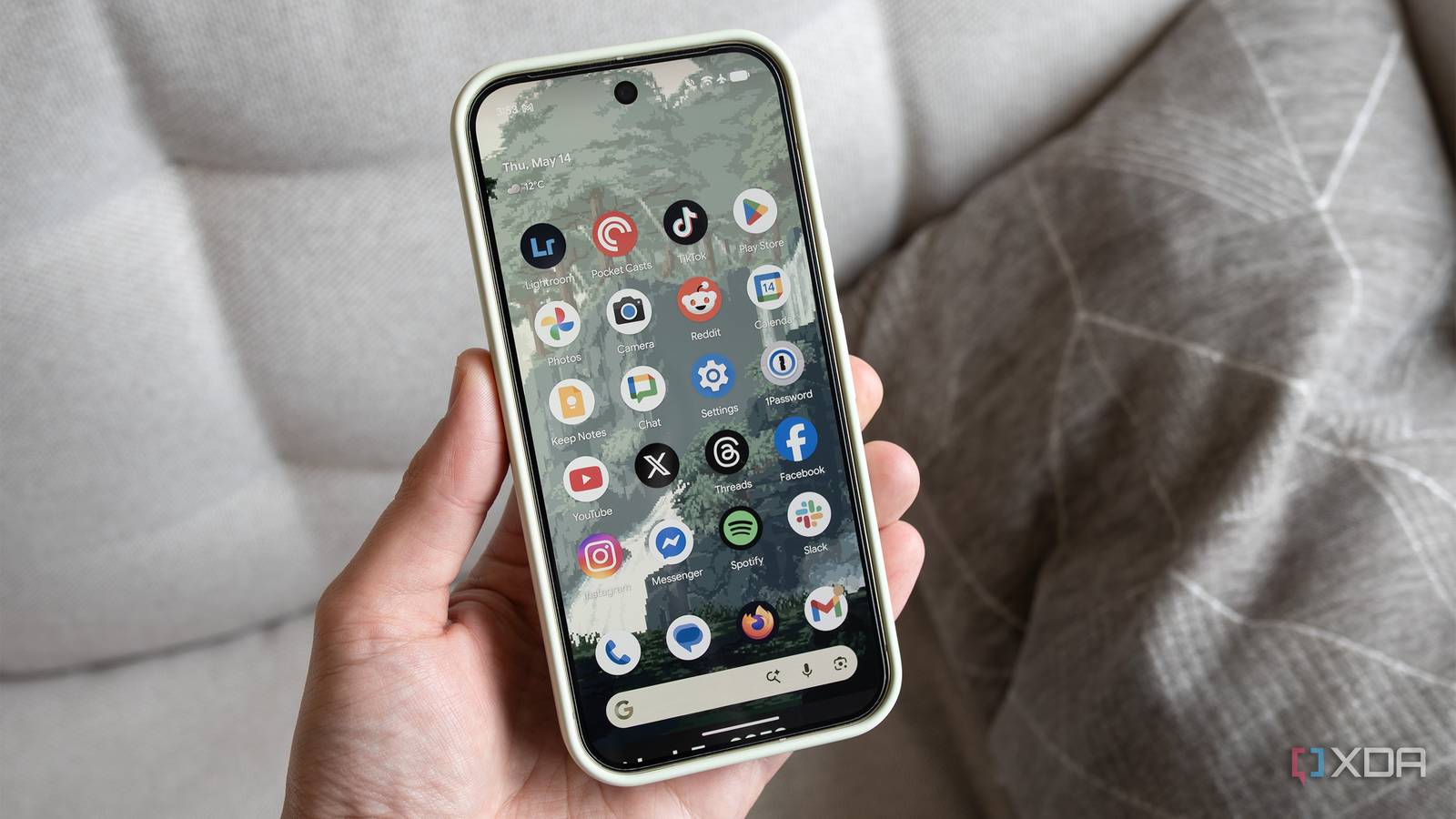
The transition wasn’t an overnight realization; it was a gradual integration of tools that turned my Pixel into a command center.
- Phase 1: The VPN Foundation: The first step was establishing secure, remote access. Integrating Tailscale into both my home server cluster and my Pixel provided the secure "overlay network" required to treat my phone as if it were locally connected to my home LAN.
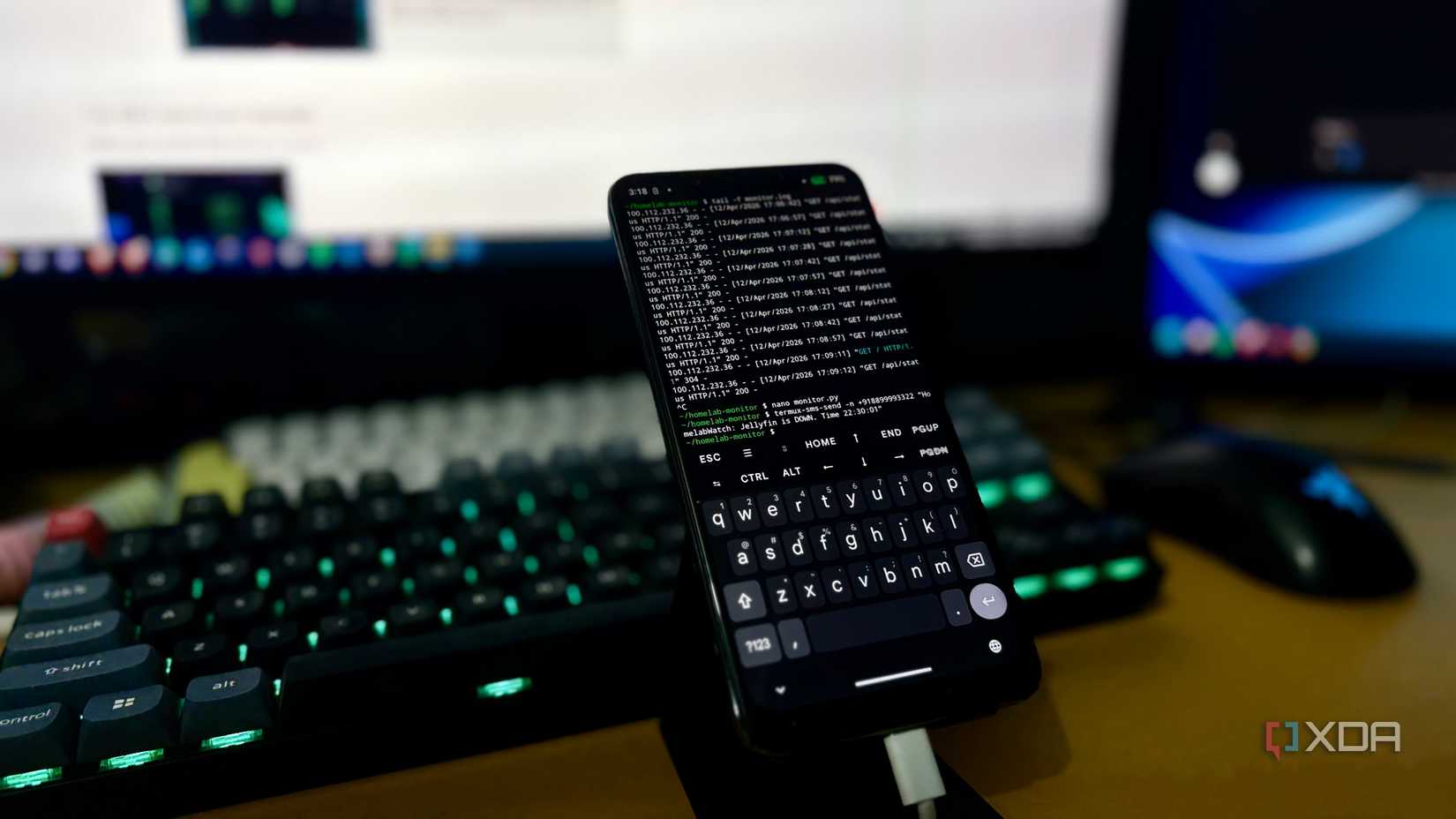
- Phase 2: The SSH Revolution: Once connectivity was established, the next milestone was the maturation of Android SSH clients. Tools like Termius and Termux transformed my phone from a communication device into a legitimate Linux terminal.
- Phase 3: The Integration of Alerts: By configuring webhooks—specifically using Telegram bots to push system alerts—my phone became the first point of contact for any system failure. Instead of finding out about a crashed Docker container hours later when I returned to my desk, I now receive real-time notifications with the ability to act immediately.
- Phase 4: Desktop Mode Transformation: The final piece of the puzzle was utilizing the Pixel’s hidden (and now maturing) desktop mode. By connecting to an external monitor via USB-C, I gained the ability to manipulate my entire server stack with a mouse and keyboard, effectively turning any hotel desk or airport lounge into a high-performance workstation.
Supporting Data: Why the Hardware Matters
The Role of the Pixel 10 Pro and Tensor G5
The feasibility of this setup is rooted in the hardware advancements seen in the latest Google Pixel lineup. Managing a home lab isn’t just about sending text commands; it involves processing logs, rendering dashboard interfaces, and maintaining stable connections.
| Feature | Specification (Pixel 10 Pro) | Importance for Home Lab Use |
|---|---|---|
| Processor | Google Tensor G5 | Efficient handling of multitasking and terminal emulation. |
| RAM | 16GB | Crucial for running multiple terminal sessions and browser tabs. |
| Connectivity | USB-C (DisplayPort Alt Mode) | Enables the "Desktop Mode" experience on external monitors. |
| Battery | 4,870 mAh | Provides the endurance needed for extended troubleshooting sessions. |
The Tensor G5 chip, in particular, provides the necessary overhead to manage background synchronization processes, keeping my monitoring tools active without draining the battery or causing the thermal throttling often associated with older mobile hardware.
The Professional Toolkit: Software That Enables Productivity
To manage a home lab from a smartphone, one requires more than just a terminal; one needs a suite of specialized software.

SSH and Terminal Emulation
Termux remains the gold standard for power users. Because it provides a full Linux environment, I can install native tools like htop, vim, and nmap directly on my phone. This allows me to perform complex network diagnostics without relying on a remote server’s pre-installed binaries. For those who prefer a more GUI-focused approach, Termius offers a polished, synchronized experience that remembers my host configurations across my tablet, phone, and desktop.
Webhook and Alert Management
My current setup relies heavily on automation. When a container fails to heartbeat, a webhook triggers a Telegram message. This is not just a passive notification; it is a call to action. Because my SSH keys are managed securely on the device, I can jump into the server, view the Docker logs, and issue a docker-compose restart command in under 60 seconds.
Desktop Mode: The "Pro" Level
The most transformative feature is Google’s desktop mode. When connected to a portable monitor or even a hotel television, the interface shifts from a mobile layout to a windowed, desktop-class experience. This is not merely a "phone screen mirrored." It utilizes native desktop-like window management, allowing me to have my documentation on one side of the screen and my terminal on the other. This setup is effectively a portable workstation that fits into a jacket pocket.
Implications for the Future of Home Labs
The "Always-On" Administrator
The shift toward mobile-first home lab management has profound implications for how we view infrastructure maintenance.
- Reduced Barrier to Maintenance: By lowering the friction associated with "getting to work," I find that I maintain my lab more proactively. I am no longer waiting for a free hour at my desk to perform an update; I can do it while waiting for a train or sitting in a coffee shop.
- Increased System Resiliency: The ability to respond to failures in real-time prevents minor issues (like a full storage partition) from cascading into full system failures.
- The Death of the "Emergency Laptop": For many sysadmins, carrying a laptop everywhere is a burden. If a phone can handle 90% of the daily troubleshooting, the laptop becomes an optional accessory, only required for heavy development or intensive administrative tasks.
Official Perspectives and Security Considerations
While the convenience is undeniable, it is imperative to address the security implications. Managing a home lab via a smartphone requires a "zero-trust" approach. Using Tailscale ensures that my traffic is encrypted and authenticated before it ever touches my home server. Furthermore, the use of hardware-backed biometric security (the Pixel’s fingerprint sensor) to unlock my SSH keys adds a layer of protection that is arguably more secure than a standard laptop sitting in a bag.
Industry experts suggest that as mobile processors become more capable, the line between a "mobile device" and a "desktop workstation" will continue to blur. The transition I have made with my Pixel is merely a glimpse into a future where the device in our pocket is the primary interface for all computing environments, local or remote.
Final Thoughts: The Phone as a Companion
My Google Pixel 10 Pro is not going to replace my main desktop computer for heavy lifting or coding. However, as a portable troubleshooting station, it has redefined my relationship with my home lab. It has removed the tether that once bound me to my desk, allowing me to be a more responsive, efficient, and effective administrator.
For any home lab enthusiast, the realization that their phone is already capable of these feats is a game-changer. Whether you are using a Pixel or another high-end Android device, the tools are ready and waiting. Your server rack is no longer a destination; it is an extension of your mobile experience. The next time you find yourself miles away from your home lab, rest assured: the power to manage it is already in your pocket.

 Ammar Sabilarrohman
 Jia Lissa