Dwi Wanna
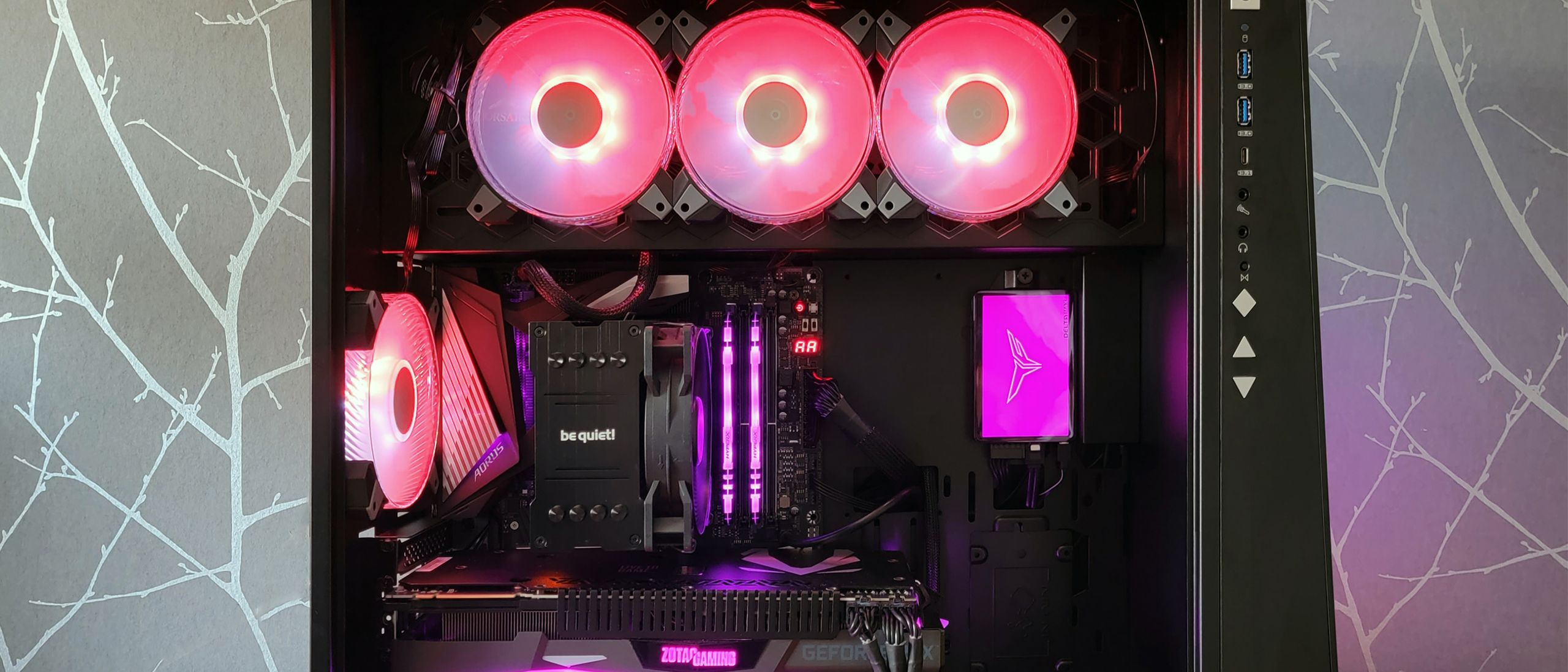
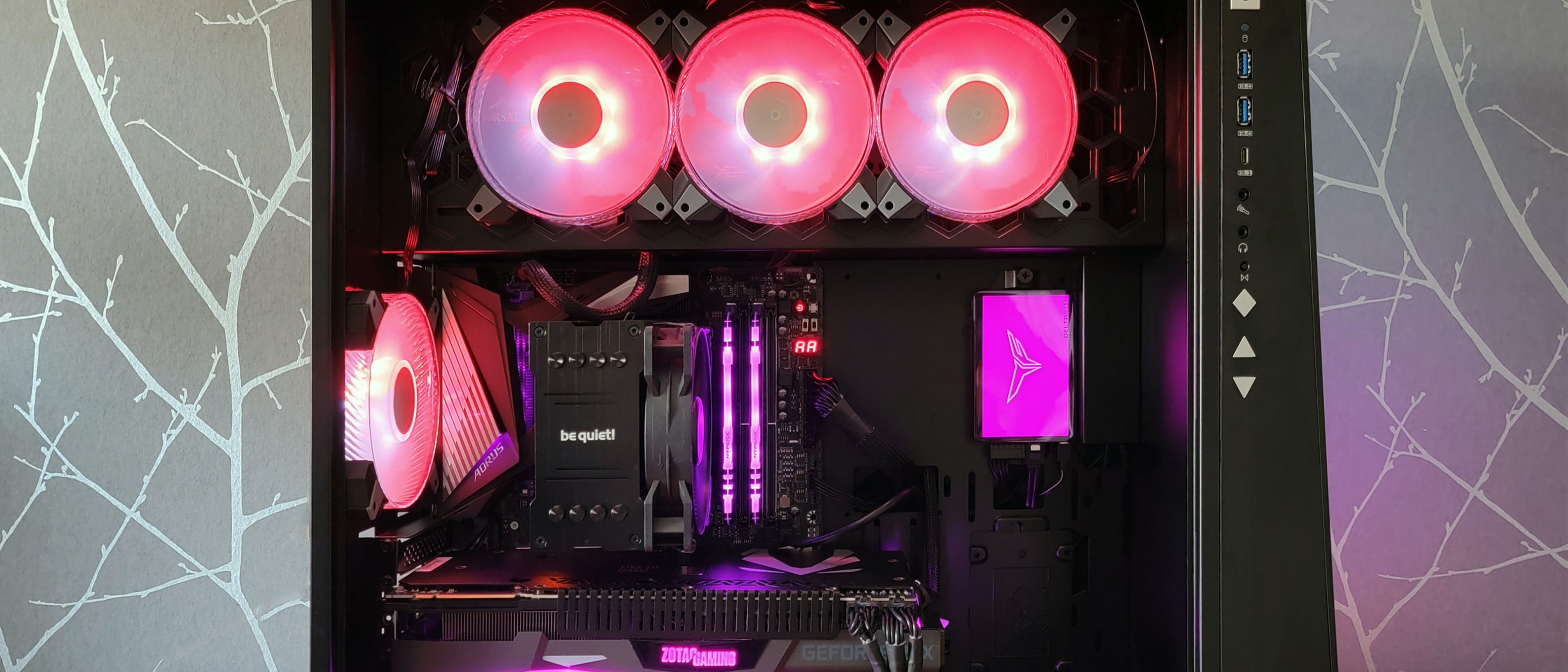
For PC enthusiasts, the aesthetic allure of a custom-built rig often culminates in a synchronized symphony of RGB lighting. However, a significant software conflict has recently turned that vibrant display into a source of system instability for thousands of Windows 11 users. Following the release of the latest monthly update, KB5121003, a surge of reports has flooded community forums and technical support channels, detailing random system freezes, game crashes, and the dreaded Blue Screen of Death (BSOD).
While monthly Windows updates are intended to patch vulnerabilities and improve system performance, this iteration has inadvertently introduced a conflict between the operating system’s kernel-level security and the drivers used by various RGB lighting control software.
The Core of the Conflict: RGB Drivers vs. System Security
The technical roots of this issue lie in how third-party lighting software interfaces with hardware. Many peripheral manufacturers—ranging from motherboard vendors to cooling system designers—bundle their lighting control software with specific drivers to communicate directly with hardware controllers. Often, these drivers include files such as "inpoutx64," which operate at the "Ring 0" or kernel-mode level of the Windows architecture.
The issue, according to initial analysis by Microsoft and third-party developers, arises when these kernel-mode drivers encounter modern anti-cheat software integrated into popular multiplayer games.
The Anti-Cheat "False Positive"
In the modern gaming landscape, titles like The Finals, Arc Raiders, and Marvel Tokon: Fighting Souls employ sophisticated, kernel-level anti-cheat engines to prevent tampering and malicious code injection. These anti-cheat systems are designed to monitor and intercept any unauthorized attempts to access the system kernel.
When a game initiates its anti-cheat suite, it often views the kernel-mode drivers used by RGB software as a potential security risk. Because the RGB driver attempts to communicate with hardware controllers (like lighting hubs or LED strips) while the game is running, the anti-cheat system may attempt to block or terminate the driver’s process. If this happens while the driver is executing critical instructions, the result is a catastrophic failure—a "kernel fault"—leading to the EXCEPTION_ACCESS_VIOLATION errors reported by users.
Chronology of the Outage
The escalation of this issue followed a predictable, yet frustrating, pattern for affected users:
- Initial Deployment: Microsoft released the KB5121003 update, intended to provide standard security and stability improvements.
- The First Reports: Within 48 to 72 hours, social media platforms and the Microsoft Feedback Hub saw a spike in reports from gamers. Users noted that their systems would run flawlessly until they launched specific titles, at which point the system would hang, stutter, or crash.
- Identification of the Pattern: Tech-savvy users quickly identified that the crashes were not happening on a "clean" system, but rather on systems with specific RGB-control suites installed.
- Microsoft’s Acknowledgement: As the reports grew, Microsoft’s Windows 11 25H2 health status page was updated to formally acknowledge the conflict, specifically citing the interaction between RGB peripherals and the new update.
- Developer Intervention: Game developers, most notably Embark Studios, began providing documentation to their players, acknowledging that the issue lay in a software conflict rather than the game code itself, providing temporary workarounds to keep their titles playable.
Why Kernel Space Is a Dangerous Playground
To understand why this crash is so severe, one must understand the hierarchy of the Windows OS. "User space" is where standard applications like browsers and document editors live; if they crash, the OS simply closes the window. "Kernel space" (Ring 0) is the foundation of the operating system. It handles hardware communication, memory management, and process scheduling.
When an application causes a failure in the kernel—as is happening here—the operating system does not have the luxury of simply "closing" the app. To prevent potential data corruption or hardware damage, Windows initiates a "Stop Code" or Blue Screen of Death. This is a protective measure. The operating system essentially realizes that it can no longer trust the integrity of the kernel because an unauthorized or conflicting instruction was executed, and it chooses to shut down the system entirely to protect the user’s files and hardware.
Official Responses and Temporary Fixes
Microsoft has been transparent about the fact that they are currently investigating the "relationship between these RGB components and the games" that trigger the instability. While a permanent patch is expected in a future cumulative update, the company has not yet provided a definitive timeline.
In the interim, the industry response has been to provide manual mitigation strategies:
- Registry Modifications: Microsoft and game developers have suggested that users can manually disable the problematic drivers via the Registry Editor. While effective, this is a "nuclear option" that disables the lighting control for the specific peripherals, effectively turning off the RGB features.
- Transitioning to Open-Source Solutions: For users who refuse to live without their lighting effects, the community has suggested moving away from proprietary "bloatware" software (which is often the source of these kernel-mode drivers) in favor of universal, open-source solutions like SignalRGB or OpenRGB. These programs use strictly defined, whitelisted drivers that are far less likely to be flagged by anti-cheat systems.
- Reporting via Feedback Hub: Microsoft is actively encouraging users to use the Windows Feedback Hub. By submitting logs during a crash, users help Microsoft’s engineering team isolate which specific hardware IDs are associated with the crashing "inpoutx64" drivers.
Implications for the Future of PC Customization
This incident highlights a growing tension in the PC ecosystem: the clash between "gamer aesthetics" and "system security." As anti-cheat software becomes more aggressive in its quest to provide a fair playing field, the drivers used by peripheral manufacturers are increasingly being treated as malware.
The Need for Better Standards
The current "Wild West" approach to RGB drivers—where every manufacturer builds their own proprietary, kernel-level software—is clearly unsustainable. If the industry continues to push for deeper hardware integration, there is a clear need for a standardized, secure API for lighting control that does not require low-level kernel access.
Until such a standard is adopted by motherboard and peripheral manufacturers, users are left in a precarious position. For now, the "PC Master Race" experience is being hampered by the very software intended to enhance it.
Conclusion: How to Stay Stable
If you are currently experiencing system instability following the KB5121003 update, the best course of action is to:
- Audit your startup apps: Identify which RGB software is running in the background.
- Test with a clean boot: Temporarily uninstall the RGB suite to see if the game crashes persist.
- Use the community workarounds: If you are a fan of titles like The Finals, check the official support pages for instructions on disabling specific hardware services.
While it is frustrating to deal with a monthly "OS-breaking" bug, it is a reminder that the flexibility of the Windows ecosystem—which allows for custom builds, complex lighting setups, and third-party hardware—comes with the inherent risk of software conflicts. Until Microsoft and hardware vendors find a path toward better software hygiene, users should remain cautious about the software they allow to run at the kernel level.

 Pevita Pearce
 Reynand Wu