

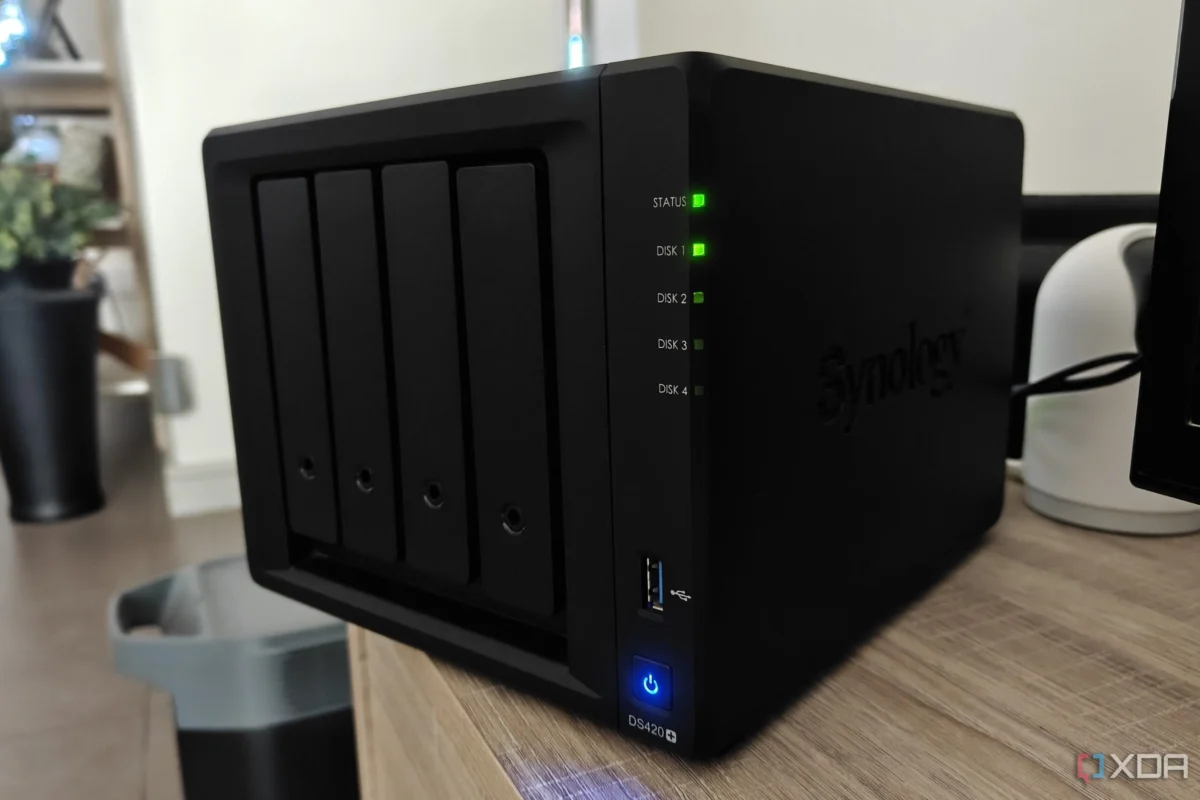
For years, the Network Attached Storage (NAS) device sat gathering dust in the back of a cupboard. It was a piece of hardware that had become a casualty of its own redundancy. Initially purchased for the standard "tech enthusiast" use case—centralized file storage and local backups—it quickly lost its purpose in an era dominated by high-capacity desktop drives and seamless cloud synchronization.
However, a recent shift in my digital workflow, centered around the world of self-hosting, has transformed that once-useless box into the beating heart of my home network. By leveraging Docker, I have successfully repurposed a device I was ready to retire into a 24/7 powerhouse for personal automation and data sovereignty.
The Decline of the Traditional NAS
When Hardware Becomes Redundant
My relationship with my NAS began not out of a burning desire for local storage, but as a byproduct of technical writing assignments. At the time, the logic seemed sound: a dedicated location for backups, accessible across the home network, would provide a safeguard against data loss.
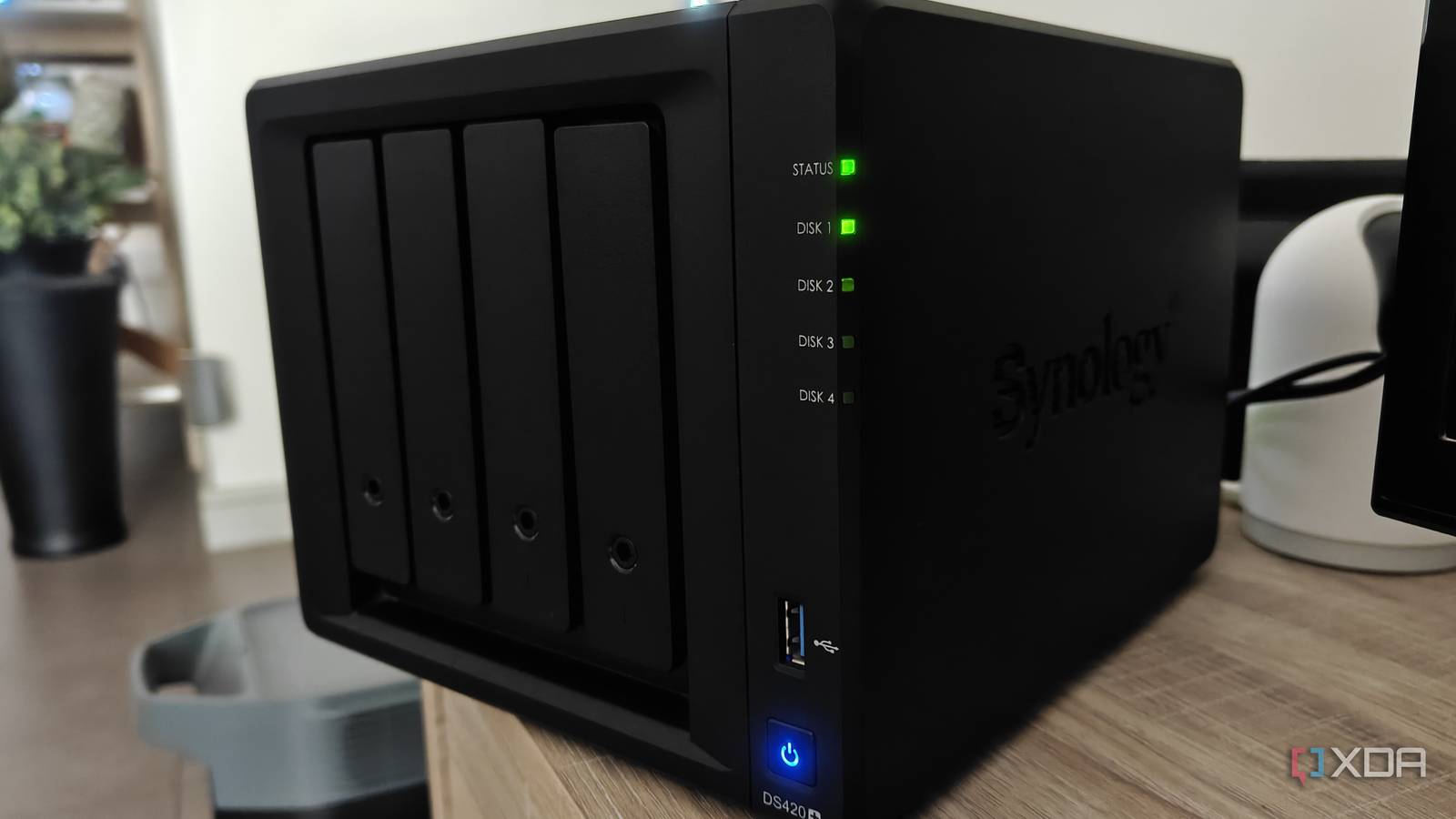
In practice, the utility failed to materialize. I already maintained multiple high-capacity drives within my primary workstation, and for mission-critical files, cloud-based solutions like Google Drive and Google Photos offered a level of convenience and accessibility that the local NAS simply couldn’t match. The friction of managing local HDDs—dealing with wake-up times, slow transfer speeds, and the overhead of synchronization software—eventually led me to revert to old habits.
Furthermore, I found myself paralyzed by the "digital clutter" effect. Why back up a redundant, messy collection of files that I didn’t even need? As I began curating my digital life more strictly, the need for a massive, always-on local storage repository evaporated. Couple this with the inconsistent power infrastructure in my region, which made running a sensitive spinning-disk array a liability, and the decision to pack the unit away felt like a rational step in decluttering my workspace.
The Turning Point: Discovering the Containerized Revolution
Moving from "Storage Box" to "Server"
The catalyst for change was not a hardware upgrade, but a conceptual one: self-hosting. As I began exploring the hobby of hosting my own services, I realized that my requirements were evolving. I no longer needed just a storage locker; I needed a compute node—a reliable, low-power environment to run lightweight services that I wanted to keep running 24/7.

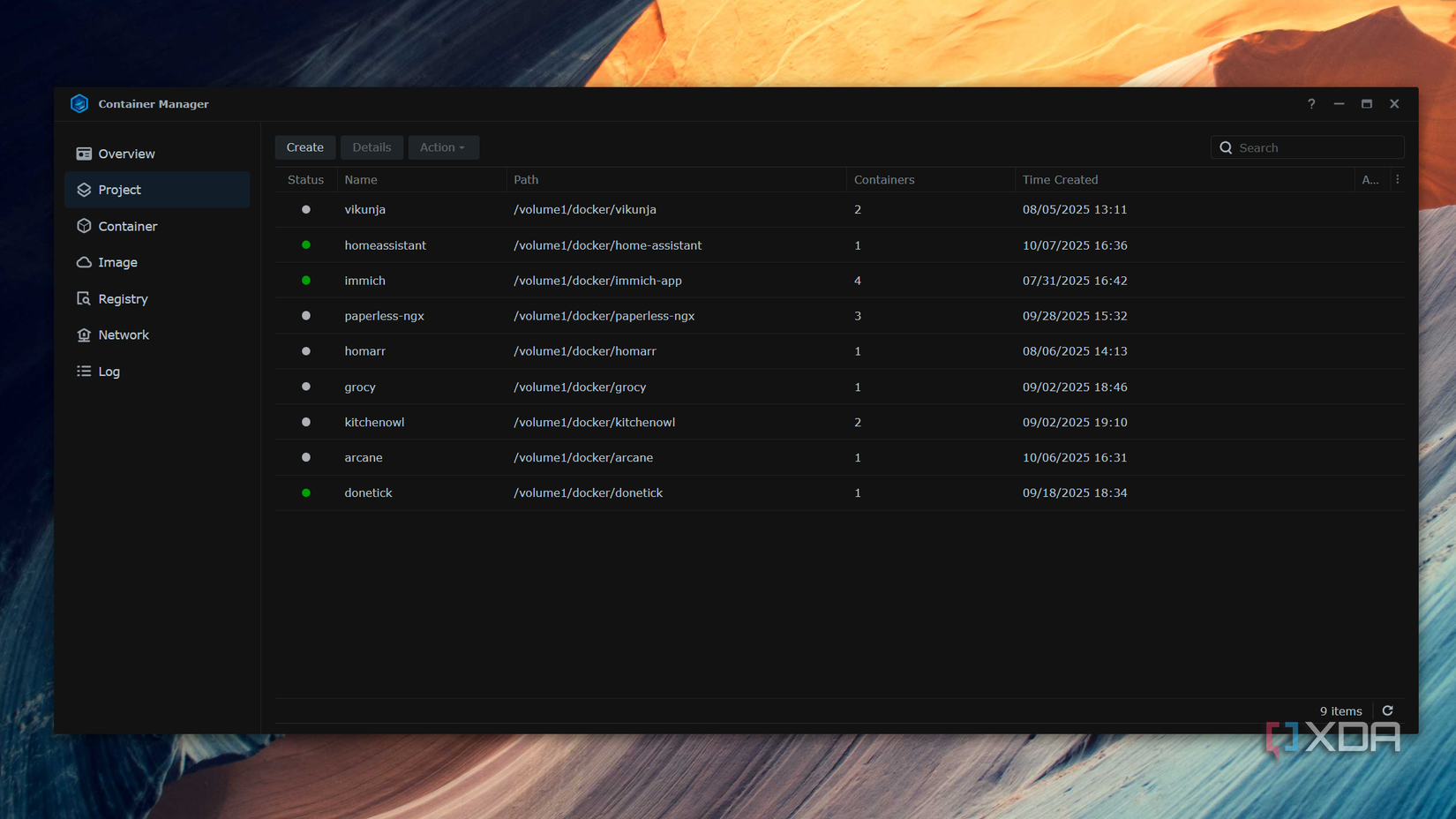
My NAS, despite its age and modest specifications, was actually the perfect candidate for this task. Unlike my primary desktop, which I frequently shut down or reboot, the NAS was designed for constant uptime. By accessing the Synology "Container Manager" (the platform’s implementation of Docker), I was able to transition from traditional file management to running containerized microservices.
Docker fundamentally changed the utility of the device. Instead of worrying about dependencies or conflicting software versions, I could simply pull a container image and have a service running in minutes. This shift allowed me to host tools that I previously relied on Big Tech companies to provide.
Chronology of the Transformation
The journey of revitalizing the NAS can be mapped through three distinct phases:
- The "Cupboard" Phase (2022–2024): The NAS served as a passive, unpowered unit. It was considered a failed experiment, sidelined by the speed and accessibility of modern cloud services and local SSD storage.
- The Discovery Phase (Mid-2025): Driven by an interest in privacy and the "own your data" movement, I began experimenting with self-hosting on my desktop. The need for a dedicated, low-power machine to handle Cloudflare Tunnels and persistent services became apparent.
- The Integration Phase (Late 2025–Present): The NAS was reintroduced to the network. It was stripped of its "storage-first" identity and repurposed as a dedicated container host. This phase involved learning the nuances of Container Manager, setting up persistent volumes, and mapping out the specific services that would replace my dependency on proprietary SaaS platforms.
Supporting Data and Technical Realities
The hardware limitations of my unit are significant. With only 2GB of RAM, the device is objectively underpowered by modern server standards. However, the efficiency of Docker containers allows me to punch well above this weight class.
Current Services Running 24/7:
- Jotty Page: A lightweight, self-hosted note-taking solution that has completely replaced Google Keep.
- Donetick: A task management interface that handles my daily to-do lists, removing my reliance on Google Tasks.
- Home Assistant: The backbone of my smart home, managing local automation without needing to communicate with external cloud servers.
- Cloudflared: A daemon that creates a secure tunnel, allowing me to access my self-hosted services from outside my local network without opening ports on my router.
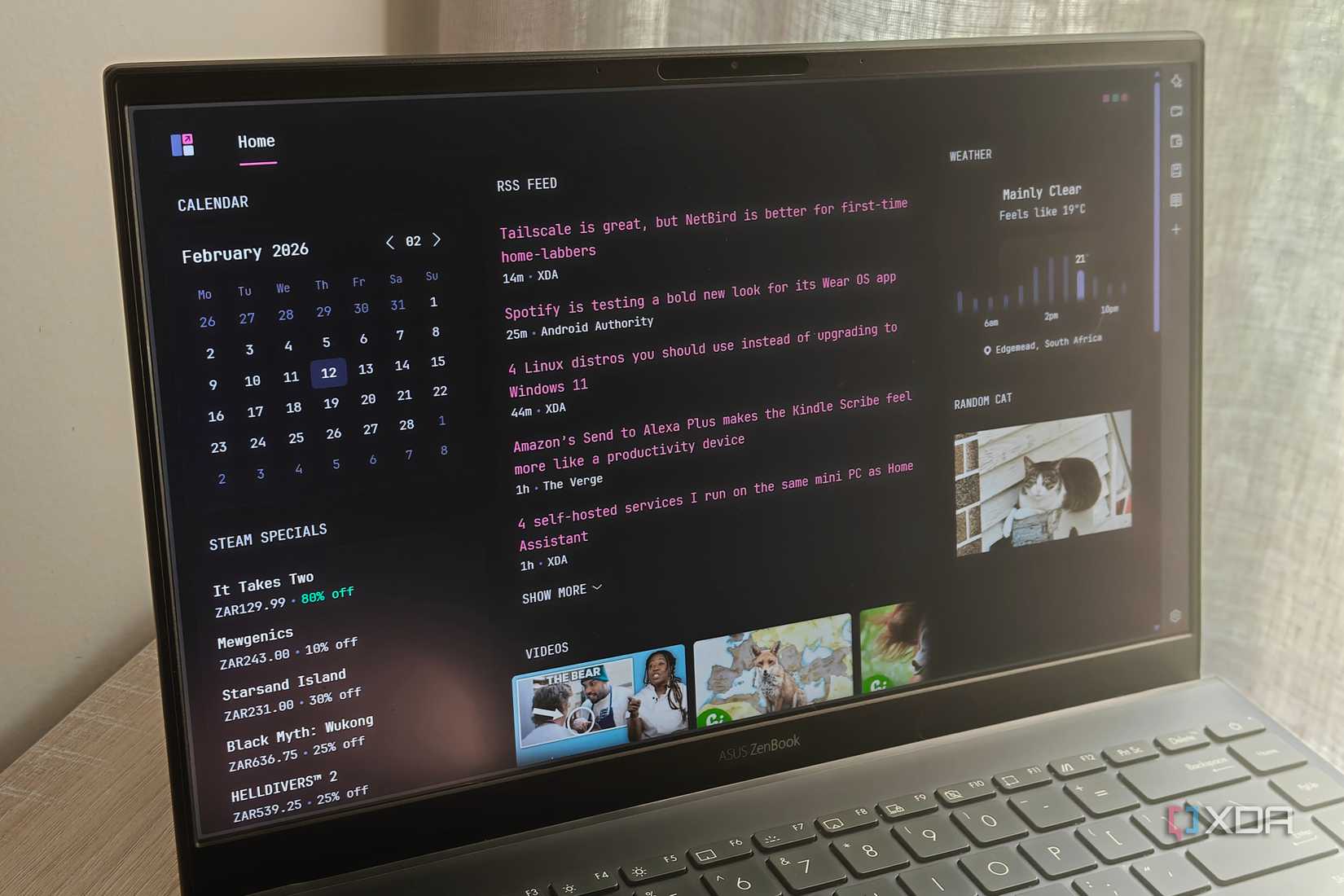
- Glance/Homarr: Monitoring dashboards that give me a real-time view of system health and service status, allowing for efficient management of limited resources.
The primary constraint remains the RAM. While I can run several lightweight applications simultaneously, more resource-intensive containers—like the media-management powerhouse Immich or the document-archiving tool Paperless-ngx—remain out of reach. These services, which require more overhead, were unstable during my initial tests.
The Broader Implications of Self-Hosting
The move away from Big Tech services is not just a technical challenge; it is a shift in digital philosophy. By hosting these services on a NAS, I have gained several key advantages:
1. Data Sovereignty
When I store my notes, tasks, and home automation data on a server I control, I am no longer subject to the arbitrary policy changes, subscription hikes, or privacy-eroding data mining practices of large corporations. If a service provider decides to shut down an API or discontinue a product, my infrastructure remains intact.
2. Efficiency and Electricity
Running a dedicated, high-end server for a few simple services is an inefficient use of energy. By using a pre-existing, low-power NAS, I am able to achieve 24/7 uptime with a negligible impact on my electricity bill. It is the definition of "doing more with less."
3. The "Desktop vs. NAS" Debate
Many enthusiasts argue that a mini-PC is a superior choice for a home lab. They are likely correct in terms of performance per dollar. However, in my specific market, where the availability of compact, efficient mini-PCs is low and the prices are inflated, the NAS represents a sunk cost that has been "reclaimed." It is a reminder that the best hardware for a project is often the hardware you already have.
Future Outlook: Expansion and Optimization
While the current setup is functional, the roadmap for the next year involves two key steps:
- Memory Expansion: I am actively hunting for a compatible RAM kit to upgrade the NAS to 4GB or 8GB. This modest increase will provide the headroom necessary to run memory-hungry applications like Immich, finally allowing me to move my photo library off the cloud as well.
- System Hardening: Now that the NAS is exposed (via secure tunnels) to the internet, my focus is shifting toward security. This involves implementing more rigorous container security practices, such as running containers as non-root users, utilizing secrets management, and ensuring that my firewall rules remain strict.
Conclusion: A New Life for Old Hardware
The transformation of my NAS from a redundant storage box to a versatile container host serves as a case study for the modern tech enthusiast. It is easy to fall into the trap of believing that new hardware is required to solve new problems. In reality, the capabilities of containerization, combined with the often-overlooked power of legacy network hardware, can provide a robust and private infrastructure for the everyday consumer.
My NAS no longer sits in a cupboard. It sits on my desk, humming quietly, acting as the silent engine room of my digital life. For anyone with a "neglected" device gathering dust, the lesson is clear: don’t look at the limitations of your hardware. Look at the flexibility of the software you can run on it. With Docker, a "dead" piece of tech might just be waiting for its next, and most productive, chapter.












No comments yet. Be the first to join the conversation!