Reynand Wu
For years, the black plastic box provided by my internet service provider (ISP) sat tucked away in the corner of my apartment, humming along with quiet, unremarkable efficiency. Like many consumers, I viewed the ISP-provided router as a utility—something that simply "worked," provided by the same company sending me my monthly internet bill. I had no reason to complain, and perhaps more importantly, no reason to disrupt a functional status quo.
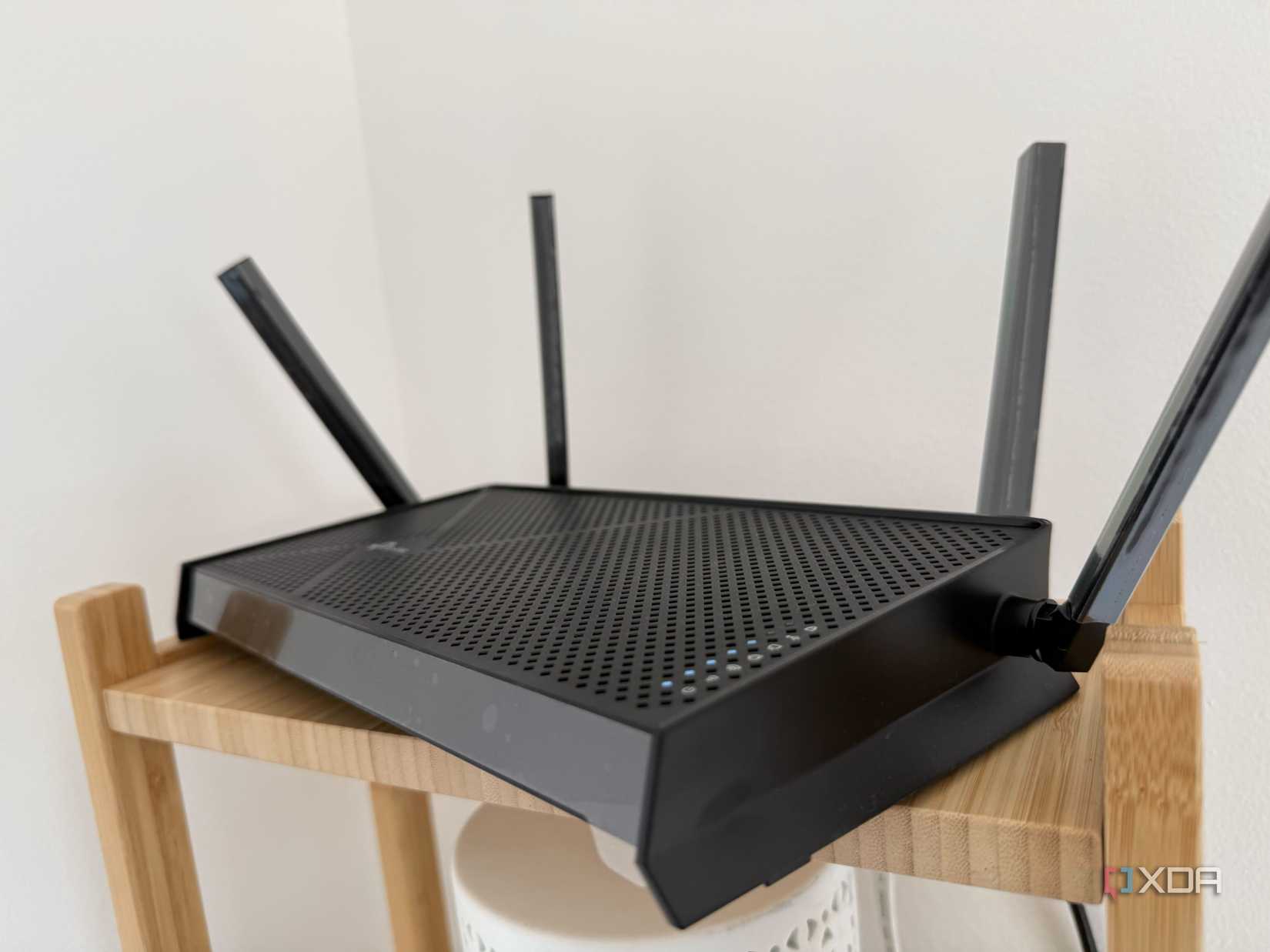
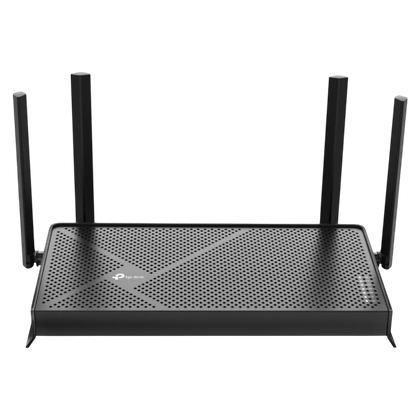
However, as the tech landscape shifted toward the promise of Wi-Fi 7 and high-bandwidth connectivity, a nagging sense of "tech FOMO" (Fear of Missing Out) began to set in. Was I being throttled by outdated hardware? Was my seven-year-old Asus router holding back my 500 Mbps fiber connection? Driven by curiosity and the siren song of next-generation wireless standards, I decided to take the plunge. I purchased the TP-Link Archer BE230, a Wi-Fi 7-ready router, and embarked on a journey to see if the hype lived up to the reality.
The Evolution of Connectivity: A Chronology of My Network
My relationship with home networking has been one of gradual scaling. Back in 2017, when I first settled into my current routine, my 100 Mbps plan was more than sufficient. The ISP-supplied hardware was adequate for the demands of the time: casual web browsing, occasional streaming, and standard file downloads.
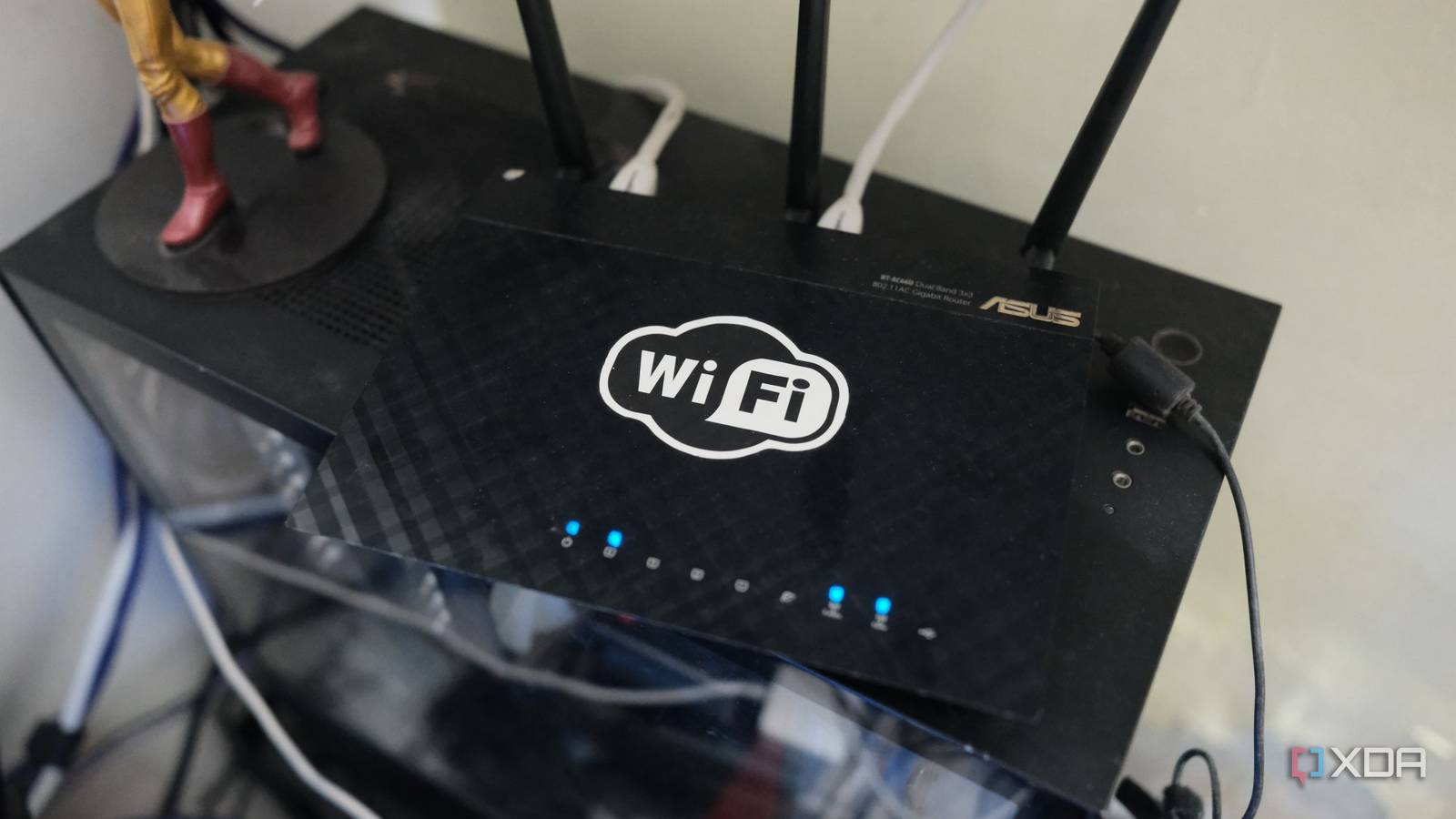
As my needs evolved, so did my infrastructure. I eventually upgraded to a 500 Mbps fiber plan, expecting a proportional jump in performance. For a long time, the old router managed this transition without a stutter. It wasn’t until 2026—nearly a decade after I started following tech trends professionally—that I decided to audit my home setup.
- 2017–2020: The "set it and forget it" phase. Internet usage was primarily desktop-oriented; Wi-Fi was secondary.
- 2021–2025: The shift toward mobile and smart home devices. I noticed my network was handling more simultaneous connections, yet the ISP hardware remained stable.
- June 2026: The transition to Wi-Fi 7. With the acquisition of the TP-Link Archer BE230, I sought to measure if the latest protocol would offer tangible real-world benefits for my specific apartment configuration.
Supporting Data: The Reality of Throughput vs. Expectation
The primary driver for my upgrade was the assumption that newer hardware must, by definition, be faster. Logic dictated that a router built in 2026 should outperform a device designed in 2018. However, the data gathered through rigorous speed testing told a more nuanced story.
The Ceiling of the Plan
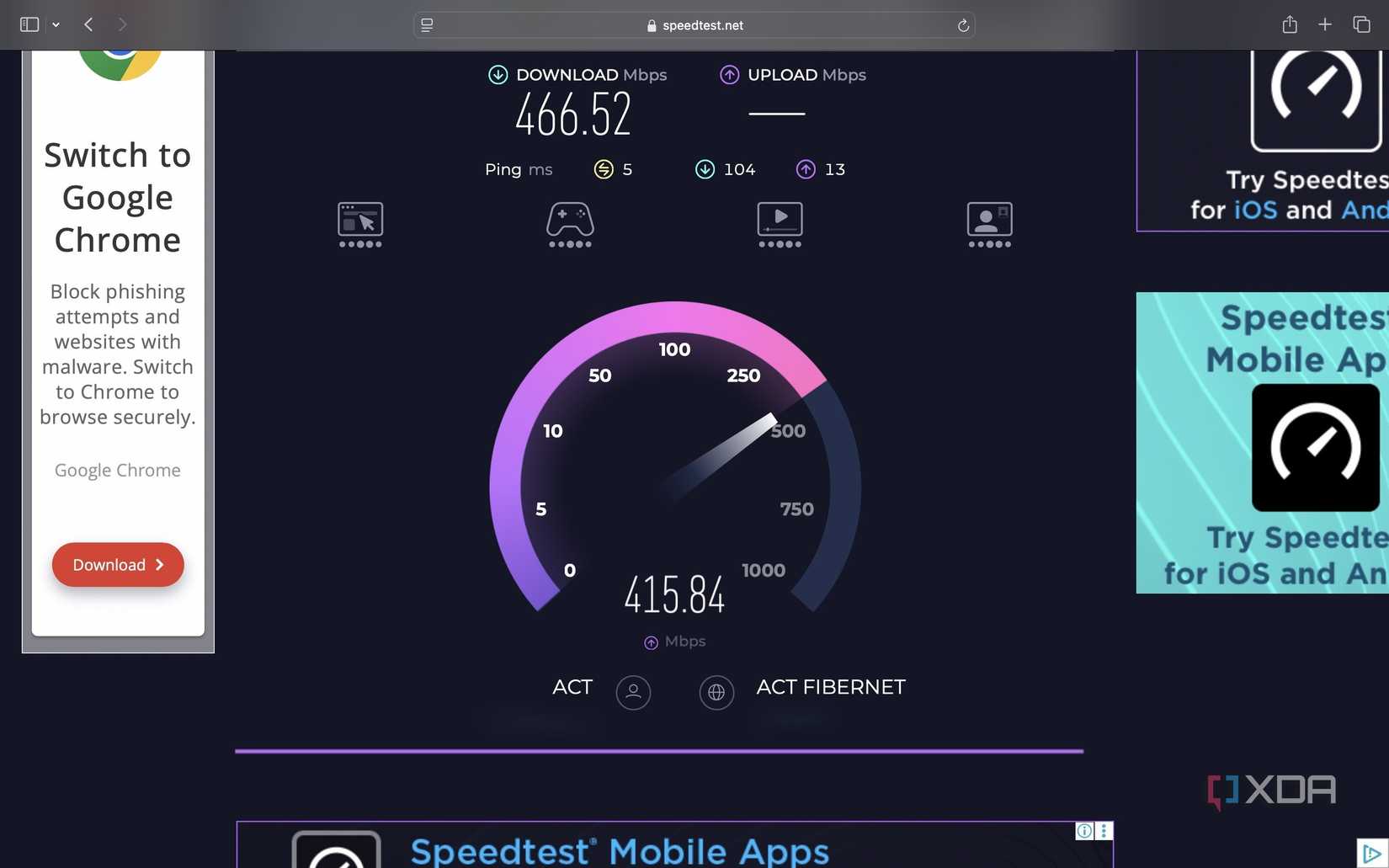
When testing my MacBook and iPad, I discovered that I was already hitting nearly 400 Mbps over the 5 GHz band on my old hardware. While the TP-Link Archer BE230 did indeed nudge those numbers closer to the theoretical 500 Mbps maximum—essentially mirroring the speeds I see when plugged directly into Ethernet—the margin of improvement was marginal.

The bottleneck wasn’t the router; it was the ISP-provided service plan. When you are already utilizing 80% to 90% of your available bandwidth, a high-end router cannot manufacture speed that isn’t being delivered to your doorstep. The "faster" performance of Wi-Fi 7 was limited by the "speed limit" of my 500 Mbps subscription.
The Signal Strength Fallacy
I also evaluated coverage, expecting the Archer BE230’s four-antenna array to outperform the three-antenna setup of my previous device. In my apartment, however, I had never experienced a "dead zone." The old router maintained a solid three-bar signal in every corner.
The lesson here is simple: Hardware improvements only solve existing problems. If you do not have coverage gaps, an antenna upgrade provides no tangible benefit. The extra range of a Wi-Fi 7 router is an insurance policy for a larger home, but in an apartment, it is essentially untapped potential.

Official Perspectives and Industry Implications
Industry analysts often tout Wi-Fi 7 as a revolutionary leap, citing its Multi-Link Operation (MLO) and increased channel width. While these features are transformative for high-density environments—like office buildings or massive smart homes—the average consumer’s experience is often gated by device compatibility.
In my own household, the hardware gap is glaring:
- iPhone 17 Pro: Fully Wi-Fi 7 compatible.
- PS5 & MacBook: Capped at Wi-Fi 6.
- OLED TV: Still relying on Wi-Fi 5 standards.
Because most of my ecosystem is not yet optimized for Wi-Fi 7, the router is essentially "idling." This reflects a broader industry reality: hardware cycles are currently outpacing client device adoption. Manufacturers are pushing the next generation of connectivity, but the end-user device market moves at a slower, more deliberate pace.
Implications for the Modern Consumer
Is buying your own router a waste of money? Not necessarily. My decision to upgrade brought several non-speed-related benefits that are worth noting for those considering a similar move:
1. Ownership and Independence
By owning the router, I am no longer tied to the ISP’s proprietary firmware. I have greater control over my network security, guest access, and device prioritization. If I choose to switch internet providers in the future, I can simply plug my existing, pre-configured router into the new modem, saving me the headache of re-pairing every smart device in my home.
2. Future-Proofing
While the benefits are negligible today, the router is ready for when I eventually upgrade to a 1Gbps or 2Gbps plan. When that day comes, I won’t have to worry about whether my hardware can handle the increased throughput.
3. The "ISP Support" Trade-off
One factor often ignored is the ease of troubleshooting. When using an ISP-provided router, technical support agents can see the device’s status directly. When you use your own hardware, you become your own IT department. If the internet goes down, you must first verify that the issue isn’t your own router before the ISP will take your call seriously.
Final Verdict: When to Upgrade
Reflecting on my experience, I realized that I acted out of a desire for the "latest and greatest" rather than out of necessity. If you are currently satisfied with your home network, there is no urgent reason to switch.
You should consider an upgrade only if:
- You have specific coverage issues: You have dead zones that cannot be fixed by repositioning your current router.
- You have upgraded your internet plan significantly: If you’ve moved to a multi-gigabit plan, your old router is almost certainly throttling your connection.
- You require advanced features: You need VPN support, robust parental controls, or better management tools that your ISP’s basic gateway lacks.
For most users, the ISP-provided router is a perfectly capable workhorse. My transition to the TP-Link Archer BE230 taught me that while the technology is impressive, the best upgrade isn’t always the one with the newest number on the box—it’s the one that solves a problem you actually have. For now, I’ll enjoy the peace of mind that comes with owning my network, even if my speed tests look largely the same as they did a month ago.

 Rifan Muazin