Asro
Asro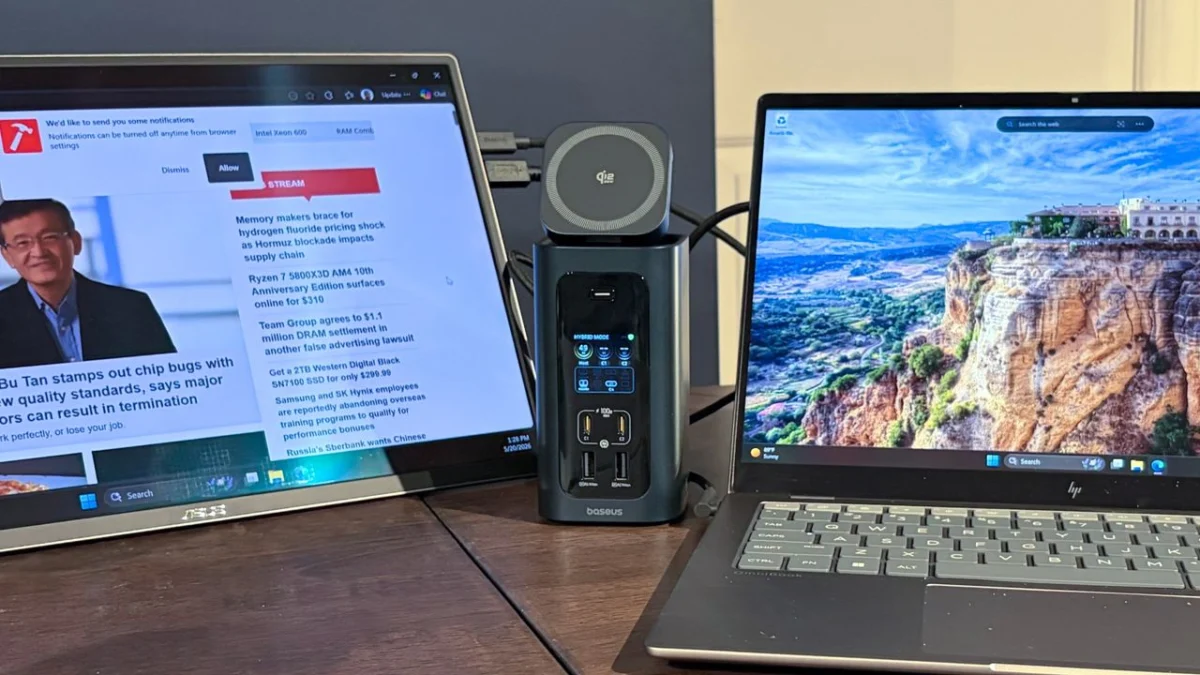
In the modern era of computing, the "thin-and-light" philosophy has dominated laptop design. While ultrabooks and premium workstations have achieved unprecedented portability, this reduction in physical chassis volume has come at a significant cost: the systematic elimination of physical ports. For professionals, creators, and power users, the days of built-in HDMI, Ethernet, and multiple USB-A slots are largely behind us.
To bridge this gap, the docking station has transitioned from a niche office accessory to an essential piece of hardware. As we move through 2026, the landscape of connectivity has shifted dramatically with the widespread adoption of the Thunderbolt 5 standard. This guide examines the current market leaders in docking solutions, balancing raw performance, port density, and long-term utility.
The State of Connectivity: Main Facts and Trends
The current market is defined by a clear bifurcation between legacy USB-C connectivity and the high-bandwidth requirements of Thunderbolt 5.
- Bandwidth Explosion: Thunderbolt 5 represents a paradigm shift, offering 80 Gbps of bi-directional bandwidth, with the ability to boost to 120 Gbps for high-intensity display needs. This allows for multi-monitor setups that were previously impossible over a single cable.
- The Power Delivery Standard: Modern docks now routinely offer up to 140W of Power Delivery (PD), allowing even high-performance gaming laptops to be charged at full speed while driving multiple 8K displays.
- Networking Milestones: We are seeing a shift from standard 1 GbE (Gigabit Ethernet) to 2.5 GbE and 10 GbE, reflecting the increasing need for high-speed local network storage and server access.
A Brief Chronology of Docking Technology
The evolution of the dock is intrinsically linked to the history of interface standards:
- Pre-2015: Connectivity was primarily proprietary. Each laptop manufacturer maintained its own mechanical "docking port" on the underside of the machine.
- 2015–2019: The rise of USB-C and Thunderbolt 3 standardized the "one-cable" dream. These early years were plagued by compatibility issues, driver conflicts, and inconsistent power delivery.
- 2020–2024: Thunderbolt 4 brought order to the chaos. With stricter certification requirements, users could finally expect a consistent experience across Windows and macOS platforms regarding data speeds and display support.
- 2025–Present: The arrival of Thunderbolt 5 has pushed boundaries, enabling PCIe 4.0 storage integration and ultra-high refresh rate multi-monitor setups, effectively turning a laptop into a desktop-class workstation.
Supporting Data: Comparative Analysis
When benchmarking these devices, our labs at Tom’s Hardware focused on three metrics: Thermal management, data throughput stability, and power delivery efficiency.
| Dock Model | TB5 Downstream | USB-C Downstream | 10 GbE Support | Notable Feature |
|---|---|---|---|---|
| Amazon Basics TB4 Pro | N/A | N/A | No | Value proposition |
| CalDigit TS5 Plus | 5 | 2 | Yes | Professional grade |
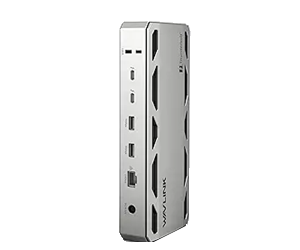
| WAVLINK WL-UTD58 | 3 | N/A | No | Internal M.2 slot |
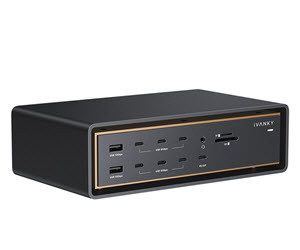
| Ivanky FusionDock Ultra | 4 | 8 | Yes | Peak port density |
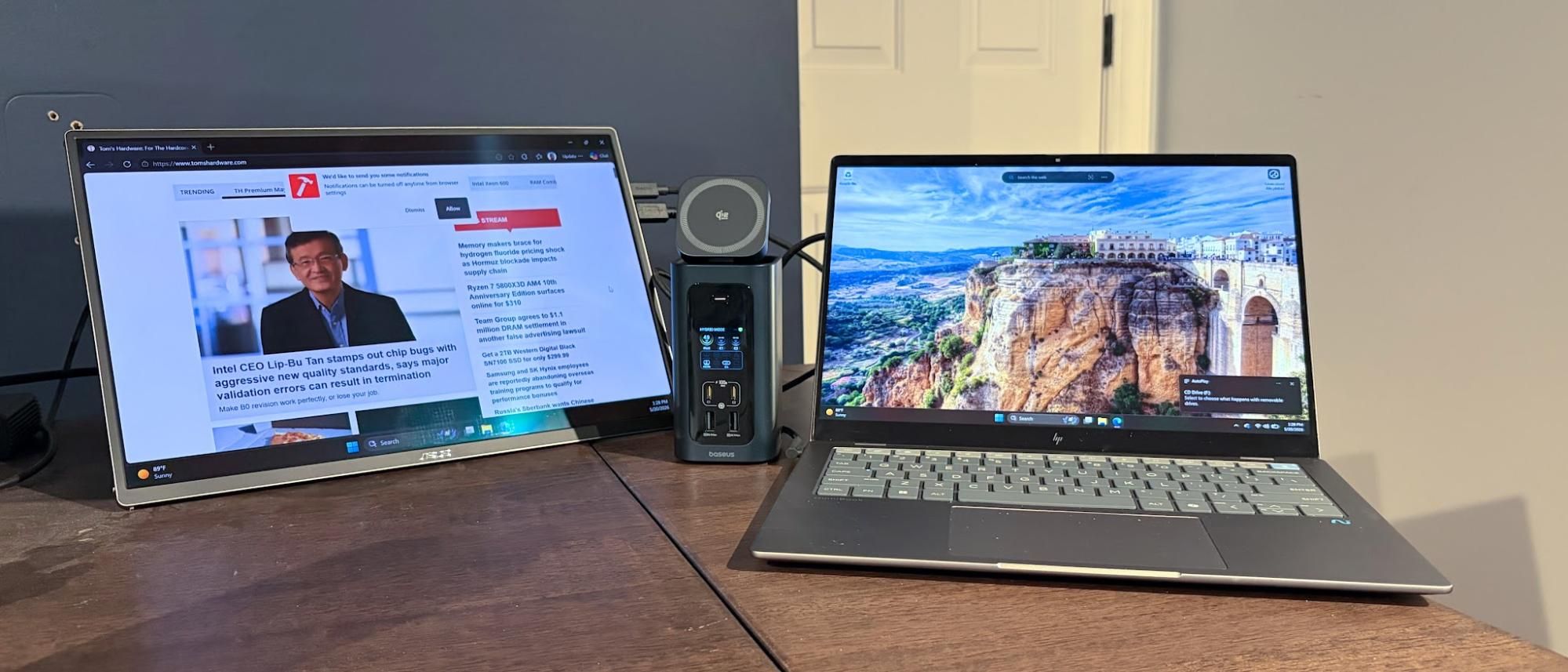
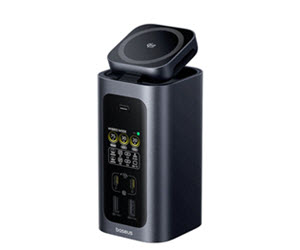
| Baseus Spacemate RD1 | N/A | 2 | No | Qi2.2 Charging |
The Performance Hierarchy
While the Amazon Basics Thunderbolt 4 Pro remains the "best value" for users who do not require the bleeding-edge speeds of Thunderbolt 5, the professional sector has clearly pivoted toward the Wavlink and CalDigit options. The data suggests that for users handling 8K video editing or massive file transfers, the bandwidth overhead of Thunderbolt 5 is no longer a luxury, but a necessity to prevent thermal throttling and data bottlenecks.
Official Manufacturer Perspectives
In discussions with representatives from manufacturers like CalDigit and Ivanky, a common theme emerges: the "limitless" port dream.
"The challenge," a CalDigit engineer noted, "is not just adding more ports, but managing the data lanes so that an SSD, a 10GbE network card, and three 8K displays don’t choke the controller."
Conversely, manufacturers like Baseus are focusing on the "desktop ecosystem." Their inclusion of Qi2.2 wireless charging in the Spacemate RD1 Pro reflects the industry’s acknowledgement that a dock is now a permanent fixture on a desk—a hub for mobile devices, not just the laptop itself.
Implications for the Modern User
The transition to high-bandwidth docks has profound implications for how we structure our digital workspaces.

1. The "Desktop-Replacement" Paradigm
With the advent of Thunderbolt 5, the performance gap between a laptop and a desktop has effectively vanished. A user can now plug in a single cable and instantly gain access to a dedicated GPU (via eGPU enclosures), high-speed 10GbE storage arrays, and a multi-monitor canvas. The implication here is a move away from desktop hardware entirely for many creative professionals.
2. Storage Consolidation
The integration of internal M.2 slots, as seen in the WAVLINK WL-UTD58-M, signifies a move toward "modular" docking. Users no longer need to carry around bulky external SSD enclosures; they can treat their dock as a primary storage drive. This reduces cable clutter and improves reliability, as the storage is hardwired into the dock’s own PCIe controller.
3. OS-Specific Limitations
It is critical to note that while the hardware standard is universal, the software implementation is not. As highlighted in our testing, Mac users—particularly those on Apple Silicon—face different limitations regarding monitor daisy-chaining compared to Windows users. The Ivanky FusionDock Ultra is a prime example; its hardware is exceptional, but it is strictly optimized for the Apple ecosystem. Before purchasing, users must ensure their specific silicon (e.g., M4 Pro vs. M4 Max) supports the required display output configuration.
Deep Dive: Product Breakdown
The Best Value: Amazon Basics Thunderbolt 4 Pro
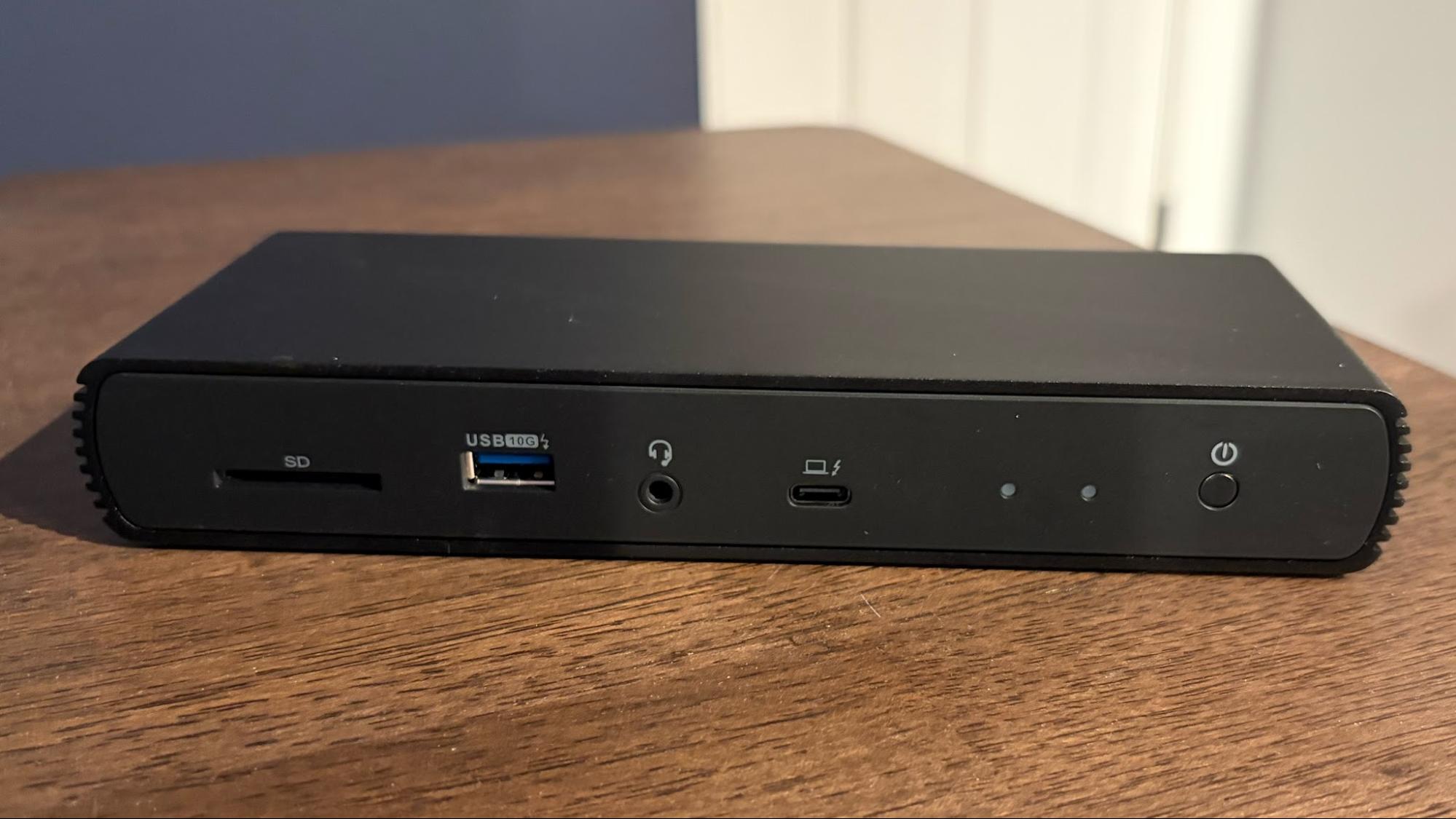
For the average office worker or student, the Amazon Basics Thunderbolt 4 Pro is the pragmatic choice. It provides 40 Gbps bi-directional speeds, which is more than sufficient for most peripherals, and includes a 2.5 GbE port that is significantly faster than standard Wi-Fi. It is compact, unassuming, and reliable.
The Storage Powerhouse: WAVLINK WL-UTD58-M
The Wavlink unit serves as the bridge between connectivity and storage. Its inclusion of an M.2 PCIe 4.0 slot is a game-changer for video editors who need to offload footage from a camera directly to the dock. While it lacks the extreme port count of the premium CalDigit or Ivanky options, it is the most functional piece of hardware for a data-centric workflow.
The Professional’s Choice: CalDigit TS5 Plus
CalDigit has long been the gold standard for connectivity, and the TS5 Plus continues this legacy. With 20 ports, including a 10 GbE jack and native DisplayPort 2.1, it is designed for those who have a "no-compromise" mentality. It handles heat dissipation exceptionally well, which is often the silent killer of cheaper docking stations.
The Mac Specialist: Ivanky FusionDock Ultra
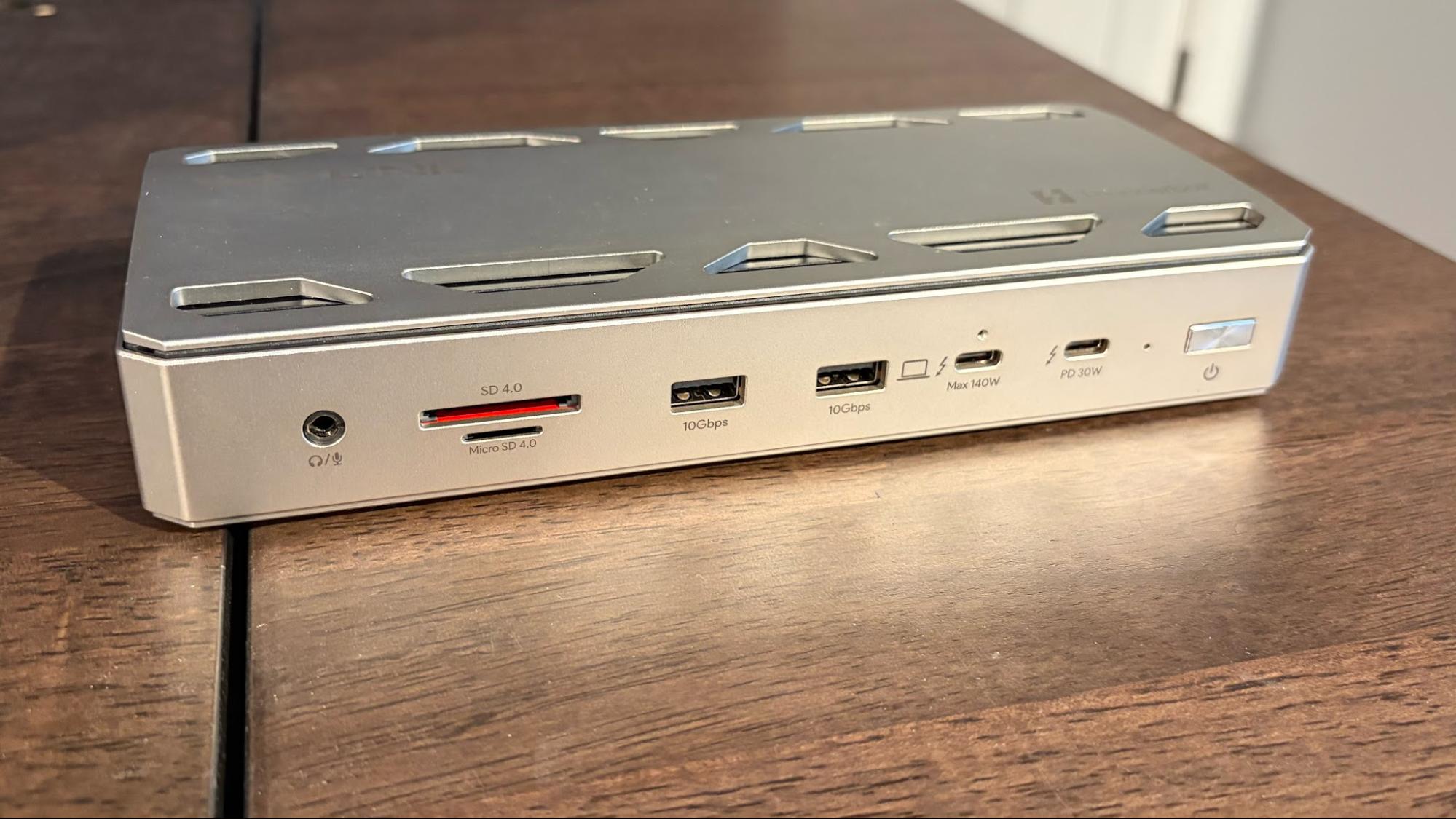
With 26 ports, the Ivanky FusionDock Ultra is a testament to the idea that "more is better." It is a massive, heavy unit designed to sit permanently on a desk. Its primary advantage is its dual-controller setup, which maximizes bandwidth. However, its $649 price tag and strict reliance on Apple Silicon make it an investment only for the most dedicated Mac users.
The Desk Companion: Baseus Spacemate RD1 Pro
The Baseus dock is less about raw bandwidth and more about desk management. By integrating a Qi2.2 charger, it clears clutter from the desk surface. It is the perfect choice for the user who wants a clean, minimalist setup where their phone, laptop, and peripherals all sync into a single, cohesive hub.
Conclusion: How to Choose Your Dock
Choosing the right dock in 2026 requires an honest assessment of your workflow:
- Do you move your laptop frequently? If yes, look for a smaller, bus-powered or single-cable solution like the Amazon Basics unit.
- Are you a creative professional? If you are moving large files or editing 4K/8K video, invest in a Thunderbolt 5 dock like the CalDigit TS5 Plus. The time saved in file transfers will quickly pay for the hardware.
- Are you a hardware enthusiast? If you have spare M.2 drives and want to consolidate your storage, the Wavlink is your best bet.
- Are you a Mac power user? The Ivanky FusionDock Ultra offers the best performance for Apple hardware, provided you are willing to pay the premium.
As we look toward the future, the integration of AI-powered power management and even higher-speed interfaces seems inevitable. But for now, these five devices represent the pinnacle of current connectivity technology, turning the "bare minimum" port selection of modern laptops into a world of endless possibility.


 Nana Muazin
 Raul Delapena Setiawan