Dwi Wanna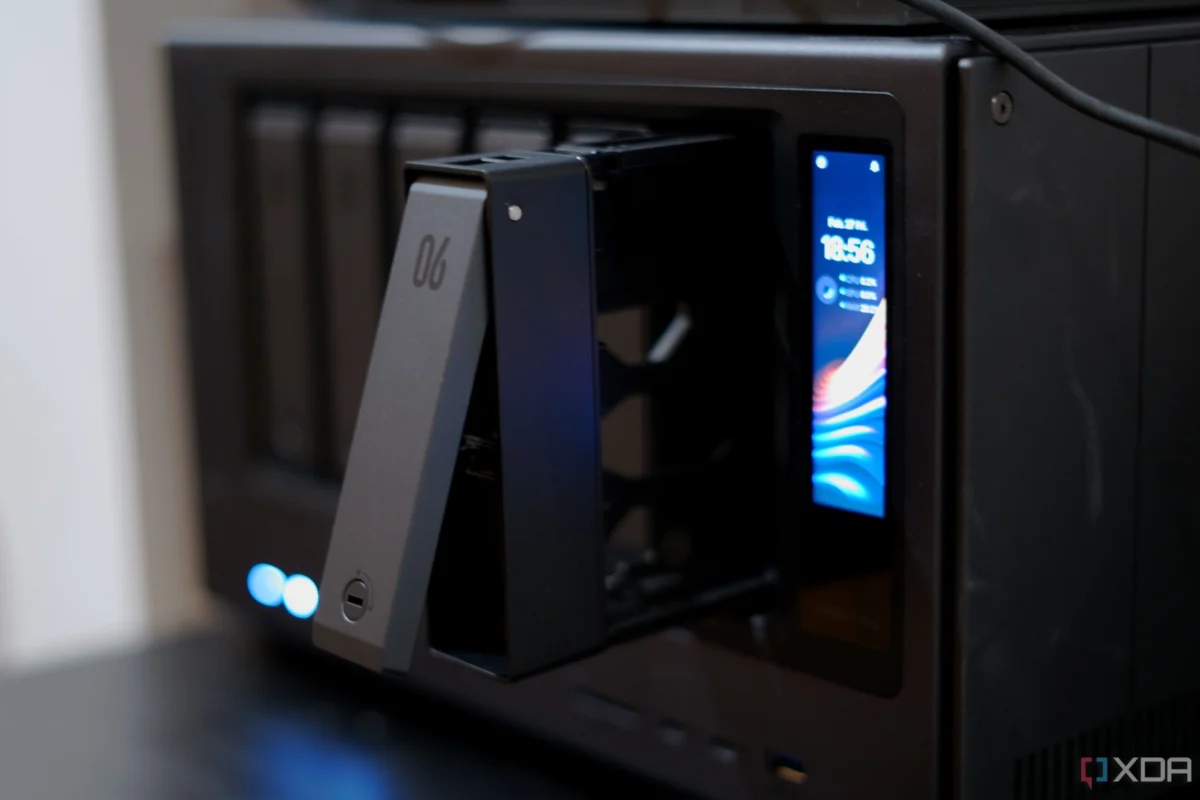
For many, the journey into Network Attached Storage (NAS) begins with a simple, singular ambition: to centralize a digital life. You purchase a multi-bay enclosure, populate it with high-capacity hard drives, and map your network drives. For a few weeks, it is a triumph of utility—tidy, practical, and almost boring in the best possible way. Your files have a home, your backups are automated, and the digital clutter across your various laptops and external drives begins to dissipate.
However, the "NAS lifestyle" has a habit of creeping upward in complexity. Once you realize the device is always on and always connected, the temptation to expand its role is nearly irresistible. You add a media server for your film library, a dashboard to monitor system health, a torrent client, a personal cloud sync tool, and perhaps a backup utility for your mobile devices. Suddenly, your storage appliance has morphed into a complex, high-maintenance server. You are no longer just a user; you are a system administrator by accident.
This article explores how shifting to a containerized architecture using Docker—specifically utilizing Docker Compose—can reclaim the simplicity of a NAS, turning a chaotic server back into a reliable, manageable appliance.
The Evolution of the NAS: From Storage to Service Hub
The chronology of a typical NAS setup follows a predictable path of "feature creep."

The Early Days: The "Bare Metal" Era
In the early days of personal NAS devices, users installed software directly onto the host operating system. If you wanted to run a media server like Jellyfin or Plex, you downloaded a package provided by the NAS manufacturer or a third-party repository. This approach is intuitive at first, but it carries significant long-term baggage.
When you install applications directly on the host, you are essentially modifying the foundation of the device. Each installation potentially creates dependencies, modifies system-wide configuration files, and competes for resources. Over time, the host OS becomes "polluted." You might find yourself hesitant to update the system because you fear breaking the fragile ecosystem of services you’ve cobbled together.
The Turning Point: The Rise of Virtualization and Containers
As home labs became more sophisticated, users began demanding better isolation. Virtual Machines (VMs) provided a solution, but they were resource-heavy, often requiring significant RAM and CPU overhead just to run a lightweight service.
Docker arrived as the middle ground. It offered the "fenced-off" environment of a VM without the overhead. By packaging services into containers, users could ensure that their media server’s specific version of a library didn’t conflict with the requirements of their download manager. This containment was the first step toward reclaiming order.

The Power of Containment: Clear Boundaries for Services
The primary shift in moving to Docker isn’t found in performance benchmarks, but in the psychological comfort of containment. In a containerized environment, each application operates within its own sandbox. It has its own settings, its own isolated file system, and its own designated network ports.
Why Containment Matters
For the average user, the biggest fear is the "dependency hell"—the moment you touch a configuration file for one service and accidentally break three others. With Docker, that fear evaporates. Because each service is self-contained, a configuration error in one container rarely spills over into the host system.
This architecture allows the NAS to return to its primary identity: an appliance. An appliance is defined by its consistency and the fact that its inner workings are abstracted away. By using containers, you can add or remove services like media managers or dashboard tools without "pouring" software directly into the kernel of your NAS operating system. The result is a system that feels like a clean, modular device rather than a server cluttered with legacy remnants.
Docker Compose: Turning Setup into Repeatable Logic
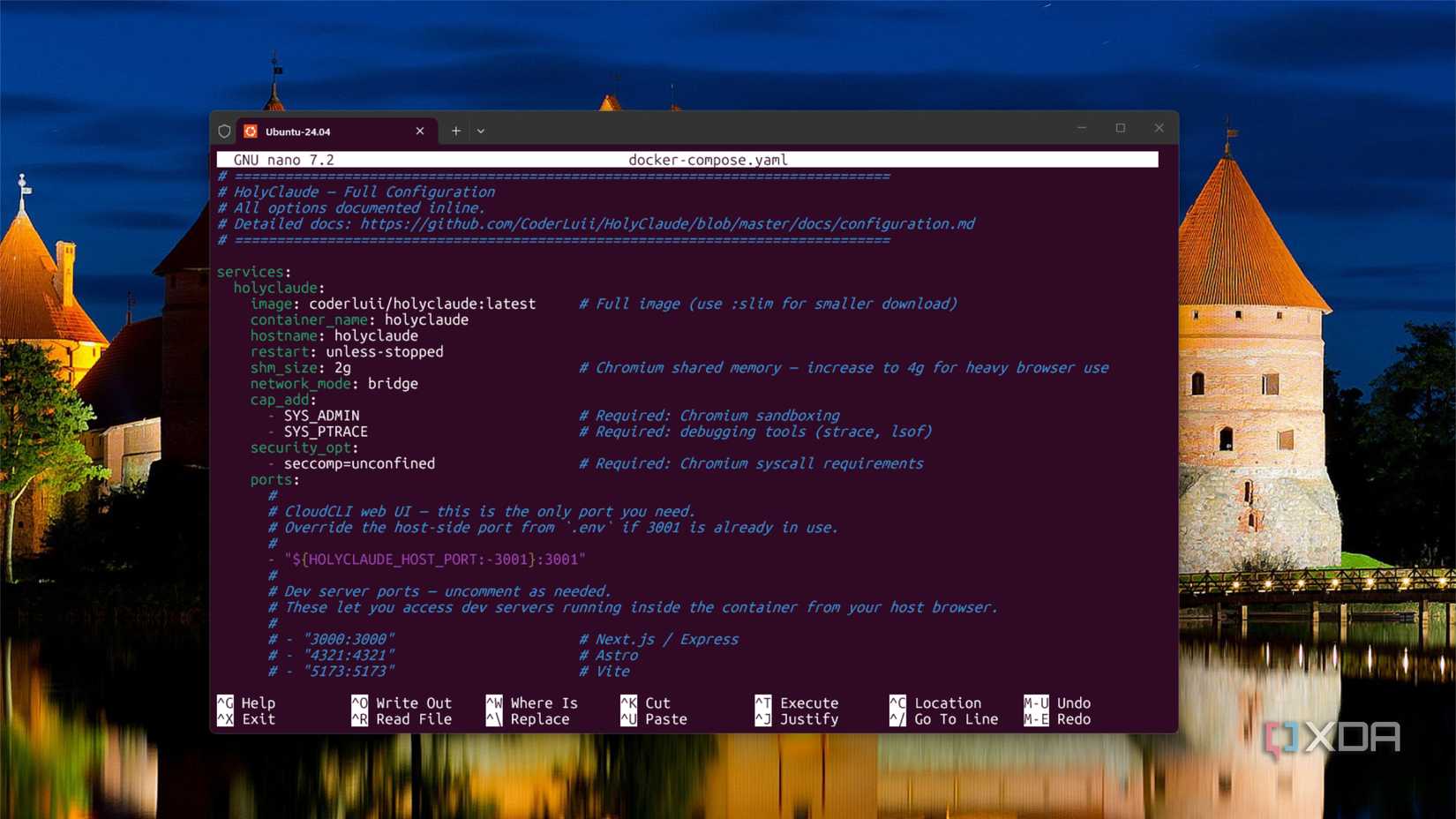
If containers are the building blocks, Docker Compose is the blueprint. Before I adopted Compose files, my NAS setup was a collection of half-remembered command-line strings and "temporary" folder paths. If I had to rebuild my server, it would have been a forensic nightmare.
Moving from Memory to Manifests
Docker Compose allows you to define your entire infrastructure in a single YAML file. This document describes the containers, the network settings, the environment variables, and the volumes—the "persistent storage" locations.
When you store these files in a well-organized directory, your setup is no longer dependent on your memory. If hardware fails or you decide to upgrade to a more powerful NAS—like the Ugreen DXP4800GT—you don’t have to manually replicate every installation ritual. You simply move your configuration files and data volumes, and your services spin back up exactly as they were. This repeatability is the hallmark of a professional-grade setup.
The Reality of the Learning Curve
While the benefits of Docker are transformative, it is crucial to address the reality of the learning curve. Docker is not a "one-click" magic wand.
The Challenges of Management
- Permissions and Networking: Understanding how a container maps to your host folders and how it communicates through specific ports can be daunting for beginners. File ownership issues are the most common pitfall for those transitioning from traditional installers.
- The New Kind of Sprawl: There is a danger of "container bloat." Just because it is easy to spin up a new service doesn’t mean you should. A cluttered host is replaced by a cluttered Docker environment, which can lead to resource exhaustion if not monitored.
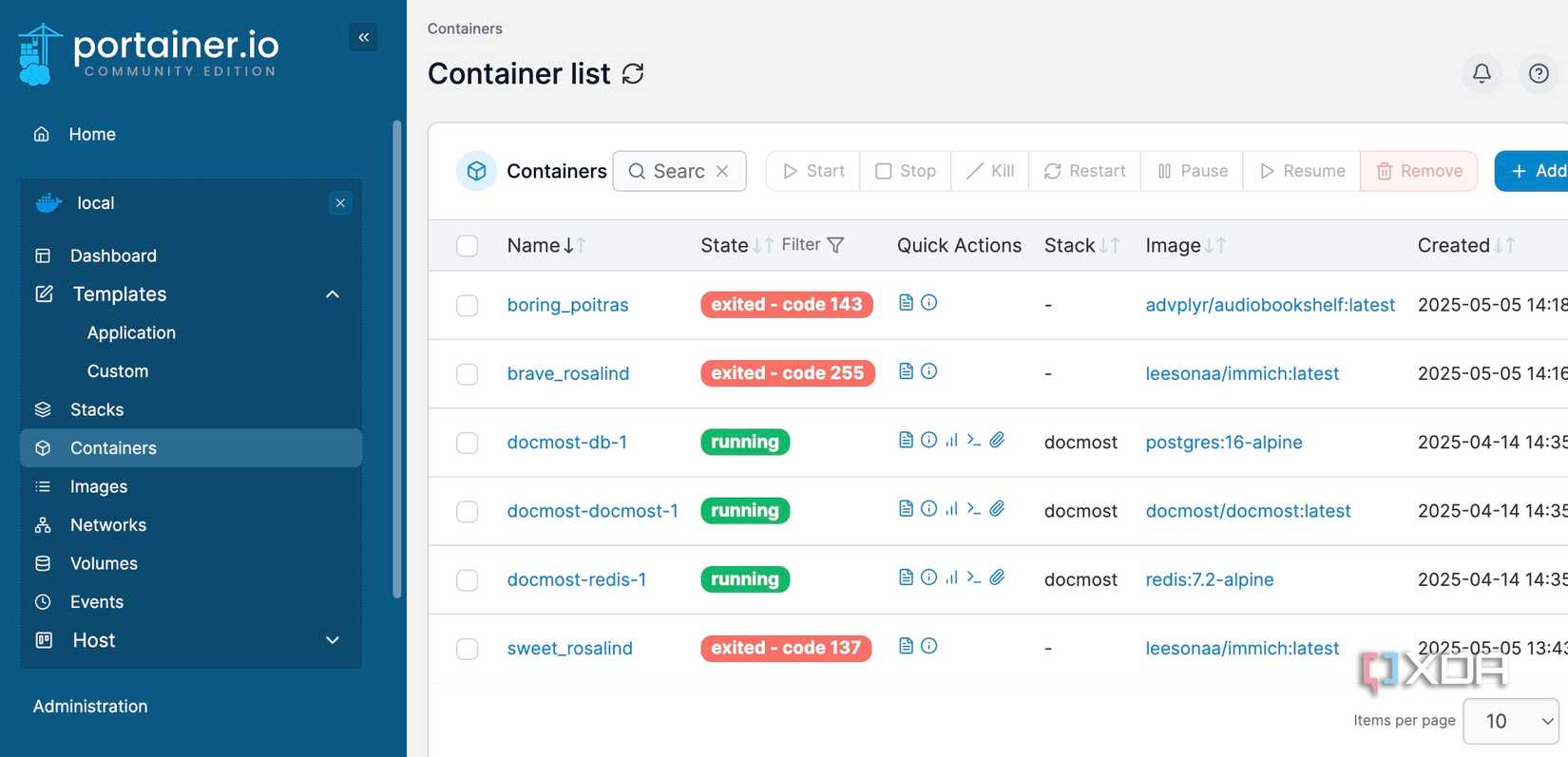
- The Maintenance Burden: While containers are isolated, they still require updates. A containerized app is easier to replace, but you must still monitor release notes and handle database migrations. Docker does not absolve you of the need for backups; it only makes the process more organized.
The "Appliance" Tradeoff
Despite these challenges, the trade-off is overwhelmingly positive. When something breaks—and in home labs, it inevitably will—the failure boundary is clearly defined. If a container acts up, you can restart, roll back, or inspect logs without fear of dragging the entire NAS down. This is the difference between "managing a server" and "relying on an appliance."
Implications for Hardware: The Case of the Ugreen DXP4800GT
To put this into practice, consider modern hardware like the Ugreen DXP4800GT. With a Ryzen Embedded R2514 processor and 8GB of DDR4 RAM, this unit is designed to handle the multi-container workloads that define the modern home lab.
When you pair powerful hardware with a clean Docker implementation, the NAS becomes a true home server. You are no longer limited by the manufacturer’s provided app store. You can deploy anything from professional-grade monitoring stacks (like Prometheus and Grafana) to private AI models, all while maintaining the integrity of your core storage.
Conclusion: The Path Forward
The best NAS setup is not the one with the most services running; it is the one you can understand after a long week. When a service fails at 10:00 PM on a Sunday, you don’t want to be decoding your own cryptic decisions from three years ago. You want a stack you can inspect, adjust, and rebuild with confidence.
Docker provides that structure. By encouraging users to think in terms of persistent volumes and declarative configuration files, it transforms a chaotic, ever-growing server into a stable, appliance-like experience. For anyone looking to do more than simply store files, adopting Docker is the single most important step toward professionalizing your home infrastructure.
It is time to stop treating your NAS like a "mystery pile" and start treating it like the robust, reliable, and organized engine of your digital life. The transition takes time and a bit of study, but the reward—a system that works for you rather than against you—is well worth the effort.


 Muslim
 Evan Lee Salim