Raul Delapena Setiawan
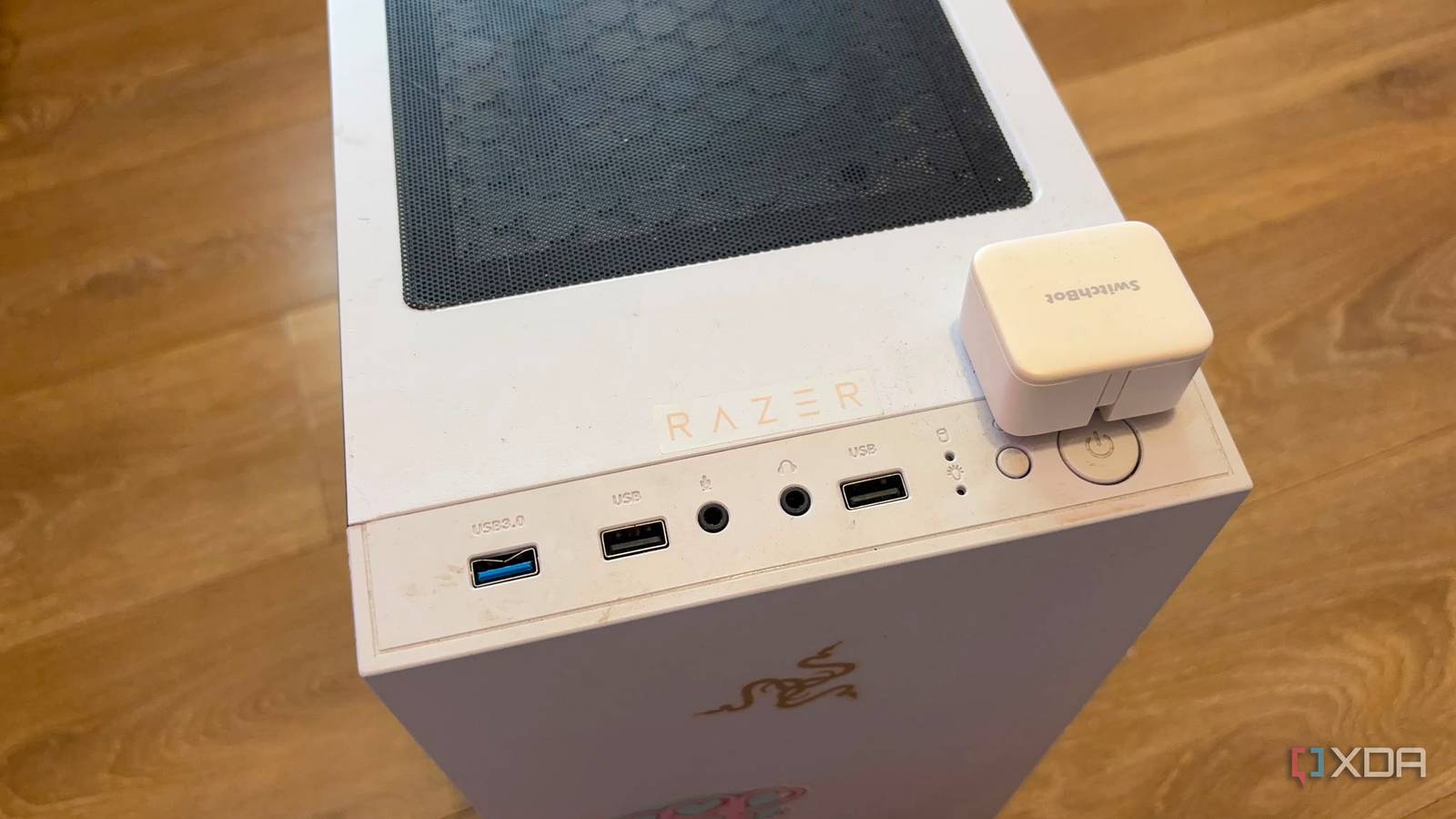
In the rapid-fire cycle of modern consumer technology, the lifespan of a personal computer is often measured by its ability to render the latest AAA titles or handle the increasingly bloated demands of contemporary web browsers. Consequently, millions of desktops and mid-towers across the globe are relegated to the status of "relics"—dust-gathering relics that eventually find their way to recycling centers or, worse, landfills. However, there is a growing movement among tech enthusiasts and privacy advocates to shift the narrative from planned obsolescence to "repurposing excellence." By stripping away the requirement for a graphical interface and transitioning to a "headless" configuration, that aging PC in your closet can be reborn as a high-performance, self-hosted digital powerhouse.
The Myth of Obsolescence: Understanding the "Upgrade Trap"
The primary reason most users perceive their decade-old hardware as "obsolete" is not a failure of raw computing power, but a misalignment of purpose. Modern operating systems, designed for sleek UI animations, background telemetry, and aggressive indexing, often choke older CPUs. Similarly, the modern web—laden with heavy JavaScript frameworks and high-definition video advertisements—demands significant resources just to display a single webpage.
When you attempt to use a machine from 2015 for modern desktop tasks, it feels sluggish. However, if you redefine the machine’s role to strictly backend operations, the bottleneck disappears. A CPU that struggles to render a 4K video stream can easily manage thousands of network packets per second or host a private, encrypted database. The "upgrade trap" is a marketing construct that encourages us to discard perfectly functional silicon simply because it can no longer keep up with the bloat of the latest consumer-facing software.
Chronology of a Repurposing Project: A Weekend Transformation
Converting a legacy PC into a robust server isn’t just an exercise in sustainability; it is a structured technical project that can be accomplished in a single weekend. Here is how the process typically unfolds for a home user:
Phase 1: The Audit (Day 1, Morning)
Before wiping the drive, assess your hardware. Identify your CPU, the amount of installed RAM, and the state of your storage drives. Even a dual-core processor with 8GB of RAM is more than sufficient for running a lightweight Linux distribution—such as Debian or Ubuntu Server—that consumes a fraction of the resources required by Windows 11.
Phase 2: The "Headless" Strip-Down (Day 1, Afternoon)
The most significant performance gain comes from removing the "head." By detaching the monitor, keyboard, and mouse, you remove the burden of managing a Graphical User Interface (GUI). Once the machine is "headless," the system directs 100% of its resources to background processes. Accessing the machine becomes a remote affair, managed via Secure Shell (SSH) from your primary daily-driver laptop or desktop.

Phase 3: Infrastructure Deployment (Day 2)
This is where the transformation takes hold. By utilizing Docker—a platform that allows you to run applications in isolated containers—you can deploy a suite of services. You might set up a Network Attached Storage (NAS) node to manage your family photos, a Pi-hole instance to block ads at the network level, or a local instance of Home Assistant to govern your smart home devices.
Supporting Data: Efficiency and Economic Impact
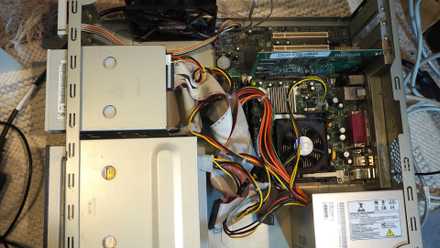
Critics of this "resurrection" approach often point to energy consumption as a major deterrent. It is true that an ATX mid-tower from a decade ago will typically draw more power at idle than a modern, dedicated ARM-based micro-server. For instance, while a modern Intel N100-based thin client might sip 6W to 12W at idle, an older desktop might pull 35W to 50W.
However, a professional cost-benefit analysis reveals a different truth. If an old PC idles at 35W, it consumes approximately 306 kWh per year. At an average US electricity rate of $0.16 per kWh, the annual operating cost is roughly $49. While this is higher than a modern low-power device, it must be compared against the capital expenditure (CapEx) of buying new hardware.
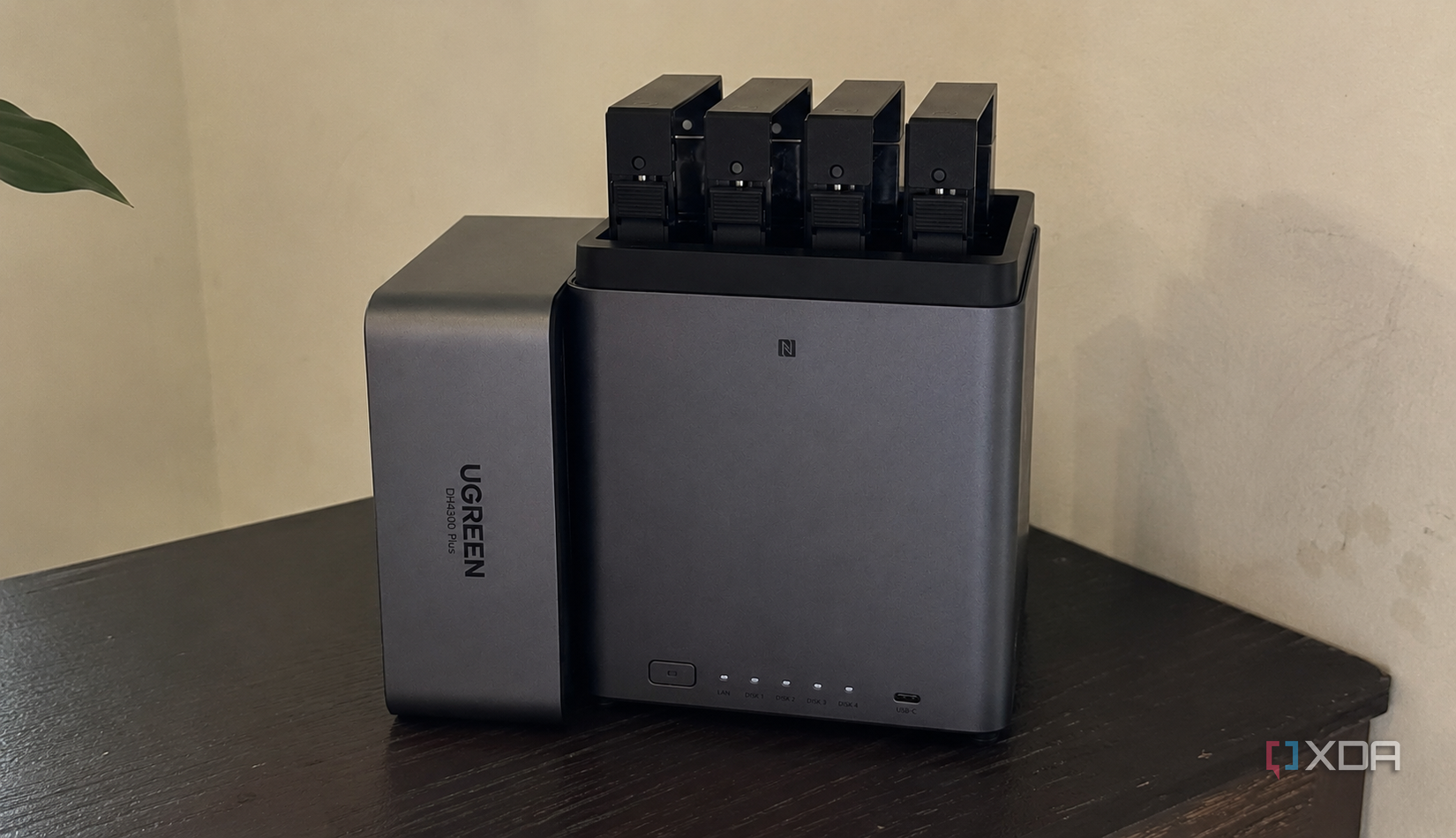
A high-quality dedicated NAS enclosure or a pre-built smart home hub can cost anywhere from $300 to $800. If you buy a new device to save $30 a year in electricity, your "return on investment" (ROI) won’t materialize for over a decade. By using the hardware you already own, you achieve an "economic victory" from day one. You are effectively recycling capital that would have otherwise been written off as a total loss.
Official Industry Perspectives on "Right to Repair" and Sustainability
The push to reuse hardware aligns with broader industry trends regarding the "Right to Repair" and corporate sustainability mandates. Tech giants, once criticized for proprietary lock-ins, are slowly being pressured by regulatory bodies—most notably in the European Union—to extend the support life of their products.
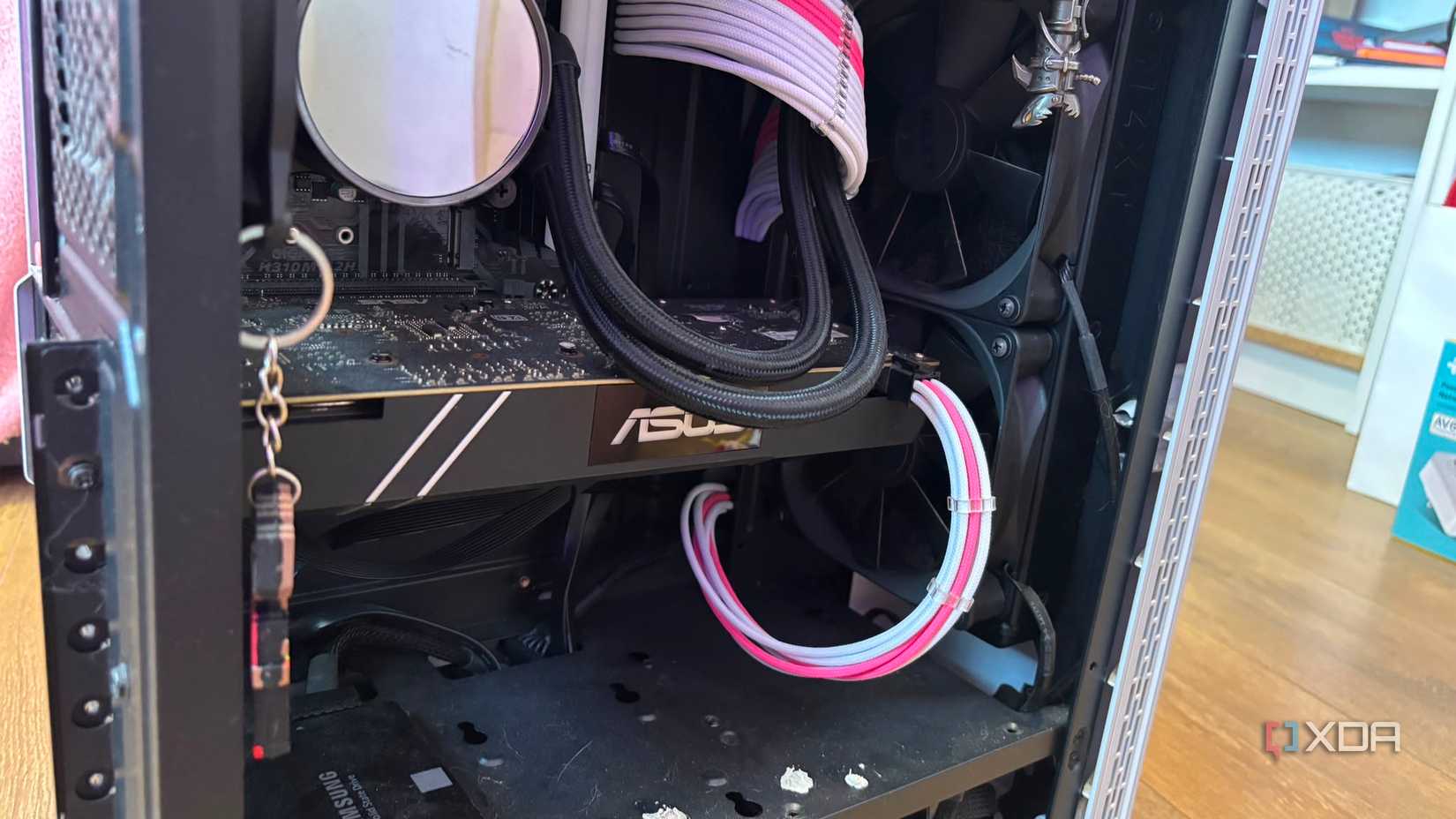
When interviewed, industry analysts often point out that the environmental impact of manufacturing a single new computer—from rare earth mineral extraction to shipping—carries a massive carbon footprint. By extending the life of an existing PC by five or even ten years, the user effectively offsets the carbon cost of that device. This is "Circular IT," a philosophy where the goal is to keep assets in use for as long as they are functional, rather than discarding them for minor incremental gains in efficiency.
Implications: The Rise of Private Infrastructure
The implications of this movement extend far beyond saving money or being eco-friendly. By moving your digital life from subscription-based cloud services (like Google Drive, iCloud, or proprietary smart home ecosystems) to your own local infrastructure, you gain total sovereignty over your data.
1. Data Sovereignty and Security
When you use cloud storage, your data is subject to the terms of service, data breaches, and privacy policies of a third-party corporation. By hosting your own files via Syncthing or Nextcloud on your repurposed PC, your data remains within your physical walls. You are no longer subject to "price hikes" for extra storage, nor are you at the mercy of a server outage in a distant data center.
2. Deterministic Home Automation
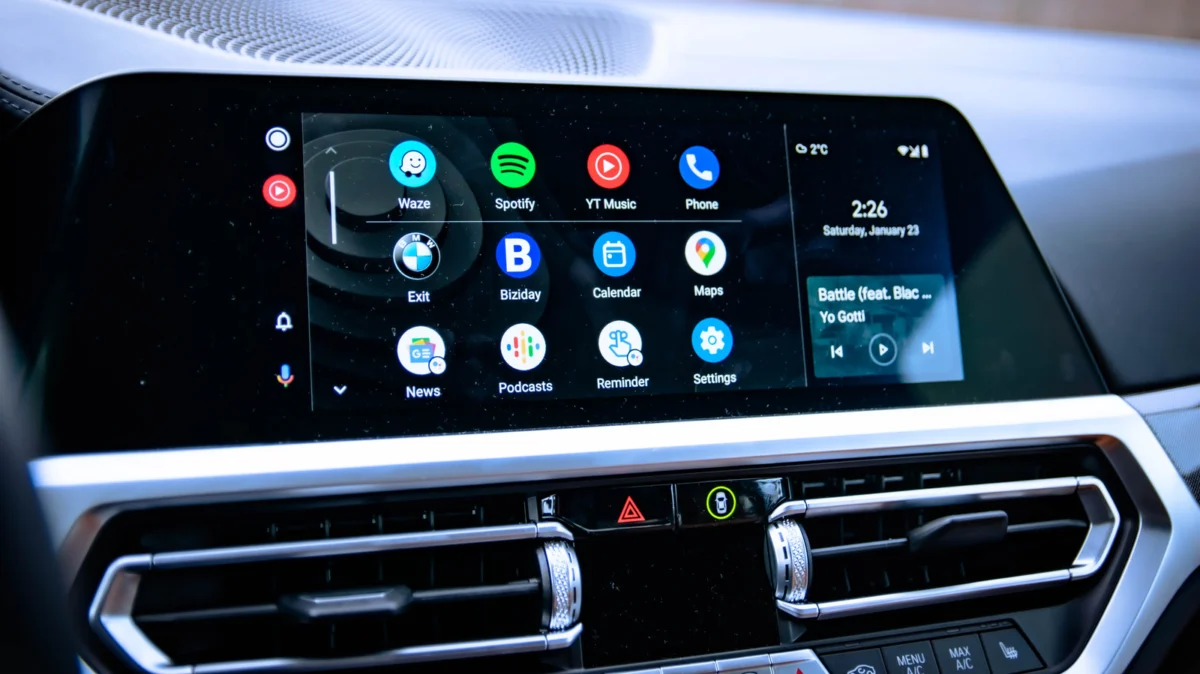
Proprietary smart home hubs often rely on the cloud to process "if-this-then-that" commands. If your internet goes down, your smart lights and locks often stop working. A local Home Assistant server running on your repurposed PC acts as a "deterministic brain." It processes commands locally, meaning your smart home remains fully functional even if your ISP experiences a total outage.
3. Latency and Control
For advanced users, hosting a private game server (for titles like Minecraft or Valheim) or a local media server (using Plex or Jellyfin) provides a level of control and speed that cloud alternatives cannot match. You are leveraging your local network’s full bandwidth, ensuring that media streams or game data transfers happen at "wire speed."
Conclusion: A New Lease on Life
The decision to keep an old PC out of the e-waste stream is a statement of defiance against a culture that equates "new" with "better." By reallocating the computational power of these machines to act as local infrastructure nodes, we move away from being passive consumers of cloud services and toward being active architects of our own digital environments.
The barrier to entry is not hardware capability, but the willingness to learn a new skill set. Yes, it takes a weekend of configuration; yes, it requires learning the basics of Linux and containerization. But the reward is a system that is faster, more private, and significantly more resilient than the subscription-based alternatives that currently dominate the market. Your old PC isn’t dead—it is simply waiting for a new, more vital purpose. Do not let it become e-waste when it has the potential to become the foundation of your home’s digital future.

 Neng Nana
 Sagoh
Sagoh