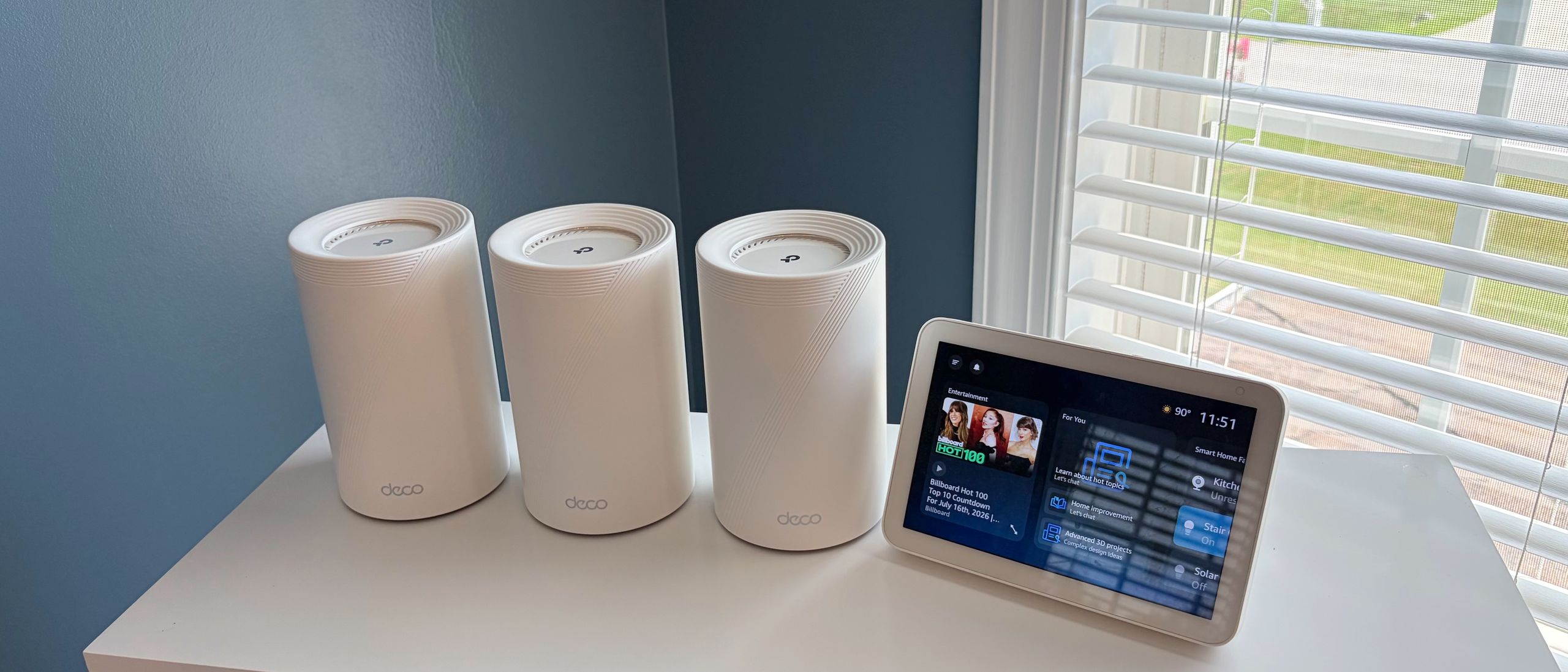
In the rapidly evolving landscape of home networking, TP-Link has established itself as a dominant force with its expansive Deco mesh ecosystem. Navigating this lineup can feel like a labyrinth for the average consumer, as the company frequently releases iterative updates and exclusive models. The latest entrant to this ecosystem, the Deco 7 Pro BE13000, is a tri-band Wi-Fi 7 powerhouse designed to blanket large homes with high-speed connectivity. Available exclusively as a three-pack through Costco, it aims to deliver enterprise-grade performance at a competitive $399 price point. However, as our extensive testing reveals, this system presents a complex value proposition where raw speed competes with questionable hardware choices and a reliance on subscription-based software services.
Main Facts: The Anatomy of the Deco 7 Pro
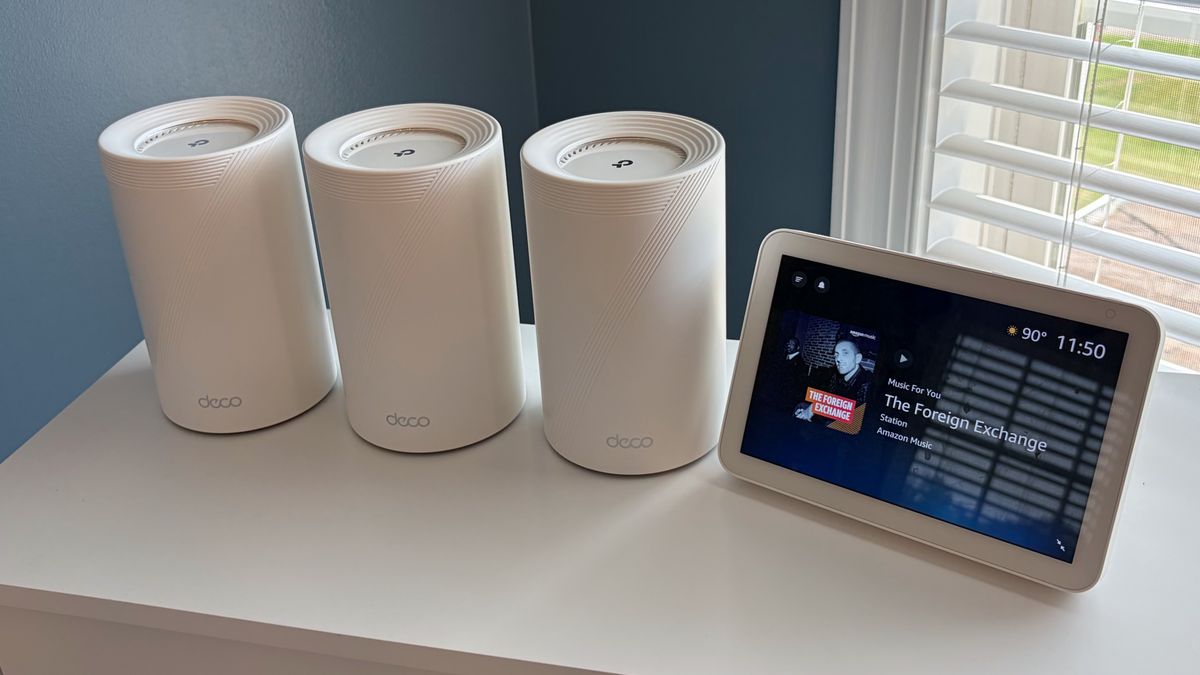
The Deco 7 Pro BE13000 is built for users who prioritize total home coverage and the bleeding-edge speed of Wi-Fi 7. Rated to cover up to 8,100 square feet, the system utilizes a tri-band architecture, allowing it to manage traffic across the 2.4 GHz, 5 GHz, and 6 GHz bands simultaneously.
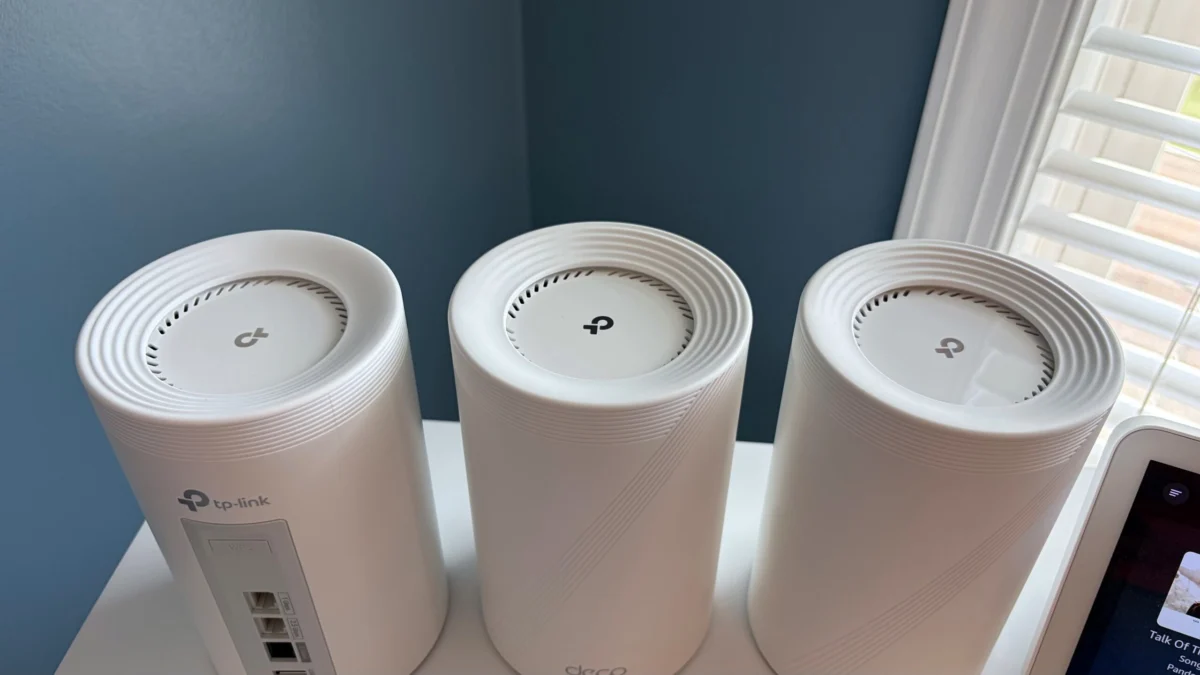
Unlike some modular routers that offer a "pro" designation with a surplus of physical connectivity, the Deco 7 Pro takes a more conservative approach. Each node features a trio of WAN/LAN ports: one 5 GbE, one 2.5 GbE, and a single legacy 1 GbE port. While the 5 GbE port is a welcome inclusion for multi-gigabit fiber plans, the retention of a standard 1 GbE port in an age of high-bandwidth Wi-Fi 7 feels like a missed opportunity for future-proofing. The units also include a USB 3.0 port for network-attached storage, maintaining consistency across the Deco family.
A Chronology of the Testing Process
To determine if the Deco 7 Pro justifies its position in the market, we subjected it to a rigorous, multi-day testing regimen. Our methodology focuses on real-world scenarios rather than just theoretical maximums.
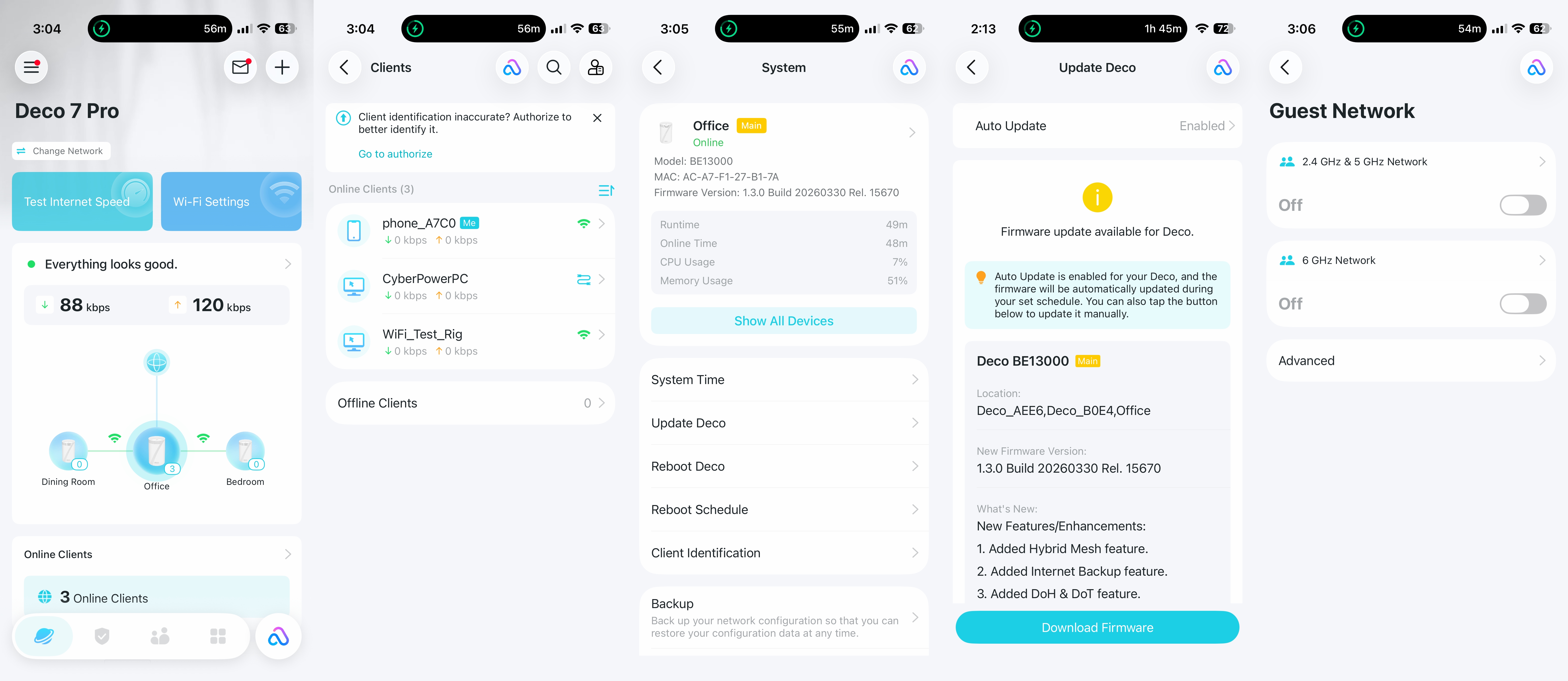
- Preparation and Deployment: Upon unboxing the three-pack, we initiated the setup process via the TP-Link Deco app. The system uses the first node connected to the modem as the primary router, with the remaining two serving as wireless satellites. The initial configuration, including firmware updates, was completed in under five minutes—a testament to the polish of the Deco mobile interface.
- Uncongested Testing: We measured performance at six feet and 25 feet using a Windows 11 desktop equipped with an MSI Herald-BE Wi-Fi 7 adapter. This phase established the baseline throughput for each frequency band.
- Congested Testing: To simulate a high-traffic smart home, we introduced six additional wireless clients streaming 4K video across all bands simultaneously. This "stress test" highlights how well the router’s processors and MLO (Multi-Link Operation) capabilities handle competing data streams.
- Security and Software Audit: Finally, we evaluated the interface’s feature set, comparing the free-tier management tools against the paid "Security+" and "Total Security" packages that TP-Link uses to gate-keep advanced network protections.
Supporting Data: The Performance Breakdown
The performance results for the Deco 7 Pro BE13000 paint a picture of a device that excels in specific high-frequency environments while occasionally faltering in legacy bands.
6 GHz Band Dominance
The 6 GHz band is where the Deco 7 Pro truly shines. In our uncongested tests, it reached an impressive 2,200 Mbps at close range, outperforming the MSI Roamii BE Pro and keeping pace with its own sibling, the Deco BE63. Even at 25 feet, it maintained strong connectivity, and under congested conditions, it proved remarkably resilient, holding over 1,100 Mbps at the 25-foot mark.
5 GHz and 2.4 GHz Hurdles
Conversely, the 5 GHz and 2.4 GHz bands were less consistent. In 5 GHz testing, the Deco 7 Pro struggled to match its competitors, falling into third place at close range (1,113 Mbps) and second place at longer distances. The 2.4 GHz performance was the most disappointing, with the system trailing behind the competition in nearly every metric. While the difference is often negligible in day-to-day web browsing, power users looking for consistent performance across all bands may find these results underwhelming for a "Pro" branded device.
Official Perspectives and Ecosystem Strategy
TP-Link’s strategy with the Deco line has always been to prioritize ease-of-use over granular manual control. By eschewing a traditional desktop web interface in favor of an app-only experience, the company successfully lowers the barrier to entry for non-technical users.
However, this convenience comes with an implicit cost: the subscription model. TP-Link’s decision to lock features like robust intrusion protection, advanced parental controls, and comprehensive antivirus under the "Security+" and "Total Security" umbrellas remains a point of contention. While a $399 price tag for a high-performance 3-pack is objectively a strong value, the requirement to pay up to $129.99 per year for features that competitors like Asus often include for free in their lifetime software licenses shifts the total cost of ownership significantly over a three-to-five-year period.
Implications for the Consumer
The Deco 7 Pro BE13000 occupies an awkward "middle ground" in the current Wi-Fi 7 market.
- The Case for Buying: If your priority is massive coverage and you intend to leverage the 6 GHz band for high-bandwidth tasks—such as wireless PC VR, 8K streaming, or high-speed file transfers within the home—the Deco 7 Pro is a strong contender. The 5 GbE port provides a clear path to utilize high-speed ISP tiers that exceed 2.5 Gbps, which is a rare and valuable feature at this price point.
- The Case for Caution: If you are a power user who demands full administrative control via a web browser, or if you prefer a one-time purchase model for your network security software, this system may frustrate you. The lack of a second 2.5 GbE port and the reliance on a subscription-gated software suite mean that the "Pro" label is somewhat subjective.
Final Verdict
The Deco 7 Pro BE13000 is an undeniably capable mesh system, particularly for users who value simplicity and cutting-edge 6 GHz throughput. It succeeds in its primary mission: providing a stable, high-speed, and wide-reaching network for the average household. However, it is not the "perfect" router. Its performance inconsistencies on the 5 GHz and 2.4 GHz bands, coupled with an aggressive subscription model for security, prevent it from achieving an unqualified recommendation.
For the average Costco shopper looking to upgrade their home network, the Deco 7 Pro is a reliable, high-performance choice. But for the enthusiast who scrutinizes port configurations and software autonomy, it serves as a reminder that in the world of Wi-Fi 7, there is always a trade-off between price, performance, and long-term utility. Before investing, potential buyers should weigh whether the included coverage and 6 GHz speeds outweigh the recurring costs of the software features they may eventually deem essential.