Iffa Jayyana
To the untrained eye, the ecosystem of USB-C connectivity looks like a standardized utopia. Whether you are charging a smartphone, connecting a laptop to a monitor, or plugging in a high-speed external hard drive, the physical port looks identical. However, beneath the identical, symmetrical silhouettes of these connectors lies a massive chasm in engineering, performance, and cost.
When you purchase a Thunderbolt 4 or the newly minted Thunderbolt 5 cable, you aren’t just buying a length of copper and plastic; you are purchasing a highly sophisticated piece of hardware designed to push the boundaries of data physics. While a standard USB-C cable might set you back $10, a certified Thunderbolt 5 cable can cost several times that. Understanding why requires a deep dive into signal integrity, certification rigorousness, and the complex engineering required to maintain stability at mind-boggling speeds.
The Evolution of the "Lightning" Standard: A Chronology
The journey toward modern high-speed connectivity began over a decade ago. To understand the current price-to-performance ratio, we must look at how the technology evolved:
- 2011: The Dawn of Thunderbolt: Intel and Apple collaborated to launch the first Thunderbolt standard. At the time, it was revolutionary, offering 10 Gbps speeds—a massive leap over the USB 2.0 standard that dominated the era.
- 2015: Thunderbolt 3 and the USB-C Marriage: This was the turning point. Thunderbolt 3 adopted the USB-C physical connector, effectively merging the world of universal charging with high-performance data transfer.
- 2020: Thunderbolt 4: By refining the specifications, Intel introduced Thunderbolt 4, mandating 40 Gbps speeds, support for dual 4K displays, and strict power delivery requirements.
- 2023–2024: Thunderbolt 5: The newest iteration, Thunderbolt 5, marks a massive leap in capability. It introduces 80 Gbps of bidirectional bandwidth, with a "boost" mode capable of reaching 120 Gbps for high-performance displays and storage.
The Hidden Engineering: What Makes a Cable "Active"?
The primary reason for the price disparity between a generic USB-C cable and a Thunderbolt cable is the presence of "active" components.
Signal Integrity and Retimers
In a basic USB 2.0 cable, data moves at a relatively leisurely pace. The signal doesn’t require complex management to stay clear over a meter of wire. However, at 80 or 120 Gbps, the physics of electricity become incredibly temperamental. Even minor resistance or interference within the wire can degrade the signal, leading to data corruption or connection drops.
To combat this, longer Thunderbolt cables are "active." They contain specialized Integrated Circuits (ICs)—often called retimers or redrivers—embedded directly into the cable heads. These chips act as signal repeaters. They receive the digital signal from the source, clean up the noise, "refresh" the waveform, and push it forward to the destination. Essentially, the cable is performing active data processing in real-time, a far cry from the passive copper wires of yesteryear.
Power Delivery and Thermal Management
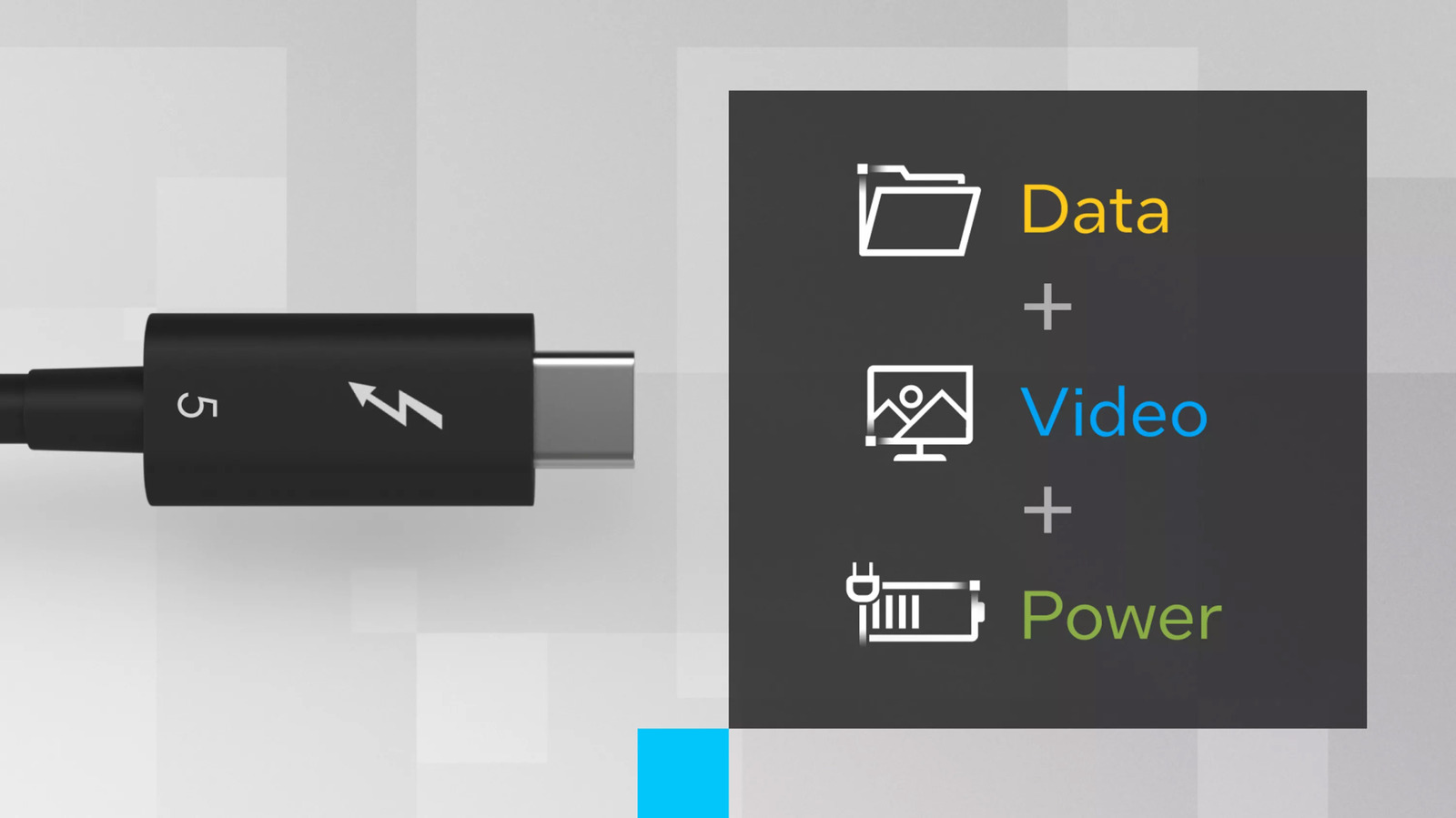
Thunderbolt cables are not just data conduits; they are heavy-duty power lines. Thunderbolt 5 cables are engineered to support up to 240W of power delivery. Carrying this much current safely requires high-grade materials and sophisticated shielding to prevent heat buildup and electrical shorts. When a cable is tasked with moving 80 Gbps of data while simultaneously delivering enough wattage to charge a high-performance gaming laptop, the internal engineering must be flawless.
Performance Metrics: Data at Scale
The technical capabilities of Thunderbolt 5 are, in a word, astronomical. To appreciate the cost, one must look at the raw data throughput:
- Transfer Speed: Thunderbolt 5 supports 80 Gbps bidirectional throughput. In a "Bandwidth Boost" scenario, it can achieve 120 Gbps for display output, while maintaining 40 Gbps for data.
- Display Support: Thunderbolt 5 supports multiple 8K displays or ultra-high-refresh-rate gaming monitors, such as those running at 540Hz.
- PCI Express Gen 4: This allows for seamless connection to external GPUs (eGPUs) and high-speed NVMe SSDs, effectively making an external device behave as if it were plugged directly into the computer’s motherboard.
By comparison, the standard USB-C cable many consumers have in their junk drawers is often limited to USB 2.0 speeds (480 Mbps) or at best, USB 3.2 Gen 2 (10 Gbps). These cables lack the shielding and the internal processing chips required for the high-frequency signaling that Thunderbolt demands.
Certification Costs: The Intel "Seal of Approval"
Intel’s involvement in the Thunderbolt ecosystem is perhaps the most significant factor in the cost structure. Thunderbolt is not an open-source "free for all"; it is a strictly governed standard.
To market a cable as "Thunderbolt Certified," a manufacturer must submit their products to a rigorous Intel-led testing process. This certification ensures:
- Backward Compatibility: That the cable will work across various generations of devices.
- Safety: That the power delivery won’t fry your hardware.
- Consistency: That the cable actually hits the advertised 40Gbps or 80Gbps speeds.
This testing process is time-consuming and expensive. Furthermore, manufacturers must pay royalties or licensing fees to use the Thunderbolt brand. When you buy a certified cable, you are paying for the guarantee that the product has been verified by the engineers who created the standard. While cheaper "Thunderbolt-compatible" cables exist, they often skip this testing phase, leading to unpredictable performance and potential safety risks.
The Economic Reality: Supply and Demand
We are currently in a "numbers game" scenario. The vast majority of consumers do not require 80 Gbps of bandwidth. Most users simply need to charge their phones or sync a few documents to a laptop. Because of this, the manufacturing scale for basic USB-C cables is massive, driving the price down to near-commodity levels.
Conversely, the market for high-end Thunderbolt cables is niche. It caters to creative professionals, videographers, competitive gamers, and data scientists who require high-speed peripherals. Because the manufacturing volume is lower and the bill of materials (BOM) is significantly higher due to the inclusion of specialized IC chips and premium shielding, the unit cost remains elevated.
Implications for the Consumer
So, do you need to spend $50 or $80 on a cable? The answer depends entirely on your use case.
- The Casual User: If your primary use for a USB-C cable is charging a smartphone or connecting a basic mouse and keyboard, a standard, high-quality USB-C cable is sufficient. The "geeky" performance of Thunderbolt will be entirely wasted.
- The Power User: If you are a professional editor moving 1TB of raw 8K footage to an external SSD, or a gamer using an eGPU setup, the investment is mandatory. In these scenarios, the Thunderbolt cable is not an accessory; it is a critical component of your workflow.
The Rise of USB4
As we look toward the future, the lines between USB and Thunderbolt are blurring. USB4 and USB4 V2 are built upon the architecture of Thunderbolt 3 and 4, respectively. As these standards become more widespread, the "premium" technology of today will eventually trickle down to become the baseline of tomorrow. However, until that happens, the lightning logo remains the gold standard for those who cannot afford to compromise on speed, safety, or stability.
In conclusion, the price tag on a Thunderbolt 4 or 5 cable is a reflection of the sophisticated digital infrastructure it contains. It is a bridge between the physical world of wires and the high-speed digital realm of terabyte-per-minute data transfers. For the average consumer, it may seem like an unnecessary expense, but for those who demand the pinnacle of connectivity, the price is a necessary toll for entering the fast lane of modern computing.


 Evan Lee Salim
 Suro Senen