Rifan Muazin
For smart home enthusiasts and DIY server tinkerers, Home Assistant has long been the gold standard for local automation. Whether it’s controlling smart lights, managing complex energy dashboards, or integrating experimental AI tools, the platform’s flexibility is unparalleled. However, until now, users running Home Assistant on modest hardware—such as older Raspberry Pi models or entry-level thin clients—have faced performance bottlenecks, particularly regarding memory management.
That narrative changes today with the release of Home Assistant OS (HAOS) 18.0. This update is not merely a collection of minor patches; it is a significant architectural refinement designed to stabilize the platform on resource-constrained devices while future-proofing it for high-end server deployments.
Main Facts: What Changes in OS 18.0?
Home Assistant OS 18.0 introduces a critical shift in how the operating system handles system memory (RAM) and virtual memory (swap). By moving away from a rigid percentage-based swap allocation, the developers have successfully addressed one of the most common complaints among Raspberry Pi users: system instability during high-load tasks.
The standout feature of this release is the recalibration of the default swap file size. Previously, the system allocated swap based on a flat 33% of the total system RAM. While this worked for mid-range systems, it created a "Goldilocks" problem: for systems with 2GB of RAM or less, the swap file was often too small to prevent system crashes during spikes; conversely, on servers with 16GB or 32GB of RAM, the system would carve out an excessively large, unnecessary slice of disk space for swap.
With OS 18.0, the default swap size is now "clamped" between a minimum of 1GB and a maximum of 4GB. This ensures that low-RAM devices have a robust safety net, while high-RAM systems are no longer bloated by massive, underutilized swap files. Furthermore, the update upgrades the underlying foundation of the OS, migrating from the Linux kernel 6.12 to 6.18, which brings better hardware compatibility and performance optimizations across the board.
Chronology: The Evolution of HAOS
To understand the weight of this update, one must look at the rapid maturation of the Home Assistant project over the last few years.
- The Early Days: Initially, Home Assistant was a Python application meant to run on top of existing operating systems. The transition to a dedicated Operating System (HAOS) allowed the team to control the entire stack, optimizing the Linux kernel specifically for home automation tasks.
- The Rise of Appliances: As the project gained popularity, the "Home Assistant Green" and "Yellow" hardware platforms were introduced. These devices required an OS that could be incredibly lean yet powerful enough to handle local AI processing.
- The 2026 Shift: Throughout 2026, the focus shifted from pure feature expansion to "System Reliability." Developers began auditing core services, realizing that as users added more integrations—from TrueNAS to local LLMs—the overhead on system resources grew exponentially.
- June 2026: The release of OS 18.0 marks the culmination of this reliability push. By refining kernel interactions and memory management, the project has effectively lowered the barrier to entry for users repurposing legacy hardware.
Supporting Data: Why Swap Management Matters
In the world of Linux-based appliances, swap is the "emergency brake." When physical RAM is exhausted, the OS moves inactive processes to the swap file on the storage drive (usually an SD card or SSD).
Before OS 18.0, a device with 1GB of RAM would only have 333MB of swap. In modern smart home setups, where a single browser-based dashboard or an AI integration can easily consume 500MB+ of RAM during a startup sequence, a 333MB swap file was simply insufficient, leading to "Out of Memory" (OOM) killer events where the OS would terminate essential services to save itself.
By mandating a 1GB floor for swap, even the most basic 1GB RAM devices now have enough breathing room to handle the OS overhead. On the flip side, capping the swap at 4GB prevents a 32GB server from wasting 10GB+ of storage on a swap file that will almost never be touched, optimizing disk I/O and wear-leveling for users running on SSDs.
Beyond the RAM tweaks, the jump to Linux Kernel 6.18 is substantial. Kernel 6.18 brings:

- Improved File System Stability: Better handling of Btrfs and EXT4, which are critical for the longevity of SD cards and SSDs.
- Faster Flashing: The time required to write a new Home Assistant image to a drive has been significantly reduced, streamlining the installation process for new users.
- Expanded Driver Support: Support for newer Wi-Fi 7 modules and various ARM-based SBC (Single Board Computer) chipsets that have hit the market in the last six months.
Official Perspectives and Community Response
While the Home Assistant team rarely comments on individual "point" releases beyond their technical changelogs, the community reception has been overwhelmingly positive. Lead developers have noted in GitHub discussions that this change was driven by "telemetry data indicating that swap-related crashes were the #1 cause of support tickets for users running on older Raspberry Pi 4 models."
The community sentiment on platforms like the Home Assistant subreddit and the XDA forums suggests that users are seeing "snappier" UI responsiveness, particularly on the initial load of the dashboard. By keeping more of the active application in physical RAM and utilizing a smarter swap threshold, the OS spends fewer CPU cycles managing memory pages, resulting in a more fluid experience.
Implications: What This Means for Your Smart Home
The implications of Home Assistant OS 18.0 are threefold:
1. A Resurgence for "Junk Drawer" Hardware
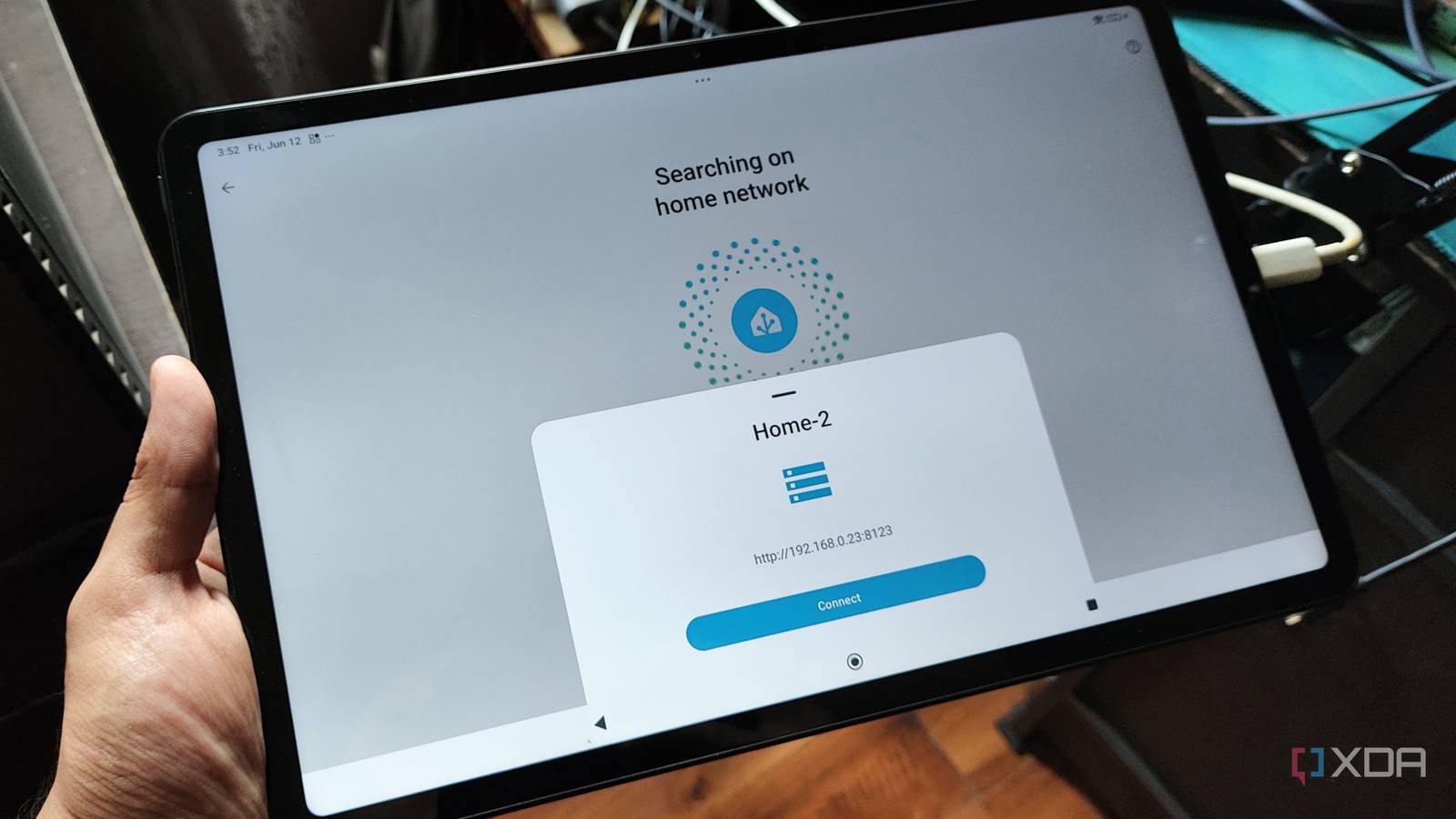
Many users have old tablets, NUCs, or 2GB Raspberry Pis gathering dust. With the optimized memory management in 18.0, these devices are once again viable candidates for a dedicated Home Assistant instance. You no longer need a top-tier server to enjoy the full suite of modern home automation features.
2. Reduced Wear on Storage Media
By managing swap more efficiently and reducing unnecessary writes associated with massive swap files, this update inherently extends the lifespan of the storage media. For users running off SD cards—which are notoriously prone to corruption—this is a major quality-of-life improvement.
3. The Path Toward "Pro" Home Automation
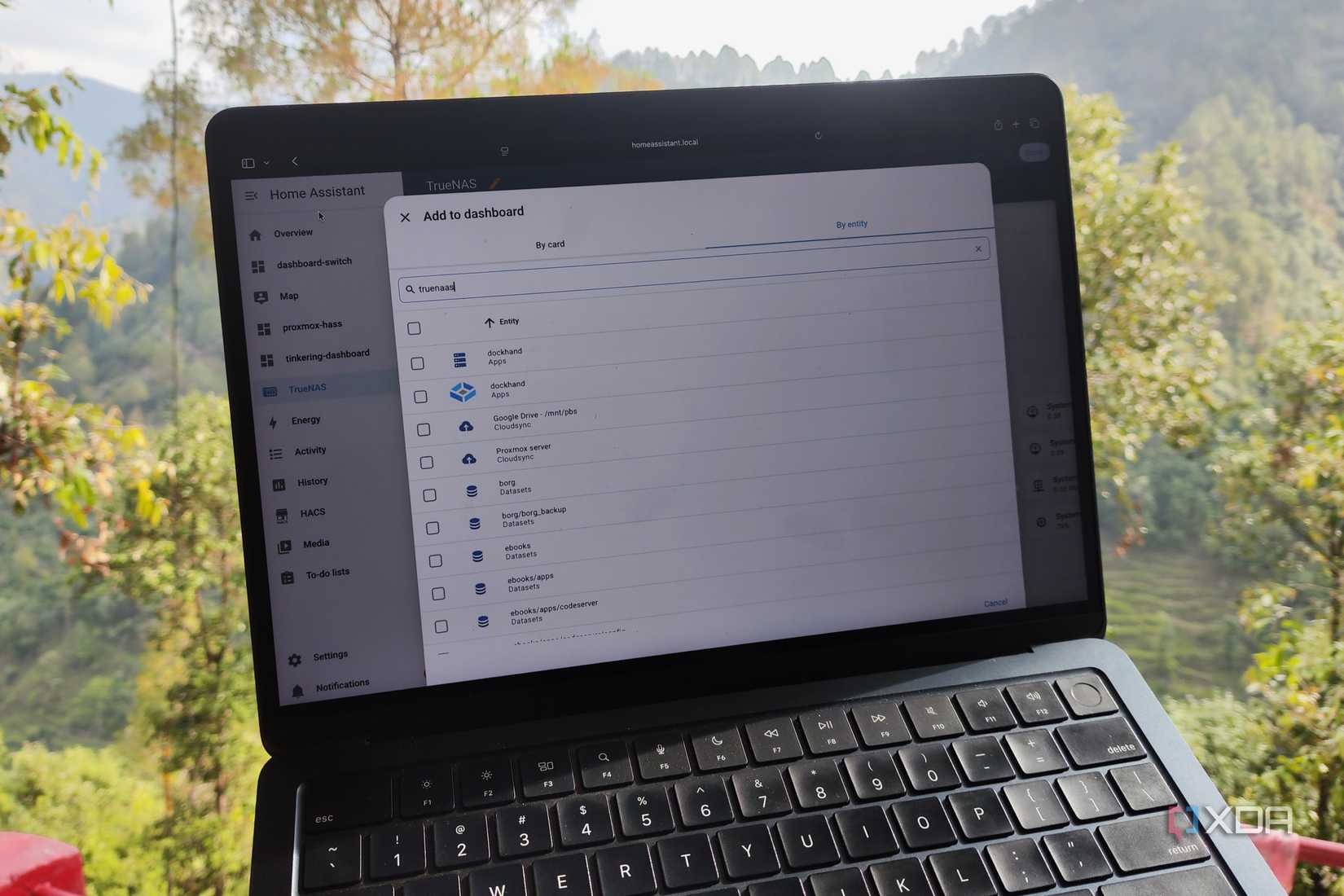
Home Assistant is increasingly being used for professional-grade installations, including commercial building management and extensive home security arrays. The move to a more recent Linux kernel ensures that these professional installations remain secure and compatible with the latest industrial-grade networking hardware.
How to Prepare for the Update
It is important to clarify that OS 18.0 is an operating system update, not a Home Assistant Core update. You will not find this in the standard "Updates" notification inside the Home Assistant dashboard that alerts you to new integrations or UI changes.
To update:
- Backup: Always take a full snapshot of your Home Assistant instance before performing an OS-level update.
- Access the Host: Navigate to Settings > System > Hardware (or use the terminal/SSH add-on).
- Check for Updates: The OS update will be listed under the Supervisor or System tab.
- Monitor: After the update, the device will reboot. Because it involves a kernel swap, the reboot may take slightly longer than a standard application restart.
Conclusion
Home Assistant OS 18.0 is a testament to the project’s maturity. By focusing on the "boring" aspects of computing—kernel versions, memory management, and swap files—the developers have delivered one of the most impactful updates in the platform’s history. For the hobbyist, it means a more reliable server; for the professional, it means a more stable foundation; and for the platform as a whole, it confirms that Home Assistant is ready to scale from the smallest Raspberry Pi to the most complex smart home rack.
As we continue to push the boundaries of what is possible with local home automation, having an operating system that respects hardware limitations is not just a luxury—it is a necessity. OS 18.0 proves that the Home Assistant team understands this better than anyone else in the industry.


 Reynand Wu
 Laily UPN