

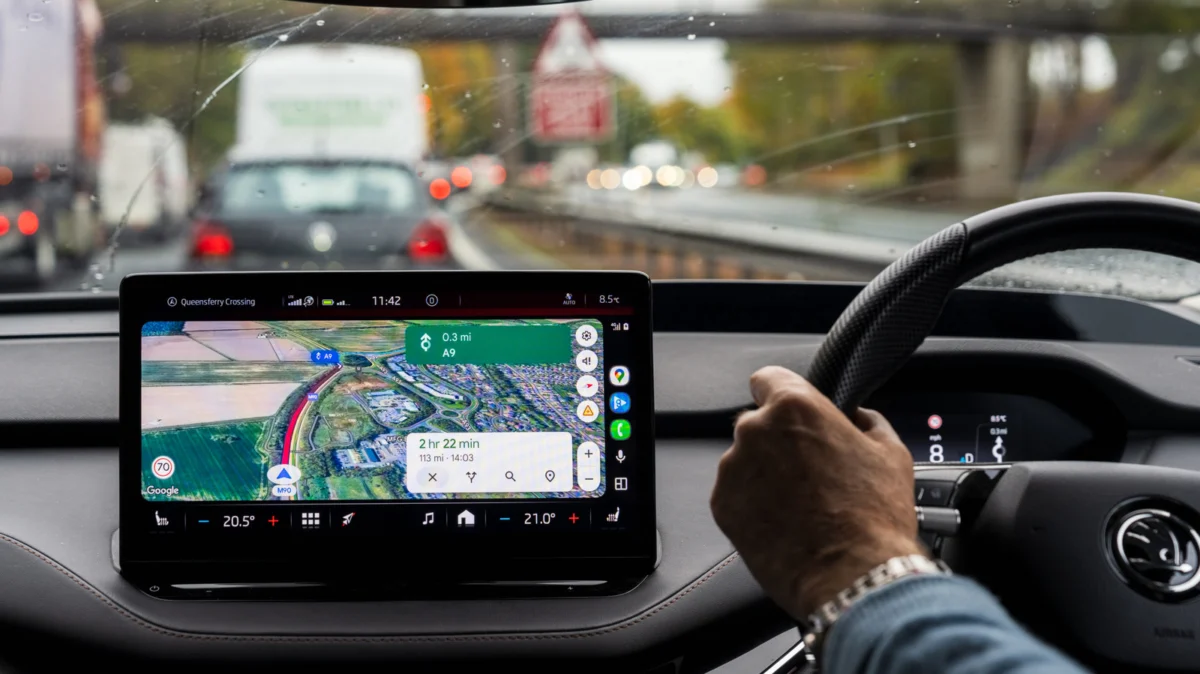
For the modern driver, the smartphone has replaced the paper map, the dedicated GPS unit, and, in many cases, the need to hunt for road signs. Among the most cherished features of navigation apps like Google Maps is the "speed limit" overlay—a small, unobtrusive icon that tells you exactly how fast you are permitted to travel on your current stretch of road. However, as many commuters have discovered, this feature is not infallible.
When that digital speed limit icon vanishes, the frustration is compounded by the anxiety of potentially violating traffic laws. Understanding why this happens requires a deep dive into the intersection of geospatial data, local infrastructure, and the inherent limitations of software-based driving assistance.
The Core Mechanics: Why the Data Goes Missing
The speed limit indicator on Google Maps is not a live feed from law enforcement or a real-time camera-based recognition system. Rather, it is a complex layer of historical, crowdsourced, and government-provided data. When the icon fails to appear, it is rarely due to a single "glitch," but rather a failure in one of the many links of the data chain.
1. Geographical and Regional Limitations
Google Maps does not provide universal coverage for speed limits. While major metropolitan areas in the United States, Europe, and parts of Asia enjoy high-fidelity data, rural routes and developing infrastructure often lack the detailed mapping required for this feature. In many regions, the local government has not digitized or shared its speed limit regulations with third-party aggregators, leaving Google without the raw data necessary to populate the map.
2. Version Disparity and User Settings
A surprisingly common culprit is outdated software. Google frequently pushes updates to the Maps interface that require a modern version of the application to function correctly. Furthermore, the speed limit and speedometer features are not "on" by default for all users. If the feature is missing, it is often a matter of navigating to the Settings > Navigation menu and manually toggling "Show speed limits" to the "on" position.
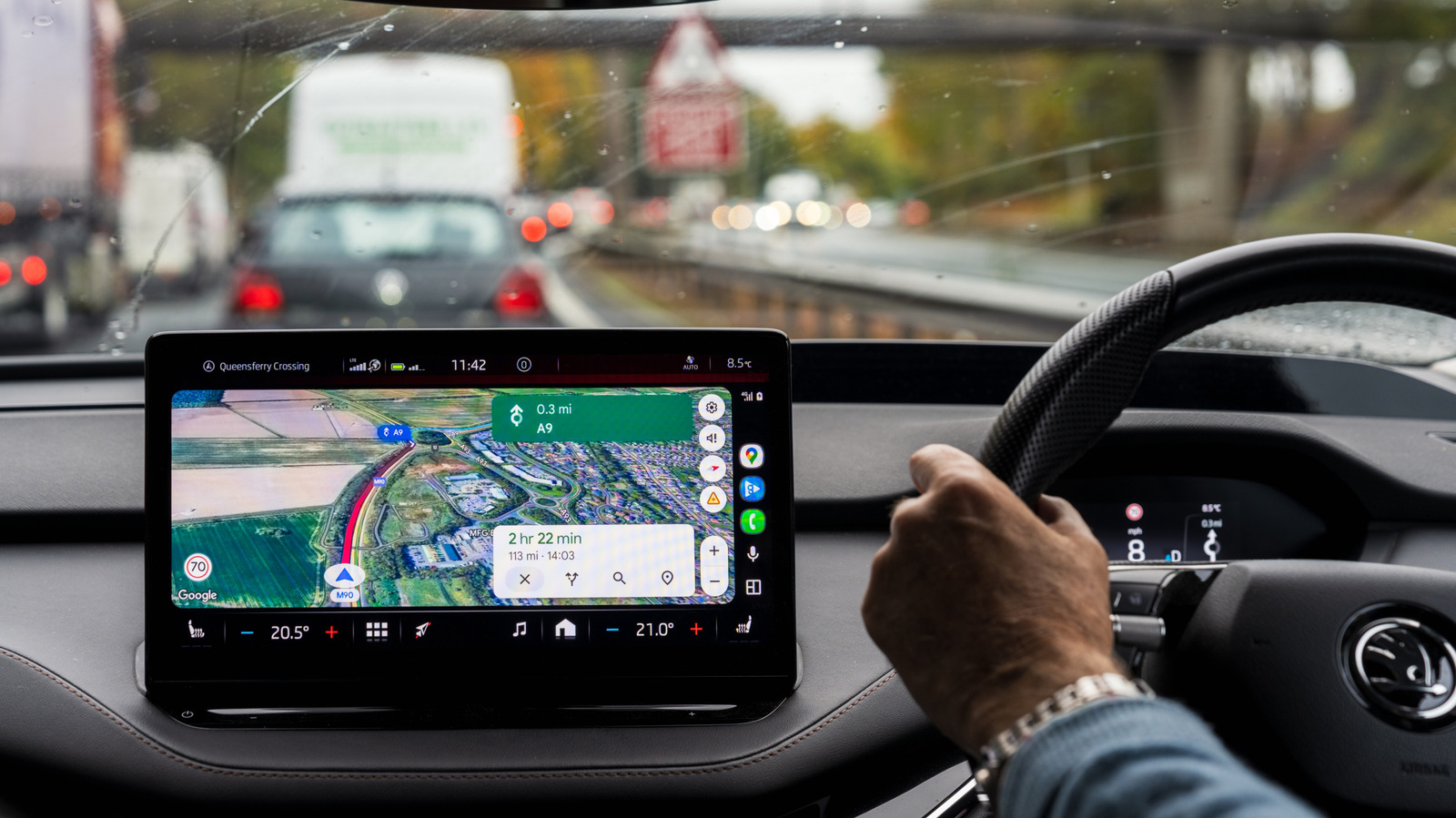
3. Data Latency and Infrastructure Complexity
Infrastructure is dynamic. Roads are widened, school zones are established, and temporary speed limits are erected for construction. Google’s database relies on a mix of satellite imagery, street-level photos (Street View), and user contributions. If a road has recently changed its speed limit, the digital map may lag behind reality for weeks or even months. Furthermore, complex signage—such as those involving decimal points or time-of-day restrictions—can confound the algorithms that translate physical signs into digital data.
Chronology of Digital Navigation: From Paper to Predictive AI
To understand where we are, we must look at how we arrived here. The evolution of digital navigation has moved through three distinct phases:
- The Static Phase (Pre-2005): Drivers relied on printed atlases. Speed limits were entirely the driver’s responsibility, and navigating unfamiliar territory required active observation of every sign posted along the roadside.
- The Hardware Phase (2005–2012): Standalone GPS units, such as those from Garmin and TomTom, began introducing basic speed information. These units were often limited by the storage capacity of the device, requiring frequent updates via physical cables connected to a computer.
- The Connected Phase (2013–Present): The rise of smartphone-based navigation brought the cloud into the driver’s seat. Google Maps, Waze, and Apple Maps began utilizing crowdsourced data. Waze, in particular, pioneered the "community-verified" approach, where users could report speed traps and limit changes in real-time. Google eventually integrated this logic, moving from a static database to a "living" map that updates based on the movement and feedback of millions of users simultaneously.
Supporting Data: The Limitations of the "Roads API"
Google’s own documentation is surprisingly candid about the limitations of its mapping services. According to the Google Roads API, the accuracy of speed limit data is not guaranteed. The company explicitly states that the information is not real-time and may be estimated, incomplete, or outdated.
As of mid-2026, Google recognizes over 40 countries where it maintains "good data quality and availability." However, this label does not imply perfection. In these regions, the company utilizes a combination of "ground truth" (physical observation) and data licensing from local traffic authorities. Even in these high-coverage regions, the margin of error remains significant in zones where limits change due to weather or dynamic traffic management systems.
Official Responses and Developer Perspectives
Engineers working on mapping technologies emphasize that the "speed limit" icon is intended as a reference tool, not a legal authority. The industry standard, supported by automotive manufacturers and software developers alike, is that the driver bears ultimate responsibility for obeying traffic laws as posted on physical signage.
"The challenge," one former navigation software developer noted, "is the sheer volume of variability. In some jurisdictions, the speed limit is determined by the road classification (e.g., all residential roads are 25 mph unless otherwise posted). In others, it is determined by the specific sign at the start of every block. Scaling an algorithm to account for every local ordinance in every municipality on Earth is a task that is never truly ‘finished’."
The Implications: Safety vs. Convenience
The reliance on technology for basic driving tasks has created a new set of risks. When drivers become accustomed to the "safety net" of an app telling them the speed limit, they may stop actively scanning the environment for road signs. This "automation bias" can lead to dangerous situations, particularly when the app is wrong or when the user enters an area where the data is missing.
Legal and Safety Consequences
- The Ticket Trap: Relying on an app that displays an outdated speed limit is not a valid legal defense in a court of law. If a sign says 35 mph but your app says 45 mph, the physical sign takes precedence.
- Environmental Hazards: Apps may not account for temporary conditions such as severe weather, flooding, or sudden construction. If a driver maintains a "legal" speed provided by an app that is not appropriate for the current road condition, the risk of accidents increases.
- Cognitive Distraction: Constantly checking the screen for speed limit updates or fiddling with navigation settings while in motion creates a significant distraction, undermining the very safety benefits the technology is meant to provide.
Best Practices for the Modern Driver
To mitigate the risks associated with digital navigation, drivers should adopt a "trust but verify" approach:
- Prioritize the Physical World: Treat the app as a secondary source of information. Your primary navigation system should always be your eyes on the road. If the app and the sign disagree, follow the sign.
- Understand Your Environment: If you are driving through a school zone, construction site, or a residential area, expect the limit to be lower than the standard highway speed, regardless of what your screen displays.
- Use Offline Maps: For travel in rural or mountainous areas, download maps in advance. This ensures that the navigation features remain functional even when cellular connectivity drops, which often causes the speed limit overlay to vanish.
- Leverage Live Traffic: While the speed limit data may be static, live traffic updates are generally more reliable. Use these to plan your route to avoid congestion, which inherently forces a lower speed and keeps you within safer operating parameters.
Conclusion
The speed limit display on Google Maps is a triumph of modern engineering, yet it remains a digital approximation of a physical reality. As we continue to integrate more AI and real-time data into our daily commutes, the gap between what the screen shows and what the road demands will likely shrink. However, for the foreseeable future, the most sophisticated navigation tool in the vehicle remains the driver’s own judgment. By balancing the convenience of technology with the vigilance required by the rules of the road, drivers can ensure they reach their destinations safely, legally, and without the unpleasant surprise of an unexpected traffic fine.











