

Whether you are coordinating a meetup in a bustling city center, ensuring a loved one arrives home safely, or simply providing a logistical update to a friend, the ability to share your real-time coordinates has become an essential utility of the modern smartphone. While the concept of constant connectivity can sometimes trigger anxiety, the practical applications of location-sharing technology are undeniable.
As of July 2026, the mechanisms for broadcasting your position have been streamlined, refined, and made more secure. Whether you are an Android power user or deeply embedded in the Apple ecosystem, this guide serves as your definitive roadmap to navigating these tools effectively, safely, and privately.

The Evolution of Navigational Transparency
In the early days of mobile technology, location sharing was a clunky, often unreliable process involving third-party apps and high battery consumption. Today, the infrastructure is built directly into the operating systems and primary communication platforms we use daily. This integration has moved location sharing from a "niche feature" to a standard safety and convenience tool.
The primary shift in recent years has been the move toward "granular control." Users are no longer forced to choose between sharing everything or nothing. Instead, modern platforms offer time-limited sharing, geofenced alerts, and one-tap revocation. This evolution acknowledges the balance between the utility of being "findable" and the fundamental human right to digital privacy.

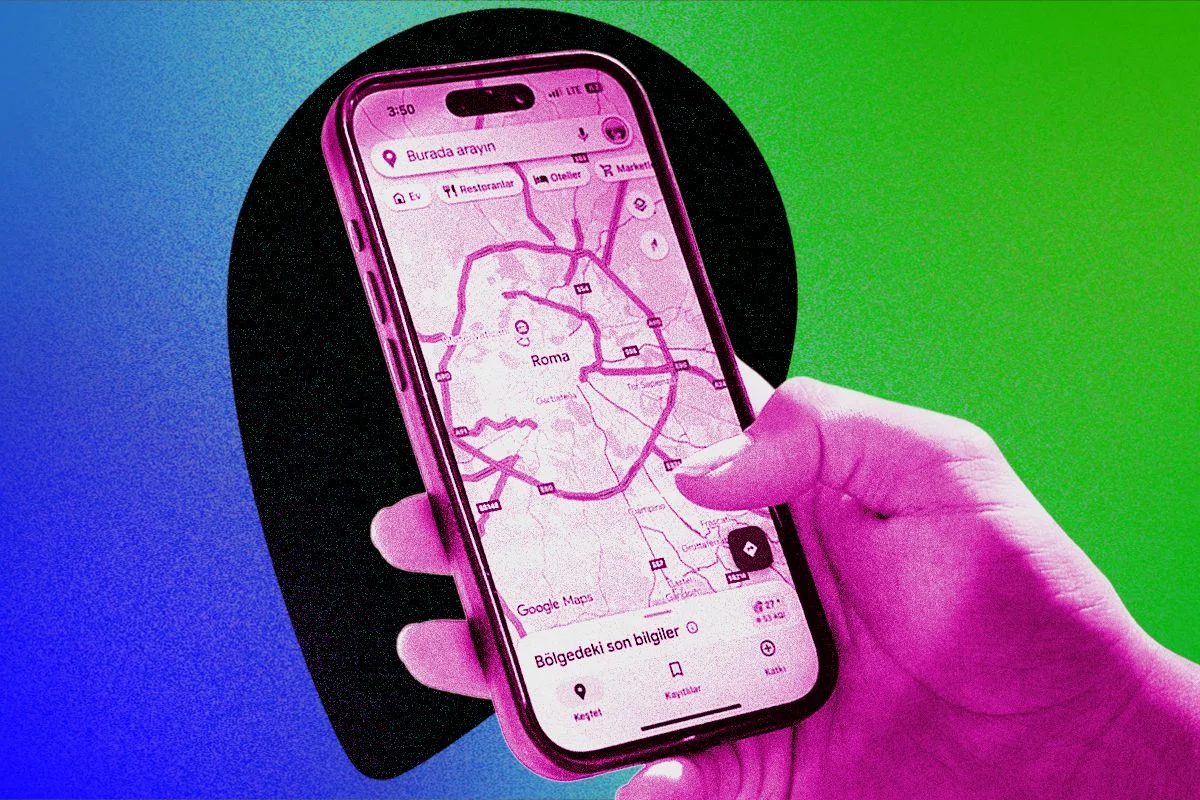
Google Maps: The Universal Standard
Google Maps remains the world’s most popular navigation tool, and its cross-platform compatibility makes it the default choice for many. Because Google’s infrastructure tracks movement to provide traffic data and business insights, it is uniquely positioned to handle real-time location sharing with high accuracy.
How to Initiate a Share
- Open Google Maps: Ensure your app is updated to the latest 2026 version.
- Access Your Profile: Tap your circular profile icon in the top right corner.
- Select ‘Location Sharing’: Navigate to the "Location sharing" tab.
- Choose Your Contact: Tap "New share" and select the duration. You can choose to share your location for a specific number of hours or until you manually turn it off.
- Select the Recipient: You can choose from your Google contacts or generate a link to send via SMS, email, or third-party messaging apps.
Pro-Tip: Once sharing is active, you can monitor the list of people who have access to your live location from the same tab. If you notice a familiar face on your map, it means they are also sharing their location with you, allowing for a reciprocal "buddy system" that is excellent for group outings.

Apple’s Ecosystem: The Power of ‘Find My’
For those deeply integrated into Apple’s ecosystem, the "Find My" app is the gold standard for seamless, privacy-focused location sharing. By leveraging Apple’s proprietary encryption and low-power Bluetooth mesh network, it offers a level of integration that third-party apps struggle to replicate.
Step-by-Step Configuration
- Launch ‘Find My’: Open the app and navigate to the "People" tab at the bottom of the screen.
- Add a Friend: Tap the "+" icon to "Share My Location."
- Select Duration: Apple allows you to share for one hour, until the end of the day, or indefinitely.
- Manage Permissions: You can revoke access at any time by selecting the person’s name and tapping "Stop Sharing My Location."
The "Me" tab is your control center. Here, you can toggle "Share My Location" entirely, which acts as a master kill switch for all your active sessions. This is particularly useful for users who prioritize an "all or nothing" approach to digital privacy.

Messaging Platforms: Location Sharing in Context
Sometimes, you don’t need a persistent link; you just need to show someone exactly where you are right now. Facebook Messenger and WhatsApp have integrated this feature directly into their chat interfaces, preventing the need to bounce between apps.
Facebook Messenger
If you are already in a conversation, tap the "+" icon or the "more" options menu. Select "Location." You can either drop a static pin (useful for "I’m here") or share your "Live Location," which tracks your movement for a set period. This is an ideal solution for meeting friends in large, crowded venues like music festivals or stadiums.

WhatsApp’s implementation is arguably the most secure, thanks to its end-to-end encryption. In any chat, tap the "+" (or paperclip) icon, select "Location," and then choose "Share live location." Because WhatsApp is used globally, this is often the most reliable method for international travel or coordination with contacts who use different mobile operating systems.
Emergency Protocols: When Every Second Counts
The most critical application of location technology is the emergency SOS feature. Both Apple and Google have engineered these tools to be accessible even when the phone is locked or the user is incapacitated.

iPhone Emergency SOS
Apple’s Emergency SOS is designed to be triggered instinctively. By pressing and holding the side button and one of the volume buttons, the phone initiates a countdown and contacts emergency services. Crucially, if you have set up "Emergency Contacts" in your Medical ID, the phone will automatically send them a text message with your current location, providing continuous updates if your position changes.
Android Emergency Protocols
Android’s approach is modular, varying by manufacturer (e.g., Samsung, Pixel, Motorola). However, the "Personal Safety" app or the "Emergency SOS" settings menu found in Android 15/16 allows users to set up "Emergency Sharing." By rapidly pressing the power button five times, you can trigger an emergency broadcast that sends your real-time location to pre-selected contacts.

Note: It is highly recommended to perform a test run of these features. Knowing the "feel" of your phone’s emergency trigger—and ensuring your contacts are aware of what a notification from you means—can significantly reduce response times in a crisis.
Implications and Ethical Considerations
While these tools offer immense benefits, they also carry significant implications for personal privacy. The "anxiety of location sharing" is a well-documented phenomenon. The feeling of being "watched" or the pressure to remain constantly available can take a mental toll.

It is a best practice to perform a "Digital Audit" of your location permissions once a month. Navigate to your device’s settings to see which apps have "Always Allow" access to your location. If an app doesn’t need it to function, revoke that permission immediately.
Final Thoughts: The Balance of Tech and Trust
Location sharing is a tool of convenience and a shield for safety. Used correctly, it fosters connection and provides peace of mind in an unpredictable world. As we move further into 2026, the technology will only become more precise. However, the most important component remains the human element: the conscious decision of who you trust with your data and the knowledge of how to reclaim your privacy the moment the need for sharing has passed.

For those who prioritize safety beyond digital tracking, consider investing in dedicated physical hardware, such as personal safety alarms or satellite messengers, which provide a robust, non-network-dependent layer of security for remote or high-risk environments.











