

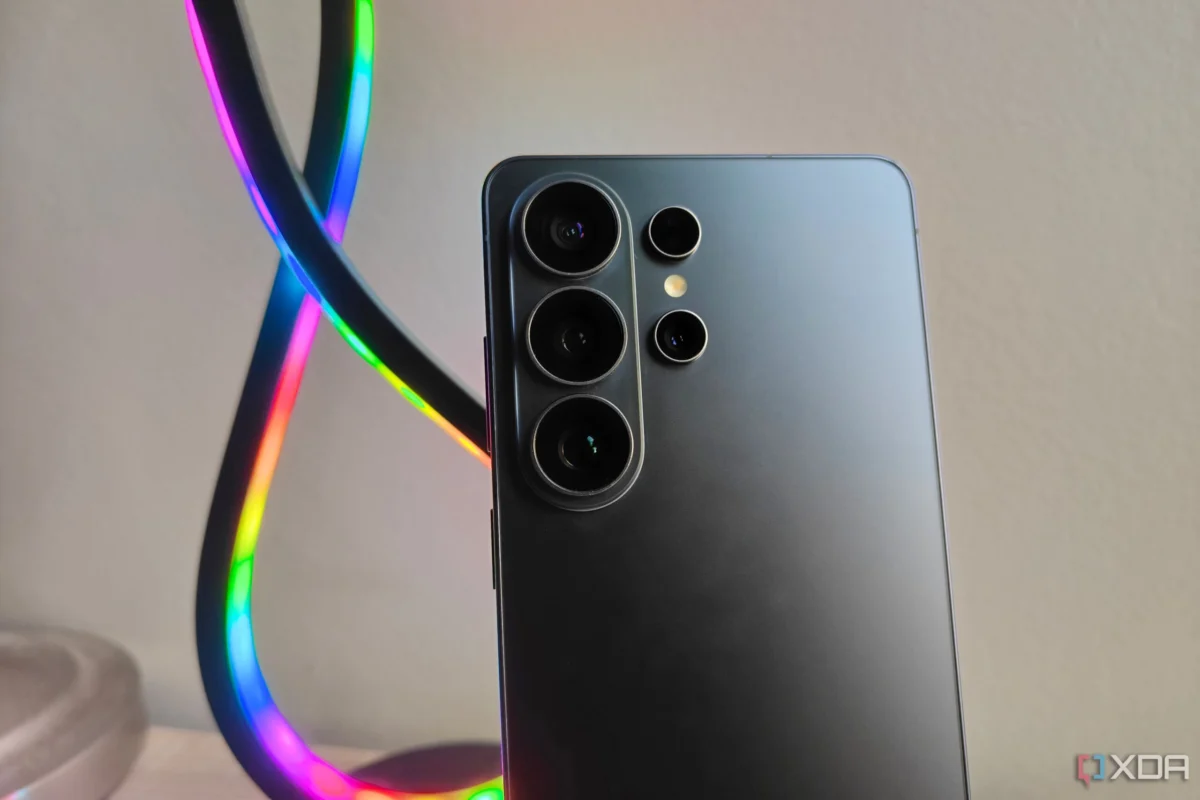
Samsung Galaxy devices are widely regarded as the gold standard for the Android ecosystem. With hardware that consistently pushes the boundaries of innovation and a software layer—One UI—that is arguably the most feature-rich skin on the market, Samsung provides a compelling out-of-the-box experience. From the intuitive Modes and Routines to the deep integration of the Reminders app, there is a lot to love before you even touch the Google Play Store.
However, for power users, tech journalists, and those who prioritize a seamless workflow across multiple computing platforms, the default suite is often just the beginning. Whether you are a creative professional, a privacy advocate, or simply someone who demands consistency across your desktop and mobile environments, customizing your app ecosystem is a critical step in setting up a new device.
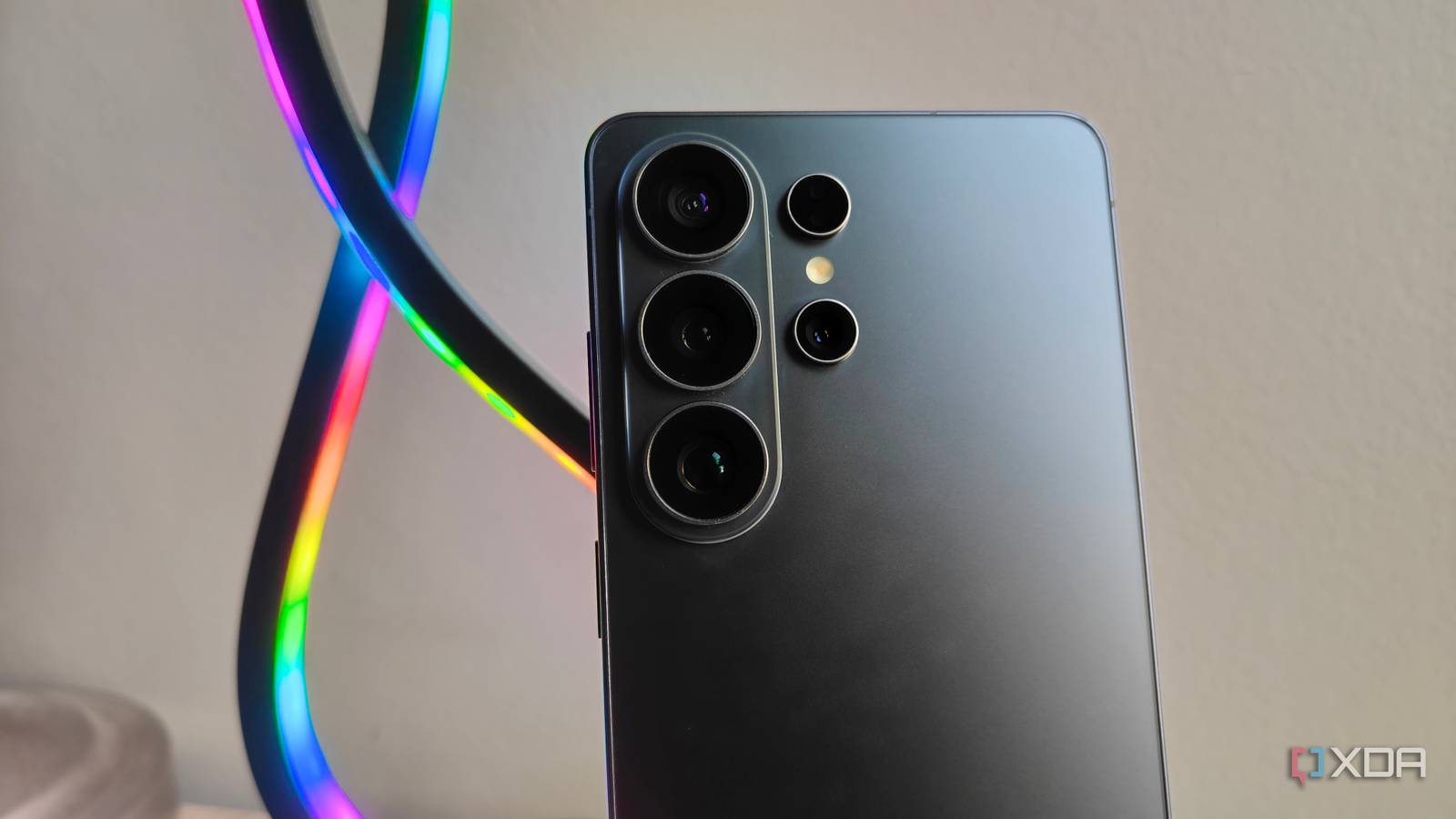
In this deep dive, we explore the essential applications that transform a standard Samsung Galaxy smartphone into a highly optimized, cross-platform productivity machine.
The Core Philosophy: Why We Customize
The decision to supplement Samsung’s robust native software with third-party applications usually boils down to two main factors: cross-platform synchronization and data sovereignty.

While Samsung’s ecosystem is excellent for users who remain strictly within the Galaxy fold—using a Galaxy Tab, a Galaxy Book, and a Galaxy phone—the modern professional often operates in a "mixed" environment. Using a Windows PC, a Mac, or a Linux machine alongside an Android device requires a software stack that respects your data no matter the hardware. By integrating tools that offer end-to-end encryption and cloud-agnostic syncing, users can ensure their workflow remains uninterrupted, regardless of the device in their hand.
Good Lock: Unlocking the True Potential of One UI
While many manufacturers lock down their interfaces to ensure stability and brand identity, Samsung takes a different, more daring approach with Good Lock.
An App that Unlocks Deeper Personalization
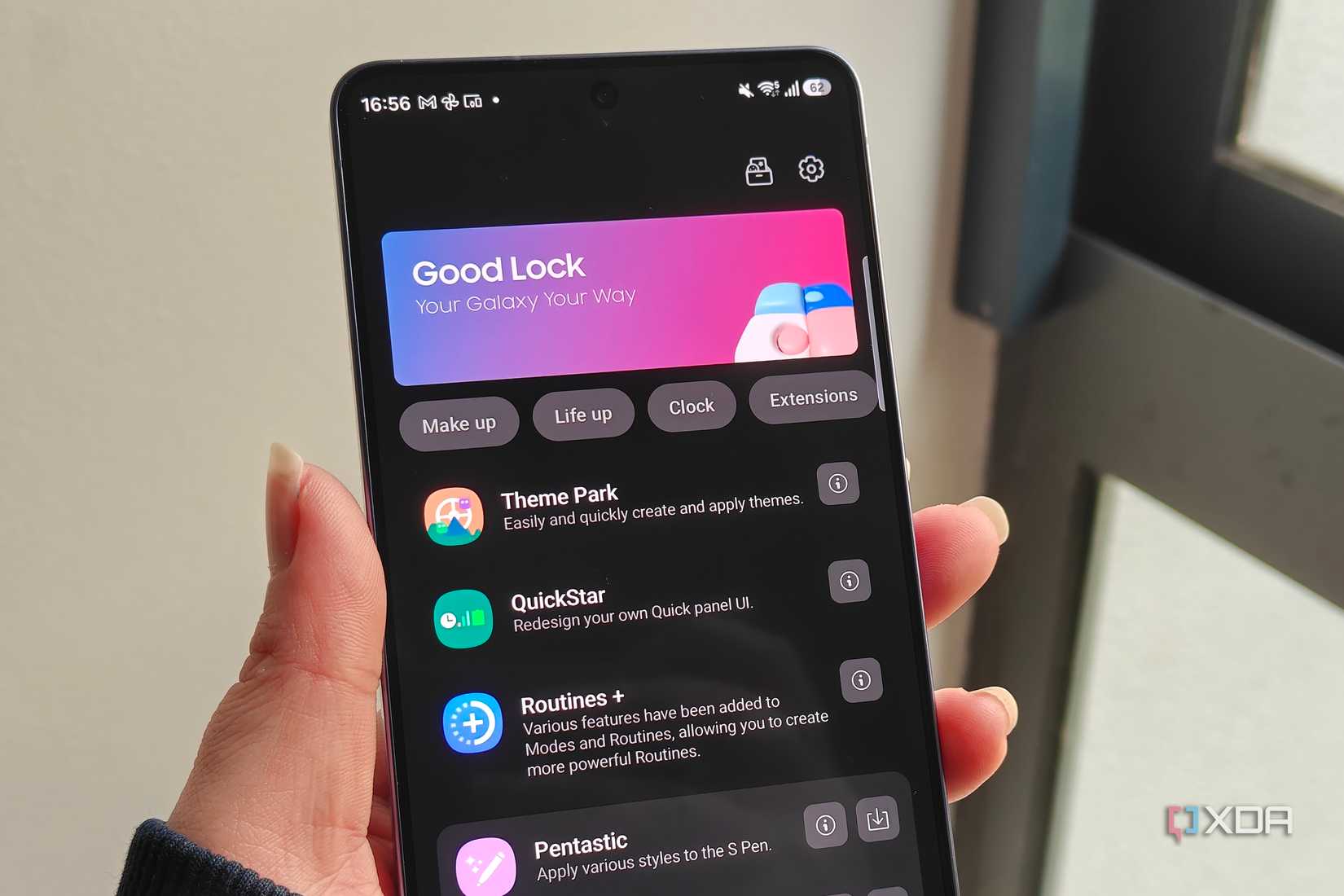
Good Lock is not just an app; it is a laboratory for your smartphone. Available through the Galaxy Store, it acts as a container for various modules that allow you to modify the fundamental behavior of One UI.
- Customization Beyond the Surface: Through modules like Theme Park, users can move beyond simple wallpaper-based color palettes. You can customize the look of your notification panel, the blur effects, and even the iconography, creating a device that feels truly unique.
- Navigation and Gestures: NavStar allows for the total reconfiguration of your navigation bar, including the ability to create custom icons and transparency settings that standard Android does not permit.
- Advanced Automation: While Samsung’s native "Modes and Routines" are powerful, Routines+ takes the concept to the next level. It adds advanced triggers, such as touch macro recording, which allows you to automate complex, multi-step tasks that would otherwise take precious seconds to perform manually.
For those who view their phone as a professional tool, Good Lock is the bridge between a "consumer-grade" interface and a bespoke operating system tailored to your specific muscle memory and visual preferences.
Proton Pass: Security in a Cross-Platform World
Security is the cornerstone of modern mobile computing. While Samsung Pass is a capable and convenient service for those heavily invested in the Samsung account ecosystem, it falters when you step outside the Galaxy hardware.
The Case for Platform Agnosticism
For users who alternate between Windows, macOS, and Android, a password manager must be hardware-agnostic. Proton Pass, developed by the privacy-focused team at Proton (the makers of Proton Mail and VPN), has emerged as a premier solution for this need.
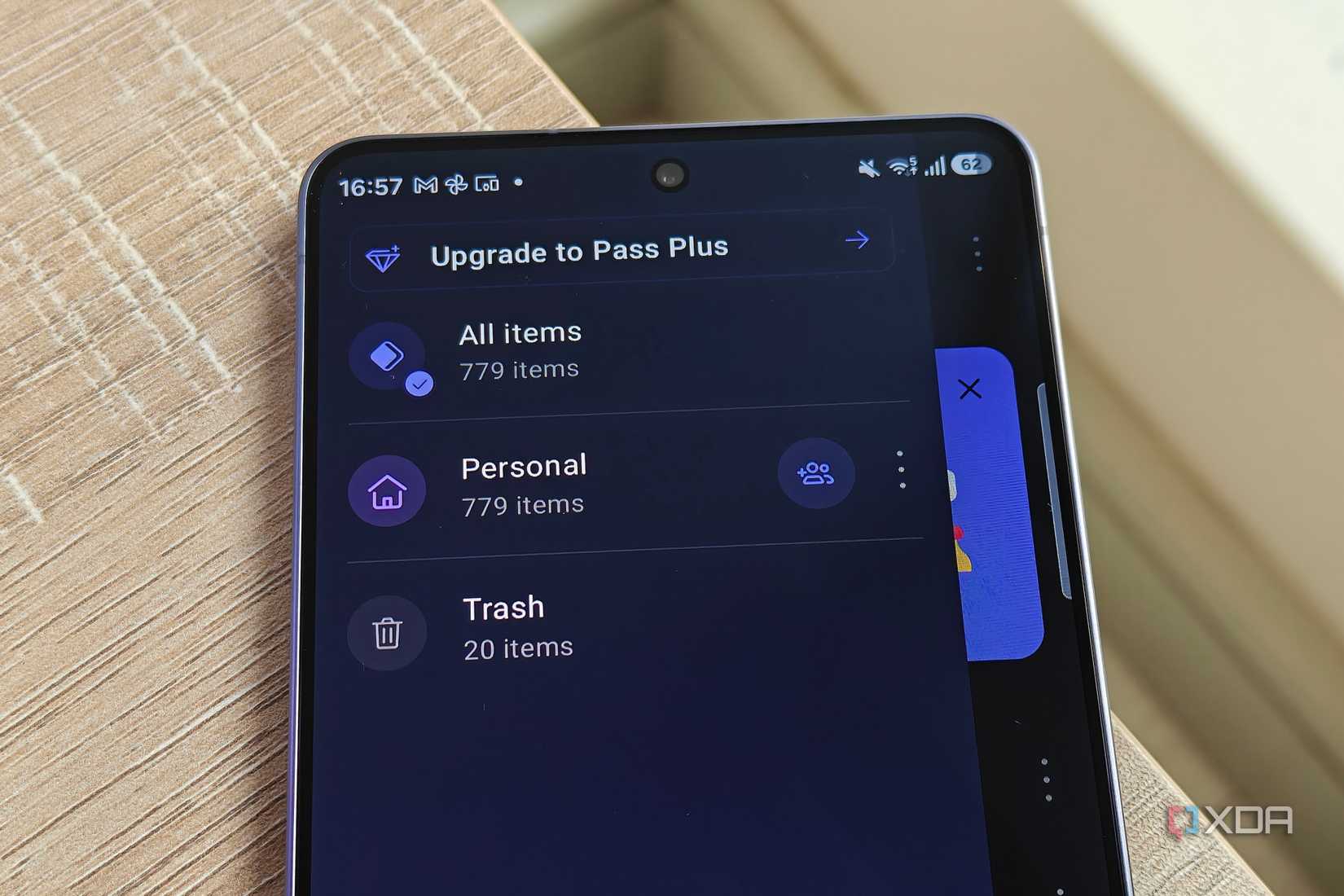
- Seamless Autofill: Because Android allows for system-level integration of password managers, Proton Pass functions as the primary autofill service on your Galaxy device. It recognizes login fields across apps and browsers with the same efficiency as native services.
- Browser Compartmentalization: One of the most underrated features for security-conscious users is the ability to create "aliases" for email addresses. Using Proton Pass, you can generate a unique, masked email for every website you sign up for. This drastically reduces your attack surface and keeps your primary inbox free from spam and tracking.
- Integrated Ecosystem: The extension-based architecture for desktop browsers ensures that when you move from your Galaxy S-series phone to your laptop, your credentials are waiting for you, encrypted and ready to use.
Brave Browser: Privacy-First Web Exploration
The mobile web is a cluttered, tracking-heavy environment. While Chrome is the default for most, and Samsung Internet offers an excellent interface, Brave provides a unique value proposition for the privacy-conscious user.
Why Brave Dominates for Mobile Users
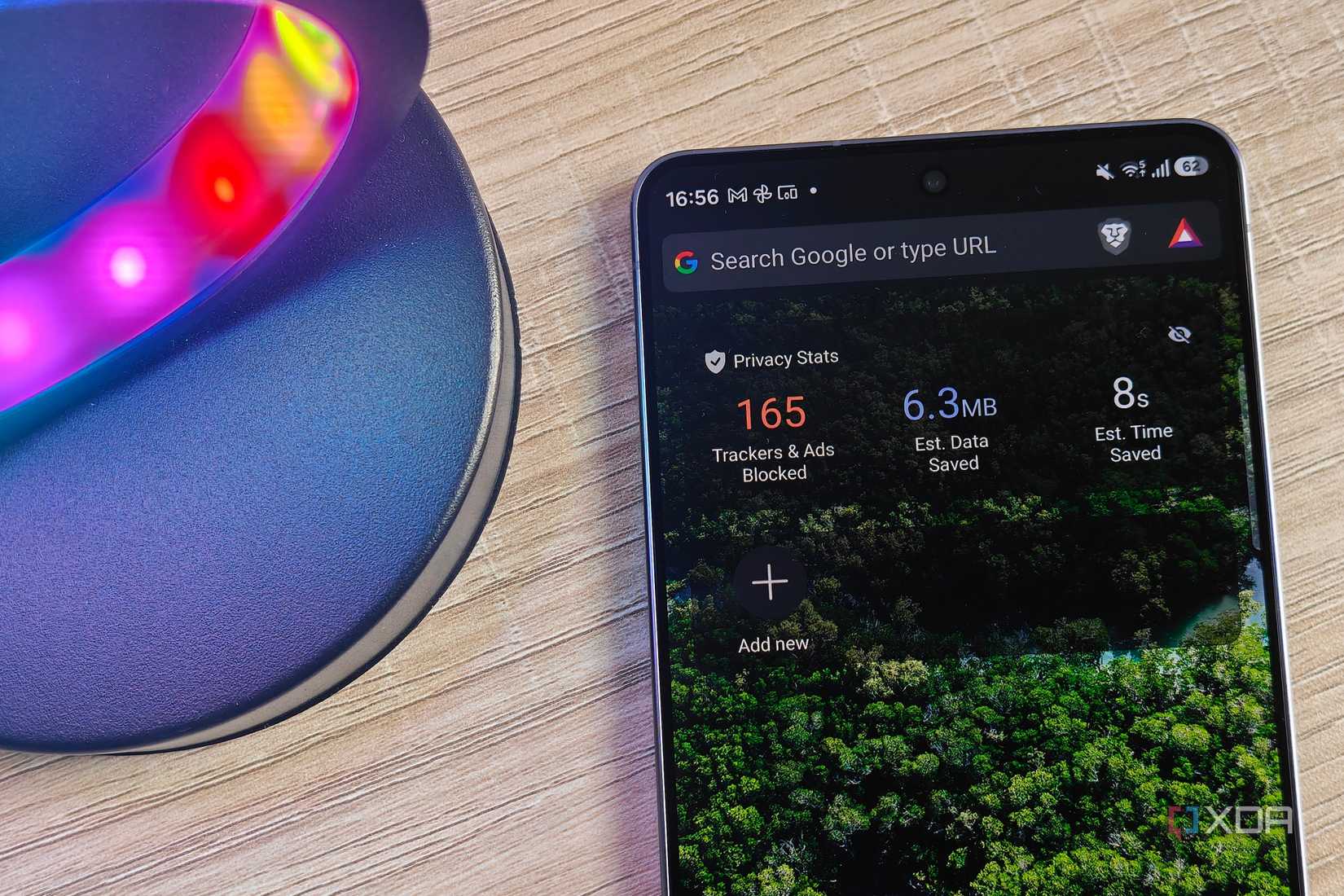
Brave is built on the Chromium engine, meaning it supports all the web standards you expect, but it strips away the tracking architecture inherent in many other browsers.
- Resource Efficiency: Brave is notoriously light on memory. For users who juggle heavy gaming, video editing, or background rendering on their phones, the browser’s lean architecture ensures it doesn’t become a bottleneck for system performance.
- Built-in Ad and Tracker Blocking: By default, Brave blocks intrusive ads and cross-site trackers. This doesn’t just improve privacy; it significantly speeds up page load times and reduces data consumption—a massive benefit when using mobile data.
- Brave Search Integration: Moving away from Google Search to Brave Search completes the privacy loop. It provides an index of the web that is not influenced by your search history or personal profile, offering a truly neutral search experience.
Notesnook: Encrypted Knowledge Management
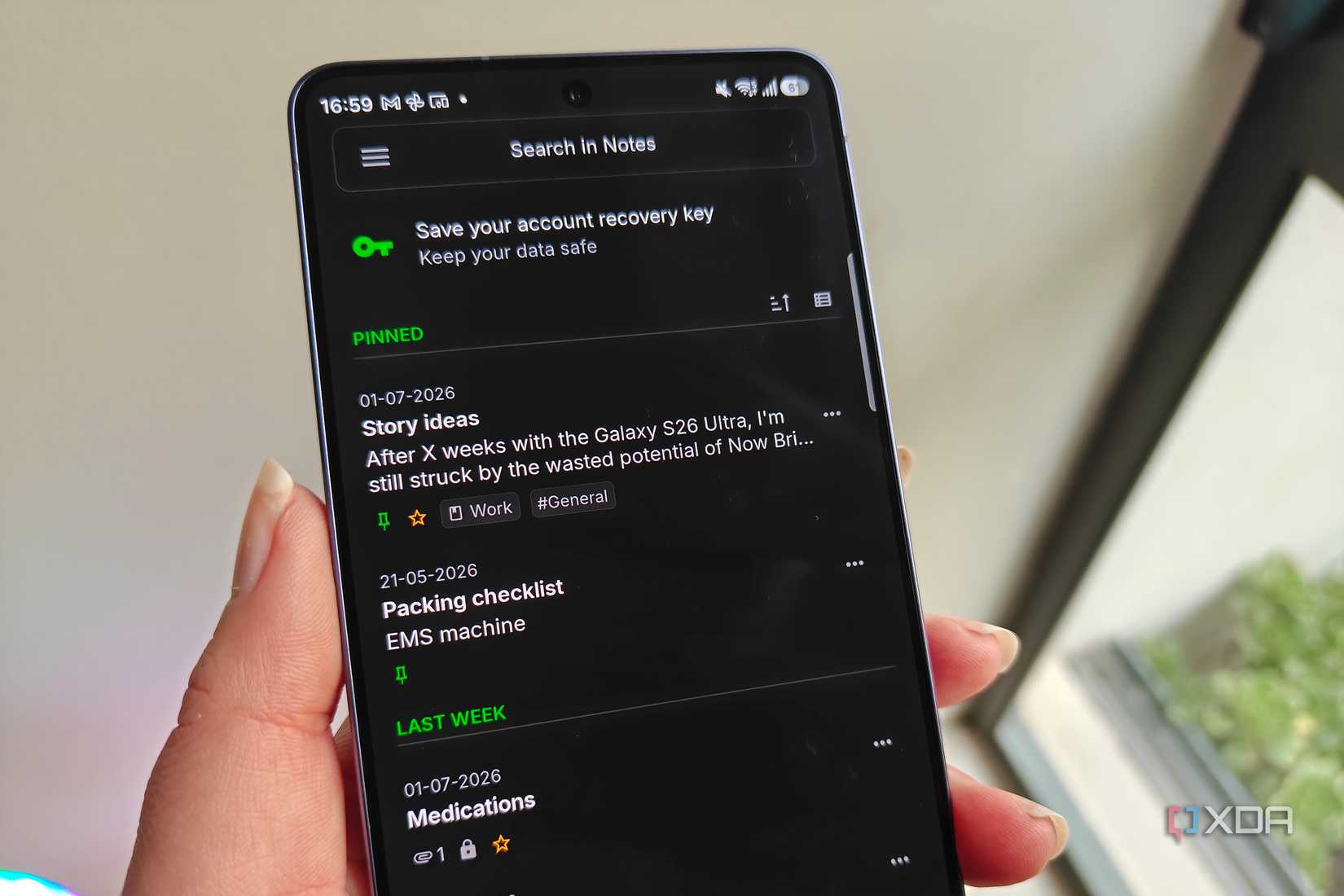
The Samsung Notes app is, without question, one of the best note-taking applications on the market, especially for those who use the S Pen. Its ability to recognize handwriting and integrate with AI tools is world-class. However, for those who require zero-knowledge encryption, Notesnook is the superior alternative.
The Power of Zero-Knowledge Encryption
Notesnook is built on the principle that your private data should be inaccessible to everyone—including the company that hosts the service.
- Markdown Support: For developers and writers, the ability to switch between rich text and Markdown is essential. Notesnook handles this with a fluid, distraction-free interface.
- Cross-Device Syncing: Whether you are on a Galaxy phone, a work PC, or a tablet, your notes are synced in real-time. Because the data is end-to-end encrypted, you can trust that your sensitive information remains private, even when stored in the cloud.
- Checklists and Organization: While it lacks the handwriting-to-text integration of Samsung Notes, its tagging and folder systems are arguably more robust for managing large databases of information, checklists, and article drafts.
Chronology: The Evolution of the "Essential App"
The transition toward third-party, privacy-focused apps has been a gradual shift in the mobile industry.
- 2016–2018: The "Bloatware" era. Users primarily focused on disabling or replacing Samsung’s pre-installed apps to save system resources.
- 2019–2022: The "Ecosystem" shift. As smartphones became more powerful, the focus moved from system resources to user experience. The rise of Good Lock began to change the narrative: instead of replacing apps, users wanted to "supercharge" what was already there.
- 2023–Present: The "Privacy & Portability" era. With the rise of cyber threats and the ubiquity of multi-device workflows, users are now prioritizing apps like Proton Pass and Notesnook that offer the same high-tier experience regardless of the OS.
Implications: The Future of Android Personalization
The trend toward third-party integration signals a healthy future for the Android platform. By allowing users to choose their own password managers, browsers, and note-taking services, Samsung maintains its position as the preferred choice for enthusiasts.
However, there is a clear implication here for the future: The "perfect" phone is no longer about what comes in the box; it is about how you modify that box to suit your life.
As Samsung continues to integrate AI and advanced hardware, the need for these third-party tools will likely evolve. We are already seeing a push for "AI-first" browsers and encrypted cloud storage. Whether these will eventually be replaced by native Samsung alternatives remains to be seen, but for now, the path to a truly optimized experience lies in the careful curation of your app library.
Final Verdict
Samsung Galaxy devices are incredibly powerful, but they are designed for a broad audience. By augmenting the core software with tools like Good Lock for deep system control, Proton Pass for secure authentication, Brave for private browsing, and Notesnook for encrypted data management, you transform a general-purpose smartphone into a specialized tool tailored to your specific workflow. In the age of digital autonomy, the ability to choose your software stack is perhaps the most valuable feature a phone can offer.











