Nana
Nana
If you have recently upgraded your desktop to the latest DDR5 platform, you have likely noticed a jarring discrepancy: despite having the most cutting-edge hardware, your PC takes significantly longer to reach the Windows login screen than your previous DDR4-based rig. In an era where NVMe SSDs allow us to reach the desktop in under 15 seconds, a boot sequence that stretches into the 45-to-60-second range feels like a regression.
While many users initially fear a hardware defect or a faulty motherboard, this phenomenon is, in fact, a byproduct of the architectural advancements inherent to DDR5 memory. The transition from DDR4 to DDR5 brought monumental leaps in bandwidth and efficiency, but those gains come with a "tax" paid during the Power-On Self-Test (POST) phase of your boot cycle.
The Core Problem: Why DDR5 Memory Training Takes So Long
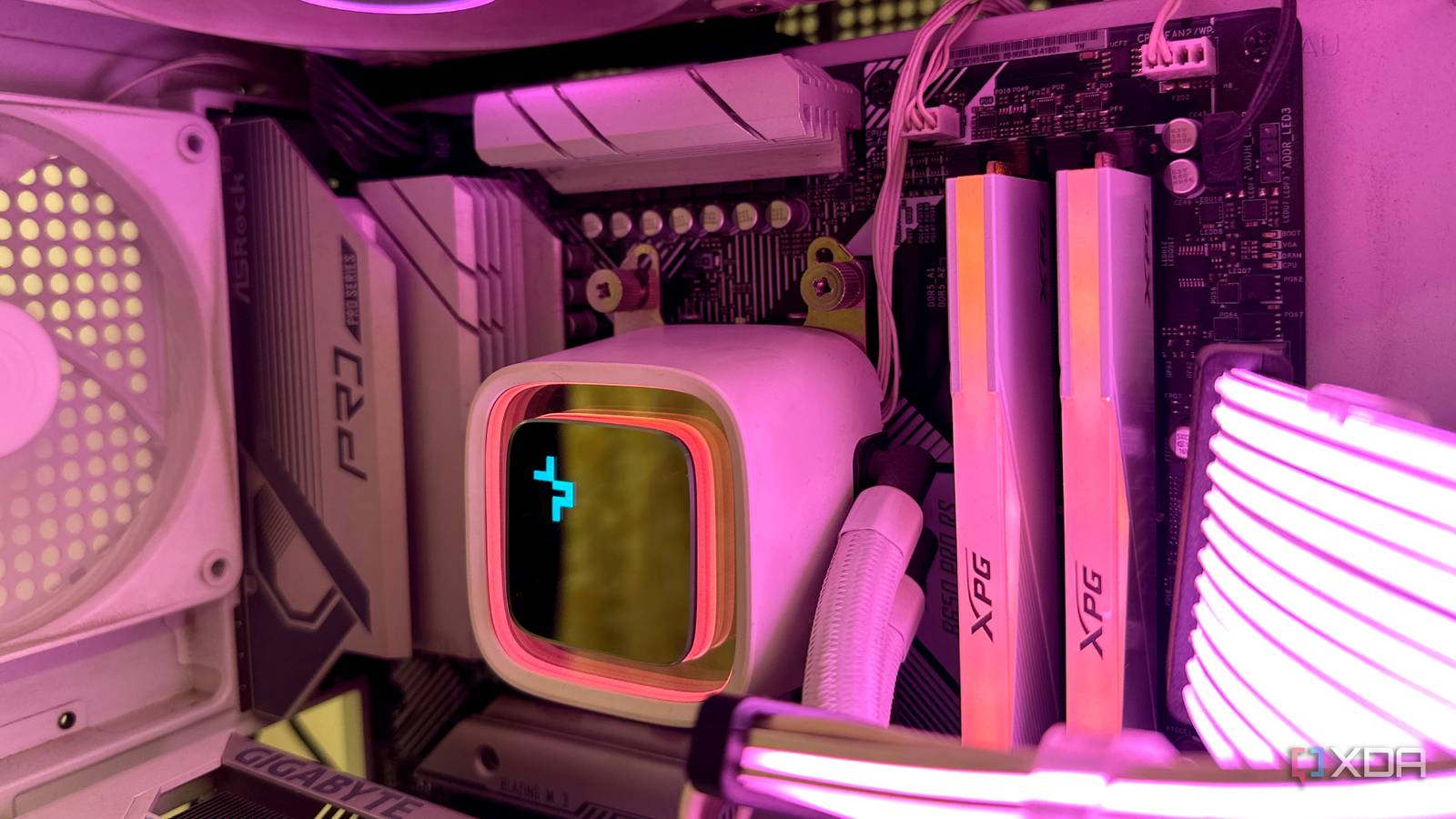
To understand the delay, we must look at what happens the moment you press your power button. Before the operating system can load, the motherboard must perform a process called "Memory Training." This is a diagnostic sequence where the system’s memory controller and the RAM modules negotiate the optimal voltage, frequency, and signal timings to ensure stable operation.
The Complexity of DDR5
In the DDR4 era, memory training was relatively swift. DDR4 standards generally operated at lower frequencies (typically 2,133 MT/s to 3,600 MT/s), which allowed for wider margins of error. Because the signal pathways were less complex and the power management was handled entirely by the motherboard, the "negotiation" phase was quick and predictable.
DDR5 changes the game entirely. With base speeds starting at 4,800 MT/s and reaching well into the 8,000+ MT/s range via overclocked profiles, the signal integrity requirements are far more stringent. Furthermore, DDR5 introduces:
- On-DIMM Power Management (PMIC): Unlike DDR4, where the motherboard regulated voltage, DDR5 modules manage their own power.
- Dual 32-bit Channels: Each DDR5 stick operates as two independent sub-channels, doubling the complexity of the signal management.
- High-Density Chips: Modern modules often utilize higher density, which requires more precise calibration to prevent bit-flips and system crashes.
Because the system is dealing with such high frequencies, even a minor change in ambient temperature or voltage can cause instability. To prevent the Blue Screen of Death (BSOD) or memory corruption, the motherboard essentially "re-learns" the memory settings every single time the system is powered on.

A Chronology of the Boot Delay
The "slow boot" issue has followed a distinct timeline since the introduction of DDR5-compatible platforms, most notably with the release of the AMD AM5 socket and Intel’s LGA 1700.
- Late 2021 – Early 2022: The first wave of DDR5 adoption was plagued by instability. Motherboard manufacturers err on the side of extreme caution, prioritizing stability over speed. Consequently, early BIOS versions forced a full memory training cycle on every cold boot, leading to boot times that often exceeded a full minute.
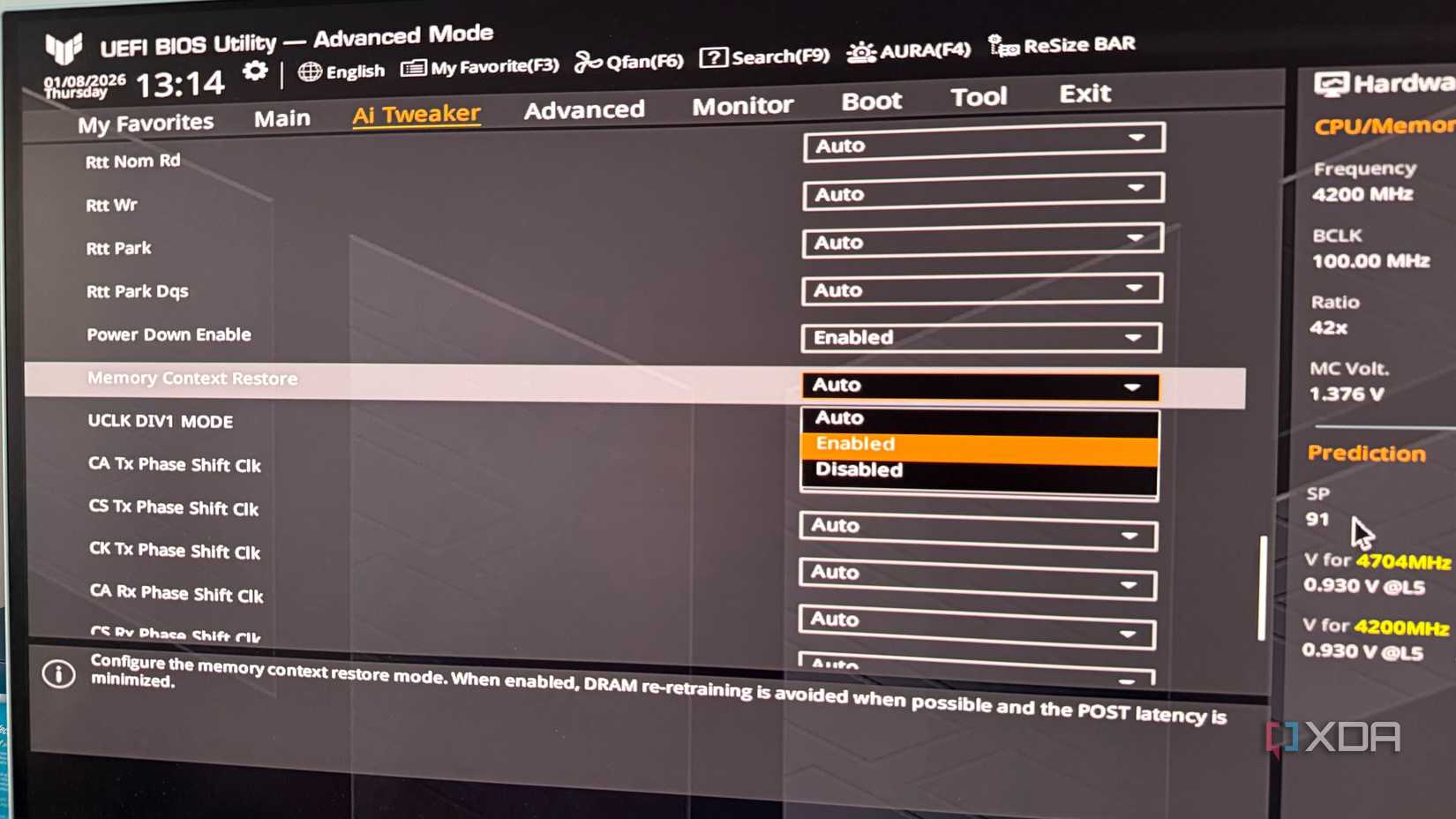
- Mid-2022 – 2023: As DDR5 became the enthusiast standard, community backlash grew. Users accustomed to "Instant-On" computing found the long wait times unacceptable. This forced motherboard vendors to start integrating features like "Memory Context Restore" (MCR) to bypass the training process.
- 2024 – Present: We have reached a state of maturity. While the fundamental requirement for training remains, BIOS developers have refined the algorithms. Today, users have the power to balance speed and stability, though the inherent "training tax" remains a technical reality that cannot be entirely eliminated.
Supporting Data: The Impact of BIOS Settings
To quantify the impact, we can look at the performance of various motherboard configurations. In a typical modern AM5 system using 64GB of DDR5-6000 memory, the difference between "Auto" training and optimized settings is stark.
| Setting Configuration | Average POST Time | System Stability |
|---|---|---|
| Stock (Training enabled) | 55–70 seconds | High |
| MCR Enabled (No Power Down) | 25–35 seconds | Medium (Possible BSOD) |
| MCR + Power Down Enabled | 15–20 seconds | High |
Note: Data derived from aggregated community testing on X670E and Z790 chipsets.
The data shows that "Memory Context Restore" (MCR) is the single most effective tool for mitigating this issue. By saving the training results from the last successful boot into the UEFI’s non-volatile storage, the motherboard can skip the recalibration step on subsequent boots.
Official Responses and Industry Stance
Motherboard manufacturers—including ASUS, MSI, Gigabyte, and ASRock—have maintained a consistent stance: the extended boot times are not a "bug" in the traditional sense, but a deliberate safety feature.
In various technical forums and support documentation, engineers have explained that "skipping" memory training carries a non-zero risk. If a user’s environment changes—for instance, if the room temperature drops significantly or if the power supply fluctuates—the "cached" memory settings saved by MCR might become insufficient for the RAM to operate stably. This could result in a system that boots into Windows but crashes under heavy gaming or productivity loads.

Manufacturers emphasize that while they provide the tools to disable these checks, the responsibility for stability shifts to the user. This is why "Fast Boot" and MCR are often disabled by default on factory-fresh BIOS updates.
Implications for the Modern User
What does this mean for the average PC builder or enthusiast? It implies a necessary shift in how we approach our hardware.
1. The Stability vs. Speed Trade-off
Users must accept that DDR5 systems are more "temperamental" than their predecessors. If you choose to enable MCR and Power Down modes to achieve a 15-second boot, you are effectively accepting that you might occasionally encounter a "memory training fail" if your PC settings become unstable.
2. The "Sleep" Alternative
For many, the best solution is to stop shutting down their computers entirely. Because DDR5 training only occurs during a "Cold Boot" (powering off the PSU or shutting down completely), utilizing Windows "Sleep" or "Hibernate" modes bypasses the training process entirely. This allows users to keep the stability of full training while enjoying near-instant access to their desktop.
3. BIOS Maintenance
The industry is moving toward more intelligent BIOS implementations that "re-train" only when they detect a change in hardware. Staying updated with the latest BIOS versions is critical. Manufacturers frequently release "AGESA" (for AMD) or microcode (for Intel) updates that improve the efficiency of the training process, often shaving seconds off the boot time without compromising stability.
Conclusion: Living with DDR5
The sluggishness of the DDR5 boot process is the price we pay for the massive bandwidth and data integrity that this new generation of RAM provides. While it may feel like a step backward to wait 45 seconds for a PC to reach the desktop, it is a small trade-off for the performance gains seen in modern gaming, rendering, and high-performance computing.
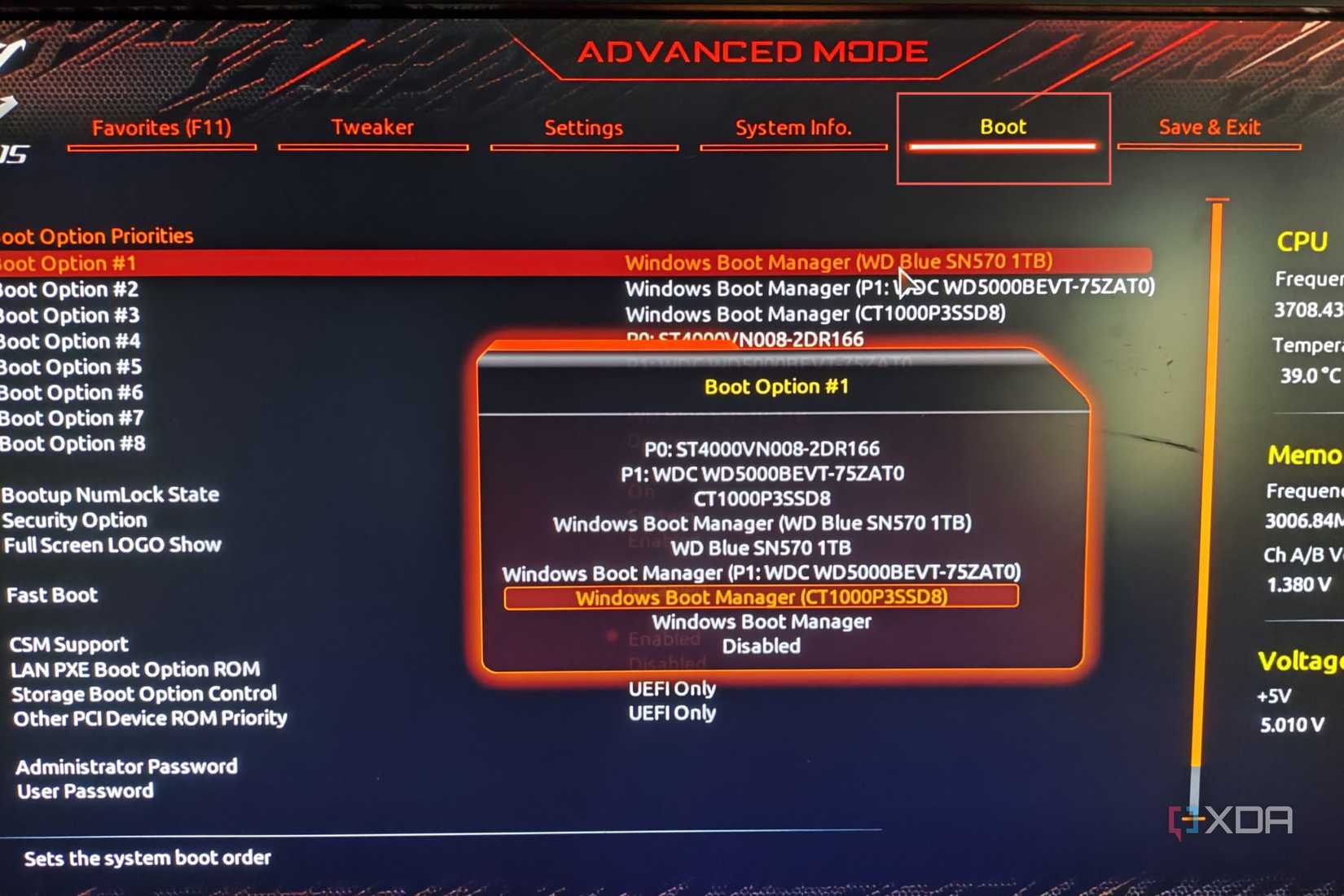
By understanding the role of Memory Context Restore, Power Down Enable, and the importance of regular BIOS maintenance, users can take control of their system’s boot behavior. You don’t have to suffer through minute-long waits, but you should proceed with caution—balancing your desire for speed with the absolute necessity of a stable, error-free system. As DDR5 matures, we expect these boot times to continue to shrink, but for now, it remains a hallmark of the cutting-edge, complex world of modern PC architecture.


 Suro Senen
 Ali Ikhwan