Jia Lissa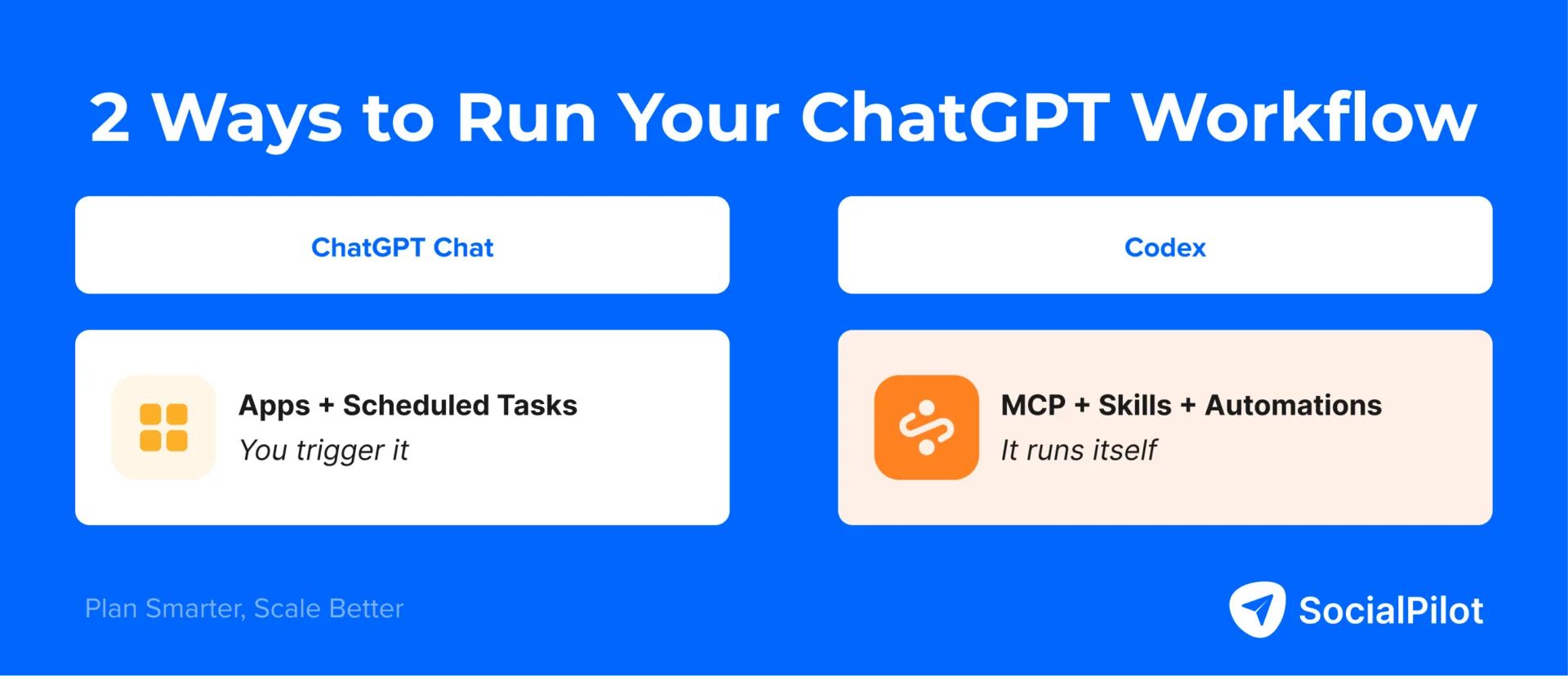
For the past several years, the professional use of generative AI in social media management has been defined by a repetitive, fragmented cycle. A social media manager (SMM) would prompt ChatGPT to draft a caption, copy-paste the output into a design tool like Canva, manually download the graphic, upload it to a scheduling platform like SocialPilot, and later return to a dashboard to export analytics into a spreadsheet.
For the vast majority, ChatGPT has functioned merely as a writing assistant—a sophisticated notepad that still required a human "middleman" to carry information across digital silos.
That era has officially concluded. The arrival of the Model Context Protocol (MCP) has transformed ChatGPT from a passive text generator into an active, autonomous workflow engine. By allowing AI models to interface directly with external software through standardized APIs, MCP has bridged the gap between ideation and execution, enabling social media operations that run from start to finish without human intervention.
The Paradigm Shift: ChatGPT as a Workflow Engine
Before the widespread adoption of MCP, the primary limitation of AI was its isolation. While ChatGPT could produce brilliant copy, it lacked "hands"—the ability to interact with the external tools that form the backbone of a marketing tech stack. Every handoff between the AI and the CRM, the scheduler, or the design suite was a friction point.
MCP, an open standard developed by Anthropic and rapidly adopted by industry leaders like OpenAI and Google, removes these barriers. It allows AI models to connect directly to external platforms via secure, standardized API bridges. There is no longer a need for complex custom integrations or fragile, third-party automation middleware. When ChatGPT connects to SocialPilot, it does not just suggest a post; it pulls real-time analytics, creates a draft, and schedules it. When connected to Canva, it briefs the design and generates the visual within a single, cohesive session.
This represents a transition from "ChatGPT as a tool" to "ChatGPT as an operating system" for social media marketing.
Two Paths to Automation: Chat vs. Codex
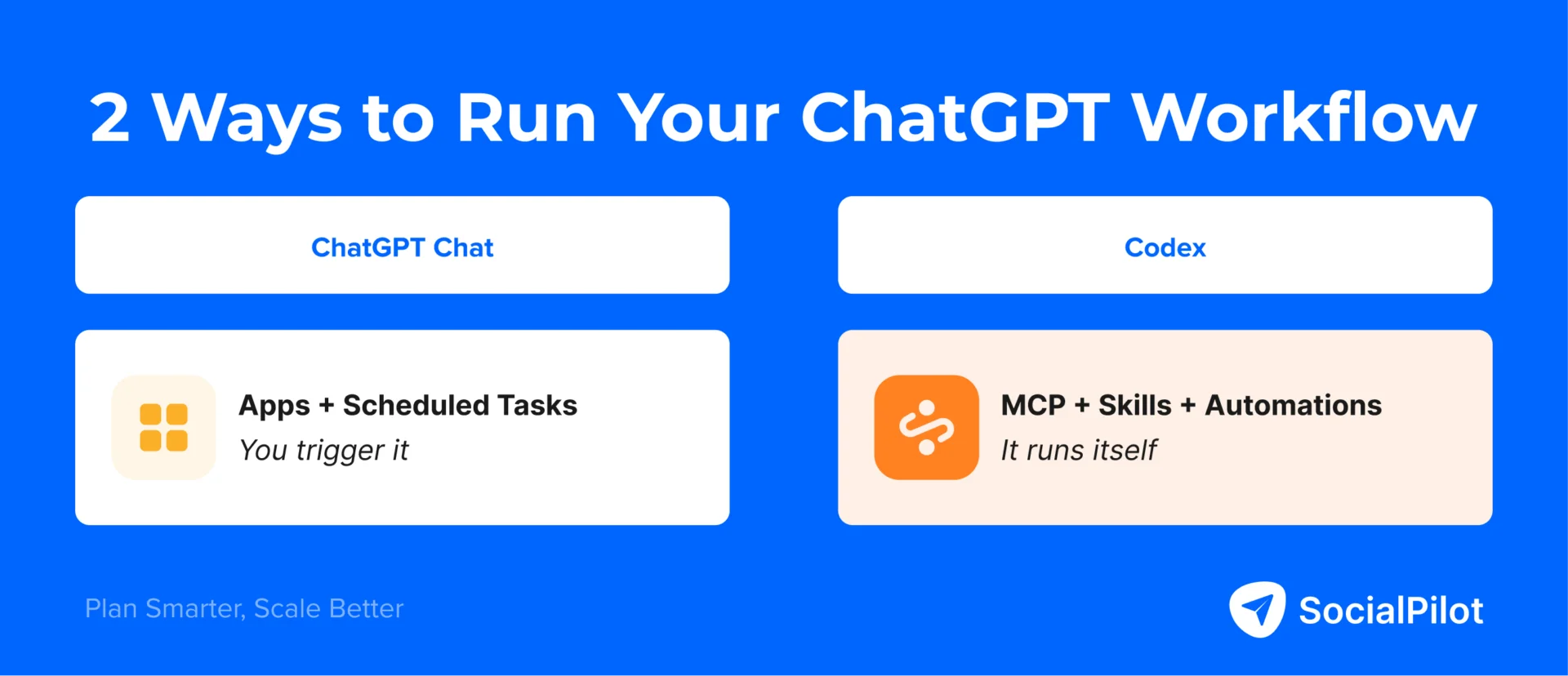
As of 2026, the industry has crystallized into two distinct methodologies for implementing this automation: ChatGPT Chat and ChatGPT Codex. Choosing the right path depends entirely on whether the objective is to accelerate manual workflows or to eliminate them entirely.
ChatGPT Chat: The Accelerated Workflow
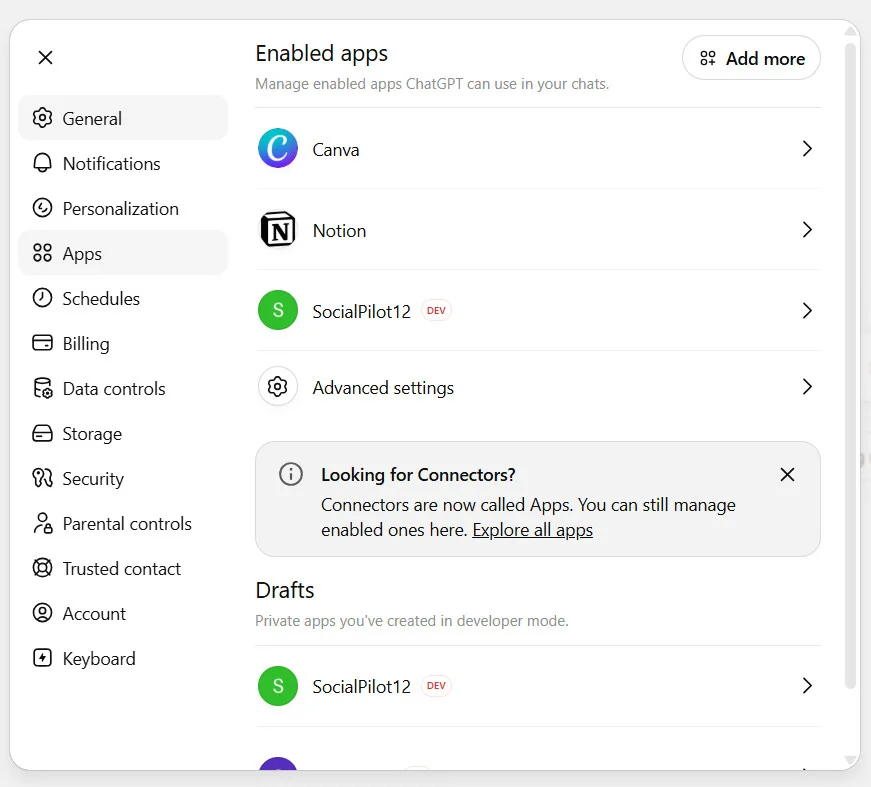
Designed for the individual SMM, this interface leverages "Apps"—ChatGPT’s term for MCP connectors. In this mode, the user remains the primary trigger. At the start of a session, the user activates the relevant tools (e.g., SocialPilot, Notion, Canva) and executes a prompt. The tools do the heavy lifting, but the human remains in the driver’s seat. It is the perfect solution for those who want to move significantly faster without losing granular control over the creative process.
ChatGPT Codex: The Autonomous Pipeline
Codex is the professional-grade surface for agencies and high-volume power users. It functions differently, utilizing a persistent config.toml file that keeps MCP connections active across every session. It introduces "Skills"—reusable logic files—and "Automations" that allow for complex, multi-stage pipelines to run on a set schedule or via event-based triggers. Codex removes the user from the workflow, effectively turning the social media operation into a "set-it-and-forget-it" system.
| Feature | ChatGPT Chat | ChatGPT Codex |
|---|---|---|
| Tool Connectivity | Per-session (Apps) | Persistent (config.toml) |
| Automation | Scheduled Tasks (Light) | Full Pipelines (Event-driven) |
| Best For | Manual workflow acceleration | Agency-scale autonomous systems |
| Setup Effort | Minutes | One-time configuration |
Building the Infrastructure: A Chronological Setup
Successful automation requires a logical sequence of implementation. Rushing to build "Skills" before testing the manual process is the most common pitfall for new adopters.
Phase 1: The Manual Foundation (ChatGPT Chat)
- Tool Integration: Navigate to the Apps tab in settings. Connect SocialPilot first—this serves as your "output layer." Follow with Canva, Notion, and Descript.
- Session Activation: At the start of each work block, toggle the specific apps required.
- Task Scheduling: Once a prompt produces a desired output, simply command the AI to "Save this as a Scheduled Task" to ensure it runs at your desired cadence.
Phase 2: The Architectural Build (Codex)
- Environment Setup: Download the Codex environment. Organize your local folder structure by client or brand.
- Context Injection: Create an
AGENTS.mdfile. This is the "brain" of your automation, containing brand voice guidelines, content pillars, and client-specific constraints. - Skill Development: Do not write code in advance. Execute a manual workflow, verify the results, and then instruct Codex to "Reverse-engineer this into a Skill." This ensures your automation is built on verified success rather than theoretical logic.
Supporting Data: The Six Stages of Workflow
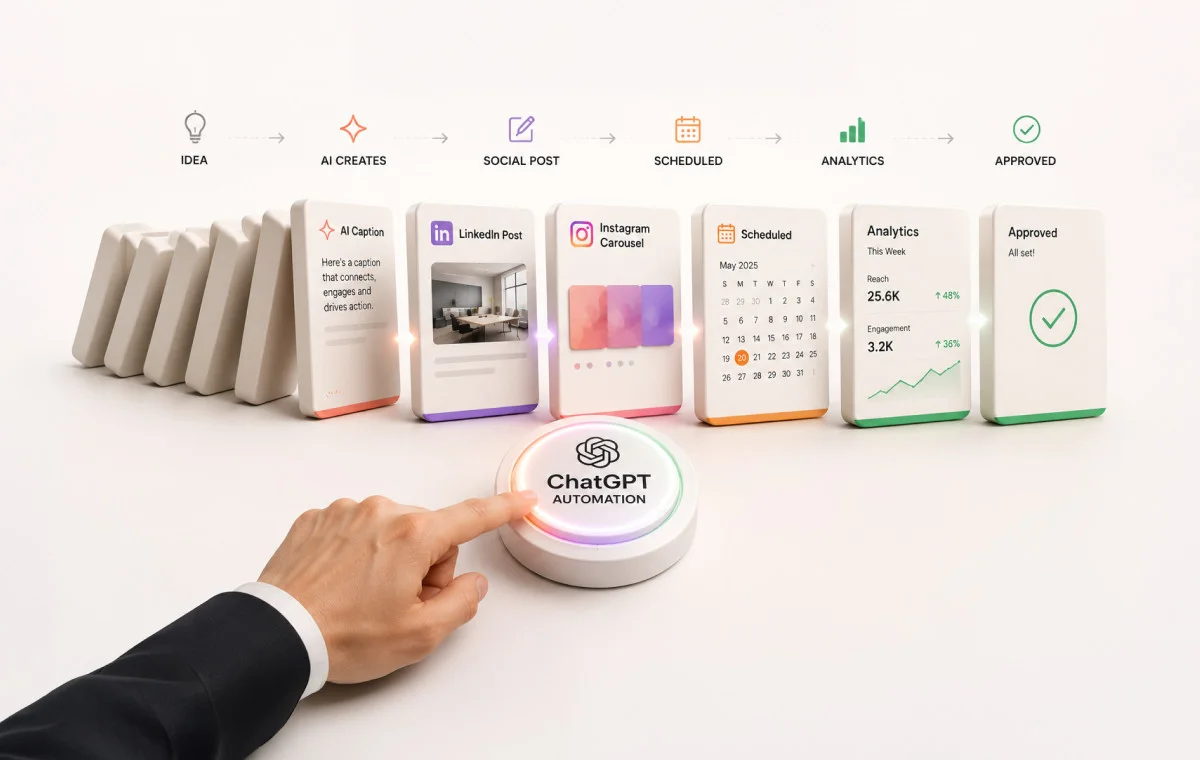
The efficacy of these systems is best viewed through the six stages of a standard social media lifecycle.
Stage 1: Research
By connecting tools like Apify or Firecrawl, the AI can monitor competitor activity and trending topics. A "Research Skill" stores the user’s niche and audience interests, allowing the AI to output a curated list of post ideas into a Notion calendar automatically.
Stage 2: Content Creation
Using Canva and Descript as MCP-connected tools, the AI can repurpose long-form video into social captions and generate visual briefs. By referencing the AGENTS.md file, the output is consistently on-brand, requiring little to no editing.
Stage 3: Calendar Management
The integration between ChatGPT and Notion allows for the instant population of content calendars. By pushing draft batches directly to SocialPilot, the system ensures that the transition from a plan to a scheduled post is seamless.
Stage 4: Batching and Scheduling
For those managing multiple accounts, the ability to bulk-create posts—each with its own Canva visual brief—is a game-changer. The AI organizes these into drafts within SocialPilot, ready for a final human review or automatic publishing.
Stage 5: Execution
At this stage, the human element is reduced to oversight. With the correct triggers in place, the system handles the posting schedule across all platforms, including LinkedIn, Instagram, and Facebook.
Stage 6: Analytics
The "Analytics Digest" is perhaps the most significant time-saver. By pulling raw data from SocialPilot and passing it through a custom-built Skill, ChatGPT provides a plain-English report that highlights what worked, why it worked, and provides data-backed recommendations for the next cycle.
Implications: The Death of the "Mechanic"
The implementation of MCP-driven workflows carries profound implications for the marketing industry. For years, social media managers have been tasked with the "mechanics" of the job: the manual clicking, the copying, the pasting, and the exporting.
As these mechanical tasks are subsumed by autonomous pipelines, the role of the SMM is shifting from that of a digital laborer to that of a high-level strategist. The value no longer lies in the ability to schedule a post, but in the judgment of what to say, whom to target, and how to iterate on the strategy.
For agencies, this is a path to infinite scalability. A single strategist can now manage the output of dozens of clients by focusing on the "Skills" and "Agents" that guide the system, rather than the execution of the posts themselves.
Conclusion: The Flywheel Effect
The ultimate expression of this technology is the "Content Flywheel." In this configuration, a company’s existing blog content is automatically scraped, repurposed into social media posts, scheduled, and analyzed. The resulting data is then fed back into the Research stage to inform the next round of content creation.
The system creates a self-sustaining loop where each piece of content multiplies across platforms without additional manual labor. In 2026, the question is no longer whether AI can help you manage your social media—it is whether you are ready to stop managing the tools and start managing the system that runs them for you.


 Basiran
 Nana
Nana