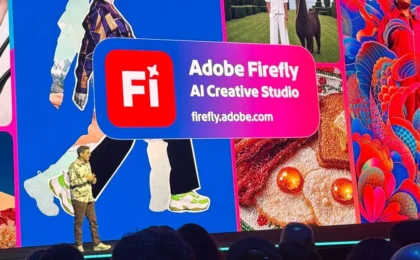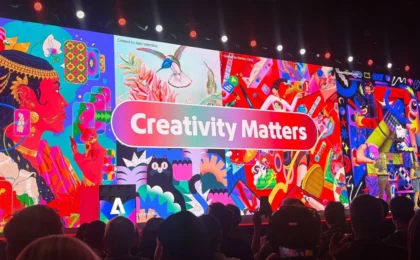

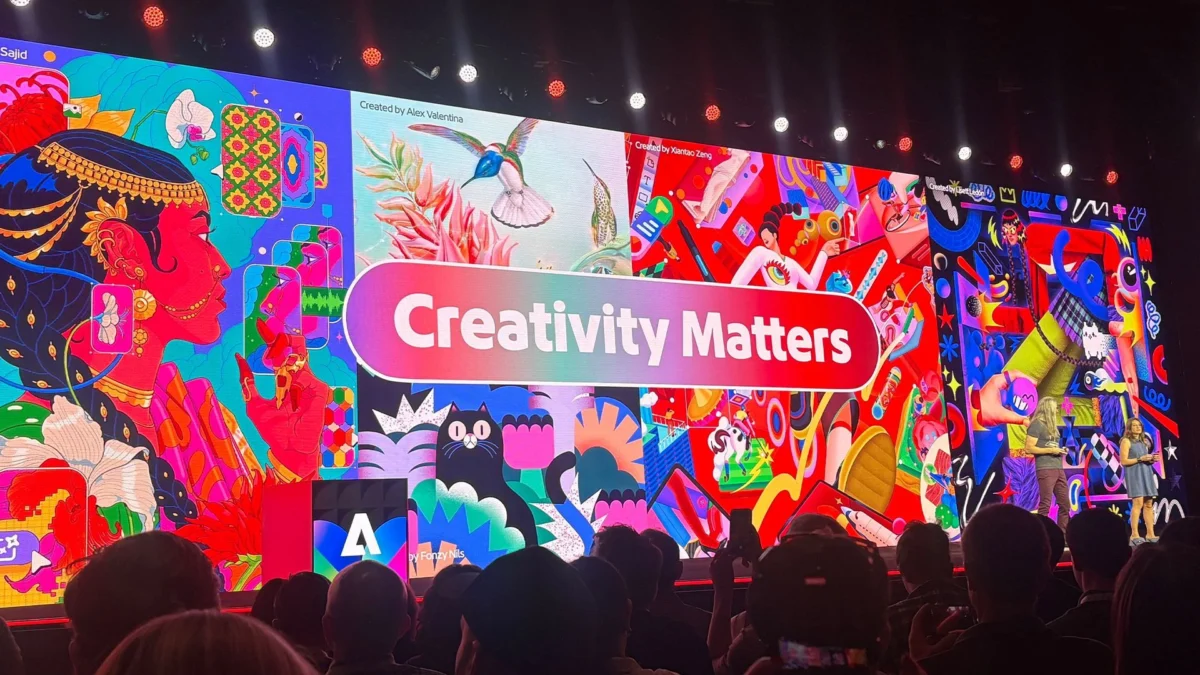
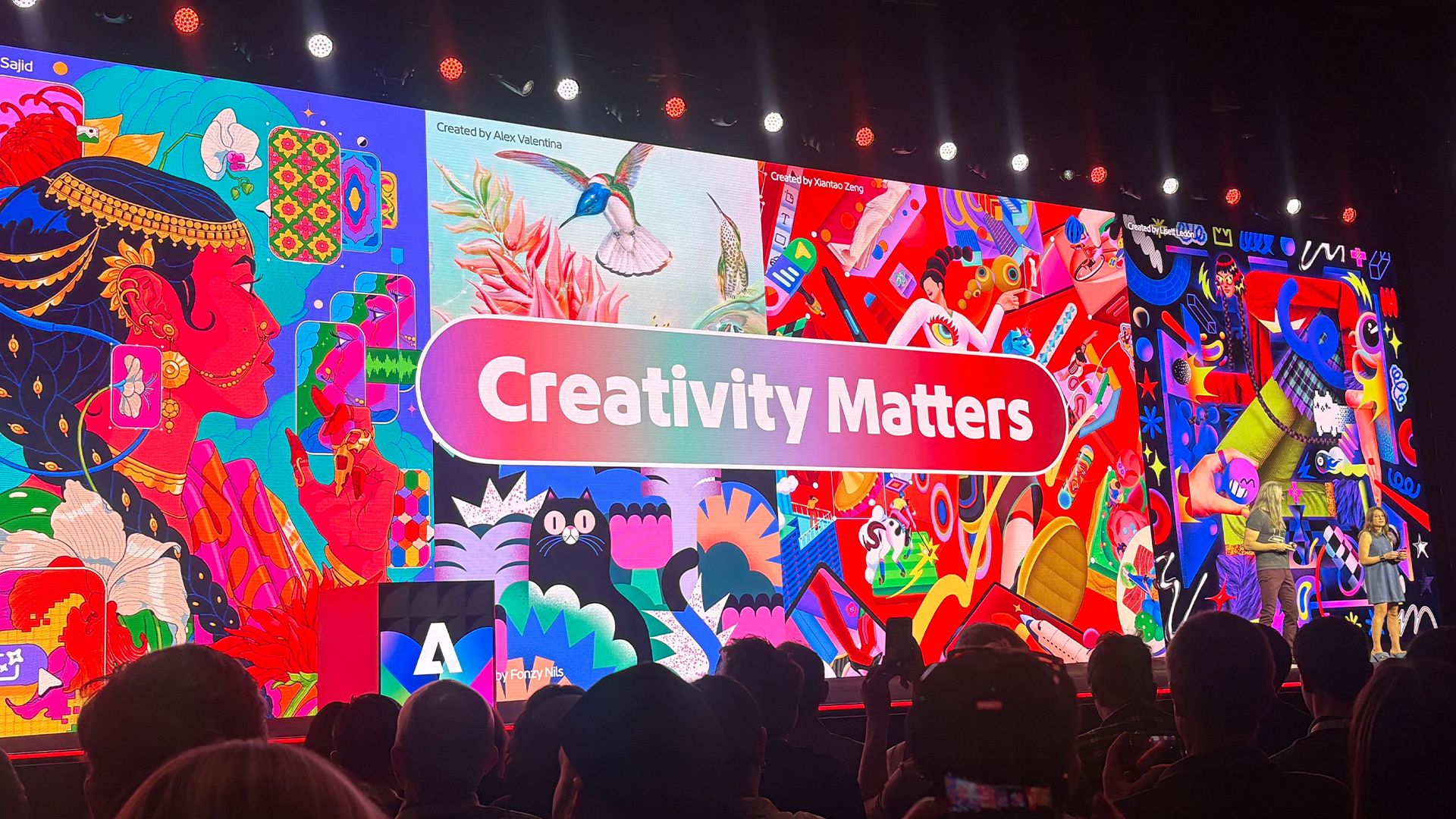
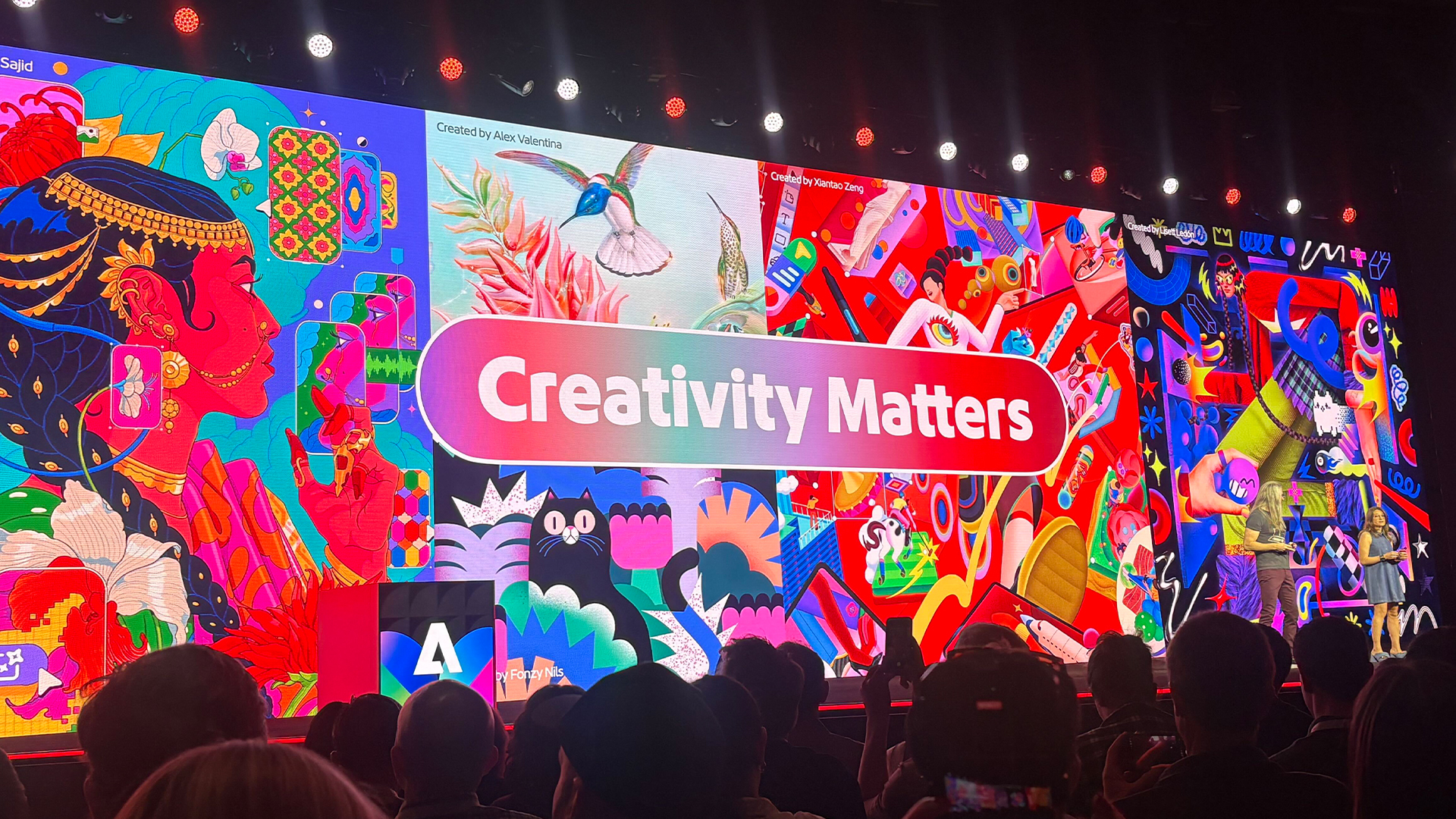
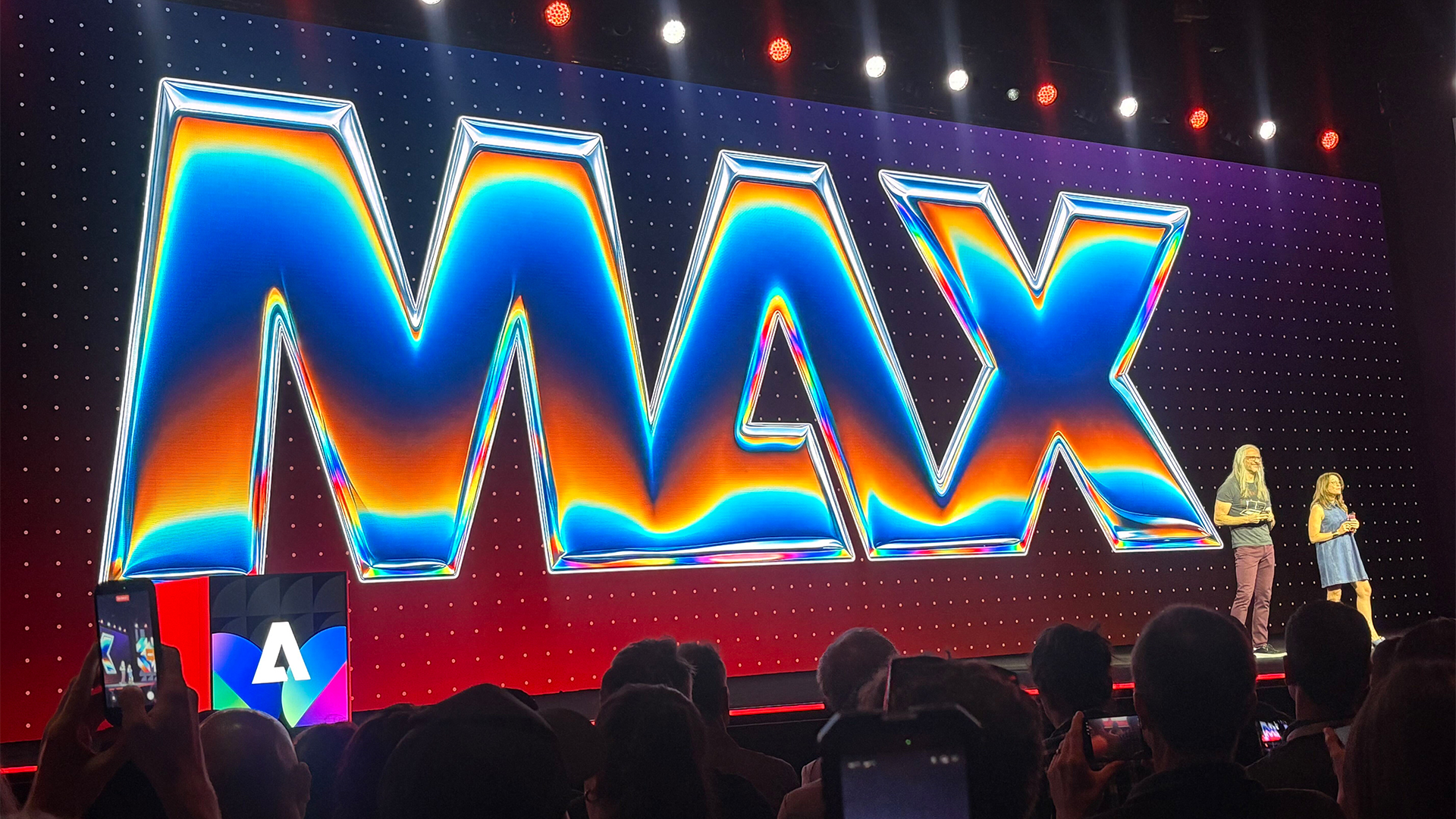
Adobe MAX 2026 has once again served as the stage for Adobe’s "Sneaks"—a high-energy showcase where the company’s researchers unveil experimental technologies that push the boundaries of creative software. While the event is always a hotbed for AI-driven innovation, this year, one specific project has captured the imagination of the design community: Project Link Up.
This tool promises to transform the mundane act of dragging and dropping vector elements into a sophisticated, context-aware interaction. By enabling objects to automatically adapt their perspective, scale, and lighting to match a new scene, Project Link Up could signal the end of the tedious, repetitive redrawing that has long plagued illustrators and concept artists.
The Core Concept: Redefining the Drag Gesture
At its heart, Project Link Up is an exercise in intent-based design. For decades, the "drag-and-drop" gesture in design software has been functionally "dumb"—the computer treats the action as a simple change in coordinates. If you move a car illustration from a blank canvas to a street-scene background, the software merely updates its X and Y position. The designer is then left to manually adjust the perspective, skew the object, refine the shading, and re-size the element to fit the new environment.
Project Link Up changes this by injecting intelligence into the interaction. As a user drags an element, the software analyzes the target environment, recognizing perspective lines, light sources, and existing stylistic cues. The result is a seamless fusion where the imported element "snaps" into the scene with the correct spatial orientation.
Chronology of Innovation: From Research to Sneaks
The journey toward Project Link Up began with a deep-dive observation of designer workflows. Adobe’s research team, led by Hailin Jin, senior principal scientist and research lead for imaging and design, spent months documenting how creatives actually work. They identified a recurring bottleneck: the "friction of adjustment."
- Phase 1: Observation: The team noted that when designers place an object, they aren’t just moving it; they are performing a complex mental calculation involving depth, scale, and lighting.
- Phase 2: Prototyping: The research team sought to map these "intentions" to the physical gesture of dragging. By using AI to decode the context of the destination, they developed a system that performs the initial "heavy lifting" of perspective correction in real-time.
- Phase 3: The MAX Debut: Project Link Up was unveiled at Adobe MAX 2026, where it was presented as an experimental feature designed to solicit community feedback and determine the feasibility of integration into flagship tools like Adobe Illustrator.
Expert Insights: A Conversation with Hailin Jin
To better understand the implications of this technology, we spoke with Hailin Jin regarding the philosophy and technical ambitions behind the project.
The "Aha!" Moment
According to Jin, the inspiration wasn’t a sudden flash of brilliance but a realization about the limits of modern interfaces. "Design tools usually interpret a drag as a simple instruction about placement," Jin explained. "But there’s much more intent in what a designer moves, where they move it, and how they move it." The team realized that if the software could "understand" that intent, it could handle the technical execution, leaving the designer free to focus on the composition.
The Balance of Control
One of the most frequent concerns regarding AI-assisted tools is the loss of creative agency. Designers fear that "automatic" tools will take away their ability to make fine-tuned adjustments. Jin was quick to address this, emphasizing that Link Up is designed with a "creativity slider."
"The goal is to combine the ease of a gesture with explicit creative control," Jin noted. "The designer can dictate how subtle or expressive the adaptation should be. If they want a dramatic transformation to fit a specific aesthetic, they can push the slider. If they want to preserve more of the original form, they can dial it back."
Implications for the Creative Industry
The introduction of Project Link Up has significant ramifications for professional creative workflows. By automating the "tedious chores" of asset adaptation, the tool effectively shortens the distance between a concept and a finished product.
1. The Death of Tedious Rework
For concept artists and illustrators working on tight deadlines, the ability to rapidly iterate is a competitive advantage. Currently, if an art director requests a change in the perspective of a scene, an artist might spend hours redrawing or warping vector assets. Project Link Up could reduce this time to seconds, allowing for a more fluid "what-if" workflow.
2. Maintaining Editable Vectors
Crucially, the technology preserves the editability of the vector artwork. In many current AI-driven image generators, the output is a flat, rasterized image that is difficult to modify post-generation. Project Link Up, however, works within the vector paradigm. The output remains a set of paths and shapes that the artist can continue to tweak, providing a "best of both worlds" scenario where AI provides the foundation and the artist provides the final polish.
3. Understanding Creative Relationships
Looking toward the next five years, Adobe’s research points toward a paradigm shift where software moves from being a collection of tools to a "collaborative assistant." As Jin stated, "A major direction in our research is helping tools understand creative content and the relationships within it."
If software can learn to "understand" that a specific shape represents a car, and another represents a road, it can begin to suggest lighting and perspective interactions that are not just technically correct, but artistically sound.
Addressing Contrasting Styles
One of the most common questions during the Sneaks presentation was how the tool handles conflicting visual styles. For instance, what happens if you place a high-contrast, minimalist vector character into a soft, watercolor-style landscape?
Jin clarified that the tool is not intended to force a "homogenized" look. "Two contrasting styles don’t necessarily need to become one," he said. "The key is understanding the creator’s intent." Through prompt guidance and creative controls, a designer can specify whether they want the imported object to "match the scene" or "maintain its own personality." This nuance ensures that the artist remains the primary decision-maker, using the tool to facilitate, not dictate, the visual outcome.
The Road Ahead: What’s Next?
While Project Link Up is currently an experimental "Sneak," it represents a broader trend within Adobe: the integration of semantic understanding into professional creative tools. The company’s focus on 2026 and beyond is clearly centered on making AI a tool for augmentation rather than replacement.
As Adobe continues to iterate on this technology, the feedback from the creative community will be vital. Will this tool be folded into the next major update for Adobe Illustrator? Will it expand to support complex 3D assets or even motion design? While the exact roadmap remains under wraps, the potential is clear: a future where the mechanical friction of design is minimized, allowing for a more immediate and intuitive creative process.
For those eager to keep up with the latest in Adobe’s rapidly evolving ecosystem, the announcements at MAX 2026—including new AI features in Photoshop 2027—suggest that we are entering a new era of digital creativity. One where the software doesn’t just do what it’s told, but understands what it’s being asked to create.
For more information on the latest innovations in design technology, stay tuned to our ongoing coverage of Adobe MAX and the broader evolution of the creative software industry.