

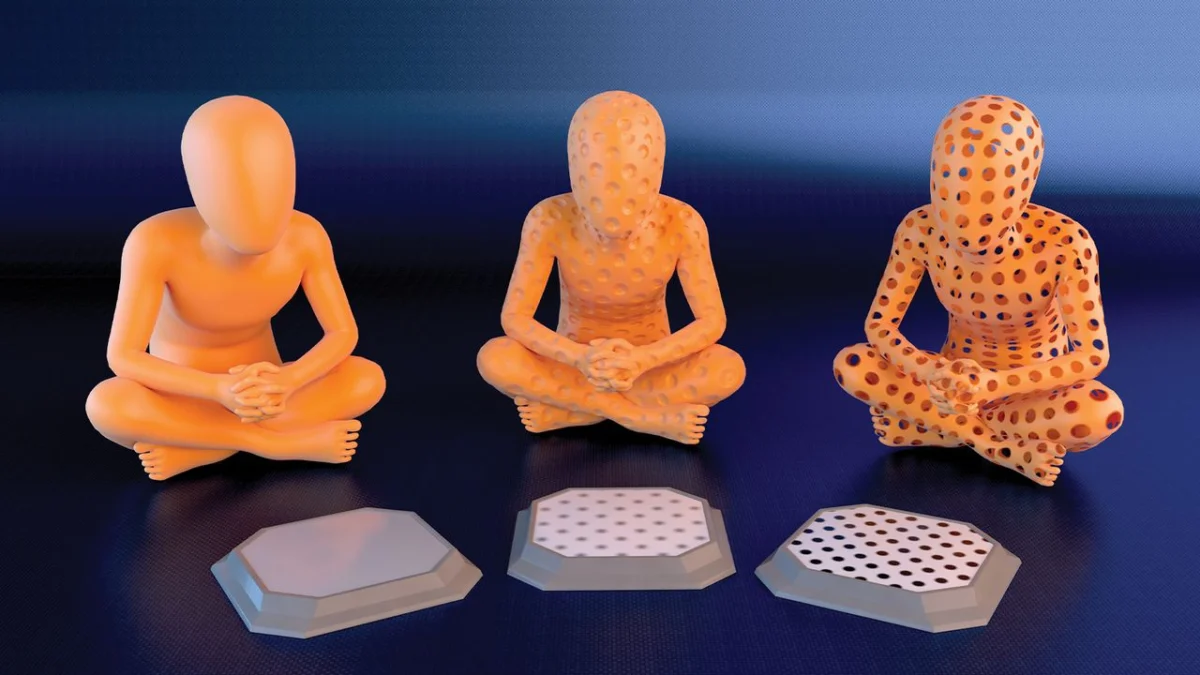
For many digital artists, the experience of using professional 3D modeling software is a double-edged sword. At its best, it feels like an act of divine creation—sculpting lifelike creatures and breathtaking landscapes from the digital ether. At its worst, it is a soul-crushing, tedious grind, particularly when the time comes to add the minute surface details that separate a "good" model from a photorealistic masterpiece.
For decades, the standard workflow involved manual sculpting—meticulously pushing and pulling vertices to create every pore, scratch, and structural imperfection. However, a shift has occurred in the industry. By leveraging the power of simple 2D image maps, artists are bypassing hours of manual labor, using high-contrast patterns and texture data to trick the eye and the rendering engine into seeing complexity that isn’t actually there.
The Core Concept: Decoding Material Control
At the heart of modern 3D workflows is the understanding that a "material" is not a singular entity, but a stack of functional layers. In software ranging from Blender and Maya to ZBrush and Adobe Substance Painter, a surface is defined by its reaction to light.
These reactions are governed by various texture maps, each assigned a specific role:
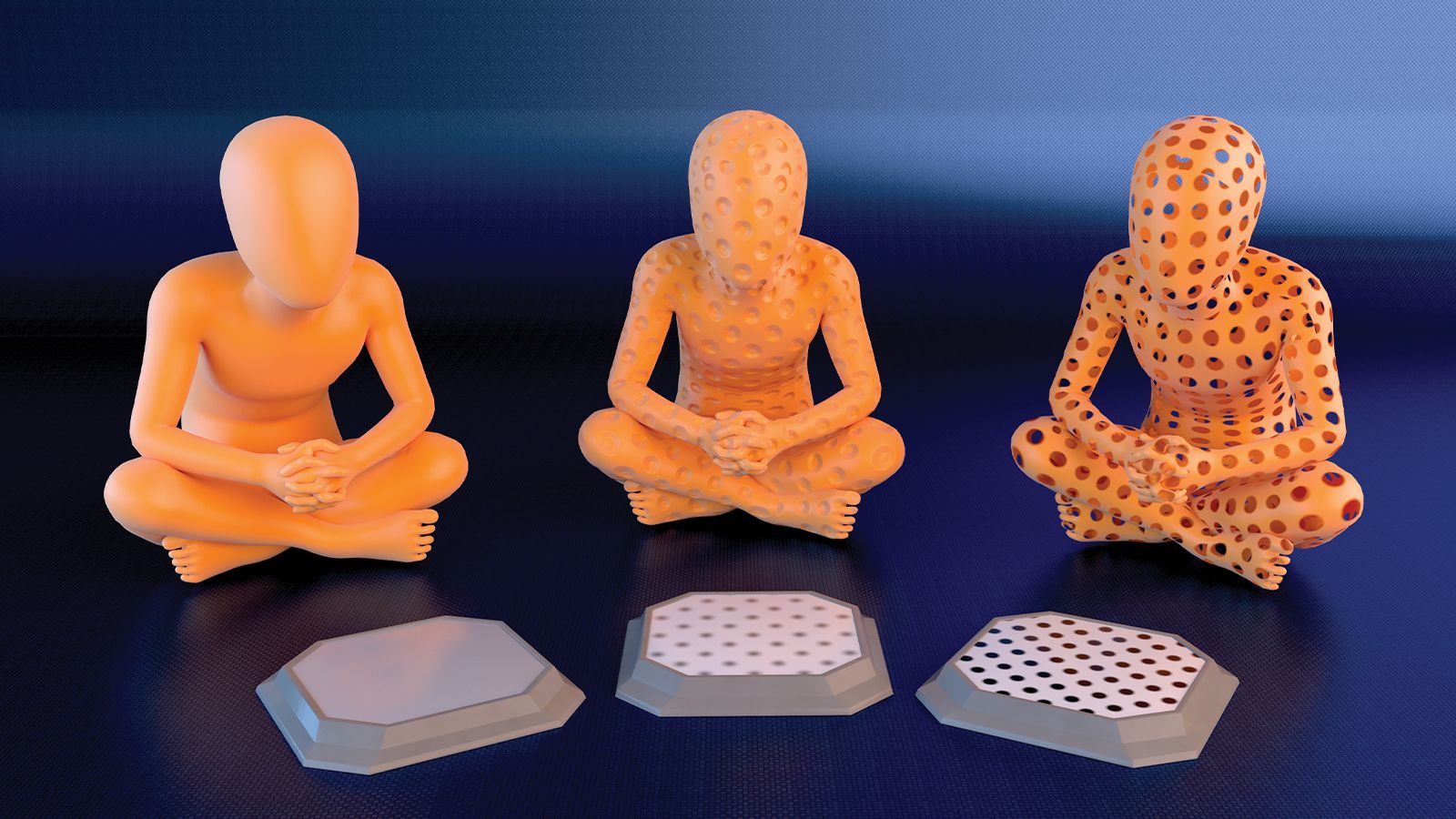
- Diffuse (Albedo): Defines the base color or pattern of the surface.
- Specular/Roughness: Controls how shiny or matte a surface is, dictating how it reflects light.
- Opacity: Determines which parts of the model are solid and which are transparent.
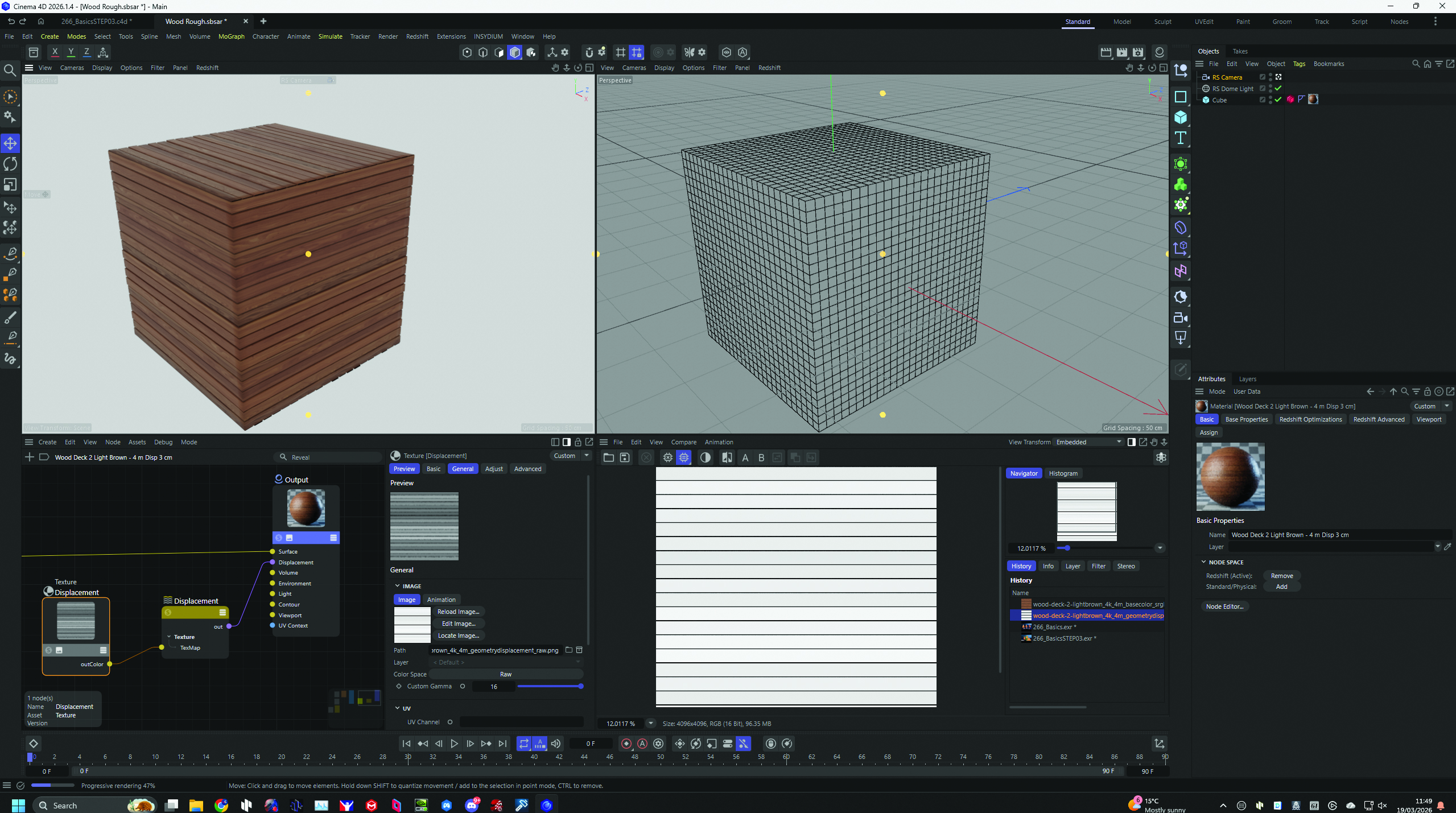
- Normal/Bump/Displacement: The "magic" layers that define the perceived depth and surface geometry.
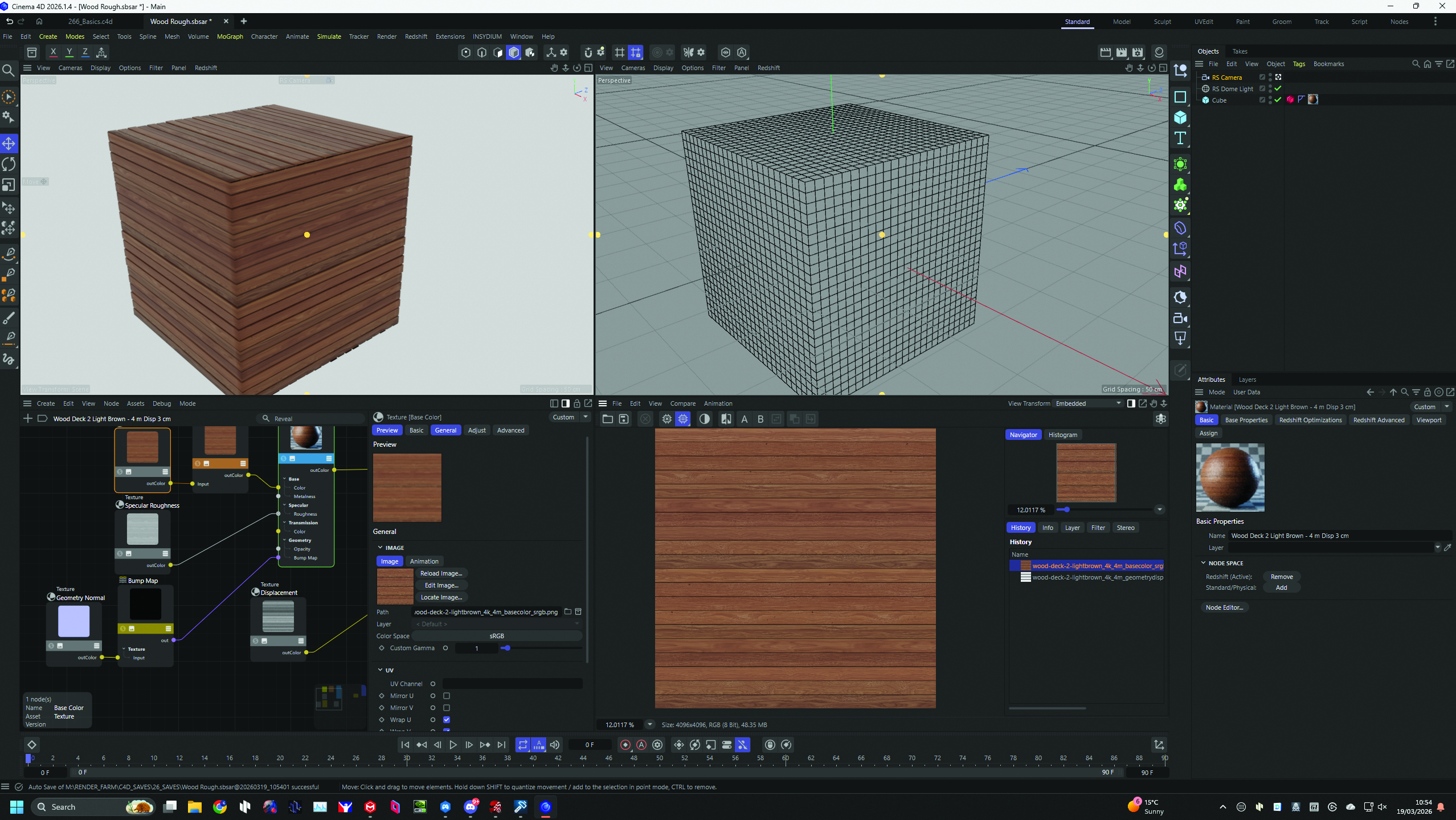
By applying these 2D images—often wrapped onto a model using a process known as UV unwrapping—an artist can transform a simple, low-polygon cube into a detailed wooden plank, a rusted metal plate, or a complex piece of ornate gothic architecture in a fraction of the time it would take to model those details by hand.
The Chronology of Digital Texturing
To understand how we reached this point of high-efficiency workflows, one must look at the evolution of rendering technology. In the early days of 3D computer graphics (the 1980s and early 90s), computer hardware lacked the processing power to handle high-density geometry. Every polygon mattered. If an artist wanted a pattern on a wall, they couldn’t model it; they had to "paint" it on using basic image tiling.
As hardware evolved, we entered the era of the "Bump Map," a grayscale image where the computer used brightness values to calculate light-and-shadow falloff on a surface without actually changing the model’s geometry. This was revolutionary for adding fine details like wrinkles on skin or grain on wood.
The next leap came with the "Normal Map," which used RGB color channels to store the direction (vectors) of surface normals, allowing for much more accurate lighting information. Today, we are in the era of "Displacement Mapping" and "Substance-based workflows," where software like Adobe Substance Painter allows artists to paint complex material properties in real-time, essentially automating the creation of these maps as they work.
Supporting Data: Why Texture Maps Win
The industry shift toward map-based detailing is backed by the simple math of performance. Rendering a model with 50 million polygons is computationally expensive and can crash even high-end workstations. Conversely, a low-polygon model with high-resolution texture maps requires significantly less VRAM and processing power while achieving a near-identical visual result.
According to recent benchmarks in industry workflows:
- Time Efficiency: Artists using procedural mapping and image-based textures report a 60-80% reduction in time spent on "surface detailing" phases of a project.
- Asset Versatility: A single base mesh can be transformed into dozens of variations by simply swapping out a set of 2D maps, a process that would require entirely new models if done through manual sculpting.
- Interoperability: Because these maps are essentially standard image files (PNG, EXR, TGA), they are universally compatible across different game engines (Unreal Engine, Unity) and renderers (Arnold, V-Ray, Octane), ensuring consistency across a production pipeline.
Official Perspectives: The "God Complex" of Modern Tools
Industry veterans, such as digital content creator Mike Griggs, have long championed the democratization of these techniques. Griggs notes that for nearly 30 years, the goal has been to "demystify the process." The emergence of sophisticated software suites has shifted the barrier to entry; where once an artist needed to be a master of manual polygon manipulation, they now need to be a master of visual logic.
Adobe’s official stance on its Substance suite reflects this industry-wide pivot: the software is designed to treat the 3D model as a canvas. By providing a library of smart materials that automatically generate the necessary bump, normal, and roughness maps, the software empowers the artist to focus on the creative "vision" rather than the technical overhead. It turns the mundane task of "adding bolts to a spaceship" into a drag-and-drop operation.
Implications for the Future of 3D Art
The reliance on 2D images to define 3D form has profound implications for the future of the medium.
The Limits of Illusion
While image-based detailing is powerful, it is not a panacea. The most critical implication for aspiring artists is understanding the "silhouette limit." Because maps like displacement and normal mapping rely on the underlying geometry, they cannot change the actual outline of an object. If you look at a wall textured with deep, cracked stones, the surface will look realistic from a distance, but the edges of the wall will remain flat. For close-up cinematics or extreme macro shots, traditional modeling or high-end photogrammetry remains necessary.
The Rise of AI-Generated Textures
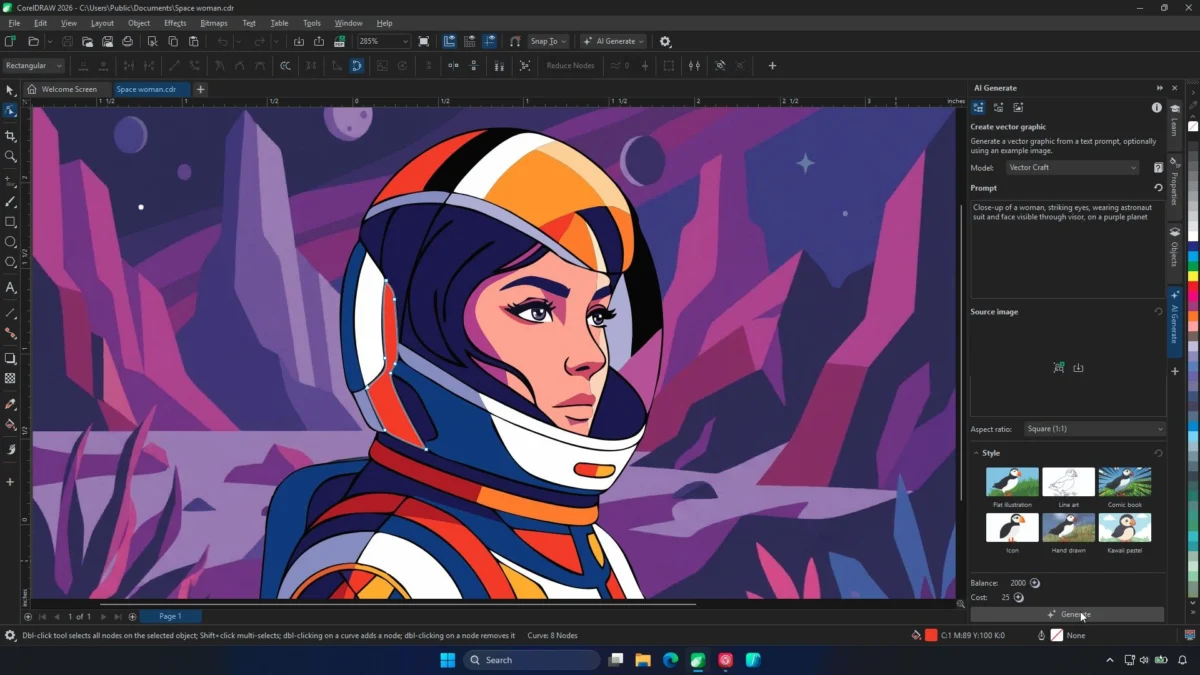
The next frontier is the integration of Generative AI into the texturing pipeline. We are already seeing the emergence of tools that can generate seamless, PBR-ready (Physically Based Rendering) material maps from simple text prompts. This implies a future where the "tedious grind" is almost entirely eliminated, allowing the artist to generate specific surface types—such as "weathered copper with green oxidation"—and apply them to a model in seconds.
Accessibility and Skill Sets
The shift has also fundamentally changed what it means to be a "3D Modeler." The profession is drifting toward a hybrid role: the "3D Technical Artist." These professionals need to understand not just spatial reasoning, but also color theory, lighting physics, and image processing. The "god-like" feeling of creation mentioned by practitioners is now more about orchestration—managing the data that tells the computer how to render a world—rather than the physical act of building it.
Conclusion: A New Era of Creativity
The use of 2D images to control 3D environments is perhaps the most significant "cheat code" in the digital artist’s toolkit. By understanding how light interacts with surfaces—and how black-and-white patterns can dictate depth, height, and transparency—artists can achieve photorealistic results that were once the exclusive domain of multi-million dollar animation studios.
As software continues to evolve, the distinction between "modeling" and "texturing" will continue to blur. The artist of the future will not be someone who moves points in space, but someone who directs the light, the depth, and the texture of a digital reality. For those willing to learn the nuance of these mapping techniques, the digital world is not just a tool—it is a playground of infinite detail, accessible at the click of a button.









No comments yet. Be the first to join the conversation!