Siti Muinah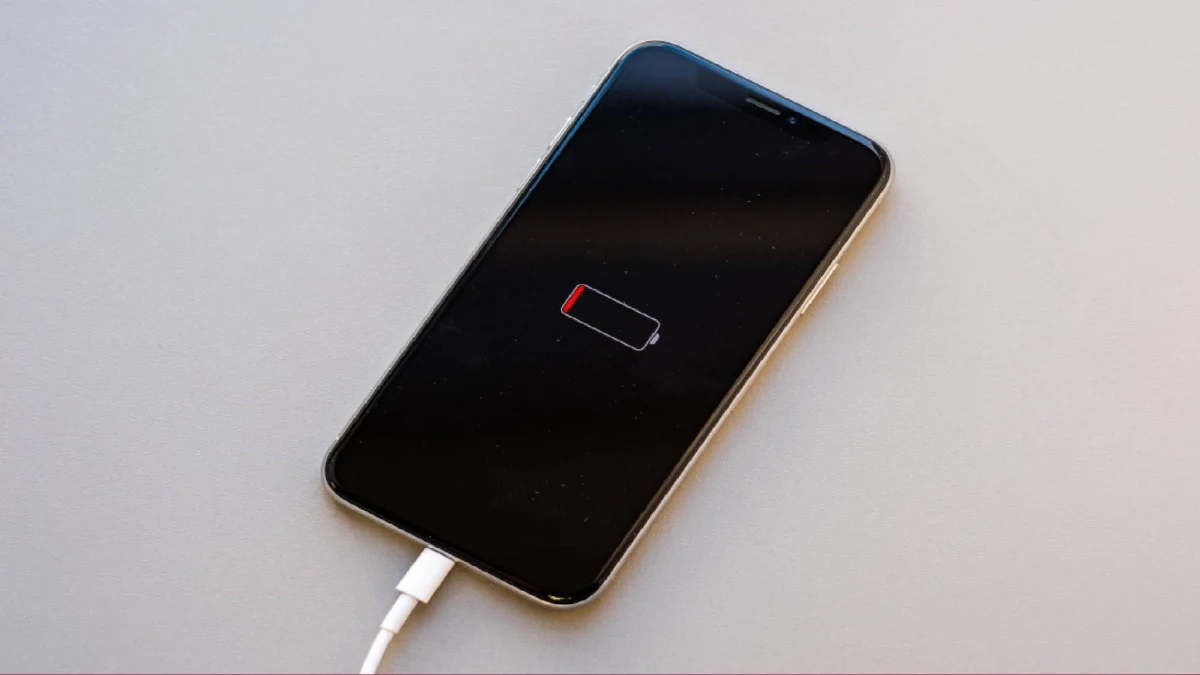
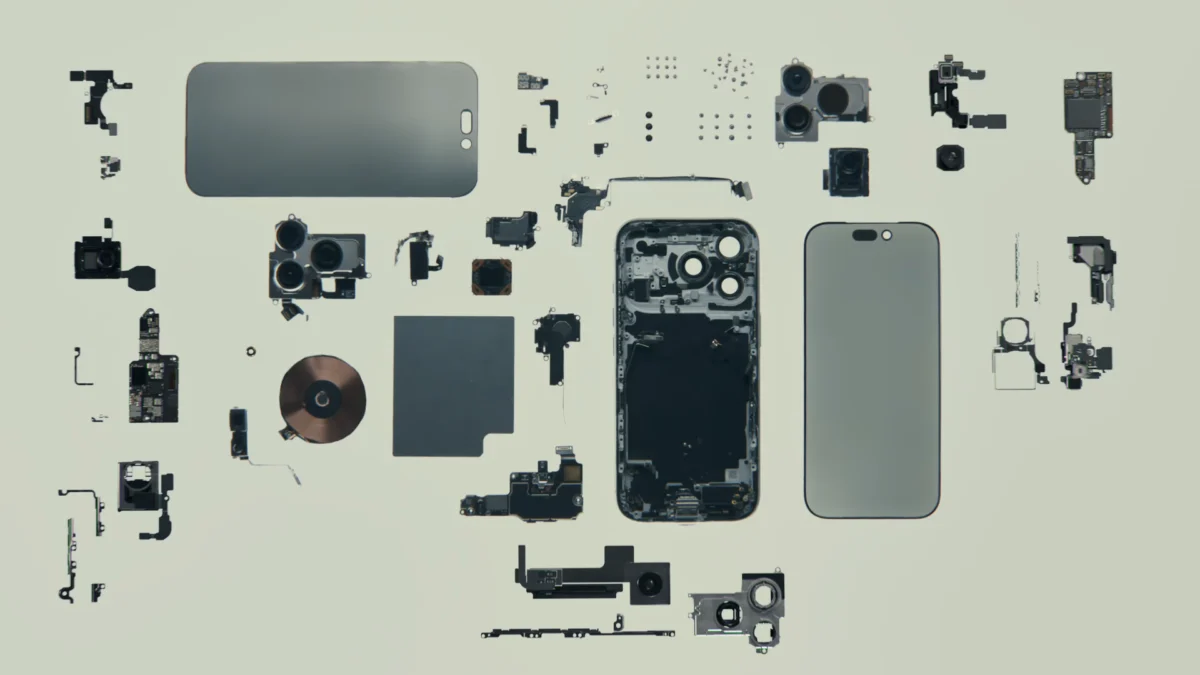
In the modern digital landscape, the smartphone has evolved from a simple communication tool into a pocket-sized supercomputer. Today, the latest models from Apple, Google, and Samsung are defined not by their physical design, but by their "intelligence." AI features have permeated every corner of the mobile experience—summarizing sprawling notification threads, performing real-time photo manipulation, transcribing live conversations, and powering voice assistants that are becoming eerily human-like.
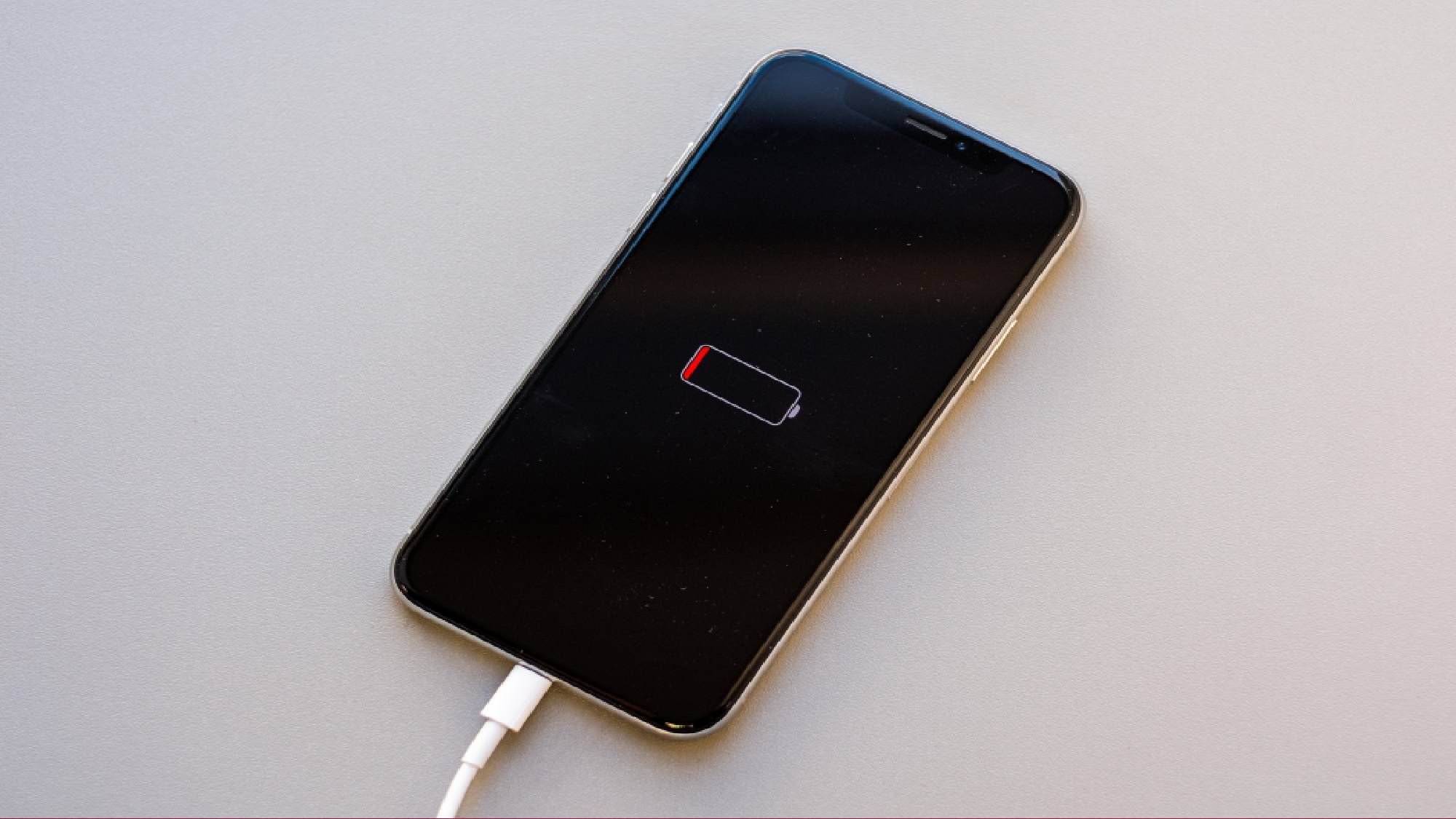
However, this transition toward an AI-first ecosystem comes with an unadvertised, yet increasingly visible, price tag: the rapid erosion of battery life. As our devices work harder to anticipate our needs, the physical limitations of lithium-ion technology are being pushed to their breaking point.
The Main Facts: Why Your Battery Isn’t What It Used to Be
The core issue lies in the fundamental shift in how our phones process information. Traditionally, mobile applications were "reactive"—they waited for a user to tap an icon or execute a command before consuming significant system resources. Modern AI, by contrast, is "proactive."
To deliver the "magical" experience of a phone that knows you, the device must perform a constant, invisible dance of data processing. Whether it is scanning your photo gallery to index faces, listening for wake words, or parsing emails to provide contextual search results, your phone is essentially "working" even when it is sitting idle in your pocket.
This background activity requires significant cycles from the processor (CPU), the graphics engine (GPU), and, increasingly, dedicated Neural Processing Units (NPUs). When these tasks occur on-device, they drain the battery directly. When they are offloaded to the cloud, the phone must maintain active cellular or Wi-Fi connections, which keeps the radio hardware powered up—a major culprit in overall energy consumption.
Chronology: The Evolution of the AI Battery Drain
The trajectory toward power-hungry devices did not happen overnight. We can categorize the evolution of this phenomenon into three distinct phases:
- The Pre-AI Era (2010–2018): Battery optimization was primarily focused on display brightness and background sync of basic apps. Software updates were generally meant to improve efficiency, and "battery drain" was usually blamed on a rogue app or aging chemical degradation.
- The Predictive Era (2019–2023): With the introduction of early machine learning (ML) in cameras and basic predictive text, users began to notice that intensive tasks like 4K video recording or heavy gaming were the only things that truly killed a battery.
- The Generative AI Era (2024–Present): The integration of Large Language Models (LLMs) and advanced on-device generative AI has fundamentally changed the power profile of smartphones. Features like Apple Intelligence or Google’s Gemini Nano require constant, background-level computation. We have entered an era where "smart" features are the primary battery consumers, often rivaling the power consumption of high-end mobile gaming.
Supporting Data and The "Instantaneous" Paradox
Why is AI so demanding? The answer lies in the "Instantaneous Expectation." Consumers today demand that AI answers, photo edits, and search results appear immediately upon request. To ensure that, the phone cannot wait for the user to ask; it must prepare the data beforehand.
For example, when your phone suggests a reply to a text message, it has already analyzed the conversation context. When your phone tags a person in a photo, it has already run object detection algorithms across your entire library. This is a "heavy lift" for a mobile chip.
Furthermore, data from recent consumer benchmarks suggests that devices running high-intensity AI features in the background can see a 15% to 25% reduction in total "screen-on time" compared to the same models with these features disabled. While manufacturers argue that their NPUs are specialized for efficiency, the sheer volume of operations these chips perform—sometimes trillions of operations per second—creates a baseline power draw that is difficult to mitigate.
Official Responses and Industry Stance
The tech giants are not unaware of this problem, though their public messaging often focuses on the "efficiency" of their new chips.
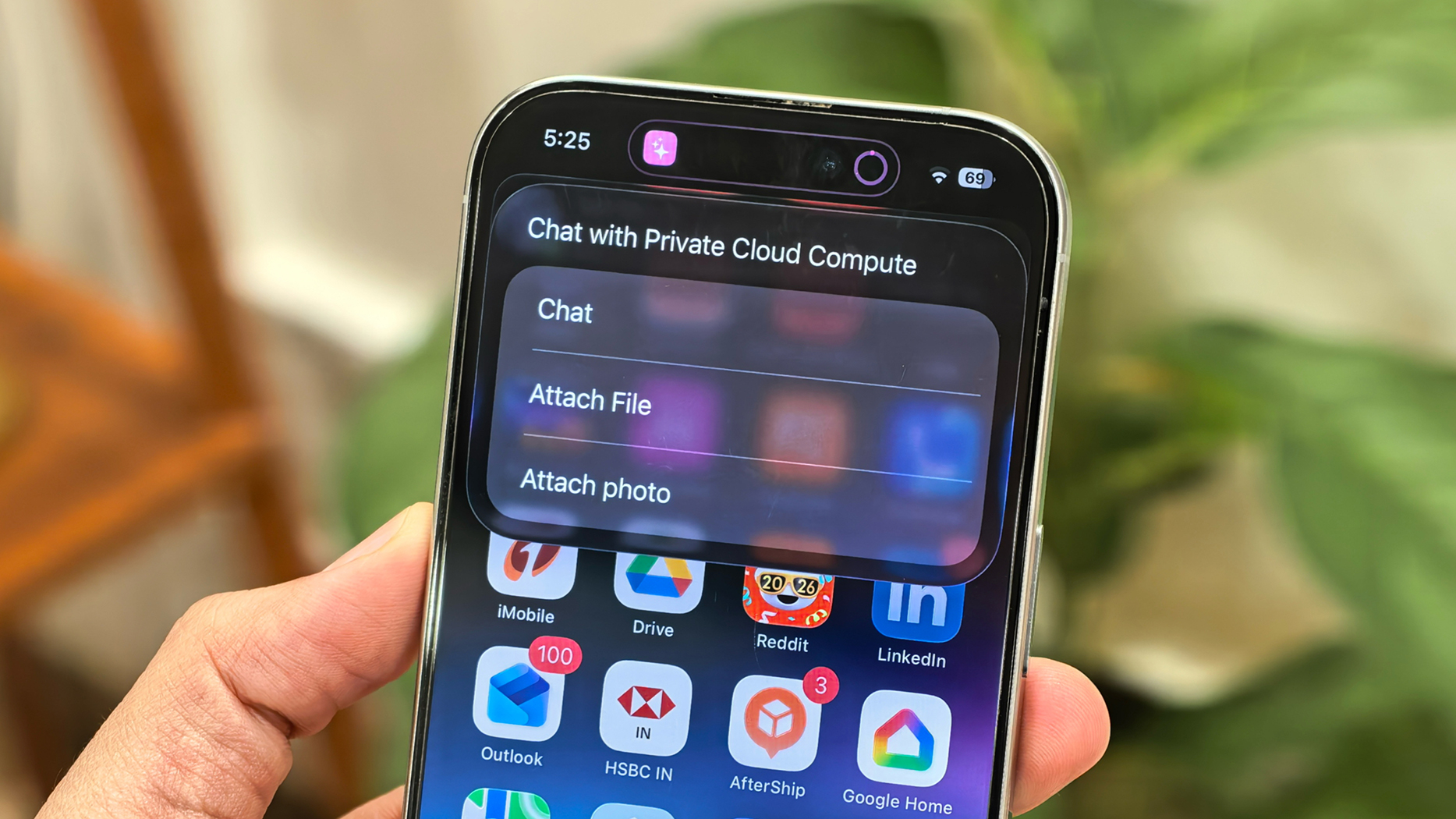
In documentation regarding Apple Intelligence, Apple emphasizes that they have built their silicon to handle AI tasks locally to save on the energy costs of cloud transmission. They advocate for "on-device" processing as a battery-saving measure, arguing that the cost of keeping a wireless radio active to ping a server is higher than the cost of local computation.
Google, similarly, has touted the efficiency of their Tensor chips, which are specifically designed to offload AI tasks from the main processor. However, industry engineers acknowledge a universal truth: there is no such thing as "free" computation. Whether it happens on a specialized core or the main CPU, moving electrons requires energy. The industry’s current solution is to move toward smaller, "distilled" models that require less RAM and lower voltage, but until these models are fully perfected, the power trade-off remains.
Strategic Settings: How to Reclaim Your Battery Life
If your battery is failing to make it through the day, you don’t necessarily need a hardware upgrade. You may simply need to audit your AI environment.
For iPhone Users (Apple Intelligence & Siri)
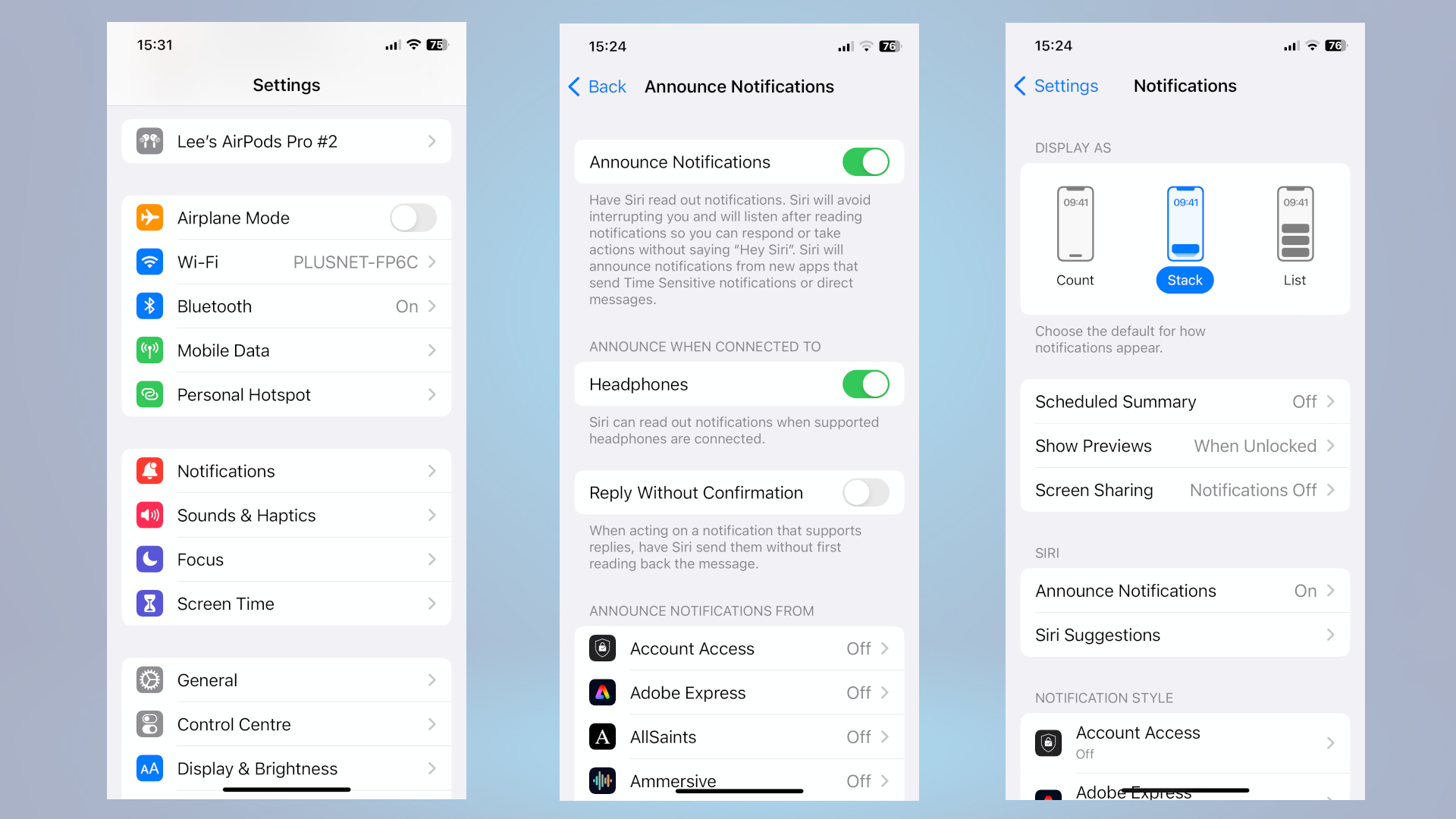
- Audit Apple Intelligence: If you aren’t using the writing tools or summaries, consider turning off specific Intelligence features in the "Apple Intelligence & Siri" settings menu.
- Siri Suggestions: Navigate to Settings > Siri & Search. Many users don’t realize that Siri is constantly indexing their app usage to provide suggestions. Disable suggestions for apps that don’t need them.
- Background App Refresh: Head to Settings > General > Background App Refresh. This is the single most effective way to prevent AI-driven apps from "waking up" your phone in the background.
For Android Users (Gemini & Google Assistant)
- Voice Activation: Navigate to Settings > Google > Search, Assistant & Voice. If you don’t rely on the "Hey Google" trigger, turning off voice activation stops the microphone from constantly listening for that wake word, which consumes consistent power.
- Gemini Permissions: If you aren’t using Gemini as your primary assistant, ensure its background permissions are restricted.
- Photo Processing: Open your photo gallery settings. If you don’t need real-time categorization of your images, disable "Auto-sync" or "Advanced AI processing" to keep the phone from working while it’s in your pocket.
Implications: The Future of Mobile Efficiency
The implications for the industry are significant. As we move toward a future where AI is the primary interface for our devices, manufacturers face a hardware crisis. The current generation of lithium-ion batteries has largely plateaued in terms of energy density. If software continues to demand more power, we will reach a point where flagship phones will be unable to last a full 12-hour workday.
This creates a divergence in the market:
- The AI-Power User: A user who accepts daily charging or portable battery banks as the cost of having a digital assistant.
- The Minimalist: A user who strips their device of AI features to regain the multi-day battery life that was common a decade ago.
The irony of the current situation is palpable. We were promised that AI would make our lives easier, more organized, and more efficient. Yet, we are spending more time managing battery settings, hunting for power outlets, and dealing with the anxiety of a dying phone than ever before.
Ultimately, the best AI feature is the one that knows when not to run. As we move forward, the most successful smartphones will likely be those that offer "intelligence on demand" rather than "intelligence by default." Until then, the burden of power management falls squarely on the user. If your battery is draining, remember: it’s not just you—it’s the invisible, high-octane AI ecosystem working overtime in the palm of your hand.

 Sagoh
Sagoh
 Raul Delapena Setiawan