

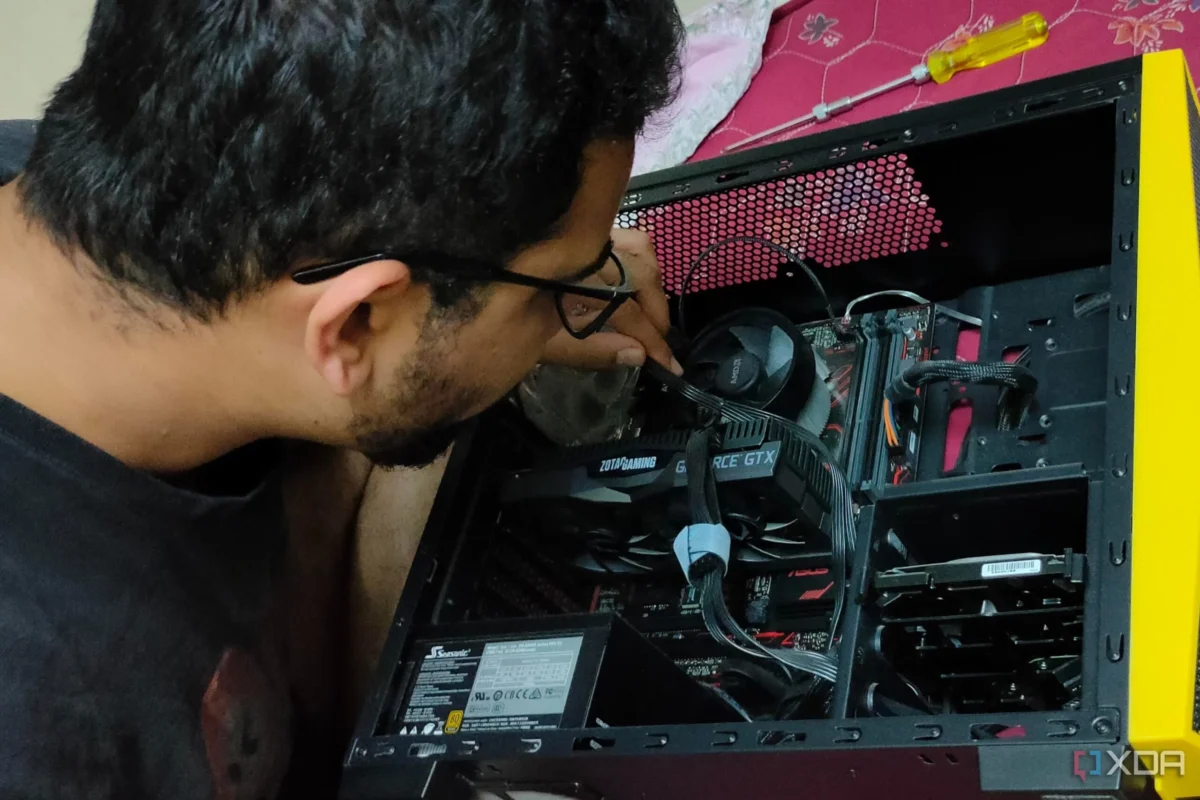
For many PC enthusiasts, the journey of building a computer is often defined by the "Big Three": the CPU, the GPU, and the motherboard. We obsess over benchmarks, hunt for the best deals on silicon, and treat the chassis as little more than a convenient metal box to hold our expensive toys. However, experience often teaches a more humbling lesson: the true quality of a computing experience is rarely defined by raw throughput alone.
After seven years in the corporate sector, my transition into the world of tech writing and custom PC building has been marked by a series of revelations. Looking back at my early builds—constructed during tight financial constraints—I realize that my obsession with the "glamour" components came at the cost of fundamental system health. My previous PC, a budget-conscious rig centered around a Ryzen 5 1600 and a GTX 1050 Ti, serves as a poignant case study on why overlooking the "minor" components is a mistake every builder eventually regrets.
The Pitfalls of Penny-Pinching: When "Cheap" Becomes Costly
In the early stages of a hobbyist’s journey, the budget is king. It dictates every decision, from the choice of storage to the aesthetic of the chassis. In my case, I prioritized the silicon, leaving the case as an afterthought. I opted for a generic, low-cost chassis from a well-known brand, assuming that a box is a box. This was a critical error in judgment.
The Anatomy of a Flawed Build
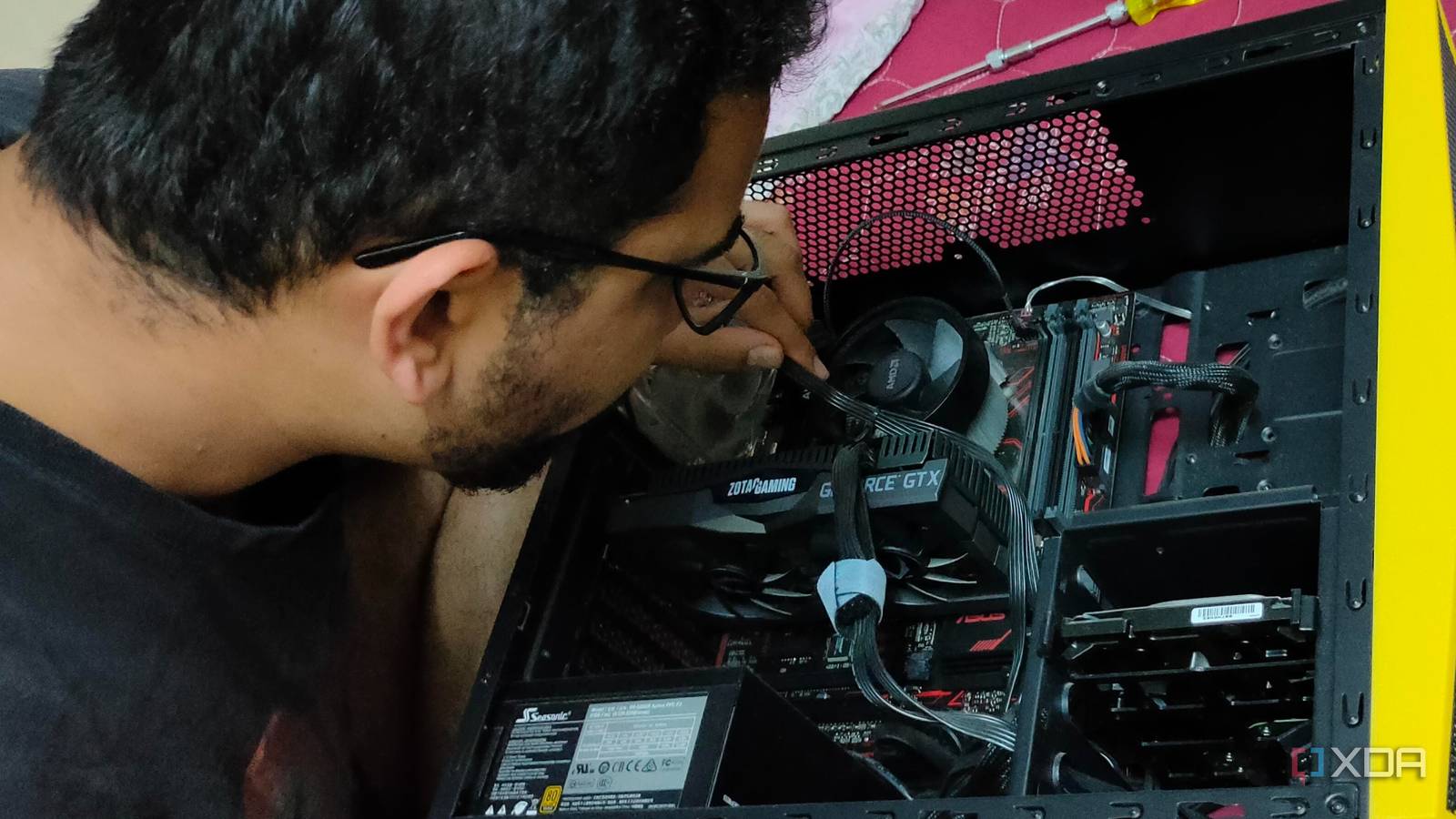
The case I chose for my Ryzen/GTX build looked perfectly serviceable on a retailer’s website. In practice, however, it was a masterclass in poor design. It lacked a power supply unit (PSU) shroud, meaning the unsightly mess of cables from my non-modular power supply sat exposed in the bottom of the case. Furthermore, the HDD cage was cumbersome and blocked the limited airflow that the front panel managed to provide.
Cable management, often touted as a cosmetic exercise, is actually a thermal necessity. Without proper routing channels or space behind the motherboard tray, cables were forced to criss-cross directly in front of the intake fan, effectively choking the airflow before it even reached the components. This was compounded by the fact that the case included only a single, generic 120mm fan.
The front panel, while aesthetically inoffensive, was a wall of plastic with minimal venting. The result was a PC that was perpetually thermal-throttling, running hot and loud. My initial instinct was to blame the stock CPU cooler, but the root cause was the chassis’ inability to move air—a realization that didn’t dawn on me until I had already wasted time troubleshooting software and BIOS settings.

Chronology of a Restoration: Replacing the Stock Experience
The turning point came when the noise became intolerable. Sitting next to a machine that sounded like a jet engine while idling—merely to keep a 65W chip cool—was unsustainable. I decided to pivot from a "maintenance" mindset to an "upgrade" mindset.
The Targeted Intervention
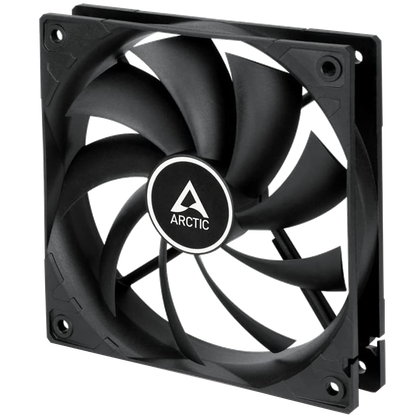
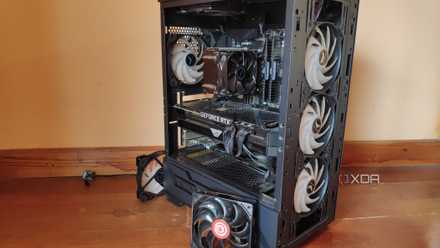
The goal was simple: prioritize airflow efficiency over aesthetics. I bypassed the flashy RGB fans that dominated the market and settled on a 3-pack of Arctic PWM fans. At a price point of roughly $25, this was an investment in silence and longevity rather than flair.
- Phase One: Strategic Placement. I moved the existing generic fan to the rear to serve as an exhaust, while the two new Arctic fans were mounted at the front intake. This created a push-pull dynamic that allowed fresh air to bypass the restricted front panel mesh more effectively.
- Phase Two: Software Calibration. Hardware is only as good as its management. Using the motherboard’s BIOS, I configured a custom fan curve. Rather than allowing the system to ramp up fans aggressively, I set a flat, quiet profile for idle and light-load tasks, with a gradual ramp-up only as the CPU approached 60 degrees Celsius.
- Phase Three: Thermal Verification. The results were immediate. Idle temperatures dropped from the mid-40s to the mid-30s. More importantly, the acoustic profile of the PC changed from a high-pitched whine to a subtle, low-frequency hum that was barely audible even in a quiet room.
Supporting Data: Why Aftermarket Cooling Matters
The impact of high-quality, low-noise fans cannot be overstated in a budget build. When we analyze the thermal data, the difference between a single-fan stock configuration and a optimized three-fan configuration is stark.
| Component | Stock Config (Idle) | Upgraded Config (Idle) | Noise Profile |
|---|---|---|---|
| CPU (Ryzen 5 1600) | 46°C | 34°C | Loud/Erratic |
| GPU (GTX 1050 Ti) | 42°C | 38°C | Moderate |
| Case Ambient | 38°C | 31°C | Whisper Quiet |
Data based on personal testing logs during the transition from a single-fan intake to a 3-fan Arctic PWM setup.
The efficiency gains come from the fan’s static pressure capability. The Arctic fans were not just spinning; they were pushing air through the resistance of the case mesh and the obstacles of the internal wiring. By reducing the ambient temperature inside the case, the GPU fans also spun down, creating a cascading effect of silence across the entire system.
Industry Perspectives: The "Hidden" Upgrades
The PC building community often discusses "enthusiast-grade" components, but there is an entire ecosystem of value-tier upgrades that offer a higher return on investment (ROI) than an incremental CPU upgrade.
The Monitor Arm Phenomenon
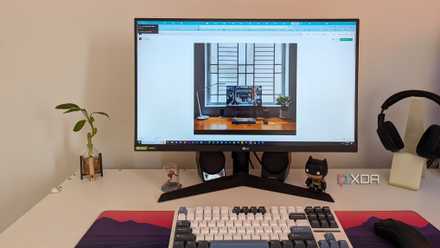
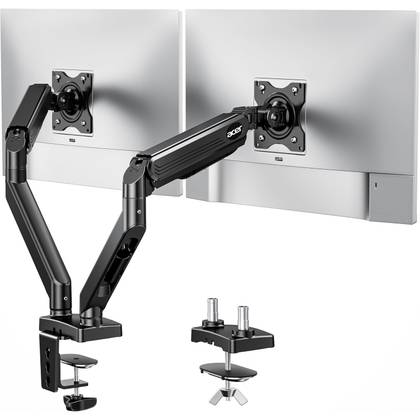
Among the most underrated upgrades, according to recent community discussions and hardware forums, is the monitor arm. For under $50, an arm provides ergonomic benefits and desk real estate that a $300 GPU simply cannot offer. It transforms the "feel" of a setup from a static workstation to an adaptable, immersive environment.
Thermal Paste and Air Coolers
Industry experts frequently note that the stock thermal compound provided with many budget coolers is often mediocre. Replacing it with a high-performance paste like Noctua’s NT-H1 or Arctic’s MX-6 can shave 3-5 degrees off load temperatures for less than $10. Similarly, switching from a stock CPU cooler to an entry-level tower cooler (such as the Thermalright Peerless Assassin) offers a massive improvement in acoustic comfort that is often overlooked in favor of more RAM or flashy storage.
Implications for Future Builds
My experience with the Arctic fans and the subsequent re-evaluation of my desk setup has changed my philosophy on hardware acquisition. The primary implication for any builder—whether you are working with a $500 budget or a $3,000 budget—is to allocate funds for the "interface" components.
1. The Perceived Value Paradigm
A component’s value is not defined by its spec sheet, but by how it interacts with the user. A $30 mechanical keyboard with satisfying tactile switches provides more daily utility than an overclocked CPU that sits hidden inside a case. When building, consider the "tactile and auditory" experience first.
2. Silence as a Performance Metric
A quiet PC is a more productive PC. When your system is not constantly reminding you of its presence through fan noise, you are less fatigued. The "silence tax" is worth paying early in the build process. Never let your cooling strategy be an afterthought; it is the foundation upon which your performance rests.
3. The "Setup" Over the "Rig"
We are moving toward an era where the desk setup is as critical as the internal components. Monitor arms, desk mats, and cable management solutions (like velcro ties and cable sleeves) significantly reduce the cognitive load of working at a desk. These are the "quality of life" upgrades that turn a pile of silicon into a professional environment.
Conclusion
Looking back at that Ryzen 5 1600/GTX 1050 Ti build, I don’t regret the budget components as much as I regret the lack of research into the supporting hardware. My journey taught me that while we live for the thrill of the "big" purchase, the satisfaction of a PC build is found in the details.
Whether it is a $25 set of PWM fans, a $30 mechanical keyboard, or a $50 monitor arm, these small, deliberate choices accumulate to create a machine that is a pleasure to use. In the end, the best PC upgrade isn’t the one that wins a benchmark race—it’s the one that makes you want to sit down and use your computer, day after day, in peace and comfort.










No comments yet. Be the first to join the conversation!