

For the dedicated handheld enthusiast, the Steam Deck is more than just a console; it is a marvel of mobile engineering. However, compared to its high-powered Windows-based competitors—such as the ROG Ally X or the MSI Claw—the Steam Deck has always lacked a native "superpower" found in the world of high-end desktop gaming: Frame Generation.
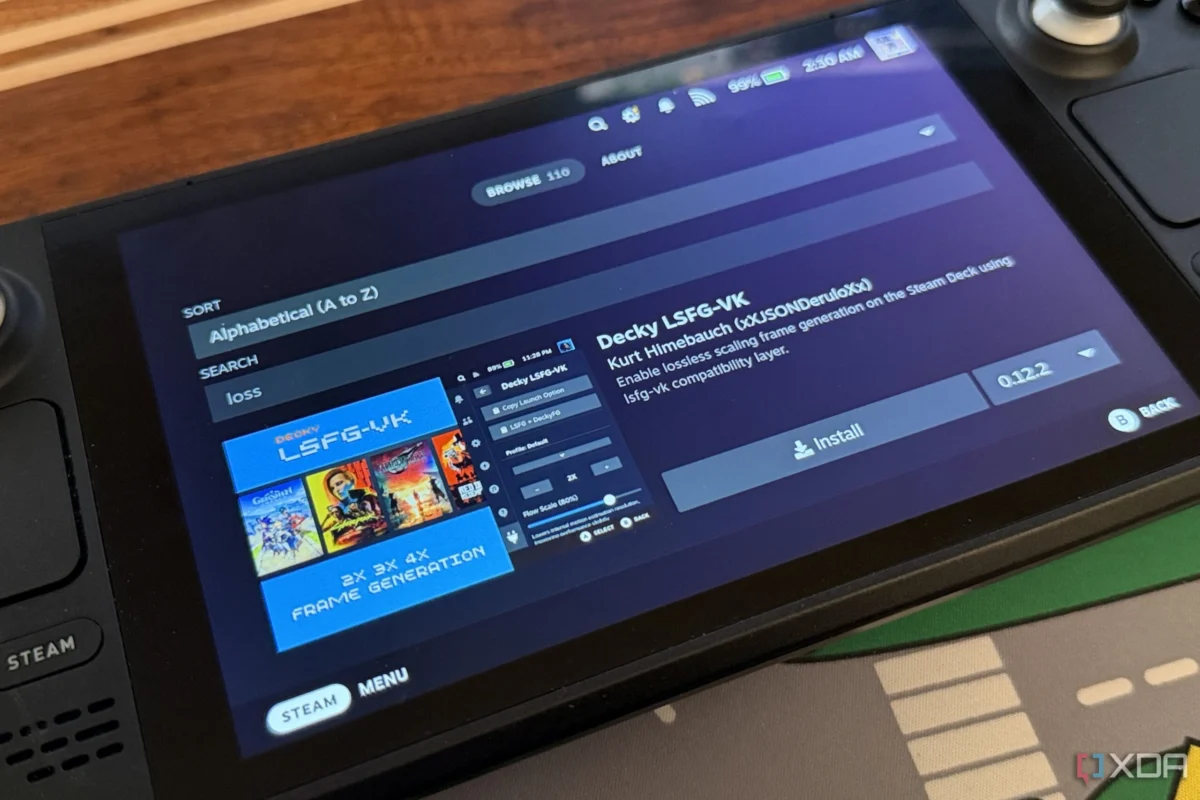
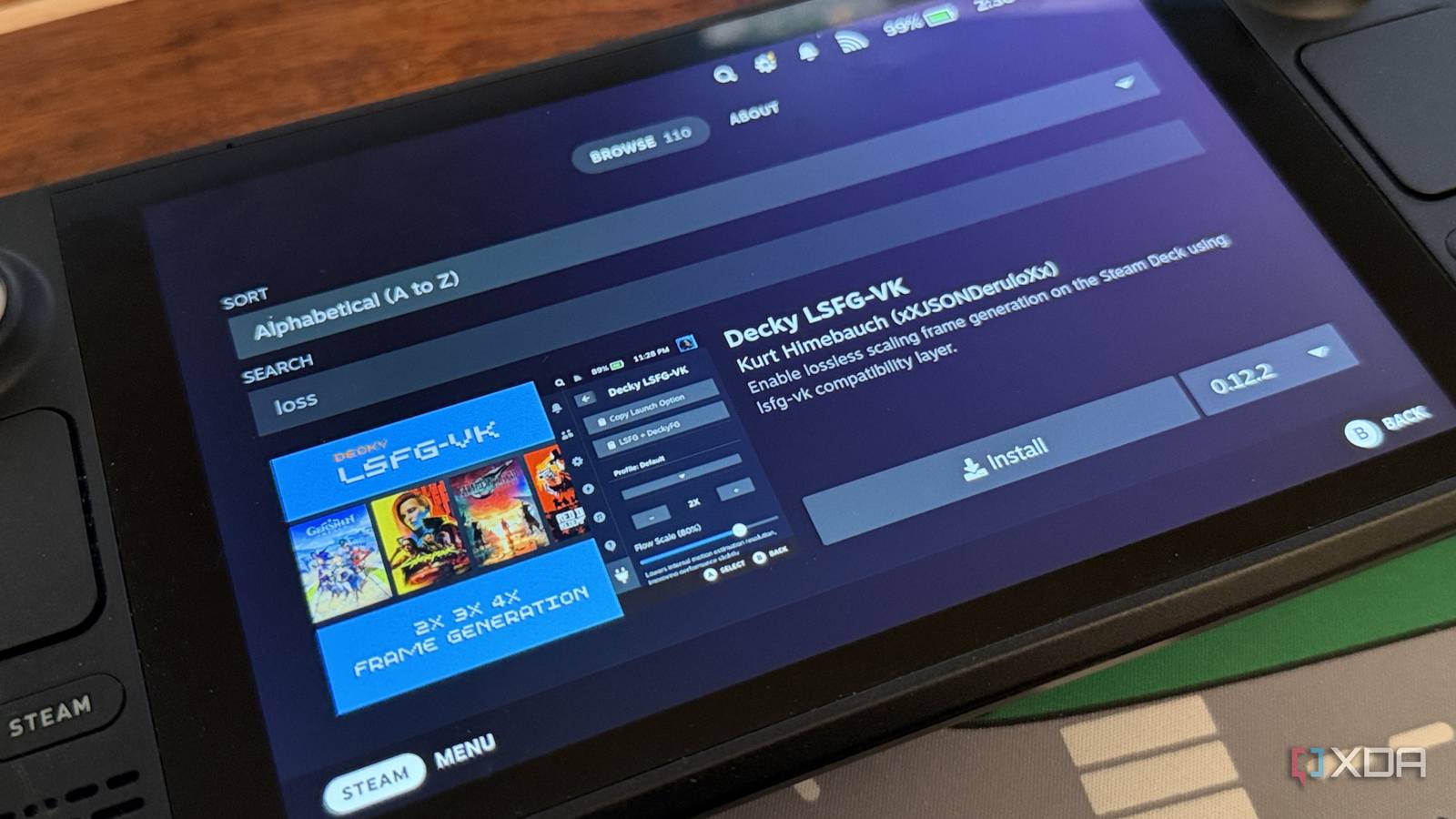
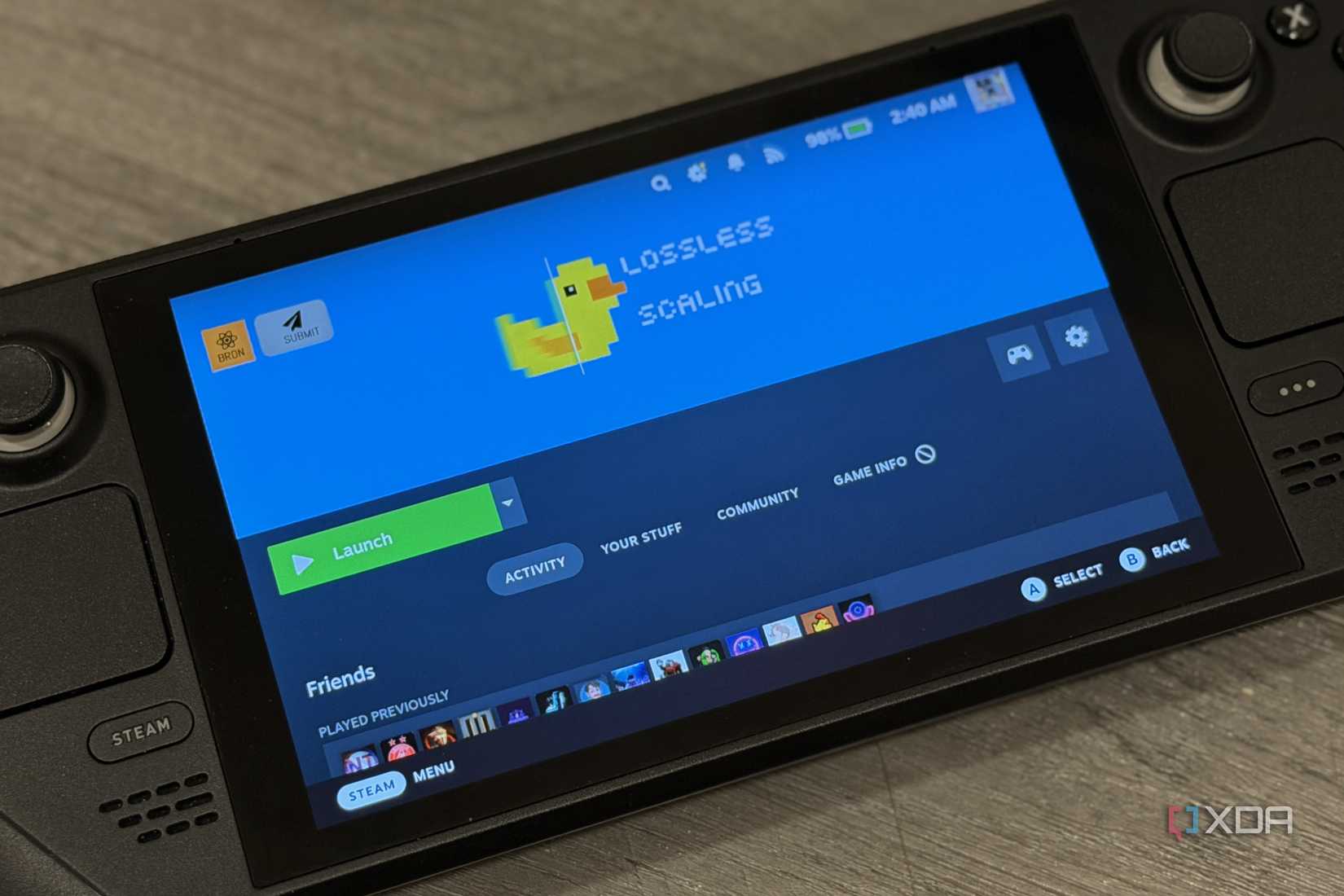
For years, the promise of doubling or tripling frame rates through AI-driven interpolation felt like a pipe dream for Valve’s hardware. But thanks to a breakthrough in Linux-based middleware and a simplified integration through the Decky Loader community, that reality has shifted. By leveraging the Lossless Scaling application and the lsfg-vk translation layer, users can now inject synthetic frames into their favorite titles. While the process remains a "work in progress," it represents a monumental leap for the Steam Deck’s longevity.
The Technical Foundation: How It Works
To understand why this is a breakthrough, one must look at the software architecture. Frame generation typically relies on proprietary hardware features like Nvidia’s DLSS 3. However, the Lossless Scaling app offers a software-agnostic approach that generates frames regardless of the GPU vendor.
On Windows, this is straightforward. On the Steam Deck’s Linux-based SteamOS, the hurdle was the translation of DirectX calls. The breakthrough occurred in early 2025 when open-source developers introduced lsfg-vk. This tool acts as a bridge, translating DirectX 11 API calls into Vulkan, which the Steam Deck’s Proton compatibility layer can digest.

The process is a sophisticated chain of command:
- The Game: Requests a render frame via DirectX 11.
- The Translation Layer: Intercepts the request and converts it into a Vulkan-ready format.
- Lossless Scaling: Hooks into this stream, injecting interpolated frames to boost visual fluidity.
- The Result: A smoother perceived frame rate, allowing titles that previously struggled at 30 FPS to feel like a stable 60 FPS experience.
A Chronology of the Breakthrough
The journey to getting Frame Gen on the Steam Deck was not an overnight success. It is a timeline of iterative community-driven development:
- Pre-2025: Steam Deck users relied solely on FSR (FidelityFX Super Resolution) for upscaling. Frame interpolation was considered impossible due to the rigid nature of SteamOS and the overhead of Linux translation layers.
- Early 2025: The release of
lsfg-vkon GitHub provided the first glimmer of hope. It allowed technical users to manually bridge the gap between Windows-only scaling tools and Linux. - Mid-2026: The release of the Decky LSFG-VK plugin for Decky Loader. This was the turning point. By moving the complex configuration into a GUI-based environment, the barrier to entry dropped from "expert-only" to "accessible enthusiast."
- Present Day: Users can now manage frame generation settings directly from the Steam Deck’s Quick Access Menu, though the process still requires manual installation of the base application and specific launch commands.
Supporting Data: Performance Gains vs. Reality
While the marketing for frame generation promises "free" frames, the reality on the Steam Deck is more nuanced. Through extensive testing, we have observed a spectrum of results:
The Success Stories
In titles that are GPU-bound but not overly demanding on the CPU, the boost is tangible. Games that hover around the 40 FPS mark can often be pushed to a smooth 80 FPS (using 2x interpolation), providing a significant improvement in input latency and visual fluidity.
The Pitfalls
Not every game benefits from this technology. In our testing with Deep Rock Galactic: Survivor, enabling Lossless Scaling actually resulted in a performance regression. The game dropped from a solid 75 FPS to a stuttering 58 FPS. This is likely due to the overhead introduced by the translation chain—when the cost of calculating the "fake" frame outweighs the gains, the frame rate suffers.
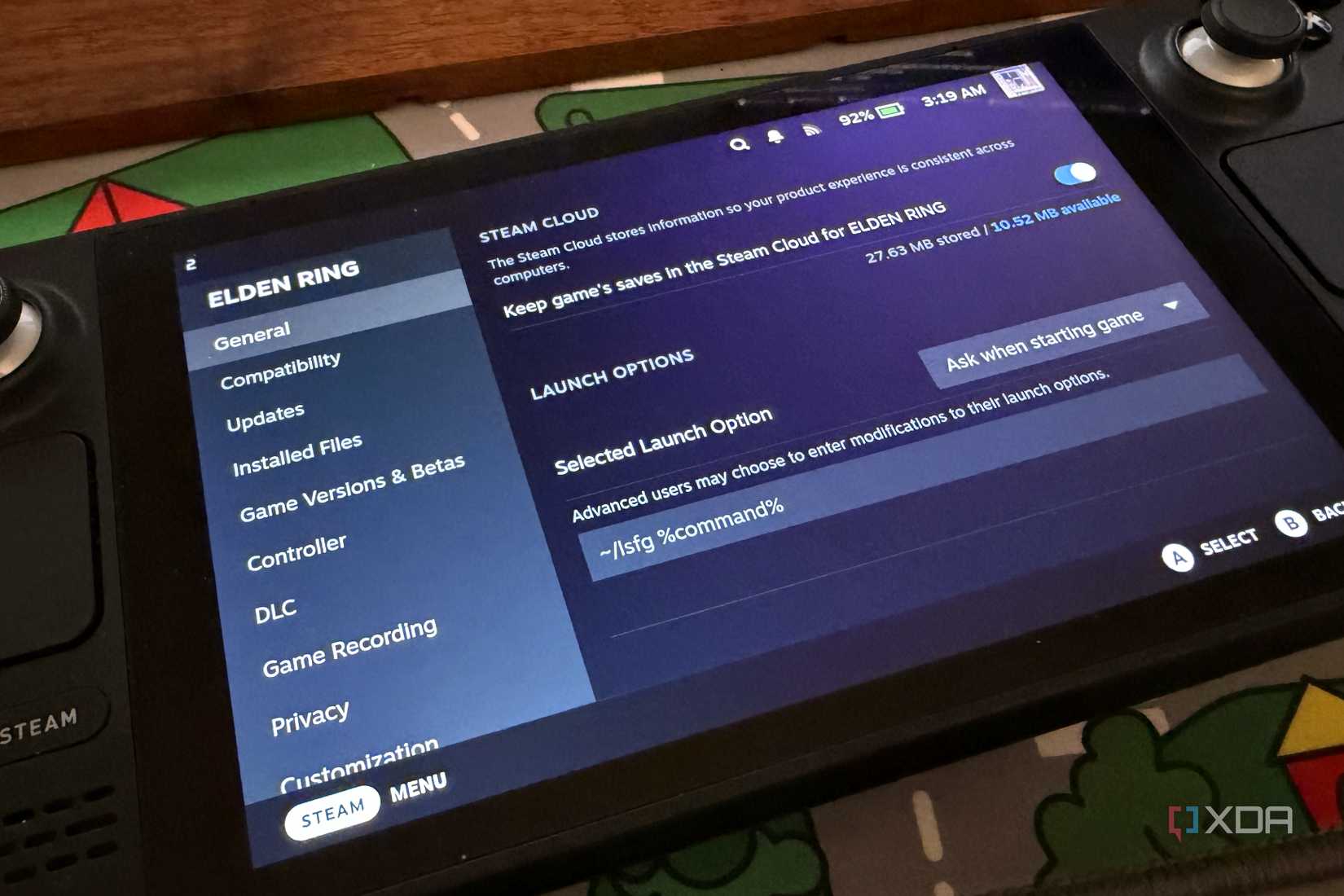
Furthermore, Elden Ring, a staple for Steam Deck benchmarking, remains difficult to stabilize with this method. Because frame generation works by inserting frames between existing ones, it can introduce "ghosting" or artifacts if the base frame rate is too low or inconsistent.

Official Responses and Developer Stance
It is important to note that Valve has not officially sanctioned the use of Lossless Scaling on SteamOS. Because the application requires modifying launch options and running third-party middleware, it falls firmly into the "unsupported" category.
However, the developer community surrounding the Steam Deck has been remarkably vocal. The creator of the lsfg-vk project has maintained a comprehensive "Quirks" wiki, which serves as the unofficial manual for troubleshooting. While Valve focuses on official performance updates via SteamOS patches, they have historically left the door open for users to modify their devices, provided the core OS remains stable.

Implications: The Future of Handheld Gaming
The success of this project has massive implications for the future of the handheld market:
1. Extending the Lifecycle
As newer, more demanding games hit the market, the Steam Deck’s custom APU will eventually struggle to maintain parity. Technologies like software-based frame generation provide a "second life" for the device, allowing users to squeeze more performance out of aging hardware.
2. The Power of Open Source
This development highlights the superiority of an open platform. On a locked-down console like the Nintendo Switch or a walled-garden ecosystem, this kind of performance-enhancing modification would be impossible. The fact that users can, with a bit of patience, implement cutting-edge graphics tech on a two-year-old handheld is a testament to the power of the Linux ecosystem.
3. A Call for Native Integration
While the current plugin-based approach is impressive, it is still "glitchy" and requires a level of tinkering that the average consumer may find daunting. The clear implication here is that there is a massive demand for native, system-level frame generation. If Valve were to implement a proprietary, highly optimized version of this technology into SteamOS, it would instantly render the Steam Deck the most competitive handheld on the market, regardless of the raw horsepower of its rivals.

Conclusion: Is it Worth the Hassle?
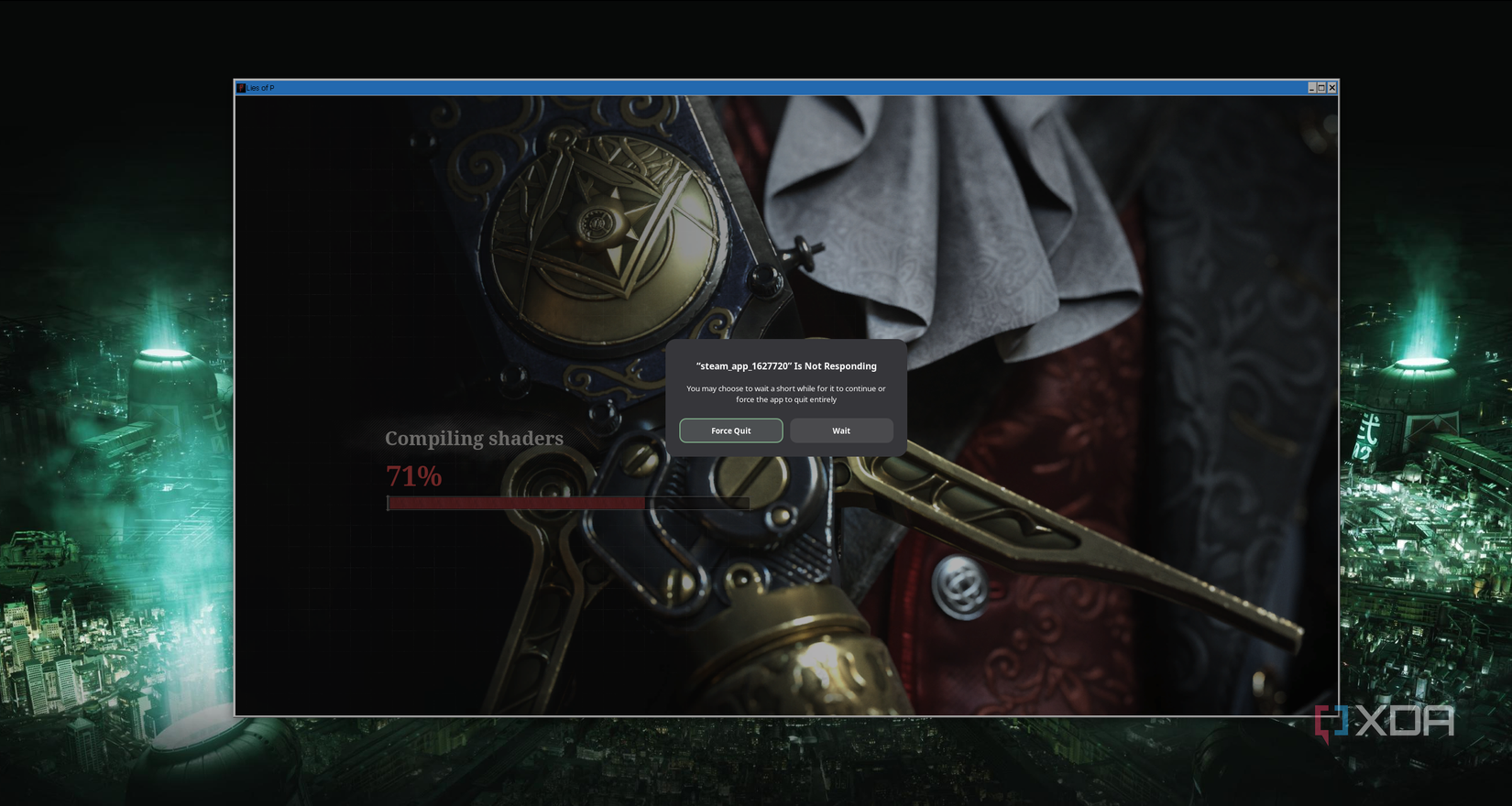
For the average user, installing Lossless Scaling via Decky Loader is an exercise in patience. You must navigate Desktop Mode, install the plugin, configure the lsfg-vk layer, and append launch commands for every individual game. You will encounter crashes, screen flickering, and games that simply refuse to cooperate.
However, for the unabashed geek—the type of person who used to take apart their toys just to see how they worked—this is the pinnacle of handheld customization. You aren’t just playing a game; you are fine-tuning a machine to perform beyond its intended specifications.
As we look toward the future, the integration of frame generation into the Steam Deck ecosystem is a sign of things to come. It is messy, it is complex, and it is entirely brilliant. Until a more streamlined, "one-click" solution arrives, we recommend this only to those who enjoy the process of optimization as much as the gaming itself. For everyone else, keep an eye on the Decky Loader updates—because the gap between "hard to use" and "seamless" is shrinking every day.












No comments yet. Be the first to join the conversation!