
For years, Samsung Galaxy users existed in a state of dual-platform limbo. While the native Samsung Gallery app offered a slick, feature-rich interface for managing media, the company’s cloud-based backup strategy felt fragmented. For a long time, Microsoft OneDrive was the preferred partner, but that relationship officially soured in September when Samsung pulled the plug on the integration.
Now, the dust has settled. In a significant shift toward a more unified Android experience, Samsung has announced that its Gallery app will now natively sync with Google accounts. This move not only fills the void left by the departure of Microsoft but also signals a deeper alignment between Samsung’s hardware ecosystem and Google’s cloud infrastructure.
The Core Transformation: What’s Changing?
The integration marks a paradigm shift for Galaxy users. Previously, if you wanted to back up your photos to the cloud using Google’s ecosystem, you were largely forced to move your workflow into the Google Photos app. While Google Photos is an excellent service, many users preferred the specific editing tools, layout, and organizational structure of the native Samsung Gallery.
With this latest update, the Samsung Gallery app effectively becomes a front-end client for Google’s cloud storage. You no longer have to choose between the aesthetic of the Samsung app and the reliability of Google’s cloud.
How the Integration Works
The feature is remarkably straightforward. By navigating to Gallery Settings and toggling the Sync photos and videos option, users can link their Google account directly to their Samsung Gallery. Once activated, the app will begin pushing media to the user’s Google Drive/Photos storage quota.
Crucially, this is not just a one-way backup; it is a synchronization service. If you log into your Samsung account on a secondary Galaxy device, your synced media will appear there as well. This creates a fluid "multi-device" experience that mirrors the continuity features found in Apple’s iCloud ecosystem.
A Chronological Look at the Samsung-Cloud Saga
To understand why this change is so significant, it is necessary to look at the timeline of Samsung’s storage strategies.
- The OneDrive Era (2019–2024): Samsung and Microsoft entered a broad strategic partnership, which included deep integration of OneDrive into the Galaxy Gallery app. For years, this was the default "Cloud Sync" option for Samsung users, offering a seamless way to offload storage.
- The September 2024 Pivot: Without much fanfare, Samsung officially terminated the OneDrive sync feature. This left millions of users with local-only storage or forced them to migrate their workflows to third-party services.
- The Transitional Period: Following the removal of OneDrive, Samsung users were left in a fragmented state, often relying on manual uploads or redundant app installations.
- The Google Integration (Current): Samsung has finally unveiled the "Gallery Sync" feature. This is not a sudden accident but a calculated move to harmonize with the Android backbone that powers their devices.
Supporting Data: Storage and Financial Implications
While the convenience of this new integration is undeniable, it brings with it the reality of data management. Because the Samsung Gallery will now sync directly to your Google account, it will consume your shared Google storage pool.
The Storage Math
- The Baseline: Every Google account starts with 15GB of free storage. This is shared across Gmail, Google Drive, and Google Photos.
- The Hidden Cost: For a modern smartphone user capturing 50MP photos and 4K video, 15GB is often exhausted in a matter of months.
- The Google One Upsell: To maintain a robust backup system, most users will eventually need to look at Google One subscriptions.
- 100GB Plan: Approximately $2.00 USD/month.
- 200GB Plan: Approximately $3.00 USD/month.
- 2TB+ Plans: Scaling up for power users and families.
The integration includes a clever "Free up space" feature. Once photos are safely in the cloud, users can trigger this setting to delete the high-resolution local copies from their internal storage. The Gallery app keeps a lightweight thumbnail, allowing you to browse your entire library without consuming local device space. If you need to view or edit the full-resolution file, the system downloads it on demand.
Official Responses and Strategic Implications
Samsung’s official documentation frames this move as a user-experience enhancement. "Samsung Gallery makes it easier to access photos and videos across Galaxy devices," the company stated in its official press release. By leveraging Google’s robust cloud infrastructure, Samsung is essentially outsourcing the most difficult part of the smartphone experience—data persistence—to the company that understands it best.
Why This Matters for the Android Ecosystem
This shift is a strategic win for both parties:
- For Samsung: It reduces the overhead of maintaining a proprietary cloud infrastructure. By "offloading" the sync to Google, Samsung can focus its engineering resources on hardware, AI, and display technology rather than server-side data management.
- For Google: It deepens the "stickiness" of the Google One ecosystem. By making Google the default cloud destination for the world’s most popular Android phone manufacturer, Google secures a recurring revenue stream and ensures that users remain locked into their subscription services.
- For the User: It resolves the "app fatigue" that many Samsung users felt. Being able to use the native, high-performance Samsung Gallery while having the security of a Google backup is the best of both worlds.
Technical Requirements and Rollout
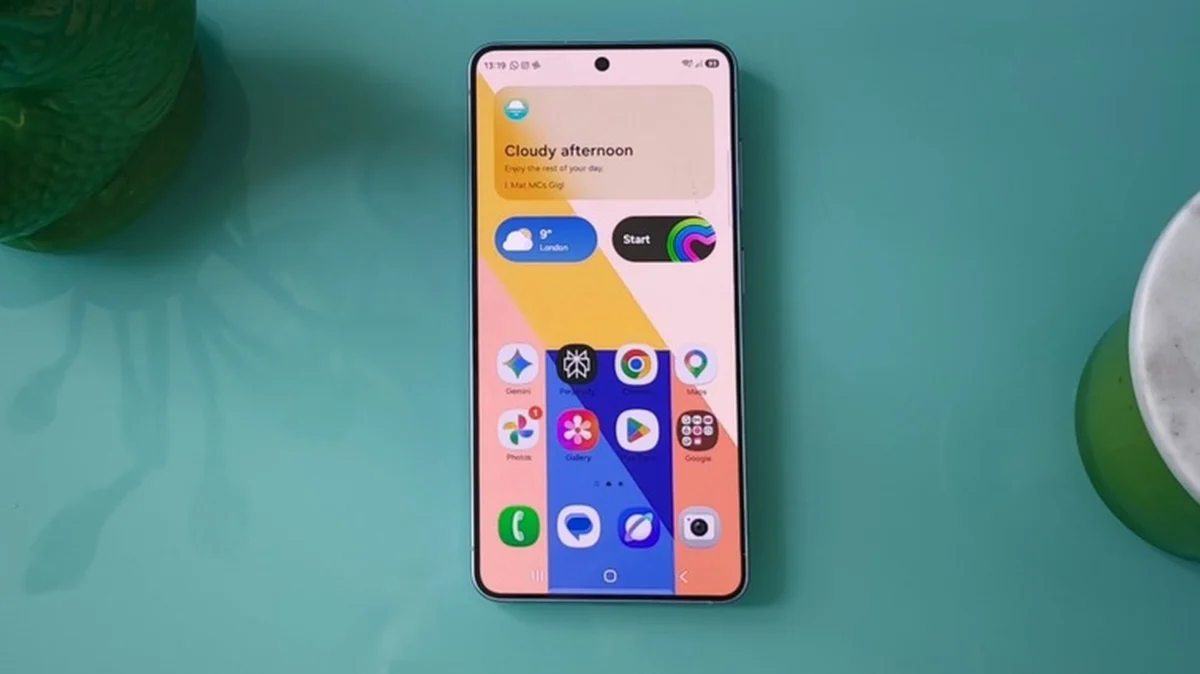
As with all major software updates, the rollout is tiered. At the time of this writing, the feature is available primarily on select Galaxy devices running One UI 9.
Samsung has noted that they are employing a phased rollout approach. This is standard procedure to ensure that server load is managed and that any bugs related to the sync handshake are identified before a global deployment. If you do not see the option in your Gallery settings, it is likely that your specific device model or regional software build is next in the queue.
Navigating the "Free Up Space" Feature
The inclusion of the "Free up space" tool is arguably the most important feature for users with mid-range devices that have limited internal storage (e.g., 128GB or 256GB models).
When enabled, the Gallery acts as a window into the cloud. The thumbnails provide a near-instant preview of your library. However, the user must be aware that this is a connected experience. If you are in a location with poor cellular data or no Wi-Fi, you will be unable to pull down the full-resolution originals for editing or high-quality sharing. This creates a reliance on connectivity that users should keep in mind when traveling.
Future Outlook: A More Unified Galaxy
What does this say about the future of Samsung’s software? The trend is clear: Samsung is increasingly embracing the "Google-first" philosophy for backend services.
While Samsung maintains its own unique design language through One UI, the underlying services—from messaging (RCS) to storage (Google One)—are becoming more uniform. This reduces the friction for new users moving from other Android devices and ensures that the transition between phones is as seamless as possible.
As we move toward a future defined by AI-enhanced photography and massive media files, the need for a reliable, invisible, and efficient sync service is paramount. By partnering with Google, Samsung is ensuring that its users don’t just have a great camera; they have a secure, accessible home for the memories those cameras create.
Summary for the End User
If you are a Samsung user, keep an eye on your system updates. Once the update hits your device:
- Check for One UI 9 availability.
- Open the Gallery app and look for the cloud icon.
- Link your account and be mindful of your existing Google storage usage.
- Use the "Free up space" feature only if you are confident in your internet connectivity.
This transition marks the end of the experimental phase of Samsung’s cloud storage journey and the beginning of a mature, stable partnership with the Android platform itself. It is a win for convenience, a win for storage management, and a definitive step toward a more unified mobile experience.