

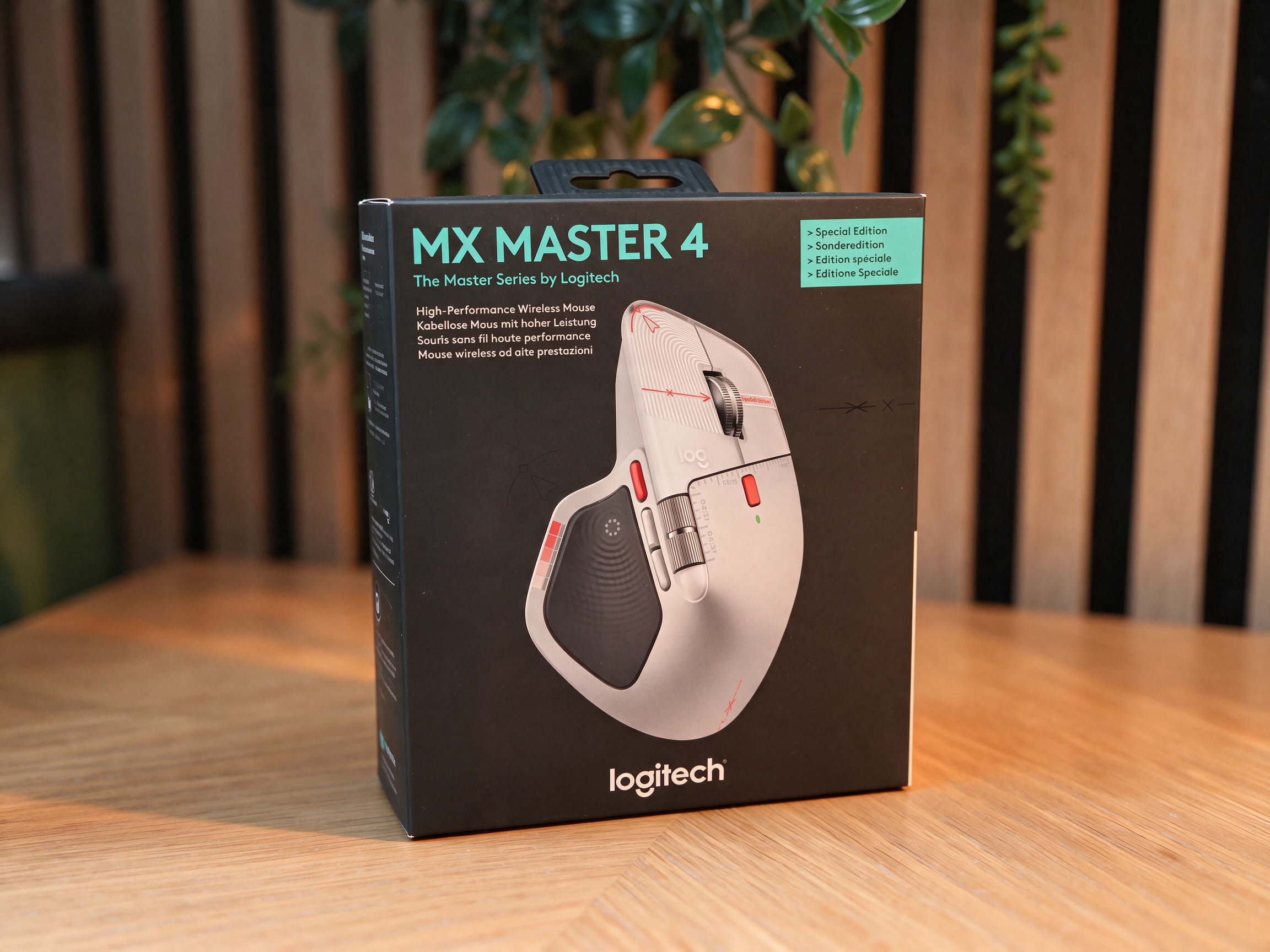
In the ever-evolving landscape of professional peripheral hardware, few product lines command the respect and devotion of the Logitech MX Master series. For years, it has served as the gold standard for office professionals, software engineers, and digital creatives alike. Today, we examine the latest iteration: the Logitech MX Master 4 Special Edition.
While the core silhouette remains familiar, this "Special Edition" release represents a strategic refinement of an already potent formula. With a striking new aesthetic and the introduction of the "Actions Ring," Logitech is attempting to bridge the gap between a standard productivity tool and a bespoke creative controller. But does it warrant an upgrade for those already invested in the MX Master 3S?
Main Facts: At a Glance
The Logitech MX Master 4 Special Edition arrives with a price tag of $119.99 / £119.99. It retains the signature ergonomic design that has defined the series, though it introduces a refined, textured coating that departs from the soft-touch rubber of previous generations.

- Connectivity: Seamless dual-mode via Bluetooth or the included Logi Bolt receiver.
- Sensor: High-precision Darkfield sensor (200-8000 DPI).
- Scrolling: The signature MagSpeed electromagnetic wheel, paired with a dedicated thumb-operated horizontal scroll wheel.
- Battery: Up to 70 days on a single charge, via USB-C.
- Customization: Eight programmable buttons and advanced gesture controls via the Logitech Options+ software.
A Chronological Progression of the MX Line
To understand the significance of the MX Master 4, one must look at the lineage of the series. The original MX Master set the stage by combining a comfortable, high-arch ergonomic frame with a thumb-wheel that changed how we navigated timelines in video editing and long spreadsheets.
The MX Master 3 and subsequent 3S models refined the sensor technology, introduced the "silent click" mechanism, and shifted the focus toward the "Options+" software ecosystem. The 3S was widely considered a "perfect" mouse, making the task of developing a successor a daunting challenge for Logitech’s engineers.
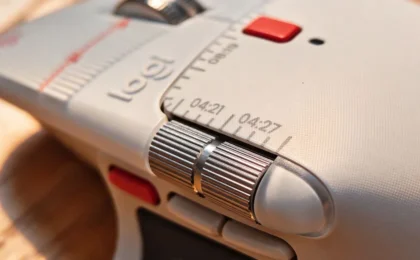
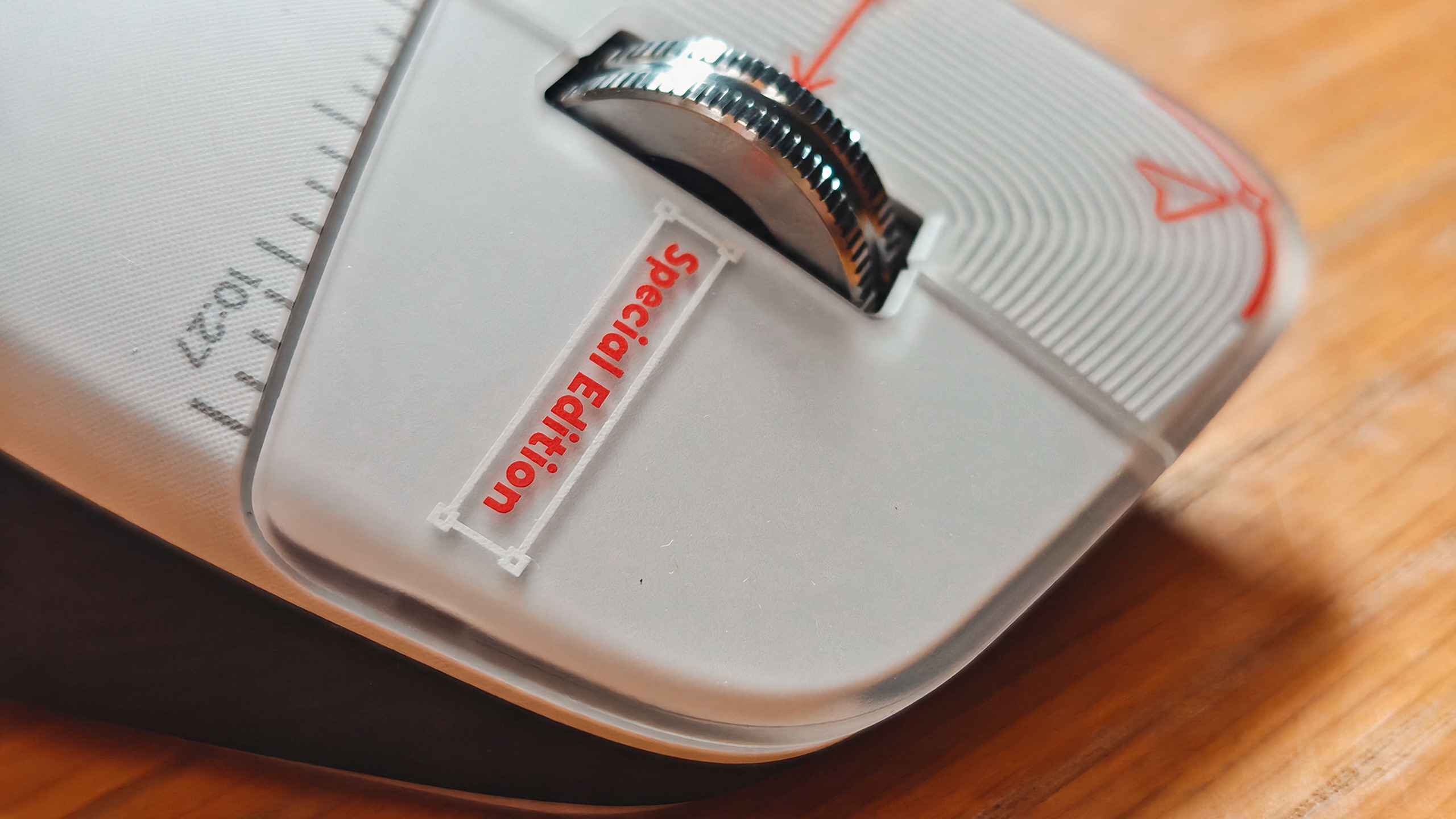
The 2025 rollout of the base MX Master 4 was characterized by internal refinements rather than a radical overhaul. Now, the Special Edition acts as a stylistic punctuation mark, moving away from the industrial black aesthetic toward a sophisticated white and grey colorway, accented by subtle, functional red highlights.
Supporting Data: Performance and Ergonomics
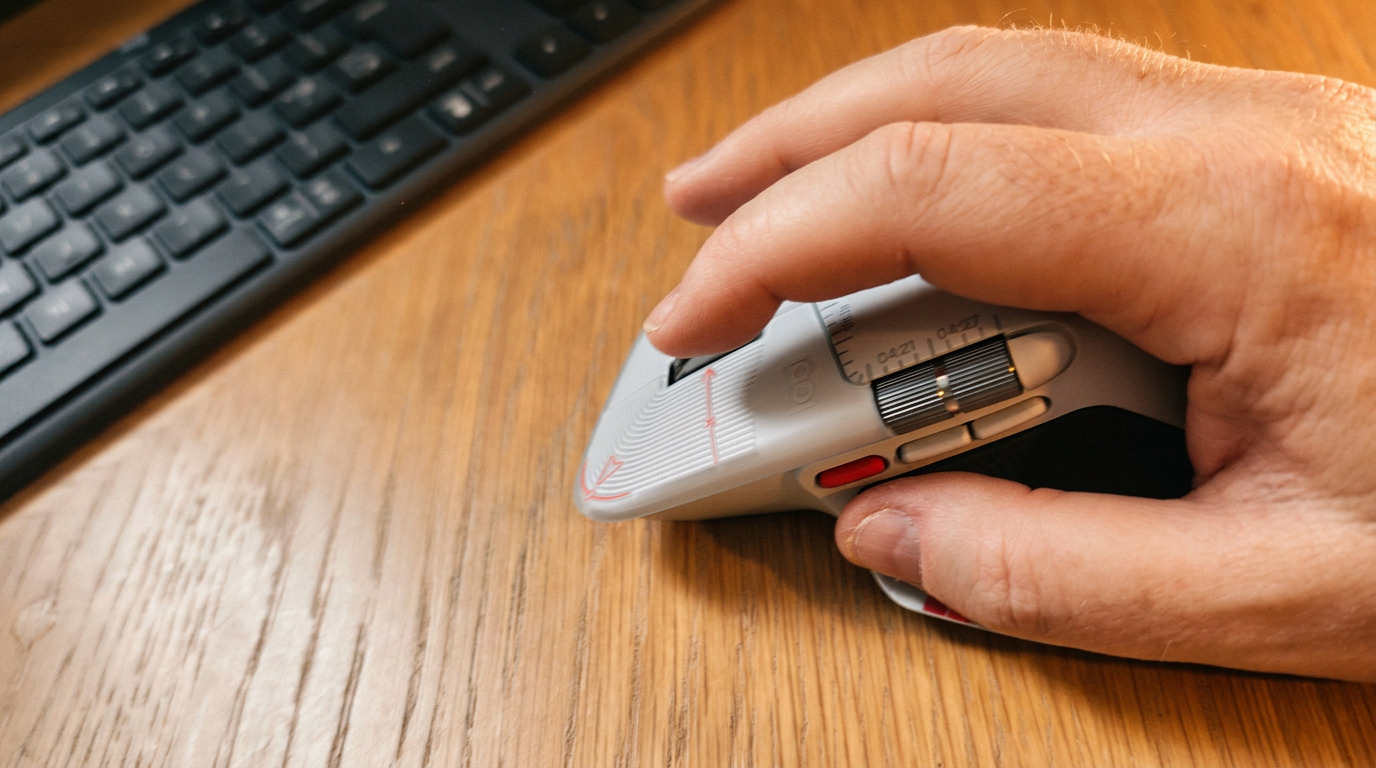
The "Special Edition" is not merely a paint job; it reflects a conscious change in material science. Logitech has moved away from the aging soft-rubber coatings that were prone to degradation over years of heavy use. The new material offers a "tooth" or tactile grit that provides better grip during intensive work sessions. While some long-term users may find the transition from the "squishy" feel of the 3S to the firmer, more textured surface of the 4 jarring, the durability benefits are clear.
The MagSpeed Experience
The MagSpeed scroll wheel remains the industry benchmark. Using electromagnetic resistance, it allows for a frictionless "free-spin" mode that can traverse thousands of lines of code or pages of a design document in seconds, while snapping back into a tactile "ratchet" mode for precision. This mechanical duality remains the primary reason for the mouse’s dominance in productivity workflows.
Battery and Connectivity
Logitech has maintained the 70-day battery life, which effectively makes "low battery anxiety" a thing of the past. The inclusion of the Logi Bolt receiver ensures a stable, encrypted connection in high-interference office environments, a must-have for professionals working in crowded studio spaces.
The "Actions Ring": A New Creative Paradigm
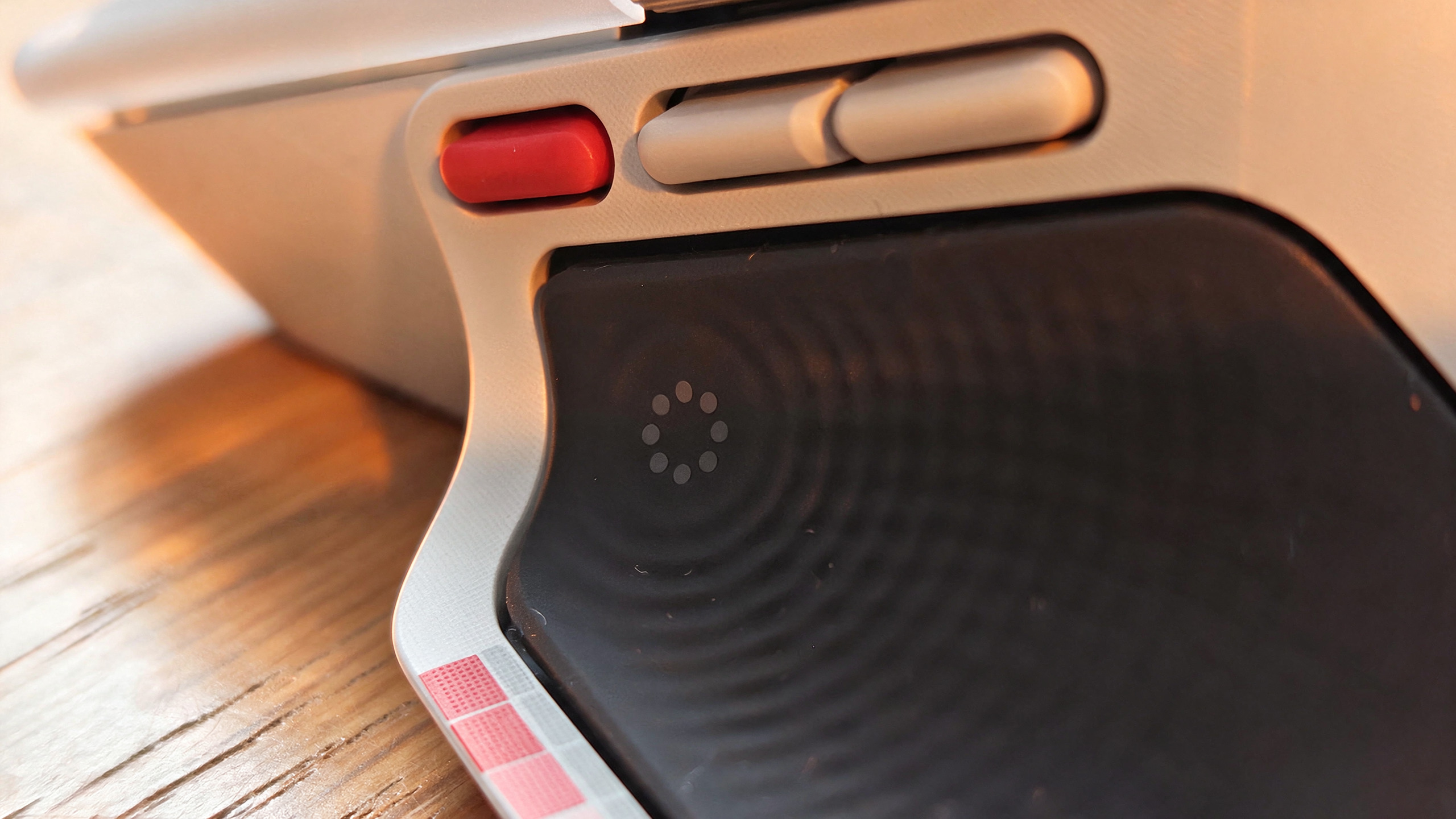
The most substantial departure from the MX Master 3S is the integration of the Actions Ring. Located at the thumb rest—a section of the mouse historically treated as static real estate—the ring transforms this area into a dynamic input zone.
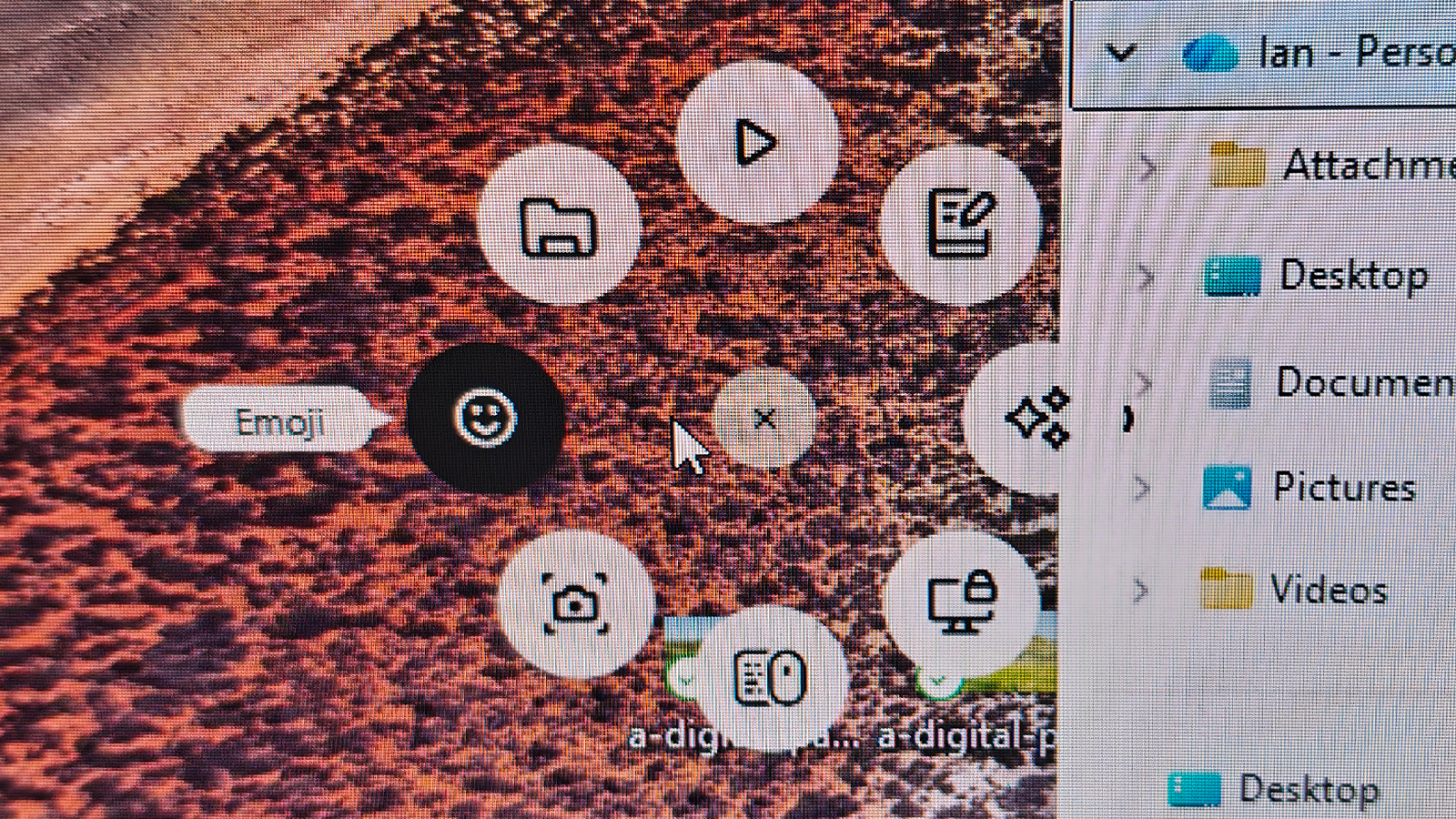
When paired with the Logitech Options+ software, the Actions Ring functions as an on-screen virtual dial. For a graphic designer working in Photoshop or an editor in DaVinci Resolve, this means the ability to scrub through timelines, adjust brush sizes, or toggle opacity without moving the mouse pointer away from the workspace.
Haptic Feedback Integration
The inclusion of subtle haptic feedback elevates the Actions Ring from a gimmick to a professional-grade tool. As you cycle through the virtual ring, the mouse provides a physical "click" or resistance. This sensory feedback is crucial, as it allows users to perform complex operations by "feel" rather than by visual confirmation. It reduces cognitive load, allowing the creative to remain focused on the canvas.
Official Stance and Software Ecosystem
Logitech’s official documentation emphasizes that the MX Master 4 is designed to be an extension of the user’s software environment. The Options+ software is the engine room of this experience. While the software allows for an incredible level of granular control—permitting users to define unique button behaviors for every application on their computer—it also presents the highest barrier to entry.
Logitech acknowledges that for the device to reach its full potential, users must invest time in mapping their workflows. The "out of the box" experience is excellent, but the "pro" experience requires a weekend of calibration. While some power users have expressed frustration that these features rely on background software, the trade-off is a level of customization that is currently unmatched by any competitor.
Implications for Professionals
For the average office user, the MX Master 4 Special Edition is an luxury. It provides comfort, a premium build, and excellent tracking. However, the true value proposition is aimed at the "prosumer" and creative professional.
The Verdict for Creatives
If you are a creative professional—a video editor, a 3D modeler, or a digital illustrator—the Actions Ring and haptic feedback represent a genuine increase in workflow efficiency. By offloading repetitive tasks to the thumb-based inputs, you reduce the physical strain of "keyboard-jumping" (the act of constantly moving between mouse and hotkeys).
The "Upgrade" Dilemma
For current owners of the MX Master 3S, the decision to upgrade is nuanced. If your 3S is still functioning and you do not find yourself frequently needing additional custom macro inputs, the 4 is a marginal evolution. However, for those whose 3S is showing signs of wear, or for those who feel the "limit" of their current shortcut mapping, the 4 is a significant, thoughtful upgrade.
Final Thoughts
The Logitech MX Master 4 Special Edition succeeds because it refuses to fix what isn’t broken. Instead, it leans into the niche of "productivity empowerment." It is a tool that asks for your time—time to configure, time to learn its gestures, and time to adapt to its new surface texture—but it rewards that investment with a refined, tactile, and highly efficient workflow.
Whether you are drawn to the new white and grey aesthetic or the functional promise of the Actions Ring, the MX Master 4 remains the most capable productivity mouse on the market. It is not a revolution, but a masterclass in iteration, proving once again that Logitech knows exactly how to keep the world’s professionals clicking.
Why you can trust Creative Bloq:
Our expert reviewers spend hundreds of hours testing and comparing products and services to ensure our readers have the data they need to make the best purchasing decisions. We test for ergonomics, software stability, battery longevity, and real-world application in creative software environments. Find out more about how we test.