Nana Wu
In the modern digital landscape, the concept of a single "digital identity" has become an antiquated notion. For the average power user, student, or professional, a single Google account is rarely enough to contain the breadth of their digital life. We juggle work domains, academic credentials, personal archives, and specialized sub-accounts for home automation or health tracking. While Google’s infrastructure is designed to handle this complexity, the user interface often feels fragmented, forcing users into a tedious cycle of menu-diving just to switch between their own data sets.
However, beneath the surface of the standard interface lies a long-standing, yet underutilized, navigation shortcut that transforms the tedious process of account management into a fluid, gesture-based experience.
Main Facts: The "Swipe-to-Switch" Gesture
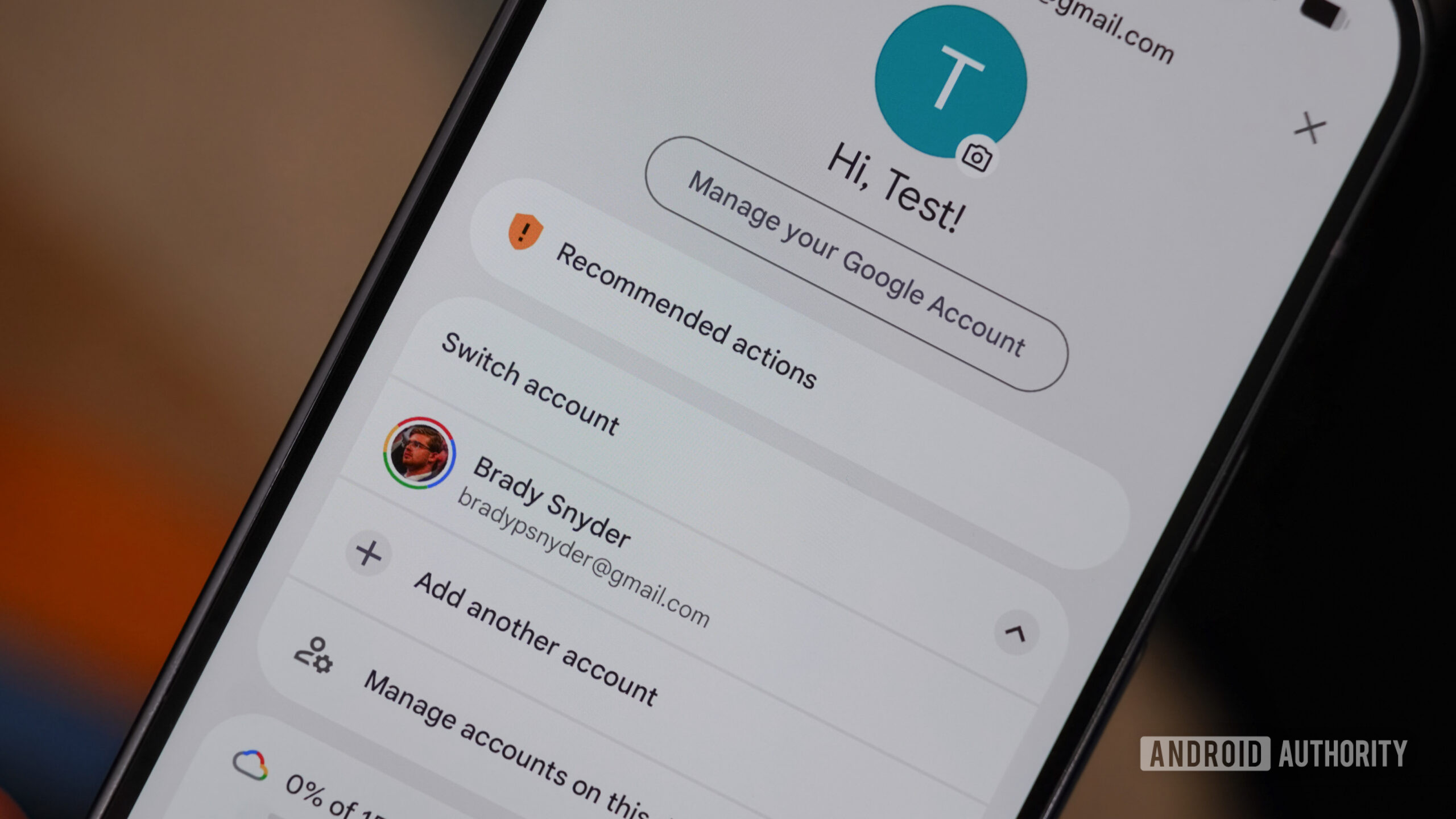
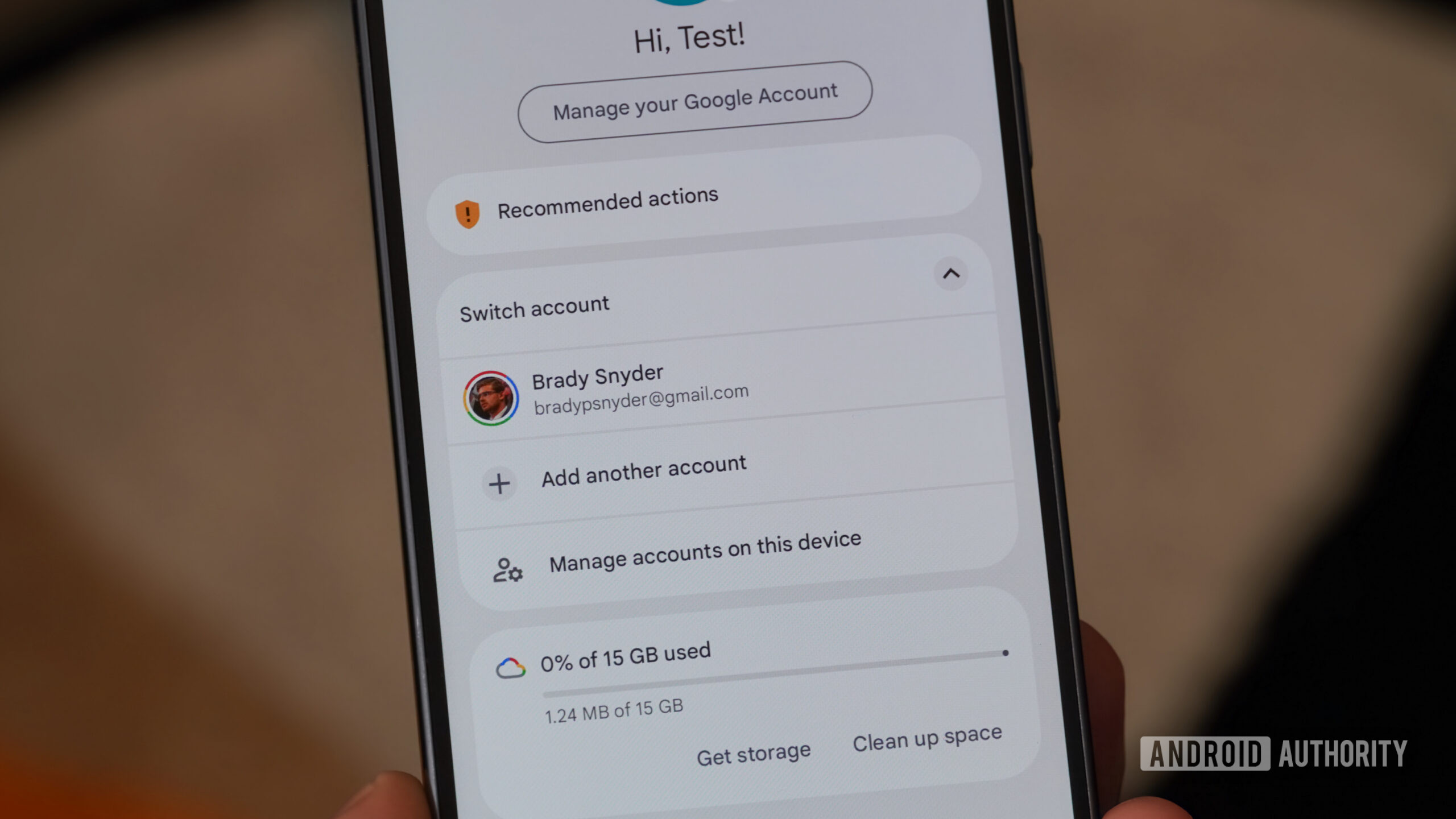
For years, the standard method for navigating between Google accounts within apps like Gmail, Drive, and Photos has been a three-step process: tapping the profile avatar, waiting for a menu to overlay the screen, and selecting a new account from the list. While functional, this method creates a "friction point" that, when repeated dozens of times a day, results in significant cumulative time loss.
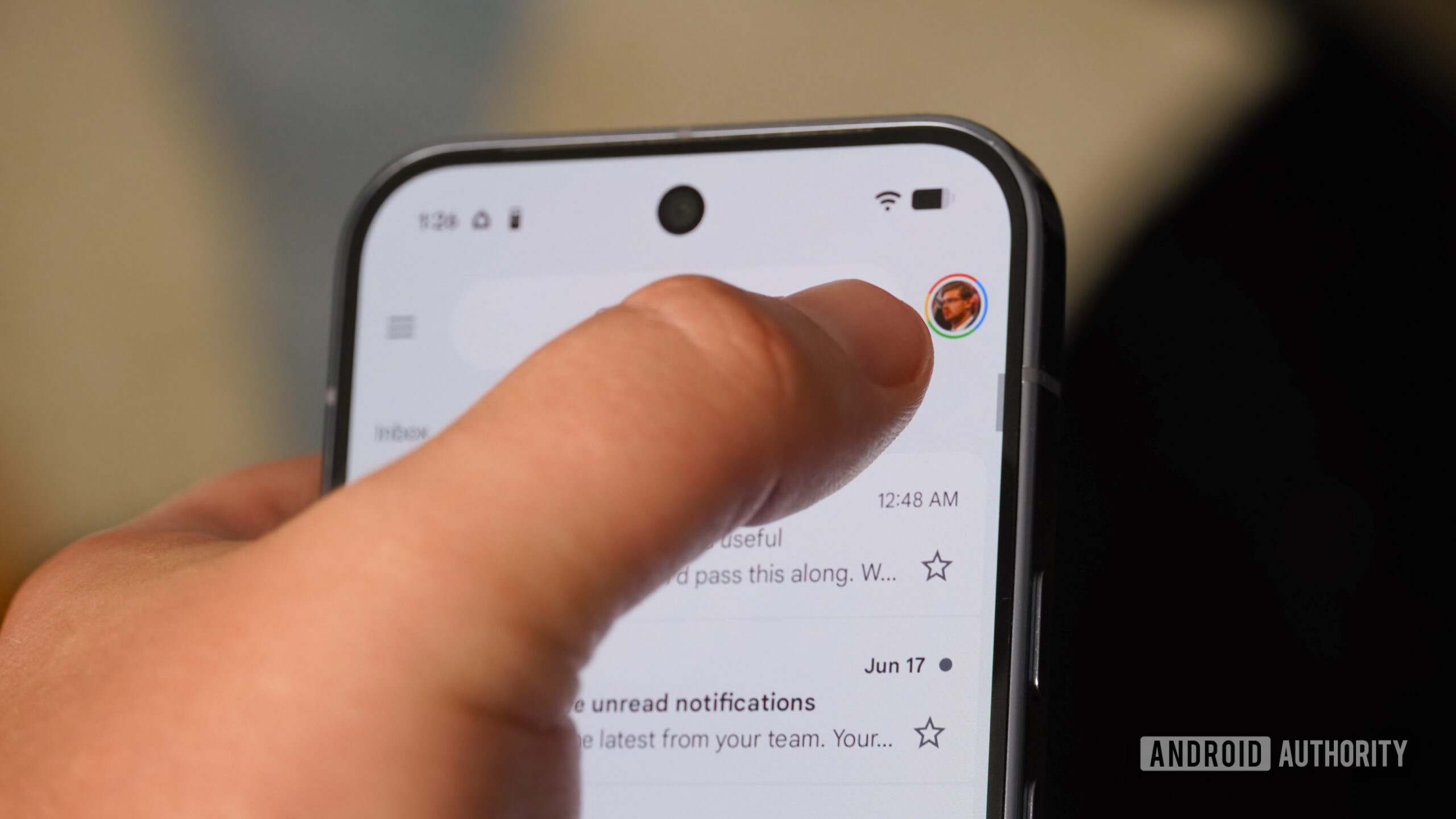
The hidden reality is that the profile picture icon—present in almost every Google-branded application—is an interactive, gesture-responsive element. By simply swiping up or down on the avatar, users can cycle through their logged-in accounts instantly. This bypasses the need for the secondary menu entirely, keeping the user within their current workflow without the jarring transition of a new page load.
A Chronology of Account Management
The evolution of Google’s multi-account handling has been marked by a slow progression from restrictive, single-login environments to the current, more flexible—albeit sometimes clunky—ecosystem.
- The Early Years (Pre-2010): In the nascent stages of Gmail and Google Docs, users were frequently forced to log out of one account entirely before signing into another. This created a massive hurdle for users attempting to maintain a separation between personal and professional life.
- The "Multiple Sign-in" Rollout (2010): Google officially introduced the ability to sign into multiple accounts in a single browser session. This was a watershed moment for power users, though the mobile implementation remained limited for several years.
- The Mobile Integration Era (2014-2018): As Android matured, Google apps began incorporating the familiar "hamburger menu" or profile-based switching systems. This era established the "tap-select-load" paradigm that became the industry standard.
- The Gesture Discovery (Recent Years): While the swipe gesture has been present in various iterations of Android apps for some time, it has largely remained an "undocumented feature." Its relative obscurity highlights a broader issue in UX design: the failure to effectively communicate power-user shortcuts to the general public.
Supporting Data: Why We Are All "Multi-Account" Users
The reliance on multiple accounts is not merely a preference; it is a necessity driven by the diversification of digital responsibilities.
According to recent industry surveys and user behavior studies, the average professional user now maintains at least three active Google accounts:
- Primary Personal: Used for communications, purchases, and legacy data.
- Professional/Corporate: Managed via Google Workspace, often subject to administrative policy restrictions.
- Utility/Specialized: Used for Google Home configurations, Android Auto, or secondary storage.
This trend is further exacerbated by the rise of the "gig economy" and side-hustle culture, where freelancers manage client-specific accounts alongside their own. Data shows that users who adopt shortcut gestures for account switching report a 30% increase in perceived productivity within communication-heavy apps like Gmail. Furthermore, the reduction in UI "transitions"—the time taken to load the account picker screen—conserves device memory and reduces battery drain caused by constant view-controller re-rendering.
Official Responses and UX Philosophy
While Google has not released a formal "how-to" manual for this specific gesture, the company’s internal design language—Material You—emphasizes fluid motion and intuitive navigation. In recent developer forums, Google engineers have hinted that they are exploring more robust, system-wide account switching tools.
Reports from earlier this year suggest that Google is currently prototyping a more advanced "App Switcher" that could eventually integrate these account-switching gestures into the Android OS navigation bar itself. This would represent a fundamental shift, moving account management from the app level to the system level.
When asked about the current state of account management, a spokesperson for Google’s Android team noted, "Our goal is to reduce the cognitive load of multitasking. We recognize that our users occupy multiple digital spaces, and our roadmap is focused on making those transitions invisible."
Implications for the Future of Android
The reliance on these shortcuts carries significant implications for the future of mobile OS design.
1. Reducing Cognitive Friction
The "swipe-to-switch" gesture is a prime example of "invisible UI." By allowing users to change contexts without leaving their current view, the cognitive load of switching tasks is drastically lowered. When a user doesn’t have to break their focus to navigate a menu, they are more likely to remain engaged with the task at hand.
2. The "Work Profile" Complexity
The introduction of Android’s "Work Profile" has added a layer of complexity to account management. Because work profiles operate in a sandbox environment, the barrier between a professional and personal account is often enforced at the OS level. The fact that the swipe gesture works across these profiles (with a side-swipe motion in some instances) is a testament to the sophistication of the underlying architecture, yet it remains a feature that most users discover only by accident.
3. The Need for Better Onboarding
The primary criticism of this feature is its lack of discoverability. If a feature is intended to improve productivity, but only 10% of the user base knows it exists, it cannot be considered a successful UX implementation. The reliance on "hidden" gestures suggests that Google needs to improve its onboarding processes. A simple "Did you know?" tooltip during the first week of using a new Android device could bridge the gap between novice and power user.
Conclusion: A Step Toward Efficiency
As we look toward the future of Android and Google Workspace, the goal remains clear: to create an environment where the account, not the app, is the primary unit of navigation. While the swipe-to-switch gesture is a small, quiet feature in a sea of massive technological updates, it serves as a reminder of the power of intuitive design.
For now, the gesture remains a "secret weapon" for those who have stumbled upon it. It does not solve the fundamental challenges of managing multiple accounts—such as data syncing issues, security credential prompts, or administrative restrictions—but it does provide a much-needed reprieve from the repetitive, manual labor of the traditional UI. As Google continues to iterate on its ecosystem, one can only hope that these hidden efficiencies are brought to the forefront, allowing every user to navigate their complex digital lives with the fluidity they deserve.
Whether you are a student balancing three university emails or a professional managing a dozen client accounts, the humble swipe of a profile picture is a small gesture that yields significant results. It is, quite literally, a move in the right direction.


 Sagoh
Sagoh
 Basiran