Dwi Wanna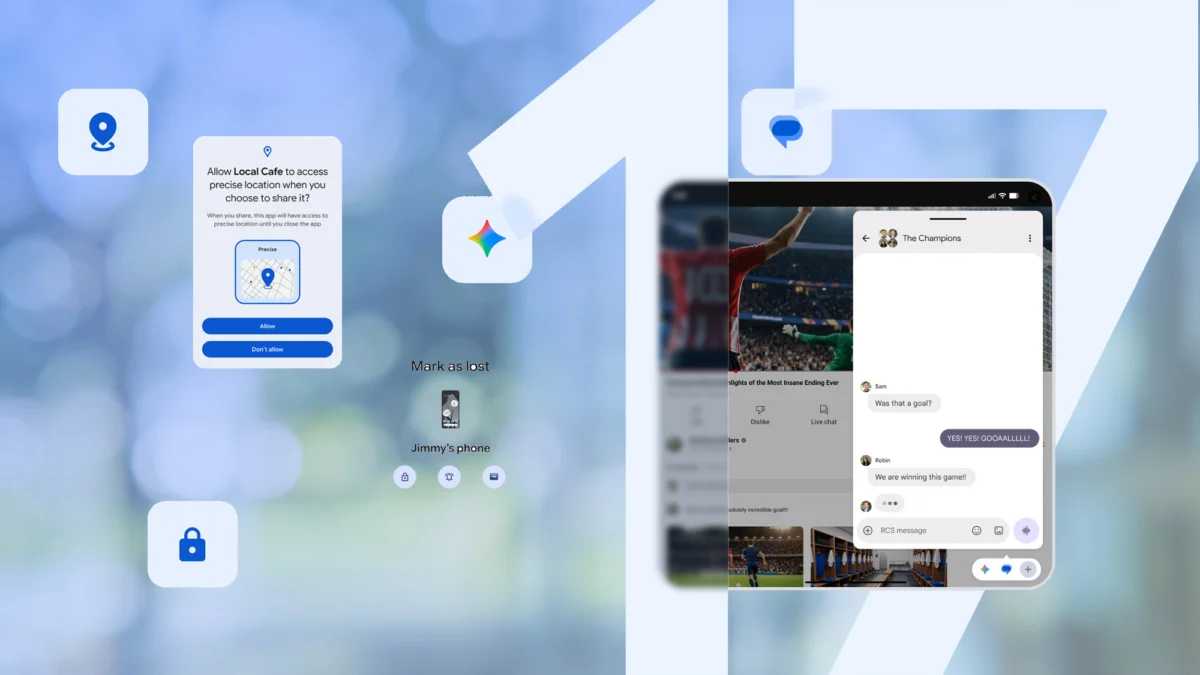
The mobile landscape underwent a significant shift today as Google officially initiated the rollout of Android 17. Following months of speculation and high-profile teases during Google I/O 2026, the latest iteration of the world’s most popular mobile operating system has finally begun its journey to the public. As is tradition, the update arrives first on Google’s own Pixel hardware, promising a suite of refinements that extend far beyond the headline-grabbing AI features teased earlier this year.
This release represents a pivot for Google, moving away from simple annual feature increments toward a more integrated, cross-platform ecosystem strategy. Alongside the core OS update, Google has deployed the June 2026 Pixel Feature Drop and a major refresh for Wear OS 7, ensuring that the Android experience remains cohesive across phones, tablets, and wearables.
The Core Philosophy of Android 17
At its heart, Android 17 is designed to address the "fragmented utility" problem. For years, mobile users have toggled between apps for productivity, security, and creative tasks. Android 17 aims to consolidate these silos. While the much-anticipated "Gemini Intelligence" suite—a deep-learning framework capable of predictive multitasking—is slated for a broader rollout later this summer, the initial build of Android 17 provides the foundational architecture for these capabilities.
The update focuses on three pillars: enhanced security protocols, cross-device interoperability, and AI-assisted creative workflows. By prioritizing these areas, Google is signaling that the future of Android is not just about a faster interface, but a more anticipatory one.
A Chronology of the Release
The path to Android 17 was marked by a deliberate, measured marketing campaign. Here is how the release cycle unfolded:
- Pre-I/O Speculation (Q1 2026): Early developer previews hinted at structural changes to the notification shade and a overhaul of the "System Intelligence" core.
- Google I/O 2026 (May 2026): Google took the stage to announce the broad strokes of the OS, emphasizing the role of generative AI in everyday tasks.
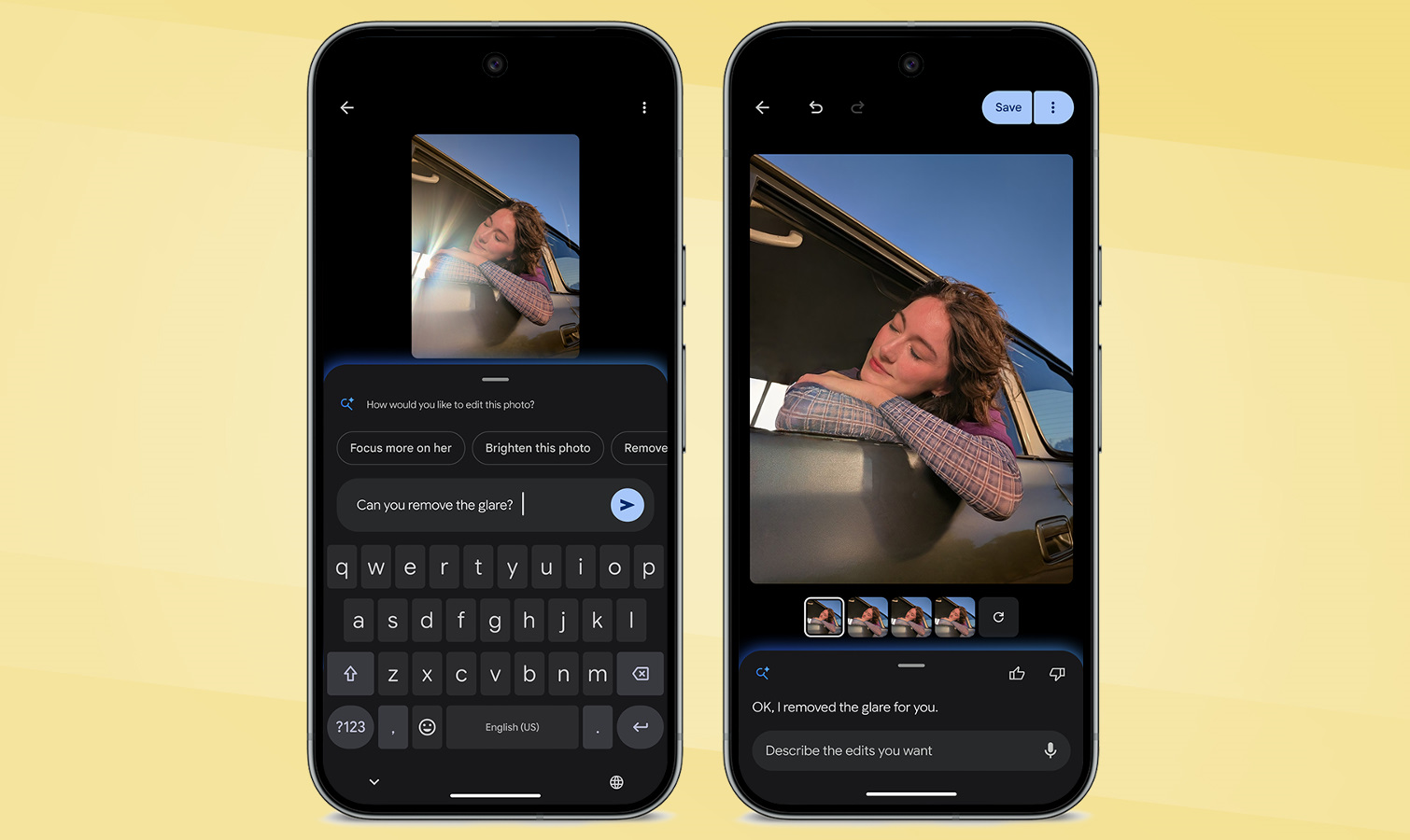
- The Android Show: I/O Edition: Following the keynote, Google provided developers with deeper insights into the APIs powering the new OS, specifically highlighting the "Conversational Editing" tools for photos and documents.
- Today’s Rollout (June 2026): The official stable build reaches the public. Pixel owners receive priority access, with the update path opening for third-party manufacturers (OEMs) shortly thereafter.
- The Summer Roadmap: Later in the season, the full integration of Gemini Intelligence will unlock, transforming how the OS handles contextual user requests.
Key Features: A Closer Look
While the full weight of the update will be felt once Gemini Intelligence is fully operational, Android 17 brings immediate, tangible improvements to the user experience.
Enhanced Productivity and Multitasking
Android 17 introduces a revamped multitasking interface. The OS now utilizes "Contextual App Grouping," which uses on-device machine learning to suggest app pairs based on your time of day and typical usage patterns. If you frequently open your calendar and email client together during morning hours, Android 17 will offer a one-tap shortcut to launch these in split-screen mode.
Security and Privacy Overhauls
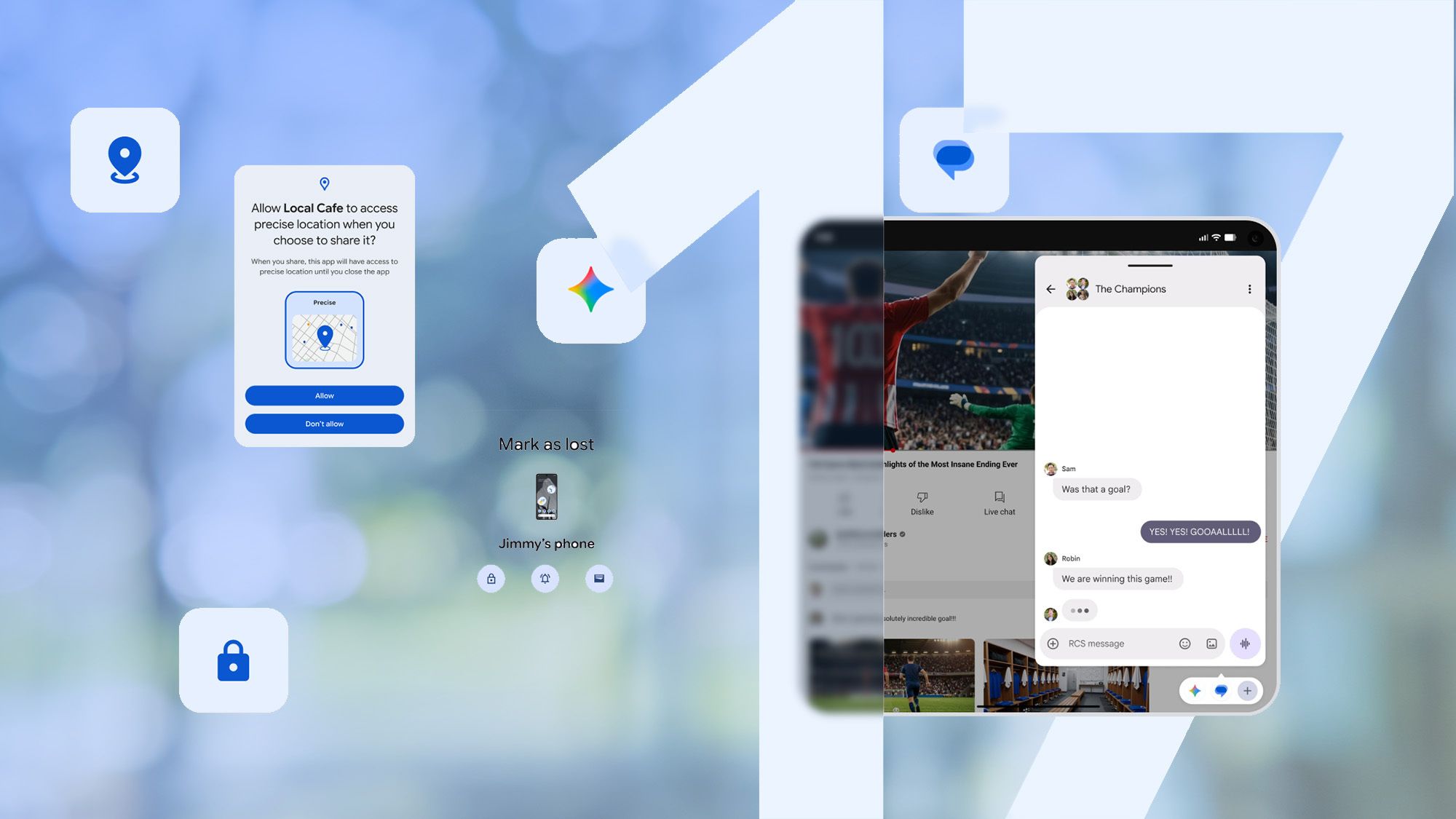
Google has bolstered the "Privacy Dashboard" with a new feature called "Identity Vault." This sandbox environment allows users to store sensitive documents—such as passports, digital IDs, or encrypted notes—behind an additional layer of biometric authentication that remains completely disconnected from cloud-syncing services unless explicitly toggled on by the user.
Creative Tools: Conversational Editing
One of the most impressive additions is the integration of conversational prompts into the native photo and document editors. Instead of navigating complex menu trees to adjust lighting, crop, or format text, users can simply type or speak commands such as, "Make this photo look like a professional studio portrait," or "Reformat this document into a professional memo."
The June 2026 Pixel Feature Drop
Pixel users are seeing the most immediate benefits. The June 2026 Pixel Feature Drop is arguably the most feature-dense update in the series. It includes:
- Adaptive Charging Optimization: New algorithms that analyze user sleep habits more accurately to prevent battery degradation.
- Enhanced Call Screening: AI-driven call screening that can now handle multi-part queries, allowing the phone to ask follow-up questions to unknown callers before notifying the user.
- Global Expansion: Support for several previously region-locked features, including advanced photo editing tools, has now been expanded to more European and Asian markets.
Wear OS 7: A Wrist-Based Evolution
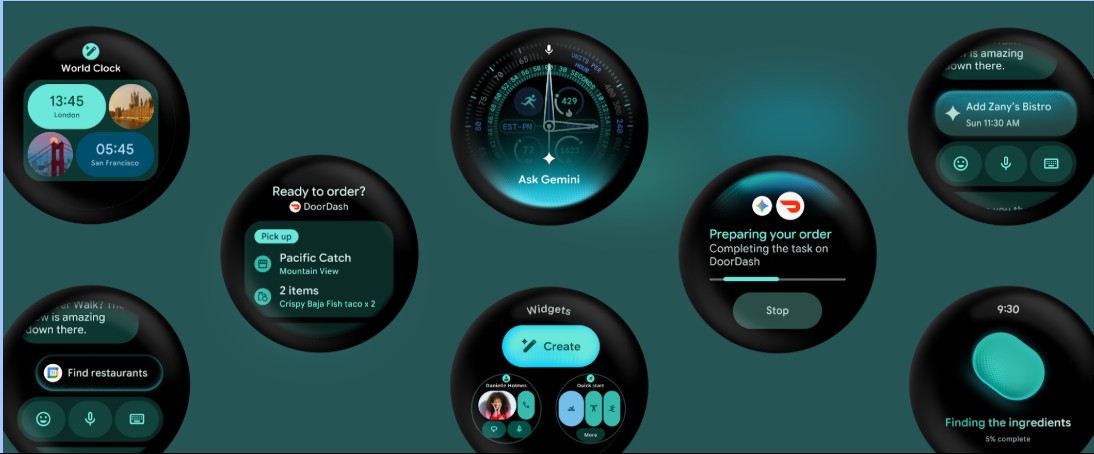
The wearable segment is not being ignored. Wear OS 7 launches today with a heavy emphasis on "seamless utility." The update introduces a new "State-Aware" interface that changes its dashboard layout based on the user’s movement—switching from a high-density information display while walking to a simplified, high-contrast interface during intense workouts.
Crucially, Wear OS 7 deepens the integration between the watch and the phone. Users can now perform "cross-device handoffs," where a task started on a Pixel phone can be completed on the watch, or vice versa, without manual syncing.

Implications for the Ecosystem
The release of Android 17 and Wear OS 7 carries significant implications for the tech industry at large.
For Developers
Developers are being encouraged to lean into the new "Conversational API" set. By allowing the OS to understand the intent behind a user’s request, app developers can create deeper integrations with the system’s AI. This shifts the focus from "how to navigate an app" to "what the app can do for the user."
For Competitors
Google’s aggressive push into integrated AI intelligence places immense pressure on Apple and Samsung. By creating a unified ecosystem that behaves similarly across phones, watches, and tablets, Google is effectively raising the barrier to entry for users considering a switch to other platforms. The "ecosystem lock-in" effect is becoming more pronounced, not through restrictive hardware, but through increasingly helpful software synergy.
For Consumers
For the average user, Android 17 represents a move toward less manual labor. The OS is becoming a digital assistant rather than a mere application launcher. However, this raises questions about data privacy and the reliance on local vs. cloud-based AI processing. Google has emphasized that much of the new intelligence operates on-device, but as the capabilities grow, so will the complexity of managing what the OS "knows" about the user.
Official Response and Looking Ahead
In a blog post detailing the launch, Google’s VP of Android Engineering noted: "With Android 17, we are moving away from the era of static interfaces. We are building an operating system that learns from you, protects your data with unprecedented rigor, and anticipates your needs before you even tap the screen."
While the tech community awaits the rollout of the full Gemini Intelligence suite later this summer, the initial feedback from early adopters of the developer previews has been largely positive, particularly regarding battery efficiency and the fluidity of the new gesture-based navigation.
As the update continues to propagate through the global network of Android devices, the true test will be how the platform handles the diverse range of hardware from third-party manufacturers. While Pixel users get the premium, optimized experience today, the true measure of Android 17’s success will be how effectively these features translate to the mid-range and budget devices that make up the bulk of the global Android user base.
For now, the wait is over. Android 17 is here, and it represents a bold, intelligent step into the future of mobile computing. Users are encouraged to check their settings menus today to see if the OTA (Over-the-Air) update is available for their specific devices, keeping in mind that staggered rollouts are standard practice to ensure system stability.
Stay tuned to Tom’s Guide for ongoing coverage of the Android 17 rollout, including our deep-dive reviews of the new AI features and tips on how to maximize your device’s battery life under the new OS.


 Rifan Muazin
 Azzam Bilal Chamdy