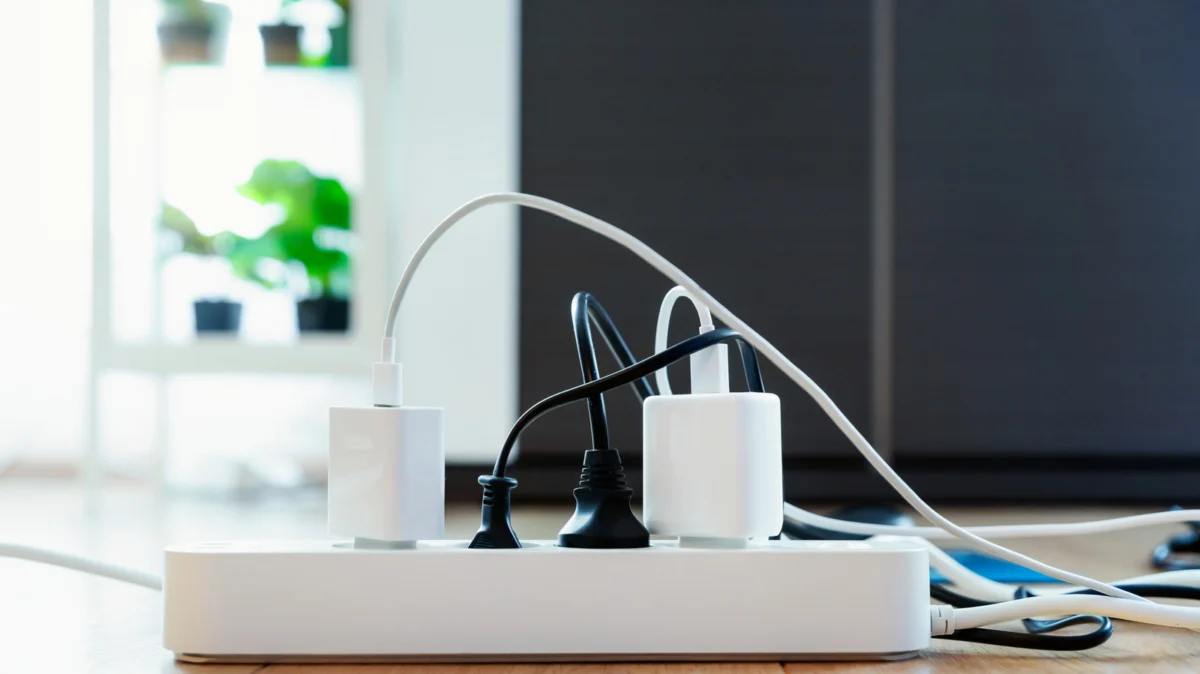
In the modern era of the "connected home," the smart plug has become the humble workhorse of automation. From turning on a coffee maker with a voice command to scheduling bedroom lamps to dim at dusk, these compact devices offer an effortless entry point into the Internet of Things (IoT). However, as our appetite for convenience grows, so does the temptation to streamline our setups by plugging power strips into these smart intermediaries. While this might seem like a clever way to "smart-enable" an entire workstation or entertainment center, electrical safety experts and manufacturers are issuing a clear warning: it is a practice that risks equipment damage and, in worst-case scenarios, household fires.
The Core Problem: Understanding Electrical Capacity
To understand why daisy-chaining a power strip into a smart plug is dangerous, one must first understand the fundamental relationship between voltage, current, and load capacity.
Every electrical device is designed to operate within specific parameters. Most smart plugs are rated for a maximum current—typically 15 Amps (A) for standard North American outlets. This rating is the "ceiling" for how much electricity the device can safely handle before its internal components begin to overheat or fail.
When you plug a device directly into a smart plug, you are generally safe because most individual consumer electronics—a lamp, a fan, or a phone charger—draw significantly less than 15A. However, a power strip acts as a multiplier. By plugging a strip into a smart plug, you are effectively creating a single point of failure. If you plug four, six, or eight devices into that strip, the smart plug is forced to handle the cumulative electrical load of every device connected to it simultaneously.
If the combined current of those devices exceeds the smart plug’s maximum rating, you reach an "overload" state. Unlike a dedicated circuit breaker in your home’s electrical panel, which is designed to trip when a circuit is overloaded, a standard smart plug may not have sophisticated thermal protection. Instead, the internal circuitry can begin to melt, the casing may deform, or, in extreme cases, the electrical resistance can generate enough heat to ignite nearby materials.
A Chronology of Connectivity: The Evolution of Risk
The risks associated with smart plugs are a relatively recent phenomenon, coinciding with the rapid democratization of smart home technology.
- The Early Days (2010–2015): Smart home automation was largely the domain of hobbyists. Devices were expensive, and users were typically more technically savvy, often reading manuals and calculating loads before installation.
- The Proliferation Phase (2016–2020): As major manufacturers like TP-Link, Govee, and Wemo entered the mass market, prices plummeted. Smart plugs became stocking-stuffer gifts. As these devices entered homes where users were less familiar with electrical safety, the "convenience-first" approach began to take precedence over safety protocols.
- The Current Landscape (2021–Present): With the rise of sophisticated voice assistants like Alexa and Google Assistant, users began seeking ways to control entire clusters of devices at once. This led to a trend of using smart plugs as "master switches" for power strips, unknowingly pushing hardware to its breaking point.
Supporting Data and Technical Specifications
To manage your home’s electrical safety, you must become comfortable with basic arithmetic. Electrical load is measured in Watts (W), and the capacity of your outlet and smart plug is measured in Amps (A).
The formula for determining the current draw is simple: Watts ÷ Volts = Amps.
In the United States, standard household voltage is approximately 120V. If you have a smart plug rated for 15A, your maximum wattage capacity is 1,800 Watts (15A x 120V).
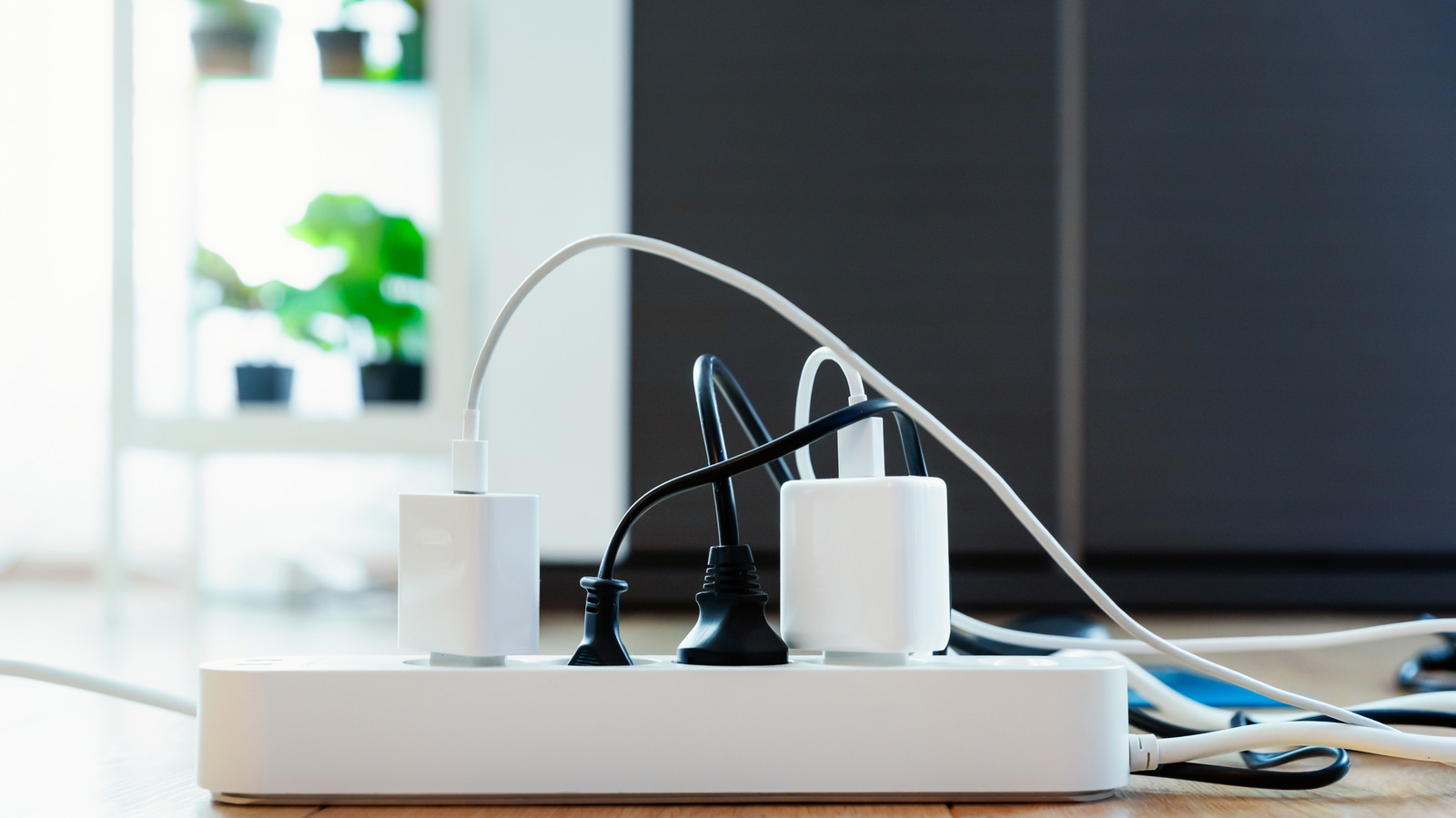
Consider a typical home office setup:
- Desktop Computer: 300W–500W
- Monitor: 50W–100W
- Printer/Scanner: 200W–400W (when active)
- Desk Lamp: 20W–60W
- External Hard Drives/Peripherals: 20W–50W
If all these devices are active simultaneously, you could easily draw upwards of 1,000W. While this is technically under the 1,800W limit, consider what happens if you add a space heater or a high-powered gaming console to that same strip. Suddenly, you are pushing the smart plug to its absolute limit. When an electrical component operates at its maximum capacity for extended periods, heat build-up is inevitable. This leads to "thermal fatigue," where the internal contacts degrade, increasing electrical resistance and creating a cycle that eventually leads to failure.
Official Industry Stances
Major manufacturers of smart home hardware have been consistent in their guidance. TP-Link, a global leader in networking and smart home technology, explicitly states in their support documentation: "It is not recommended to plug a power strip into a smart plug."
Their reasoning is twofold. First, the smart plug’s maximum load capacity is often lower than the cumulative potential of a high-quality power strip. A power strip might be rated for 15A or even 20A, but if it is plugged into a smart plug rated for 15A, the smart plug becomes the "weakest link" in the chain.
Furthermore, many consumer-grade smart plugs are not designed to withstand the "inrush current" that occurs when multiple devices are turned on at the exact same moment. When you toggle a smart plug on, it sends a surge of power to every device connected to the strip simultaneously. This sudden spike can weld the internal relay contacts of the smart plug shut, meaning you might be unable to turn the devices off via your phone or voice command—or worse, it could cause the plug to spark.
Implications for Consumer Safety and Insurance
The implications of ignoring these guidelines extend far beyond the inconvenience of a fried plug.
1. Fire Hazards
Electrical fires are often silent. A smart plug that is slowly melting behind a bookshelf might go unnoticed for weeks, emitting a faint, acrid smell that homeowners often dismiss as "new electronics smell" or dust burning off a heater. By the time a fault becomes a flame, the damage is already catastrophic.
2. Insurance Liability
Most homeowners’ insurance policies contain clauses regarding "negligent use" of electrical equipment. If a fire occurs and investigators determine that the blaze originated from a smart plug that was being used in a manner explicitly warned against by the manufacturer—such as powering a multi-outlet strip—the insurance provider may deny or reduce your claim.
3. Equipment Longevity
Even if you avoid a fire, overloading a smart plug can damage the devices connected to it. Fluctuations in voltage caused by an overloaded circuit can shorten the lifespan of sensitive electronics, such as your computer’s power supply unit (PSU) or your smart television’s internal components.
Best Practices for a Smarter, Safer Home
If you want to maintain the convenience of a smart home without compromising safety, consider these alternatives:
- One Device, One Plug: Adhere to the manufacturer’s design intent. Use a smart plug for a single, high-draw device. If you need to control a lamp, use a smart plug for the lamp. If you need to control a fan, use a separate smart plug for the fan.
- Use Smart Power Strips Sparingly: If you must control multiple devices, purchase a UL-certified smart power strip where each outlet is individually controlled or managed by a single integrated system. These are engineered to handle the load of multiple outlets safely, provided you do not exceed the total strip rating.
- Calculate, Then Connect: Before automating any cluster of devices, sum up the wattage of every item. If the total exceeds 80% of your smart plug’s rated capacity, do not proceed. The "80% rule" is a standard safety margin in electrical work to prevent overheating.
- Check for Certification: Ensure that any smart plug you purchase carries a certification mark from a recognized testing laboratory, such as UL (Underwriters Laboratories) or ETL (Intertek). These marks signify that the product has undergone rigorous stress testing.
Conclusion
The allure of the smart home lies in its ability to simplify our lives, but that simplicity should never come at the expense of physics. Smart plugs are remarkably efficient tools, but they are not universal power adapters. By respecting the electrical limitations of your hardware and resisting the urge to daisy-chain devices, you can enjoy the benefits of home automation while keeping your home and family safe from the hidden risks of electrical overload. Remember: when in doubt, plug it directly into the wall. The extra cable clutter is a small price to pay for the peace of mind that your home is electrically sound.